Signup Sheet Template
Replace your paper signup sheet with a digital form that's easier to manage and impossible to lose.


Paper signup sheets get lost, spilled on, or left behind. Reading handwriting is a task in itself, and transferring names into a spreadsheet takes time you don't have. When signups are happening at an event, the sheet gets passed around and you hope for the best.
A digital signup sheet solves all of this. Typeform gives you a clean, accessible form that people can complete on any device, from a shared tablet at the event to their own phone from home. Every submission is automatically recorded with a timestamp, so your list is always complete and readable. You can share it via QR code, link, or embedded on your website.
Customize the form to match the event or activity you're organizing, add any questions you need beyond the basics, and connect responses to a Google Sheet or email list automatically.
A signup sheet is a form that collects names and contact information from people who want to participate in an event, activity, mailing list, or program. It's one of the most common forms used by schools, nonprofits, community organizations, and businesses.
A digital signup sheet is more reliable than paper — responses are stored automatically, legible, and easy to sort and search. You can access the list from anywhere, share it without a physical handoff, and connect it to the tools you already use for email or event management.
Keep it as short as possible:
- First and last name
- Email address
- Phone number (if needed for reminders)
- Which event, session, or activity they're signing up for
- Any dietary or accessibility requirements (if relevant)
- Comments or questions
Yes. Add questions about availability, skills or experience relevant to the volunteer role, and any commitment requirements. This gives you more than just a name — it gives you context to match volunteers to the right tasks or slots.
Print a QR code that links to the form and place it at the registration table, entrance, or any high-visibility spot at your venue. You can also put a tablet or laptop with the form open for people who prefer to type directly. Both approaches give you a digital record without needing paper.
Get inspired by relevant templates and categories
3200+ Templates, 300+ Integrations
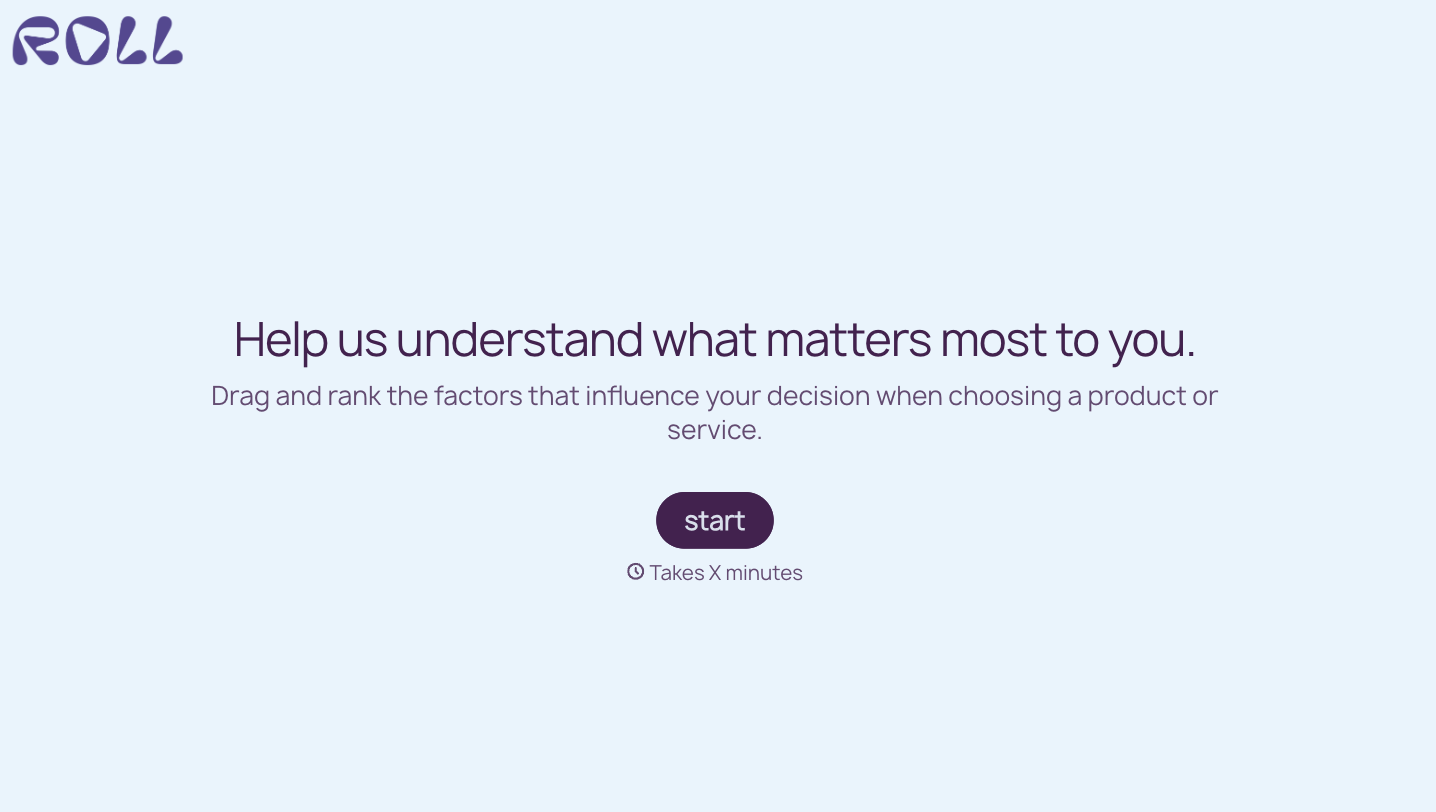

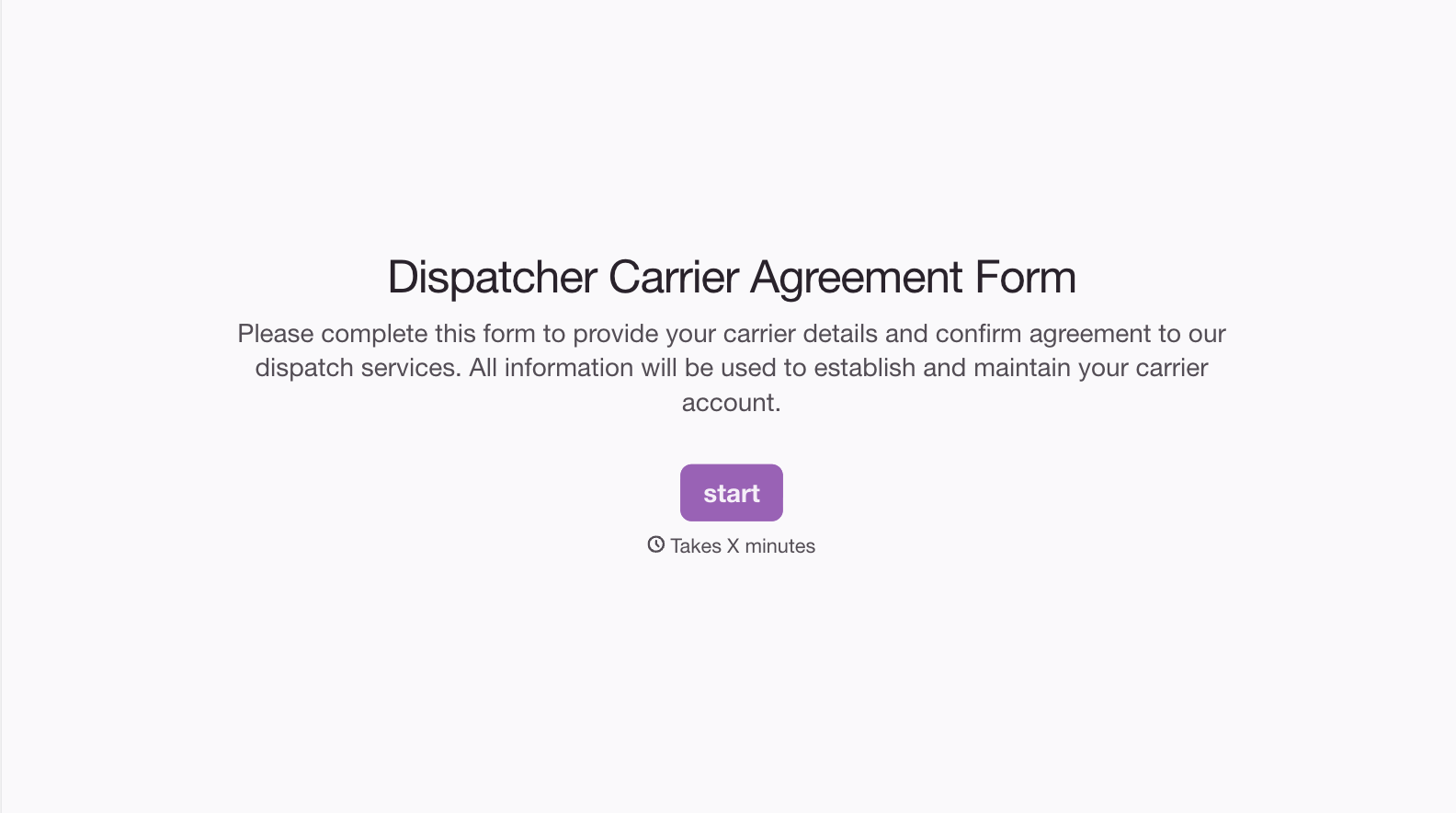
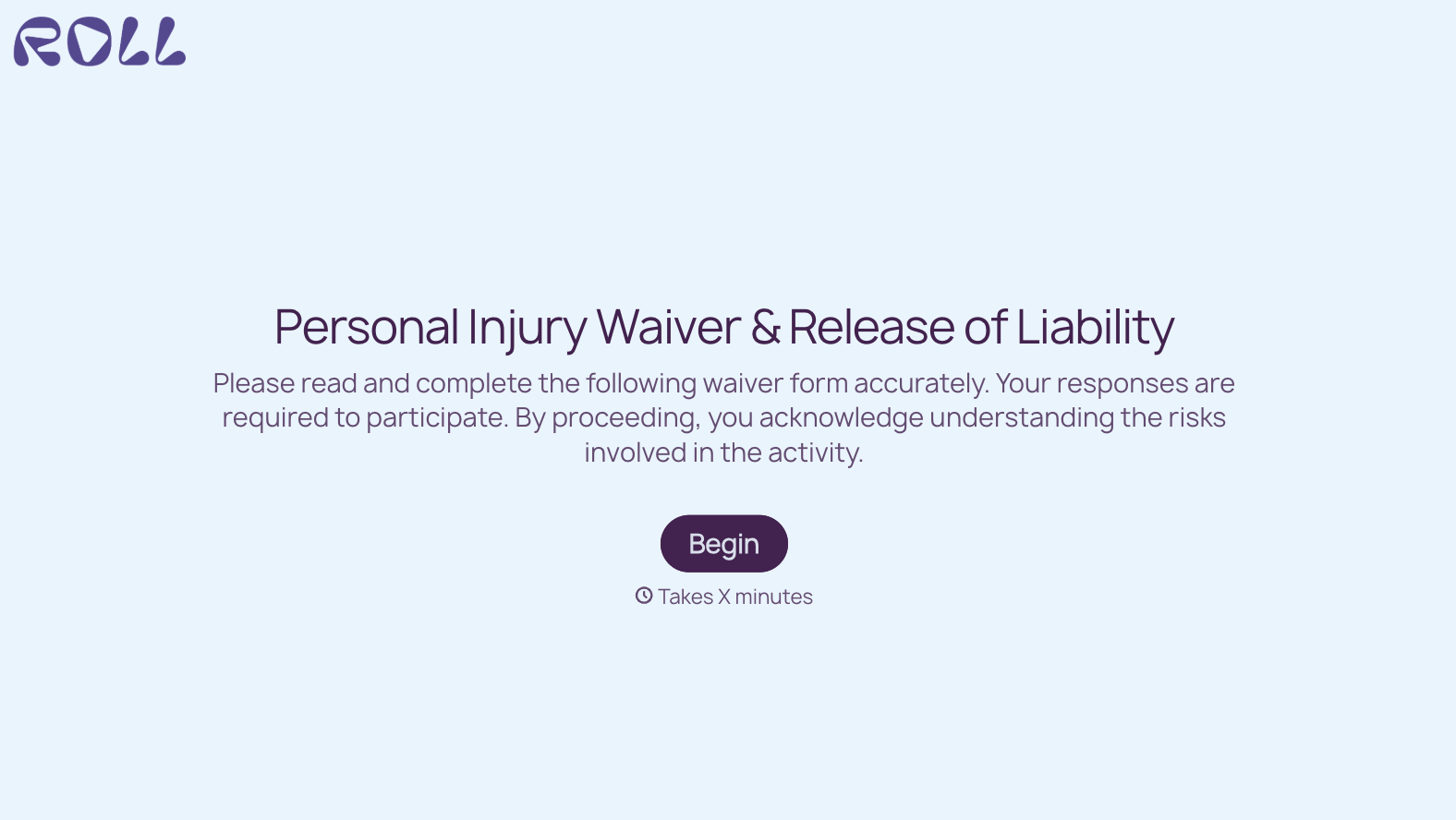
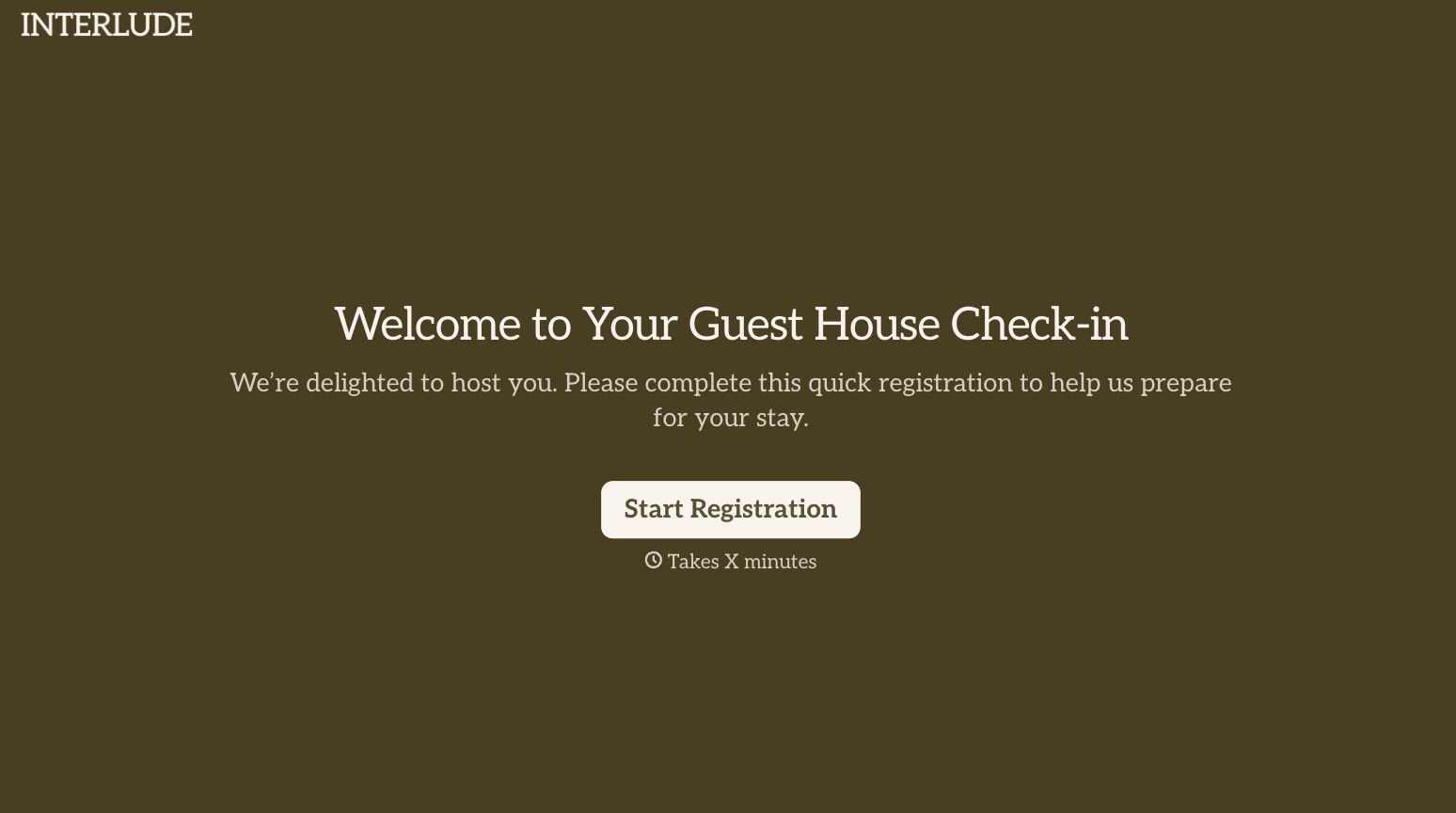

With Typeform, you can customize everything
Change text, colors, and even logos to match the look and feel of your brand. Then embed forms smoothly onto web and email.
Make forms feel effortless to fill out. Pace questions, call people by their name, and adapt the flow based on the data they share.
Stay efficient by connecting forms to your workflow. Typeform integrates with 300+ tools including Slack, Zapier, and HubSpot.


