Simple Job Application Form Template
Hire faster with a job application form that respects candidates' time, and yours.



Not every open role needs a 45-minute application process. Sometimes you need to fill a position quickly, and a marathon application form is the fastest way to lose good candidates. People abandon long forms, especially when they're applying to multiple jobs in a single sitting.
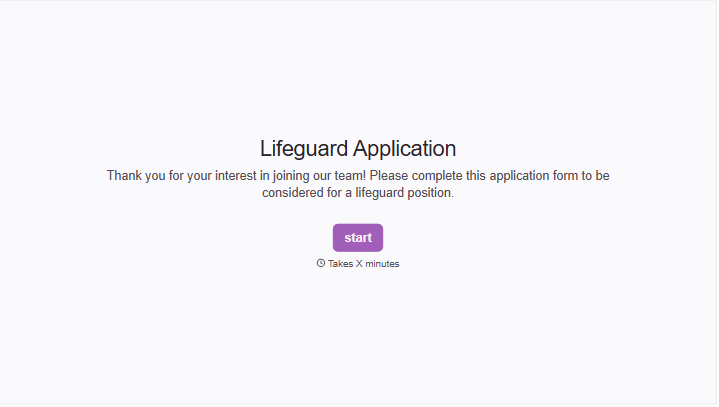
This simple job application form template keeps things focused. It captures the essentials (contact info, relevant experience, availability, and a resume upload) without the bloat. The one-question-at-a-time format keeps candidates moving forward instead of staring down a wall of fields. And with conditional logic, you can surface follow-up questions only when they're relevant, like asking about certifications only for roles that require them.
Customize the fields to match your role, embed the form on your careers page or share the link in a job posting, and connect it to your applicant tracking system through integrations. Applications arrive organized and ready for review.
A simple job application form is a streamlined tool for collecting candidate information for an open position. Unlike lengthy enterprise applications, it focuses on the core details a hiring manager needs to make an initial screening decision: contact information, work history highlights, availability, and a resume. It's designed for speed on both sides.
Use a simple form for entry-level positions, high-volume hiring, seasonal roles, or any situation where a lengthy application would deter qualified candidates. If you're hiring for a senior role that requires portfolio samples, writing exercises, or detailed project histories, a more comprehensive form may be appropriate. But even then, consider whether all of that is necessary at the initial application stage.
- Full name, email address, and phone number
- Position they're applying for
- Relevant work experience (brief summary or resume upload)
- Availability and earliest start date
- How they heard about the position
- Right-to-work confirmation
Keep the form under 10 questions. Use the one-question-at-a-time format so candidates aren't overwhelmed by a long page of fields. Make resume upload easy and accept multiple file formats. Avoid asking for information that's already on the resume, like a detailed work history breakdown. Every redundant question is another reason for a candidate to close the tab.
Yes. Add a "position applying for" dropdown at the start and use question branching to show role-specific questions for each option. A retail associate might see a question about shift availability while a marketing coordinator sees one about software proficiency. This way, 1 form covers multiple openings without irrelevant questions cluttering the experience.
Get inspired by relevant templates and categories
3200+ Templates, 300+ Integrations




With Typeform, you can customize everything
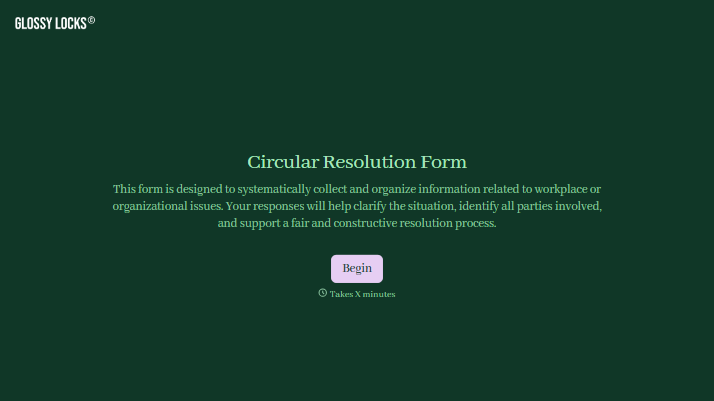
Change text, colors, and even logos to match the look and feel of your brand. Then embed forms smoothly onto web and email.
Make forms feel effortless to fill out. Pace questions, call people by their name, and adapt the flow based on the data they share.
Stay efficient by connecting forms to your workflow. Typeform integrates with 300+ tools including Slack, Zapier, and HubSpot.


