Spelling Quiz Template
Create spelling assessments for students of any level that are fast to set up and easy to score.



Spelling quizzes are a classroom staple, but creating and administering them consistently takes time. Handwritten assessments need to be scored manually, paper forms get lost, and tracking progress across a class requires extra work to compile. When you're managing a full classroom, those small inefficiencies add up.
A Typeform spelling quiz template makes it straightforward to build a quiz and collect responses digitally. Students hear or see the word, type their spelling, and submit, all in a clean, one-at-a-time format that keeps them focused. Responses come in organized by student so you can review scores without sorting through paper.
Customize the word list for grade level or unit, set whether students type in a timed or open format, and share the link with the class. Works on any device.
A spelling quiz is an assessment tool that tests a student's ability to correctly spell a given set of words. It's used in educational settings to evaluate spelling proficiency, reinforce vocabulary, and track progress over time.
Digital quizzes collect and organize responses automatically, saving time on scoring and record-keeping. They're also easier to distribute to remote or hybrid students and can be reused or updated for each unit without creating new paper forms.
Keep the format clear and focused:
- Include the word list relevant to the current unit or grade level
- Ask students to type the word after seeing or hearing it
- Limit each quiz to 10-20 words to keep it manageable
- Include a name and class or grade field at the start
- Add a date field if you're tracking progress over time
- Consider including a sentence using the word for context
You can present the word in the question text, provide a sentence using it in context, or deliver words verbally while students complete the form on their devices. For asynchronous use, include the word and an example sentence in each question so students have the context needed to type the correct spelling.
Yes. The template is fully customizable so you can swap in word lists appropriate for any grade level or subject vocabulary. Create separate forms for each unit or class so results stay organized and you can track performance across different groups over time.
Get inspired by relevant templates and categories
3200+ Templates, 300+ Integrations
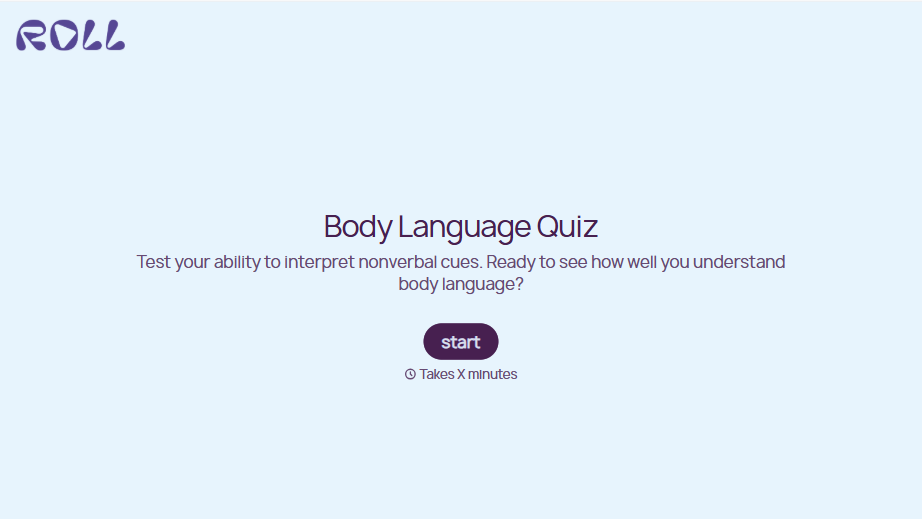
Body Language Quiz
A quiz that hands back the same score no matter which questions someone actually missed isn't teaching anyone to read a room. Ask what the quiz is actually measuring, attraction cues, deception tells, stress signals, and let each wrong answer route somewhere that explains what the cue really meant.
View template

With Typeform, you can customize everything
Change text, colors, and even logos to match the look and feel of your brand. Then embed forms smoothly onto web and email.
Make forms feel effortless to fill out. Pace questions, call people by their name, and adapt the flow based on the data they share.
Stay efficient by connecting forms to your workflow. Typeform integrates with 300+ tools including Slack, Zapier, and HubSpot.


