Student Declaration Form Template
Give students a clear way to formally declare information required by their institution. This template handles the collection and documentation cleanly, without the paper.



Student declarations come up across a wide range of institutional processes — enrollment confirmations, academic integrity pledges, scholarship applications, accommodation requests, and more. Managing these through paper forms or email creates incomplete records and administrative overhead that scales poorly as enrollment grows.
This student declaration form template provides a structured digital process for collecting and documenting student declarations. Conditional logic adapts the question flow based on the declaration type, so a student completing an academic integrity declaration sees different content than one submitting a medical circumstance declaration. Every submission is timestamped, giving your institution a clear record tied to each student.
Configure the declaration types relevant to your institution, add your branding, and integrate with your student information system for seamless data flow.
A student declaration form is a formal document in which a student attests to specific information or agrees to certain terms required by their educational institution. Common uses include academic integrity statements, enrollment confirmations, scholarship eligibility declarations, and special circumstances disclosures.
Paper-based declarations are hard to track, easy to misplace, and time-consuming to process at scale. A digital form gives your institution a timestamped, searchable record for every declaration submitted — reducing administrative burden and improving your ability to audit compliance.
The content depends on the declaration type, but a general structure includes:
- Student name, ID number, and program
- Academic year or term
- Specific statement or declaration to be acknowledged
- Any supporting information the student is required to provide
- Date of submission
- Electronic signature or acknowledgment checkbox
In most institutional and legal contexts, an acknowledgment checkbox or typed confirmation is sufficient for student declarations. For formal legal declarations or financial aid certifications, you should verify the specific requirements with your institution's legal counsel or governing body.
Yes. A conditional logic setup lets you present the relevant declaration content based on the type selected at the start of the form. This means you can maintain a single entry point for students rather than publishing separate forms for every declaration scenario.
Get inspired by relevant templates and categories
3200+ Templates, 300+ Integrations


Nationality Verification Form
A self-certification buried in a stack of new account paperwork isn't the kind of record a compliance team can rely on for a regulatory filing. Collect nationality, tax residency, and a signed declaration before an account opens, so compliance isn't chasing down a customer's citizenship status after the fact.
View template

Policy Cancellation Form
A cancellation requested over the phone doesn't leave a clear record of exactly what date the policyholder actually asked for, and that date matters more than it sounds like it should. Collect what your agency actually needs, policy details, identity verification, and the requested effective date, before coverage actually ends.
View template
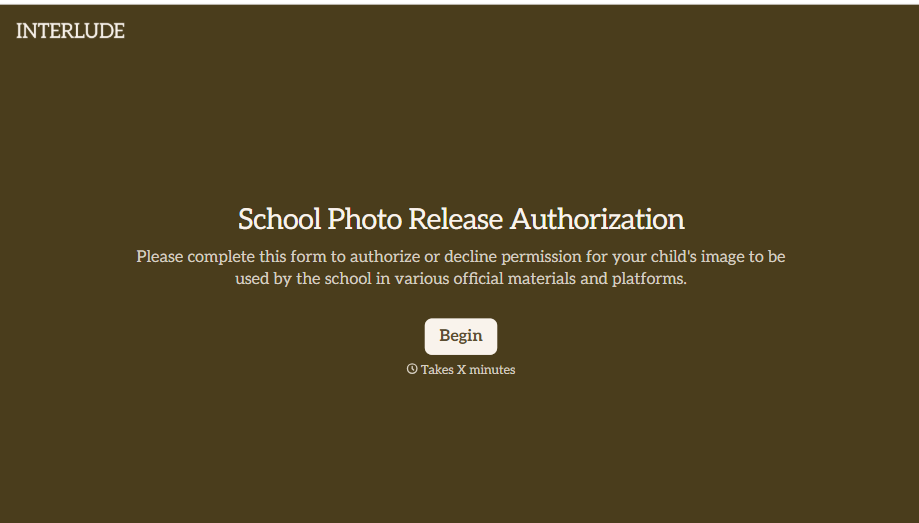
School Photo Release Form
A photo consent checkbox buried on page 12 of an enrollment packet doesn't tell a teacher who's actually opted out before they post a class photo. Collect what your school actually needs, guardian consent, and exactly where a photo can be used, before the camera comes out.
View template

Inheritance Beneficiary Form
Asking a grieving family member for the same banking details across three different phone calls doesn't make settling an estate go any faster. Collect what your firm actually needs, beneficiary information, identification, and distribution details, in one submission instead of three calls.
View template
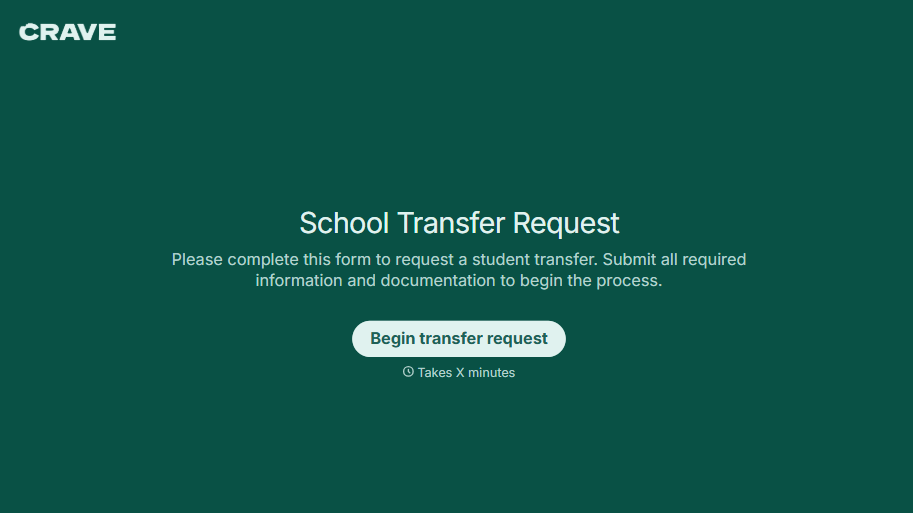
School Transfer Request Form
A transfer request dropped off at the district office isn't the kind of paperwork that gets processed before the semester it's meant for already started. Collect the student's information, reason for transfer, and supporting documentation upfront, so a request doesn't stall while the district follows up for a missing form.
View template
With Typeform, you can customize everything
Change text, colors, and even logos to match the look and feel of your brand. Then embed forms smoothly onto web and email.
Make forms feel effortless to fill out. Pace questions, call people by their name, and adapt the flow based on the data they share.
Stay efficient by connecting forms to your workflow. Typeform integrates with 300+ tools including Slack, Zapier, and HubSpot.


