Sunday School Registration Form Template
Getting children enrolled in Sunday school should be simple for parents and organized for your staff. A digital registration form handles both.



Sunday school registration often relies on paper forms that parents fill out hurriedly on Sunday morning, with children in tow. The result: incomplete information, illegible handwriting, and staff who spend hours transcribing records and following up on missing details like allergy information or emergency contacts.
A digital Sunday school registration form lets parents complete the information at home, at their own pace, with enough time to check the details that matter — especially health information and emergency contacts. This template covers the essentials in a structured, easy-to-follow format, with conditional logic to surface relevant follow-up questions based on the child's age group or any special needs indicated.
Customize for your church or ministry's specific classes and age groups, add your branding, and keep a secure, organized record of every enrolled student.
A Sunday school registration form collects the information needed to enroll a child in a religious education program. It typically includes the child's details, parent or guardian contact information, class placement, and any health or safety information the teaching team needs to know.
Paper forms at the door create chaotic records and put important information at risk of being lost or misread. A digital form produces clean, organized records and gives parents the space to provide complete and accurate information — particularly for medical needs and emergency contacts.
A complete Sunday school registration covers both logistics and safety. Consider including:
- Child's full name and date of birth
- Parent or guardian names and contact numbers
- Emergency contact (if different from parent)
- Allergies or medical conditions the teaching team should know about
- Class preference or age group
- Permission for photos to be taken during class activities
Add an open-text field asking parents to share any additional information that would help the teaching team support their child. Conditional logic can surface this field only when a parent indicates their child has a specific need, keeping the form clean for families who don't need to complete it.
Yes. Resend the registration form at the start of each program year and ask families to confirm or update their details. Because each submission is stored separately, you can compare against the previous year's records and flag any changes that need attention.
Get inspired by relevant templates and categories
3200+ Templates, 300+ Integrations
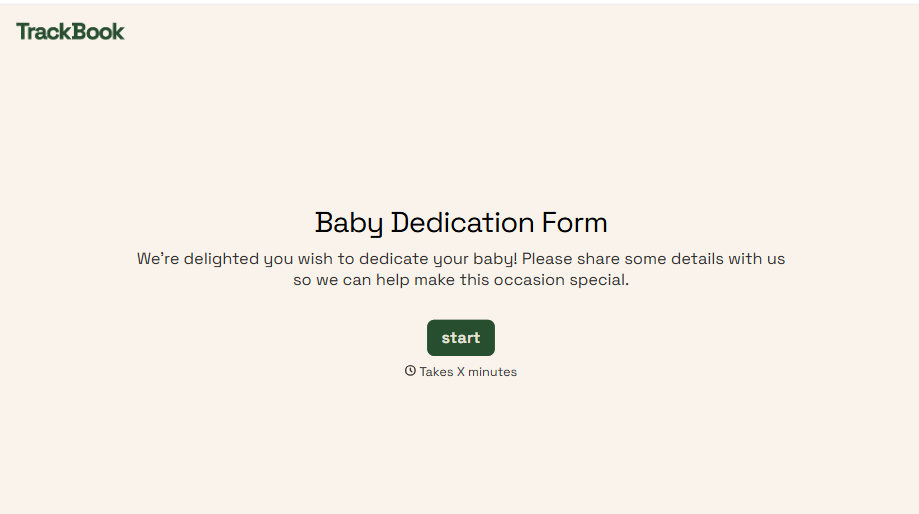
Baby Dedication Form
A sign-up sheet passed around during announcements isn't the kind of detail you want to compile into a Sunday program from memory. Collect the baby's information, requested ceremony date, and any required class attendance before the service, so your team isn't confirming a name's spelling the morning of.
View template
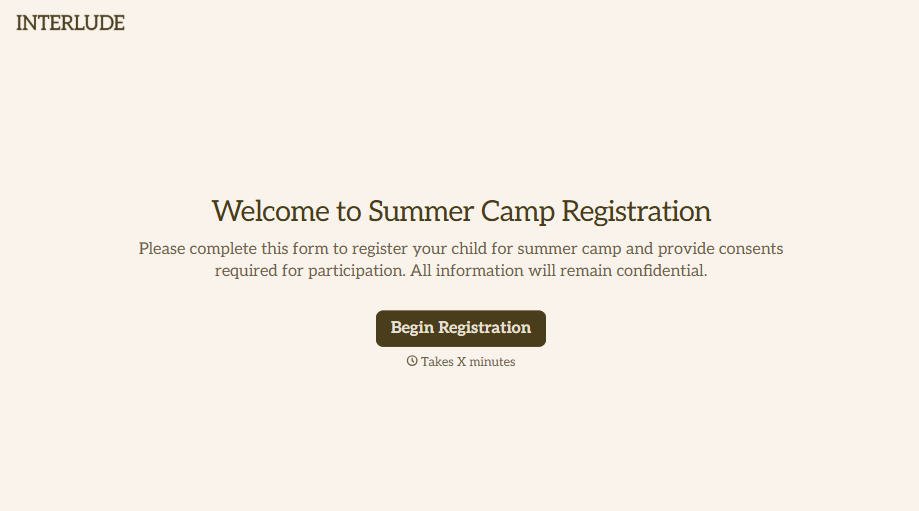
Summer Camp Consent Form
A camper with a bee sting and a counselor on the phone trying to reach a parent isn't a consent process, it's a delay. Collect guardian consent for emergency medical treatment, medication administration, and photo or media use before drop-off, so your staff can act instead of waiting for a callback.
View template
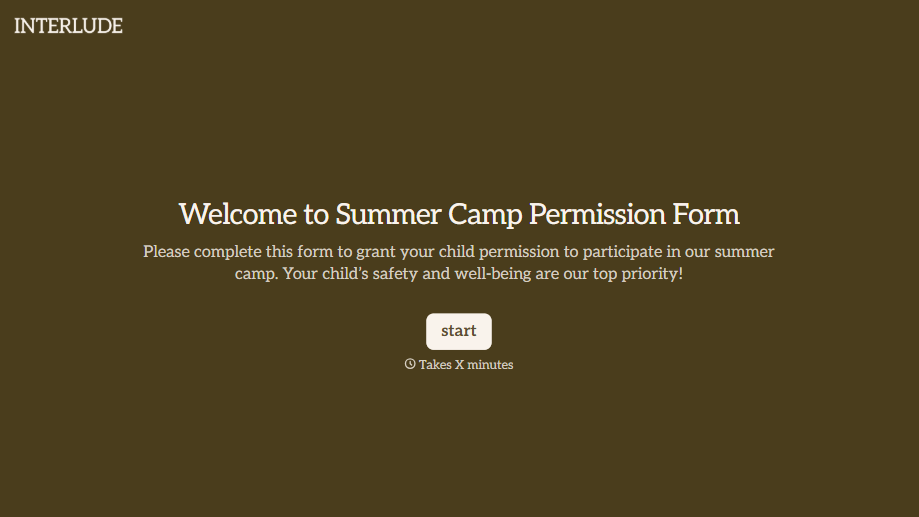
Summer Camp Permission Form
A permission packet crumpled at the bottom of a backpack for two weeks isn't a permission slip anyone can rely on. Collect camper information, medical disclosures, and a signed permission for camp activities before drop-off, so your staff aren't scrambling for an emergency contact on day one.
View template

Distributor Registration Form
A distributor application that arrives as a scanned resale certificate attached to an email doesn't tell your sales team what territory they're actually asking for. Collect what your company actually needs, business information, tax documentation, and territory, before you set up an account.
View template
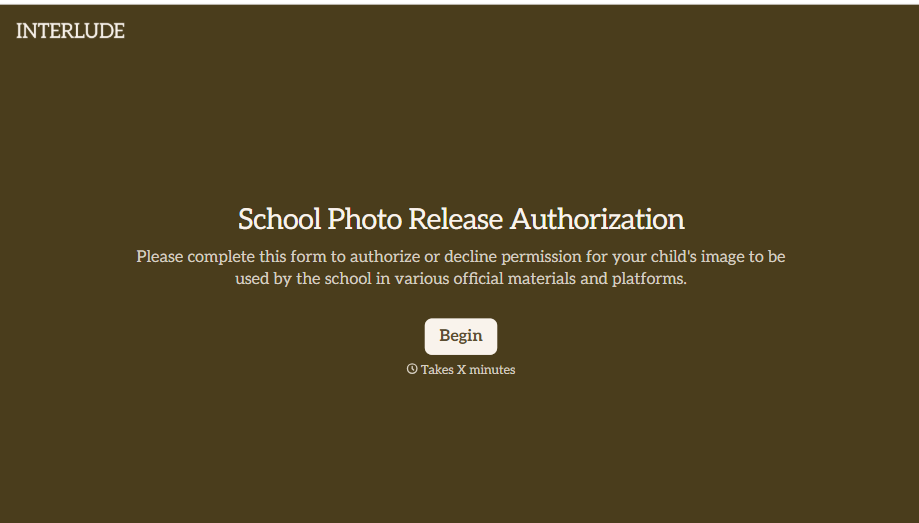
School Photo Release Form
A photo consent checkbox buried on page 12 of an enrollment packet doesn't tell a teacher who's actually opted out before they post a class photo. Collect what your school actually needs, guardian consent, and exactly where a photo can be used, before the camera comes out.
View template
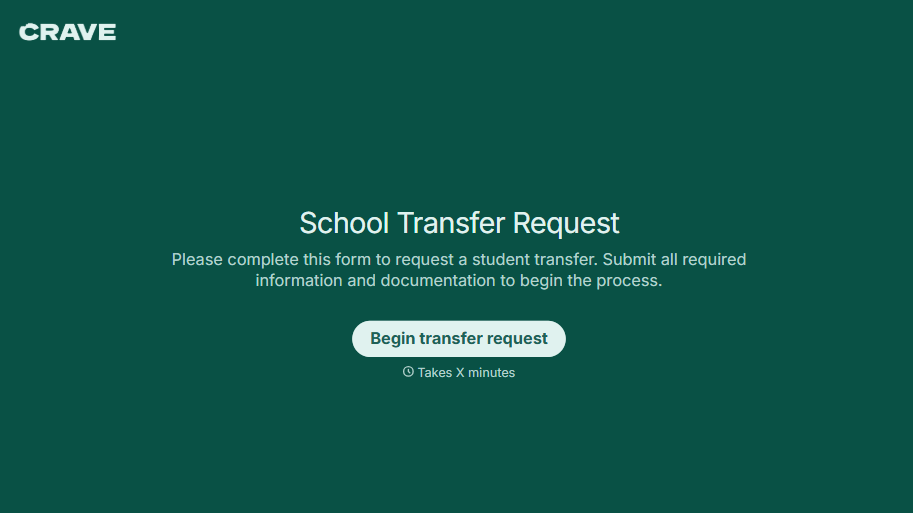
School Transfer Request Form
A transfer request dropped off at the district office isn't the kind of paperwork that gets processed before the semester it's meant for already started. Collect the student's information, reason for transfer, and supporting documentation upfront, so a request doesn't stall while the district follows up for a missing form.
View template
With Typeform, you can customize everything
Change text, colors, and even logos to match the look and feel of your brand. Then embed forms smoothly onto web and email.
Make forms feel effortless to fill out. Pace questions, call people by their name, and adapt the flow based on the data they share.
Stay efficient by connecting forms to your workflow. Typeform integrates with 300+ tools including Slack, Zapier, and HubSpot.


