Survey Application Form
A screener that makes someone answer 20 questions before finding out they don't qualify isn't good research design, it's a wasted respondent and a wasted budget. Collect qualifying details upfront, route ineligible applicants out quickly, and send the full survey only to people who actually fit, so your research budget isn't spent on data you can't use.



A survey link sent broadly to a wide list often means respondents complete the entire questionnaire before anyone realizes they don't meet the study's criteria, the wrong age range, the wrong region, no experience with the product category being studied. Quota groups fill up without anyone tracking it in real time, and a research budget ends up paying for full-length responses that get thrown out at analysis time.
Typeform's survey application form asks for what a study needs to know before anyone sees the full questionnaire: basic qualifying and demographic information, and the specific screening criteria for that study. Conditional logic branches from there. An answer that fails a hard quota requirement can route immediately to a polite disqualification message instead of continuing through the rest of the screener, saving the applicant's time and your budget, and a qualifying respondent can route to compensation and scheduling questions specific to that study instead of a generic thank you page. Every application lands in one record, sorted by whether they qualify, instead of a spreadsheet of full-length responses that have to be filtered after the fact.
Connect the form to your research panel or scheduling software through Zapier, and a qualifying respondent can be automatically invited to the full survey or scheduled for a session instead of waiting for someone to review applications manually. Track quota in real time, and a group that fills up can start disqualifying further applicants automatically instead of overrecruiting past what you actually need.
A survey application form is an online form researchers and research panels use to screen potential participants for eligibility before inviting them to a full survey or study. Instead of sending the entire questionnaire to everyone, applicants answer qualifying questions first, and only those who fit the study's criteria move forward.
Sending a full-length survey to an unscreened audience means paying for complete responses from people who never qualified in the first place, and it means someone who doesn't fit the study has to sit through the whole thing before being told so. A screener sorts that out in the first few questions instead of the last.
Ask for what a study needs to determine eligibility before anyone sees the full questionnaire:
- Basic demographic and qualifying questions
- Screening criteria specific to the study
- Compensation or incentive details for qualifying participants
- Contact information for those who qualify
Not necessarily. Many studies have limited quota slots that can fill up between when someone starts and finishes the screener, or require further verification before final confirmation. Qualifying on the initial screening questions is a first step, not a guaranteed spot until the study confirms it.
Yes. Add a file upload question and applicants can attach proof of purchase, a credential, or other supporting documentation in the same submission, no separate email required. Pair it with conditional logic so the upload only appears when it's required for that specific study's eligibility criteria.
Get inspired by relevant templates and categories
3200+ Templates, 300+ Integrations
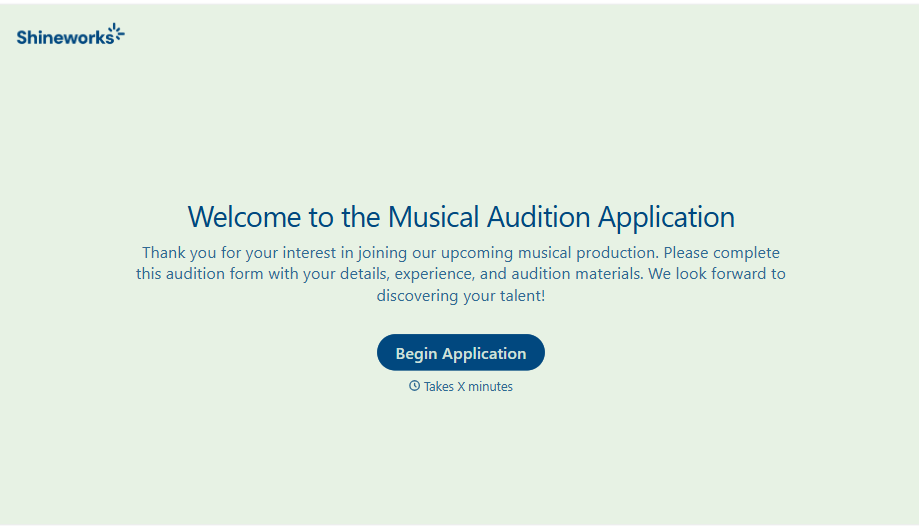
Musical Audition Form
A name scrawled on a sign-up sheet taped near the rehearsal room doesn't tell a director what role someone's after, or whether they can actually make callbacks next Tuesday. Collect what your production actually needs, contact information, role interest, and availability, before audition day arrives.
View template
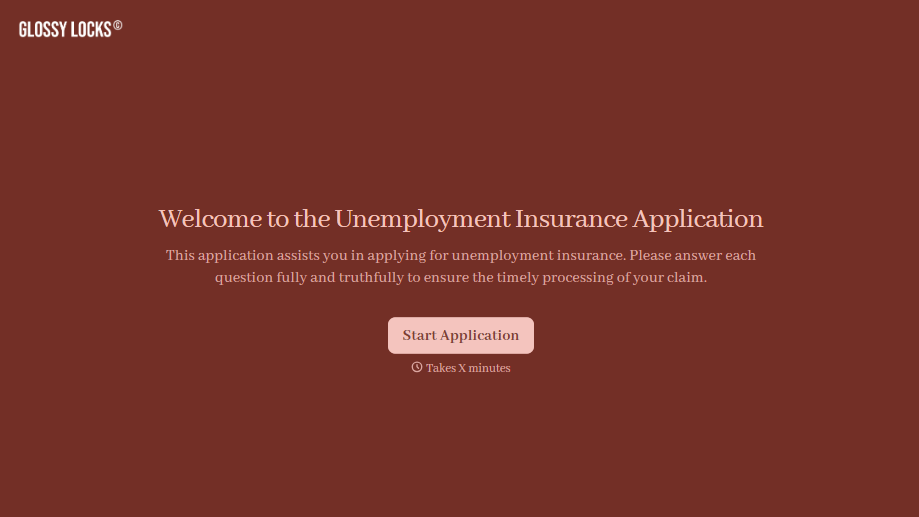
Unemployment Insurance Application Form
A stack of pay stubs gathered the morning of a filing deadline isn't the kind of preparation that gets a claim processed without delay. Collect employment history, separation details, and supporting documents before you sit down at your state's unemployment portal, so a claim doesn't stall over a missing detail.
View template
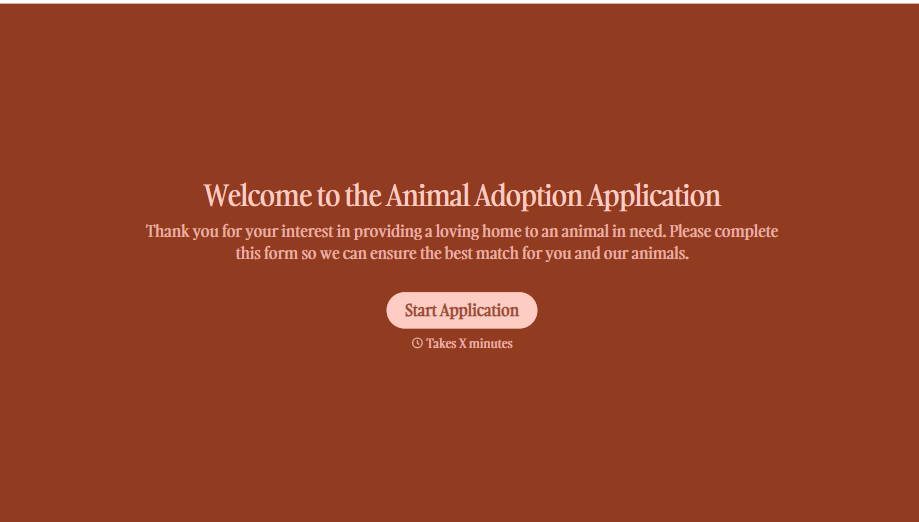
Animal Adoption Application Form
A paper application filled out at the counter while a dog's watching through the window isn't enough information to place an animal in a home that'll actually work. Collect household information, pet experience, and references before adoption day, so your staff aren't approving a placement on a rushed form.
View template
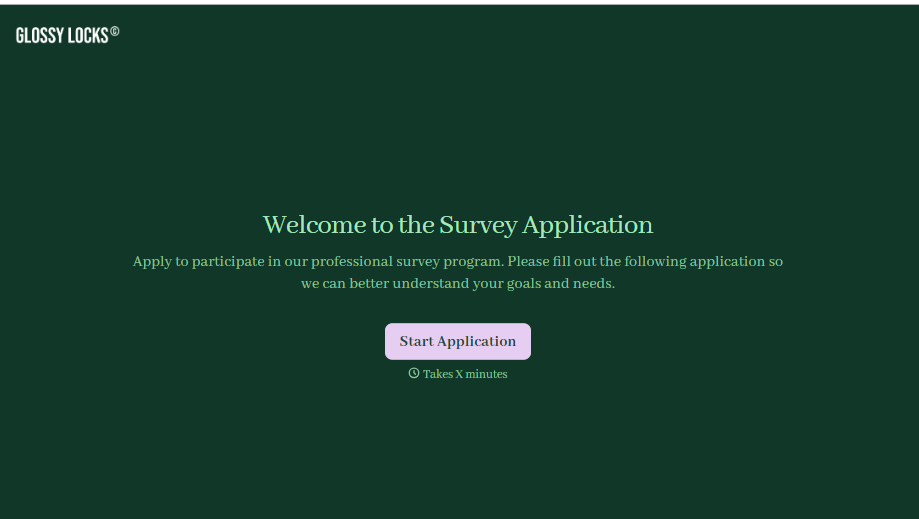
Survey Application Form
A screener that makes someone answer 20 questions before finding out they don't qualify isn't good research design, it's a wasted respondent and a wasted budget. Collect qualifying details upfront, route ineligible applicants out quickly, and send the full survey only to people who actually fit, so your research budget isn't spent on data you can't use.
View template
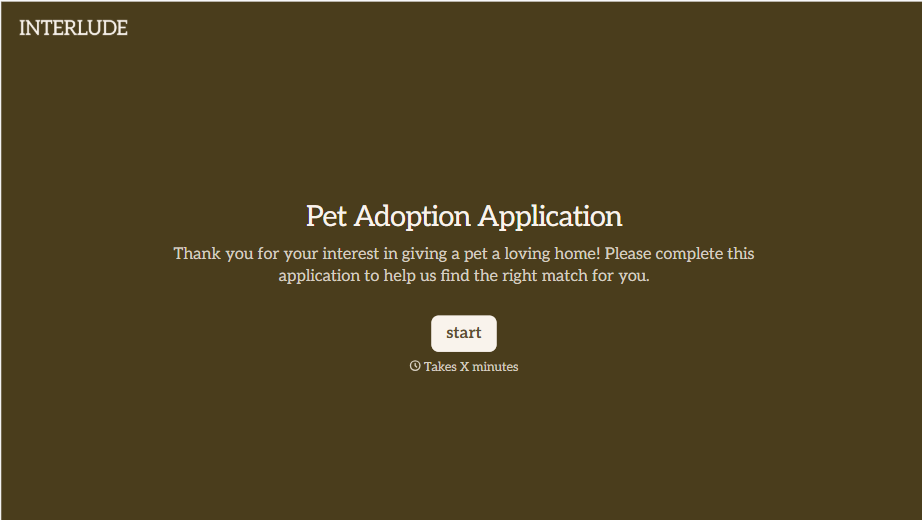
Pet Adoption Application Form
An adoption approved after a quick conversation at the shelter doesn't tell anyone whether the applicant's landlord actually allows pets, and that's usually the detail that sends an animal back a few weeks later. Collect what your shelter actually needs, applicant information, living situation, and experience with pets, before the adoption gets approved.
View template
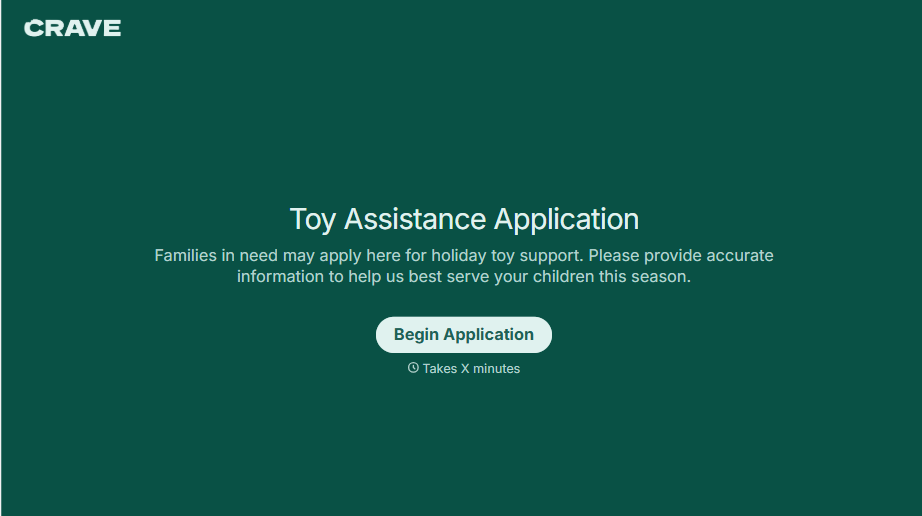
Toys for Tots Application Form
A family filling out a paper intake form at a folding table, or calling a number that goes to voicemail, is how a lot of local Toys for Tots requests still get handled, and every one of those depends on someone manually transcribing names, ages, and contact information before a coordinator can even start matching families to toys. Collect it online instead, so the coordinator's time goes to sourcing and distributing toys, not retyping intake sheets.
View template
With Typeform, you can customize everything
Change text, colors, and even logos to match the look and feel of your brand. Then embed forms smoothly onto web and email.
Make forms feel effortless to fill out. Pace questions, call people by their name, and adapt the flow based on the data they share.
Stay efficient by connecting forms to your workflow. Typeform integrates with 300+ tools including Slack, Zapier, and HubSpot.


