Systems Request Form
System access requests shouldn't ride in on a Slack message that gets lost by Friday. Collect what IT actually needs, which system, what access level, manager approval, before the ticket even opens.



Requests come in wherever it's easiest to type: a Slack DM to whoever's online, a hallway ask on the way to a meeting, an email with no ticket number and no manager cc'd. By the time IT starts working on it, half the details are missing, which system, what level of access, whether anyone with authority actually signed off.
Typeform's systems request form asks for what IT needs to act on a request, requester and department, system or application, type of request, and business justification, and uses conditional logic to branch from there. A new access request can route to access-level and manager approval questions; a decommission request can skip straight to the offboarding date and data retention, instead of every request working through fields that don't apply.
Every request lands in one place instead of scattered chats and half-cc'd emails. Connect the form to your ticketing system through Zapier, and a submission can open a ticket automatically. Ask for manager approval up front, and IT starts work with everything it needs instead of chasing a sign-off in the middle of a ticket.
A systems request form is an online form employees use to request new system access, a change to existing access, or the decommissioning of an account. Instead of a Slack message or an email, the requester submits everything IT needs up front, and the ticket starts with a complete request.
A Slack message captures a request, not which system, what access level, or whether a manager approved it. A form gets the structured details IT actually needs to act, and it creates a record instead of a message that scrolls out of view.
Ask for what IT will actually need to process the request:
- Requester name and department
- System or application
- Type of request, new access, a change, or decommissioning
- Business justification
- Manager approval
Not on its own. A submission tells IT what's being requested, it doesn't grant anything until someone reviews it against your access policy and manager approval. Connect the form to your ticketing system through Zapier, and a submission can open a ticket automatically, but a person still provides the access.
Yes. Add a file upload question and requesters can attach an approval email, a contract, or other supporting documentation in the same submission, no separate email required. Pair it with conditional logic so the upload only appears for the request types that actually need it.
Get inspired by relevant templates and categories
3200+ Templates, 300+ Integrations
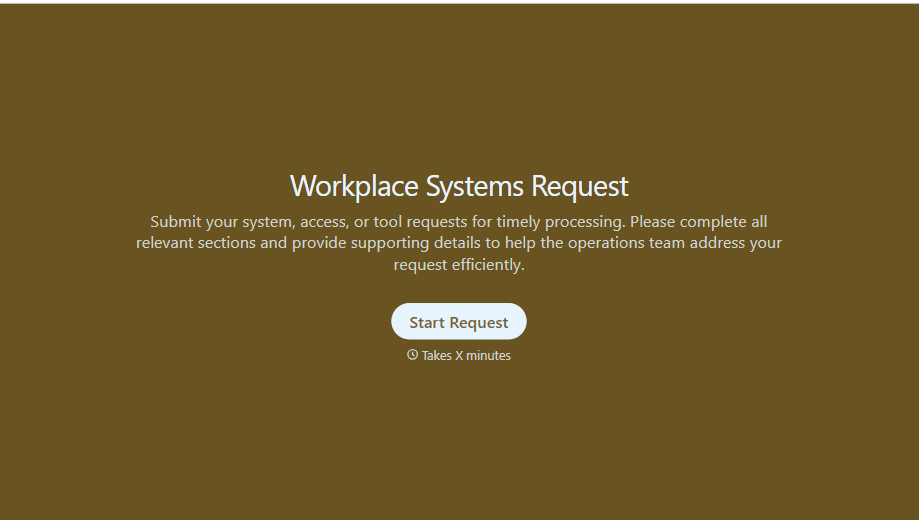
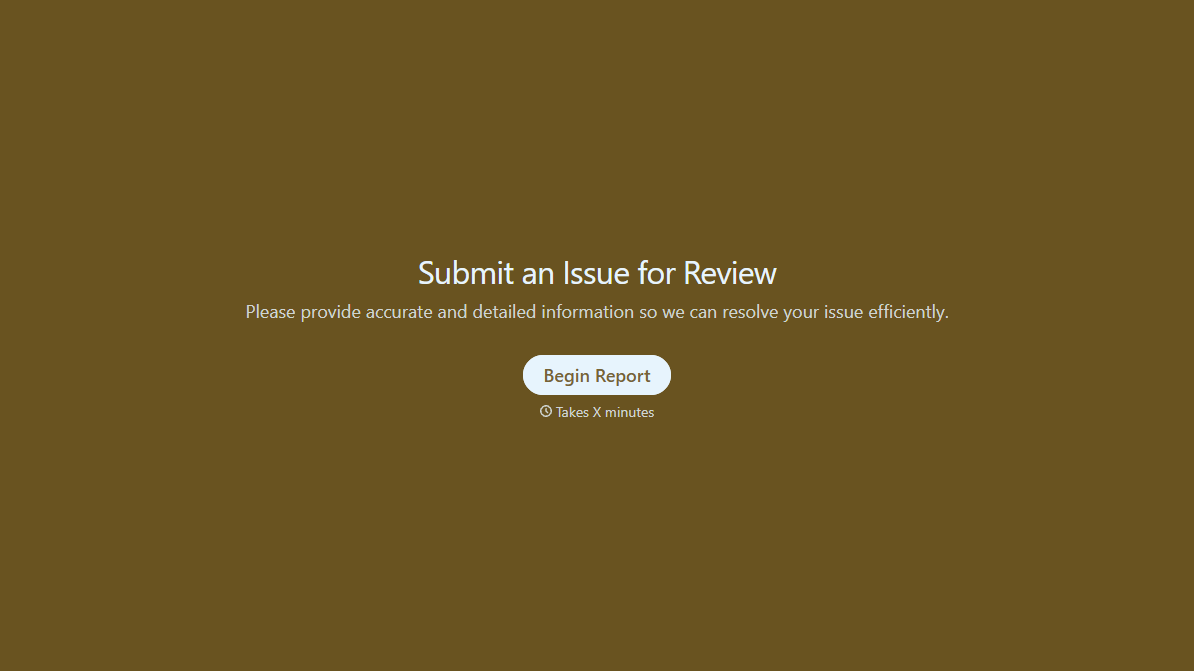
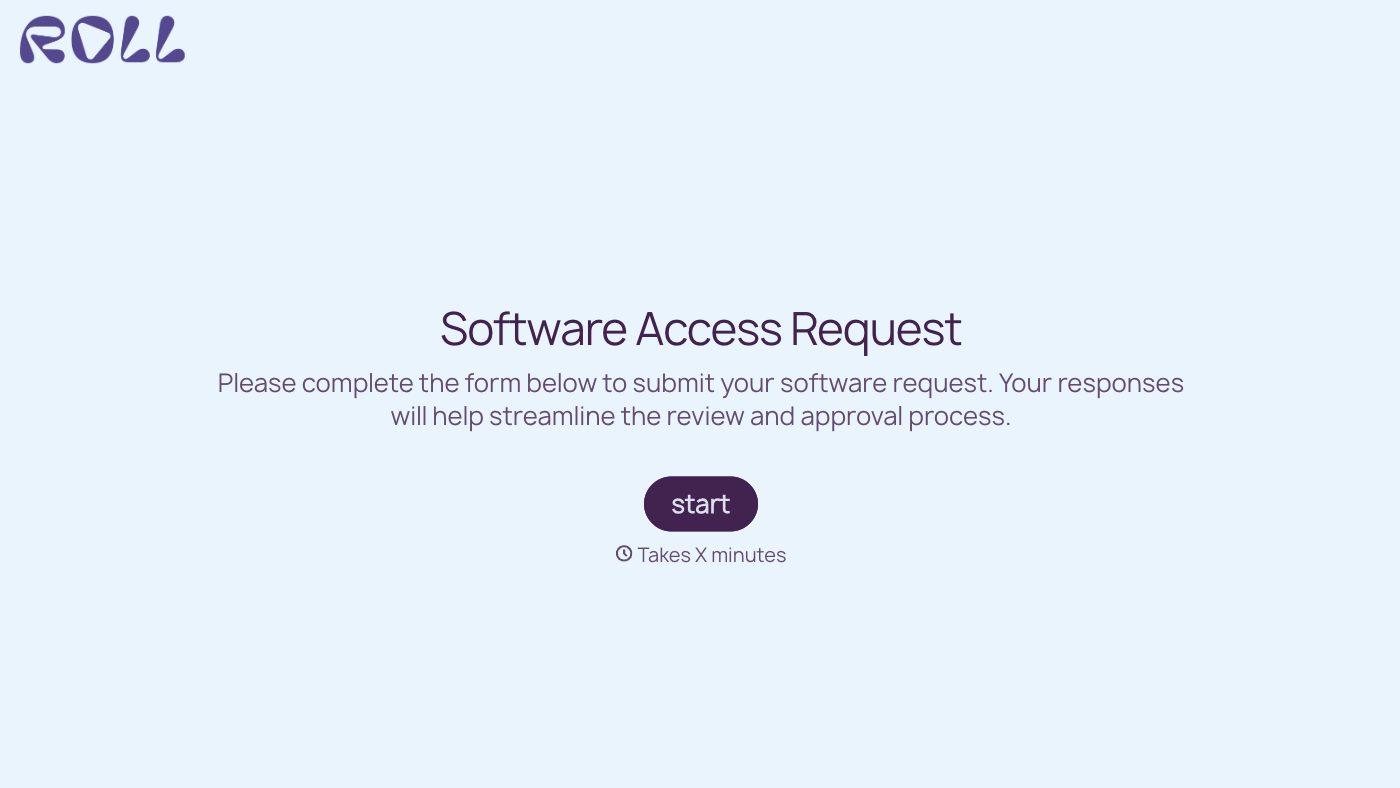
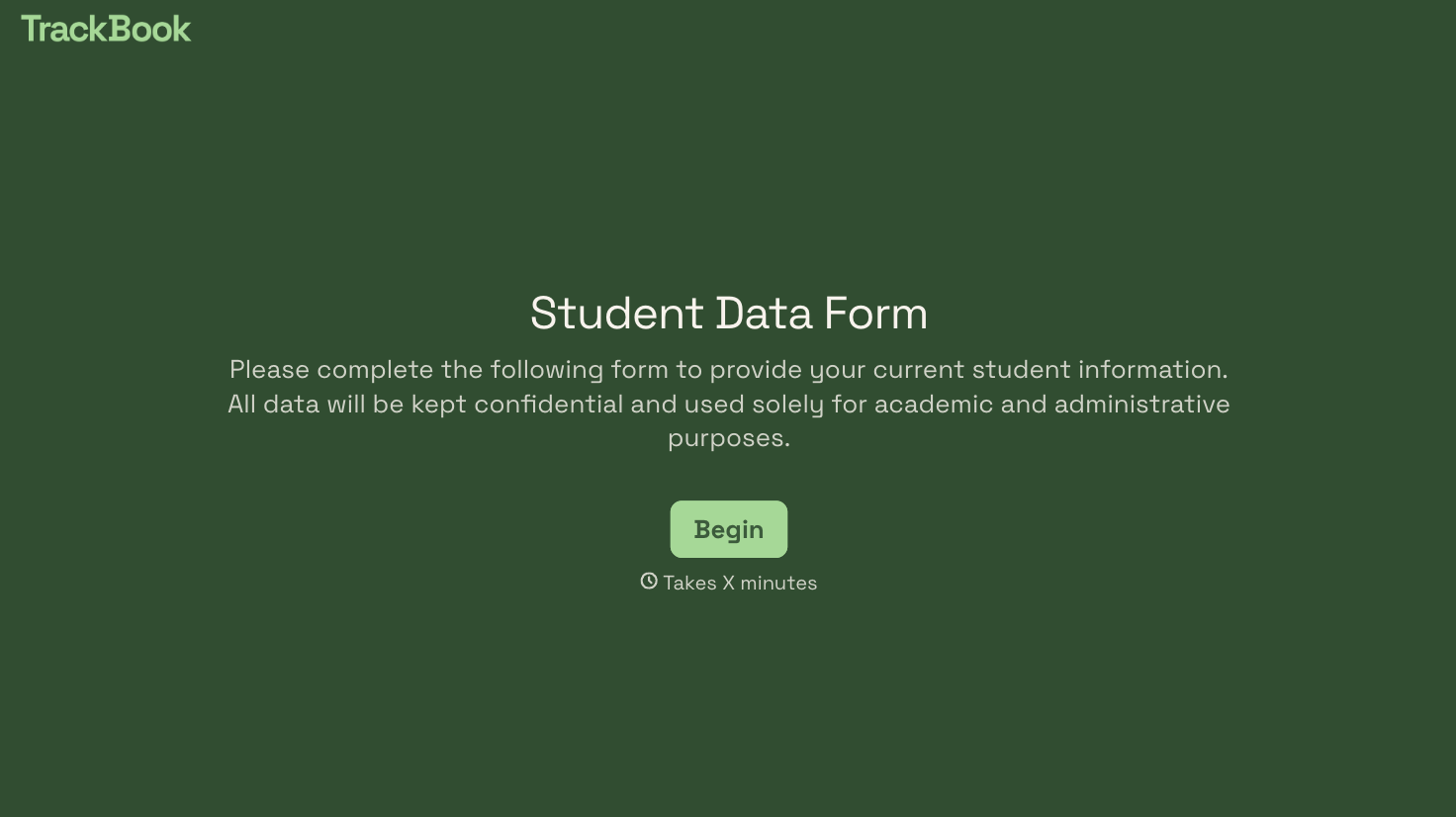
With Typeform, you can customize everything
Change text, colors, and even logos to match the look and feel of your brand. Then embed forms smoothly onto web and email.
Make forms feel effortless to fill out. Pace questions, call people by their name, and adapt the flow based on the data they share.
Stay efficient by connecting forms to your workflow. Typeform integrates with 300+ tools including Slack, Zapier, and HubSpot.


