Auction registration form template
An auction runs fast, but verifying bidders at the door backs up the line before the first lot sells. Collect each bidder's contact details, ID, and payment method before the first lot.



Auctions run on momentum, and a line of unregistered bidders at the door kills it before the first bid. Register bidders on paper the day of, and you're verifying IDs and assigning paddles while the clock runs. Worse, an unvetted bidder can win a lot, then vanish, leaving you to chase payment after the hammer falls. Typeform's auction registration form gives organizers a verified bidder list before the auction starts.
The form collects each bidder's contact details, identification, payment method, and the lots they're interested in. Questions appear one at a time, so bidders can register comfortably from home ahead of the auction. Conditional logic adapts the form based on how each person plans to bid. An in-person bidder requests a paddle number, while an absentee bidder sets a maximum bid for each lot.
Customize the questions to match your auction—whether you sell estate items, vehicles, art, or livestock. Share the registration form link in your event listing, a preview catalog, or an email to past bidders. Completed registrations flow into Google Sheets or your auction software via Zapier, so your bidder list is ready at the auction start. The auction opens with verified, numbered bidders, so the sale starts on time.
An auction registration form collects and verifies bidder information before an auction begins. It captures contact details, identification, payment method, bidding preferences, and the lots each person wants. Organizers who register bidders in advance open the auction with a verified list, instead of spending bidding time checking bidders at the door.
Without registration, anyone can raise a paddle—including bidders who can't or won't pay when they win. An unpaid winning bid forces a re-auction and can cost you the sale entirely. A registration form qualifies bidders and stores a payment method, so every bid comes from someone who can pay.
Collect what you need to qualify a bidder:
- Name and contact details
- Government-issued ID for verification
- Payment method or deposit
- How they plan to bid, in person or absentee
- Lots or categories they're interested in
Yes. You can connect Stripe to collect a refundable deposit or place a hold when a bidder registers. Requiring a deposit filters out casual bidders and guarantees a payment method for anyone who wins. Whether you charge a flat deposit or scale it to the lots depends on your auction's value and structure.
Ask bidders to upload a government-issued ID directly through the form with File Upload. They can add a photo or PDF up to 10MB, which arrives with their registration, so you can confirm identity before assigning a paddle. File Upload is available on paid Typeform plans.
Get inspired by relevant templates and categories
3200+ Templates, 300+ Integrations
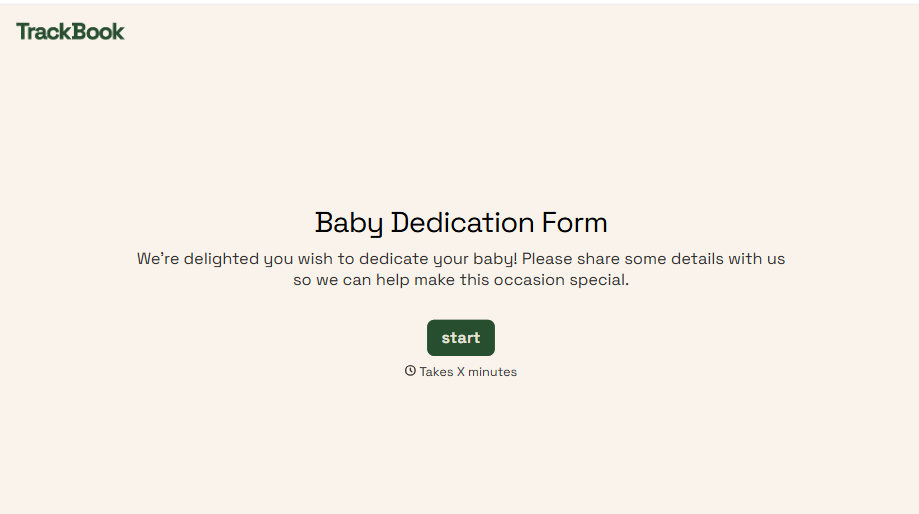
Baby Dedication Form
A sign-up sheet passed around during announcements isn't the kind of detail you want to compile into a Sunday program from memory. Collect the baby's information, requested ceremony date, and any required class attendance before the service, so your team isn't confirming a name's spelling the morning of.
View template
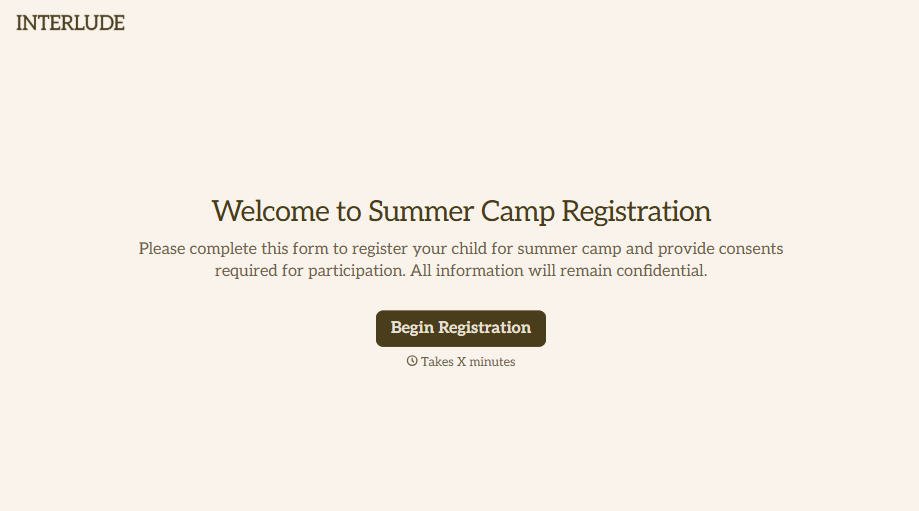
Summer Camp Consent Form
A camper with a bee sting and a counselor on the phone trying to reach a parent isn't a consent process, it's a delay. Collect guardian consent for emergency medical treatment, medication administration, and photo or media use before drop-off, so your staff can act instead of waiting for a callback.
View template
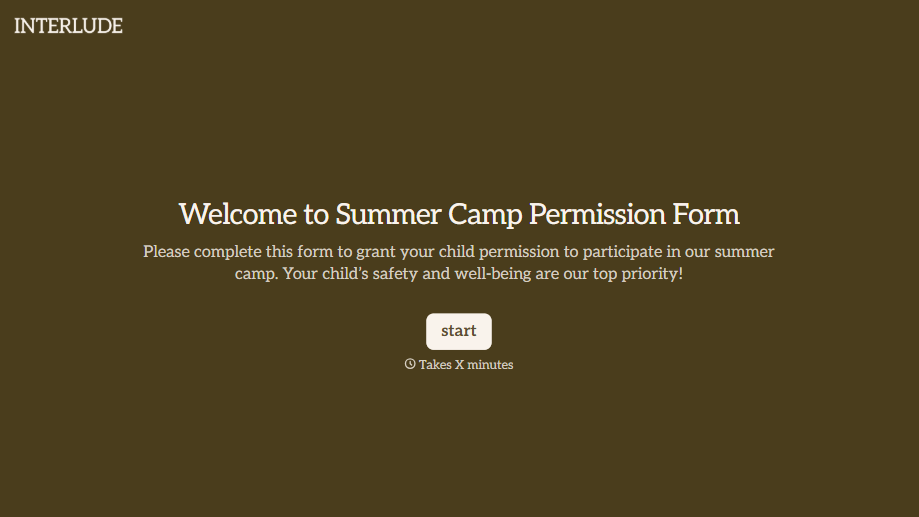
Summer Camp Permission Form
A permission packet crumpled at the bottom of a backpack for two weeks isn't a permission slip anyone can rely on. Collect camper information, medical disclosures, and a signed permission for camp activities before drop-off, so your staff aren't scrambling for an emergency contact on day one.
View template
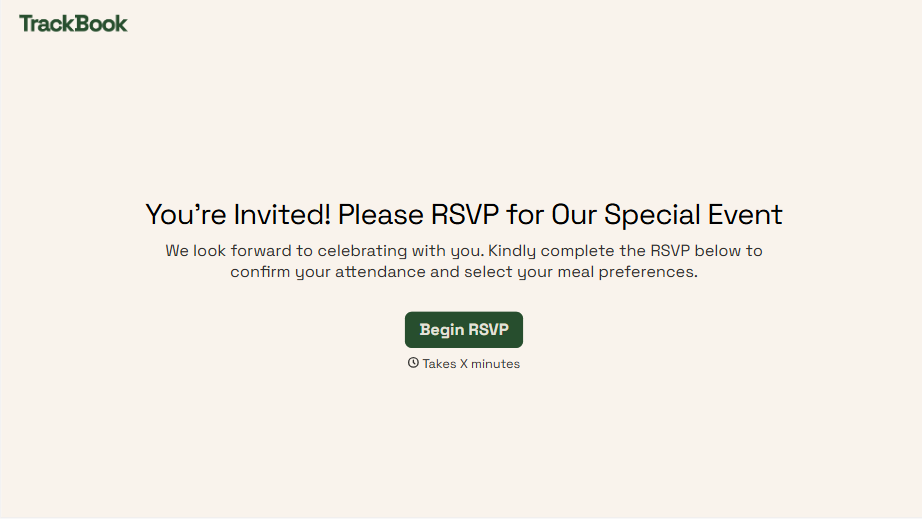
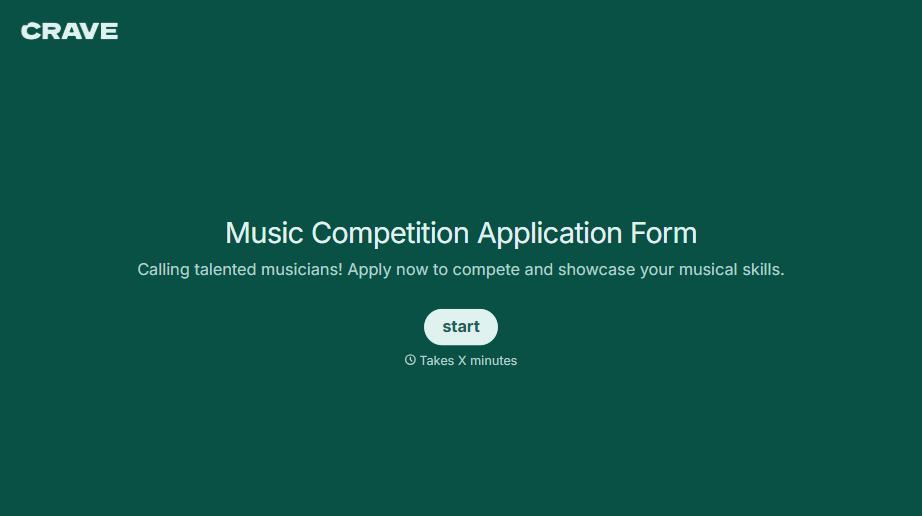
Music Competition Application Form
An application that asks for a video link and a repertoire list but never says whether the recording needs to be a single unedited take isn't a fair competition, it's whoever guessed the actual rules correctly. Set the age category, the time limit, and the recording requirements up front, so every entry gets judged against the same standard.
View template
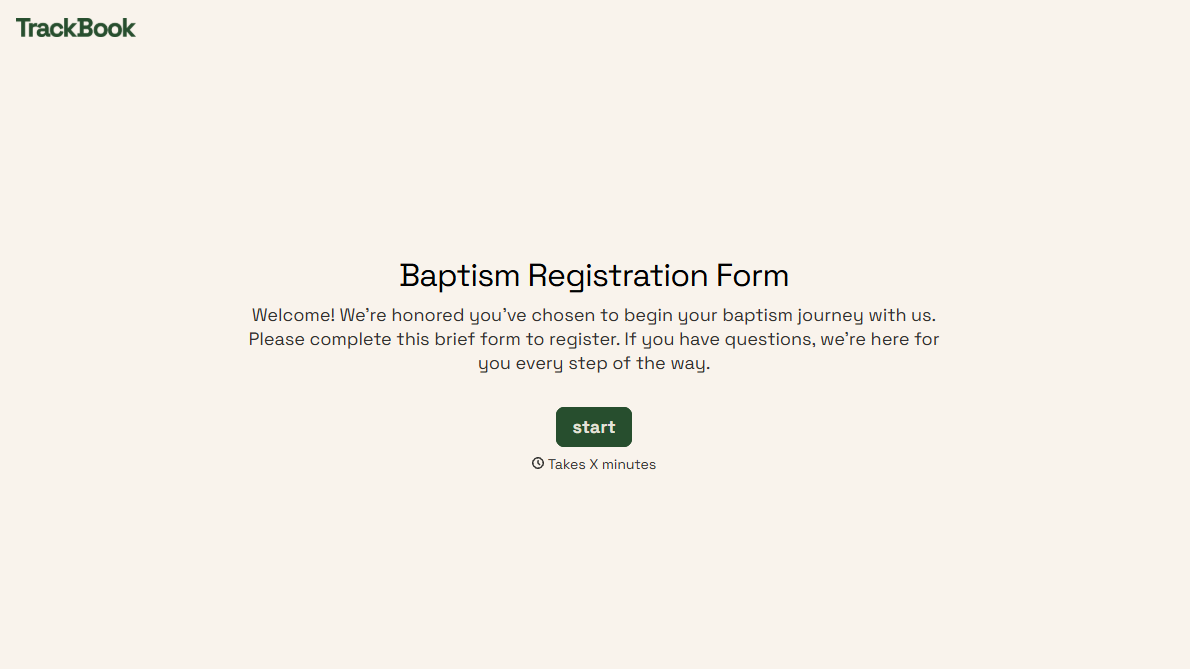
With Typeform, you can customize everything
Change text, colors, and even logos to match the look and feel of your brand. Then embed forms smoothly onto web and email.
Make forms feel effortless to fill out. Pace questions, call people by their name, and adapt the flow based on the data they share.
Stay efficient by connecting forms to your workflow. Typeform integrates with 300+ tools including Slack, Zapier, and HubSpot.


