Manager evaluation form template
Collect honest, actionable feedback on a manager’s performance


Before you decide what to put in your evaluation form, make sure you’re clear on what makes a great manager—and what kind of manager the team needs. Maybe it’s strong leadership skills, positivity, an ability to recognise strengths of team members—or perhaps it’s a combination of all of that.
If a manager evaluation form is confidential, which it should always be, make that clear from the get-go. That way, employees will be much more open and willing to give genuine, useful feedback.
Typeform tip: dig deep, but don’t overwhelm by asking everything at once. Make the most of the logic jumps feature to ask the right follow-up questions. For example, if they want to elaborate on something, let them. And if they don’t, skip to the next question.
Without a willingness to take on feedback, there’s very little point to a manager evaluation form. But we all know taking action on such sensitive topics is tricky.
To make your form worthwhile, here are a few things you can do:
- First, visualize your data. You can connect Typeform with Google Sheets or Trello so your responses sync up in one place. If you can see what the data’s telling you right away, taking action feels much more doable.
- Arrange follow-up meetings. If someone raised an issue in their evaluation form, make sure they feel heard. A follow-up meeting will help you get more clarity, and figure out the next steps.
- Keep everything confidential. With manager evaluations, confidentiality is an absolute must. Slipping up can cause friction in teams and can even have pretty dire consequences. Build trust by reminding employees what they say is confidential, and always will be.
Get inspired by relevant templates and categories
3200+ Templates, 300+ Integrations
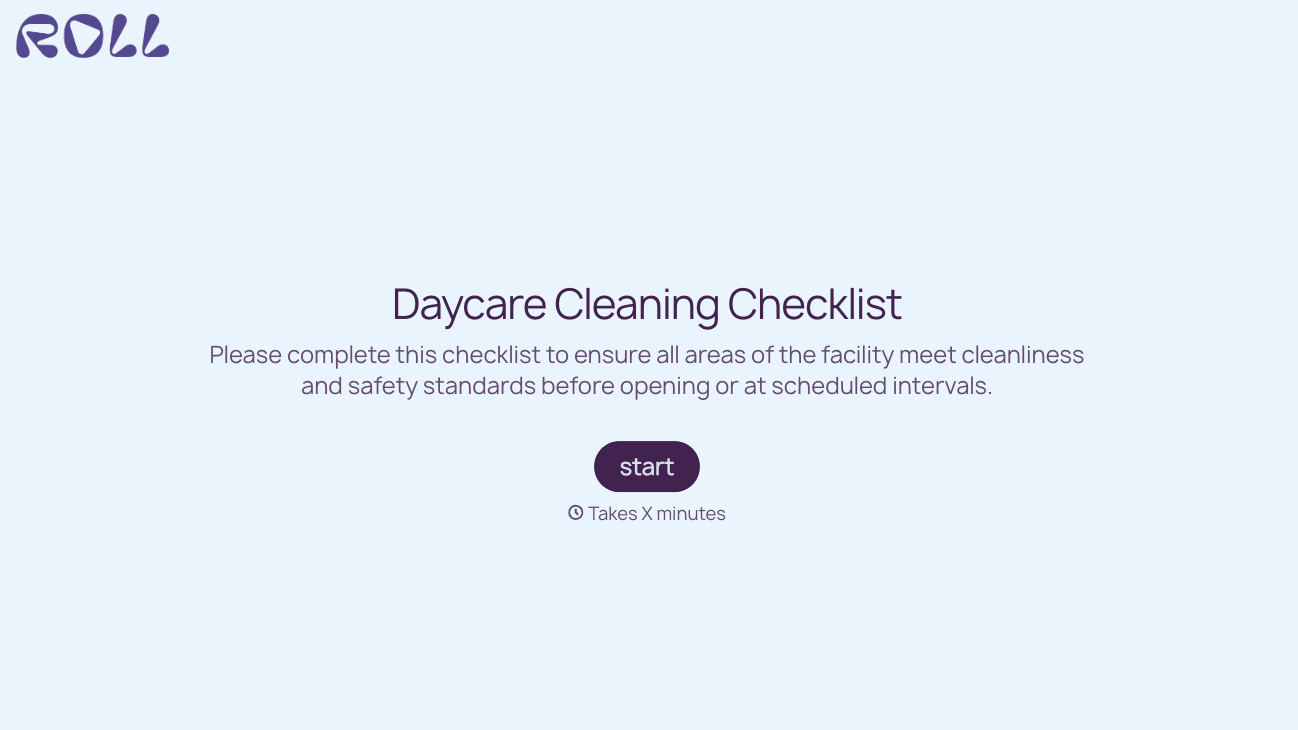
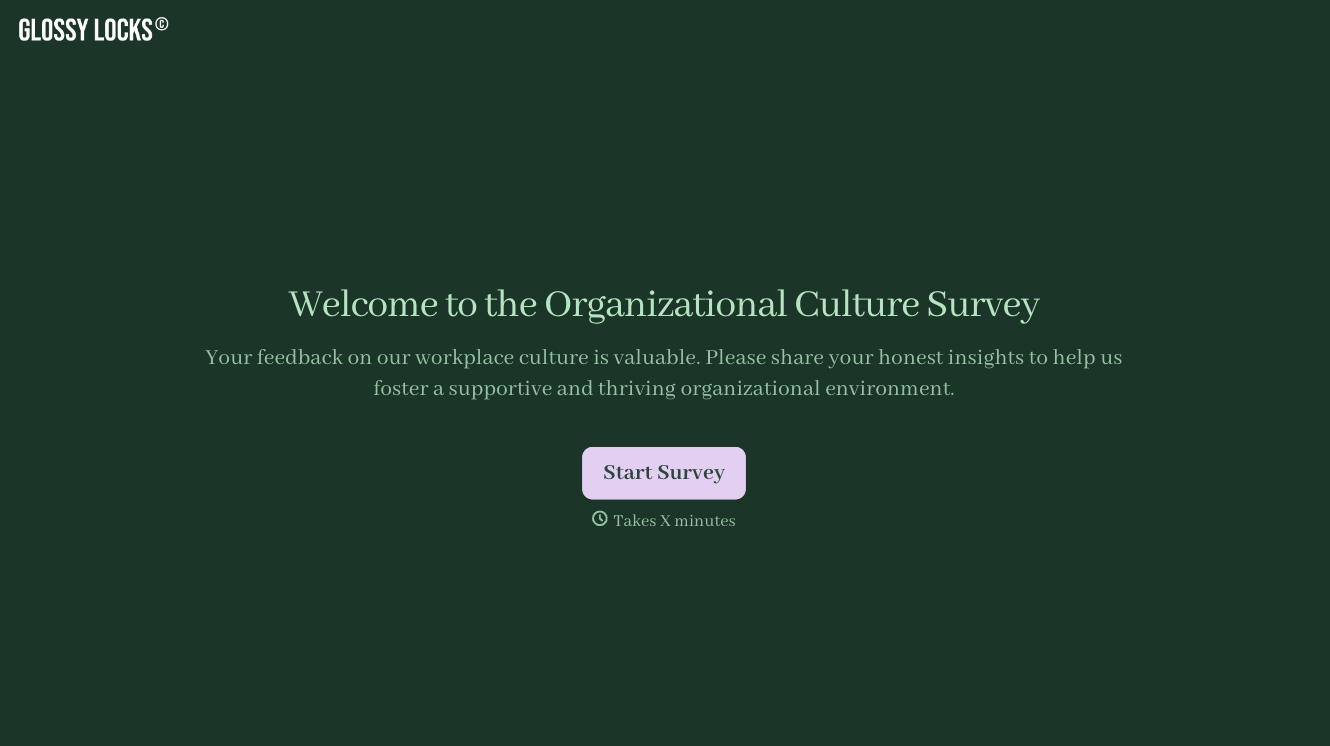
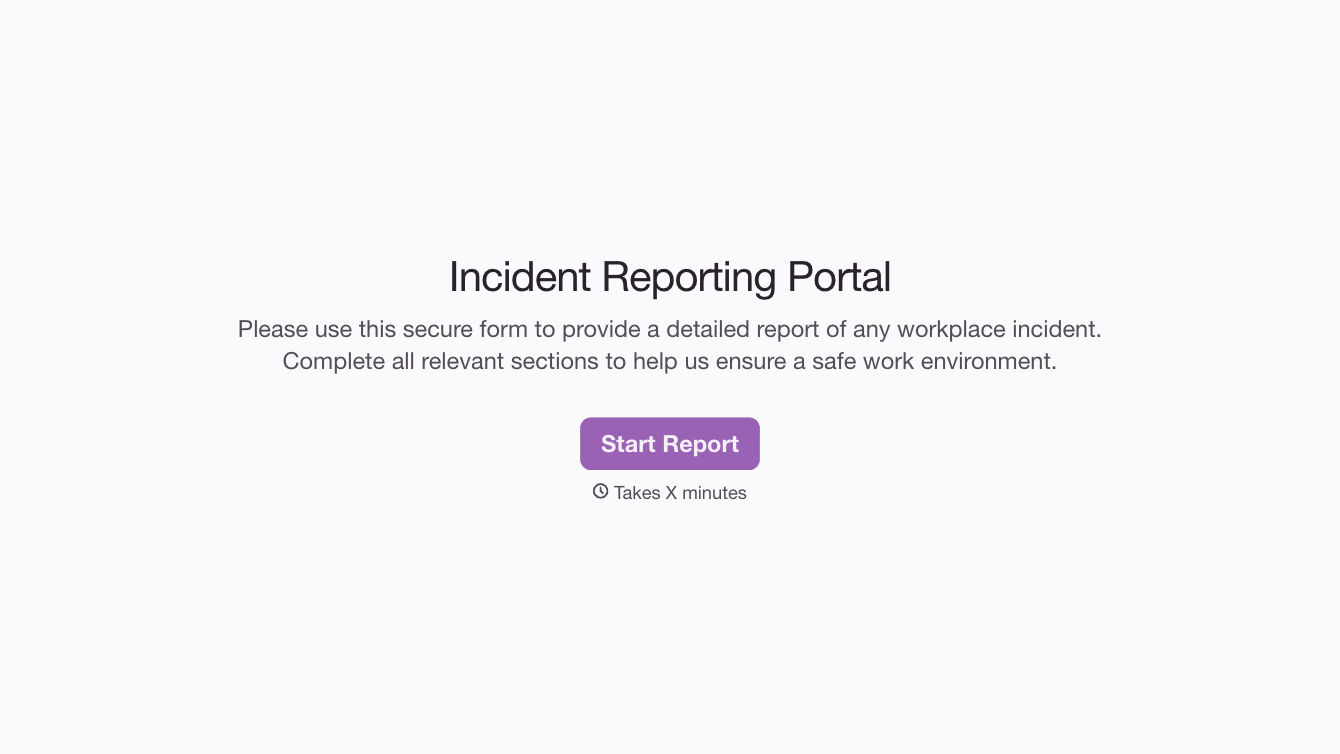
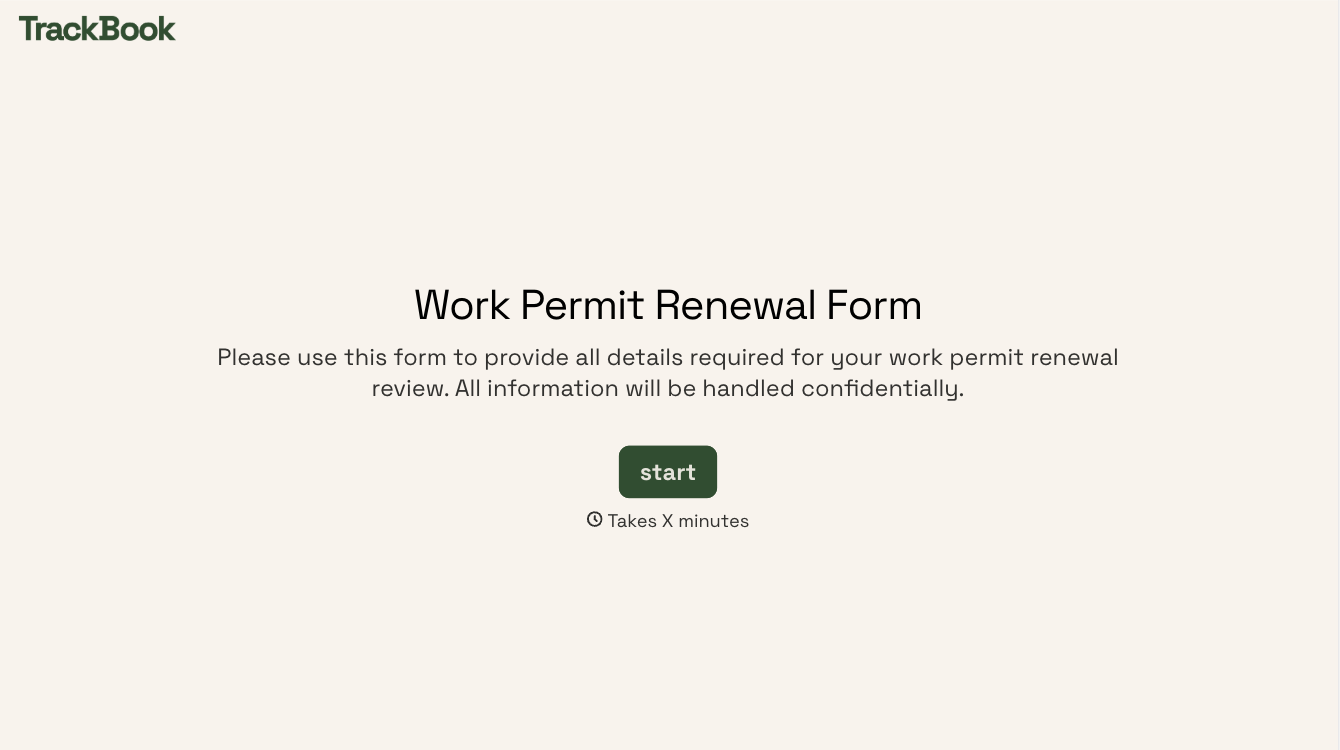
With Typeform, you can customize everything
Change text, colors, and even logos to match the look and feel of your brand. Then embed forms smoothly onto web and email.
Make forms feel effortless to fill out. Pace questions, call people by their name, and adapt the flow based on the data they share.
Stay efficient by connecting forms to your workflow. Typeform integrates with 300+ tools including Slack, Zapier, and HubSpot.


