Material Order Form Template
Give your team a clear, consistent way to request materials so every order is tracked and nothing slips through.



When materials requests come in through email, Slack, and sticky notes, things fall through the cracks. You order the wrong quantity, duplicate orders from different departments, or find out too late that a project is stalled because supplies weren't requested in time.
A structured material order form gives everyone the same process. Typeform's one-question-at-a-time format walks requesters through each field they need to fill in, reducing incomplete submissions. You can use conditional logic to show supplier-specific fields, flag urgent orders for faster review, or route requests to the right approver based on the department or cost center. Responses connect to tools like Google Sheets, Slack, or your procurement system via Zapier.
Customize the form with your company's approved supplier list, cost codes, and any internal approval steps. Share it as a link in your internal wiki or pin it in your team's project management tool so it's always easy to find.
A material order form is used by most businesses to sell their items to other businesses. It could include packaging materials, building materials, PPE, or anything else. An online form for material orders fast tracks the process and cuts out the middleman. Set up a form so that your clients can complete an entire order, provide payment and delivery information. All you need to do is focus on fulfilling the order.
Without a standard form, order requests are inconsistent and easy to lose. A form creates a clear record of every request, makes approvals faster, and gives your procurement team the information they need without back-and-forth. It also makes it easier to spot patterns in usage and plan inventory more accurately.
Include enough detail to process the order without follow-up:
- Requester's name and department
- Item name, description, and part number (if applicable)
- Quantity needed
- Preferred supplier (if any)
- Date needed by
- Cost center or project code
- Reason for the request
Connect your form to a tool like Slack or email so the relevant approver gets notified automatically when a request comes in. For higher-value orders, you can add a conditional question that flags requests above a certain cost for manager review before they're processed.
Yes. You can add a question that lets requesters indicate whether this is a one-time or recurring order, then set up your downstream workflow to handle each type differently. Recurring requests can be tagged and tracked separately so they're easy to manage over time.
Get inspired by relevant templates and categories
3200+ Templates, 300+ Integrations
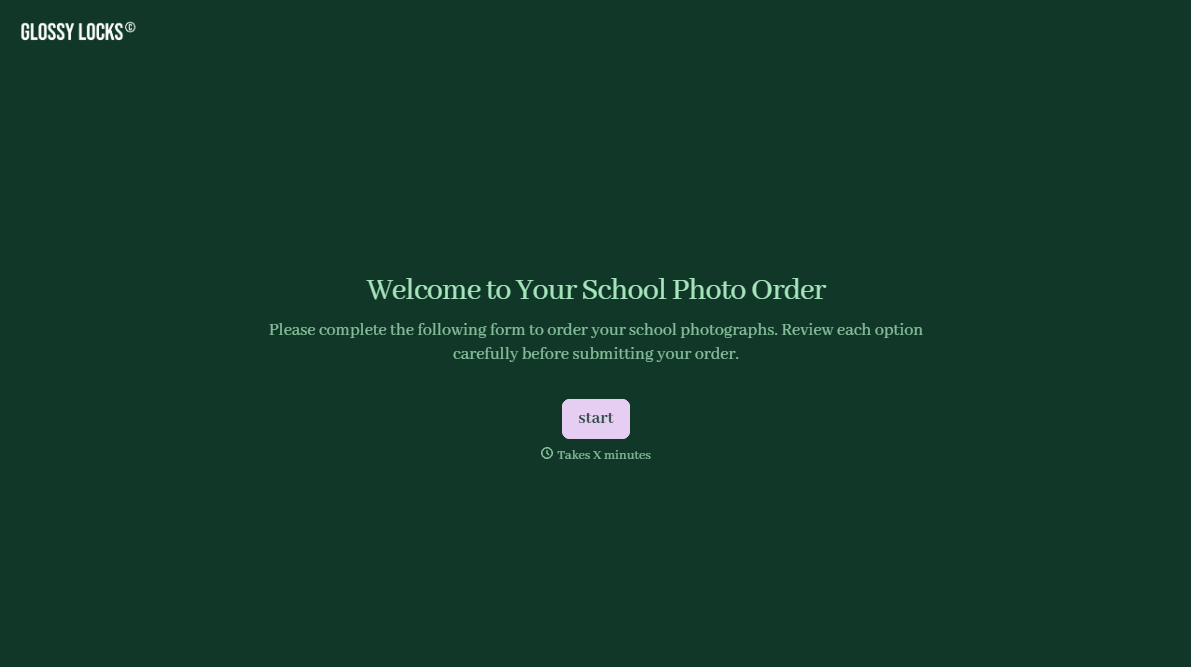
School Photography Order Form
A paper order form stuffed in a backpack for two weeks isn't an order anyone can act on. Collect student information, package selection, and payment before picture day, so your photographer shows up with an accurate count instead of a stack of crumpled envelopes.
View template
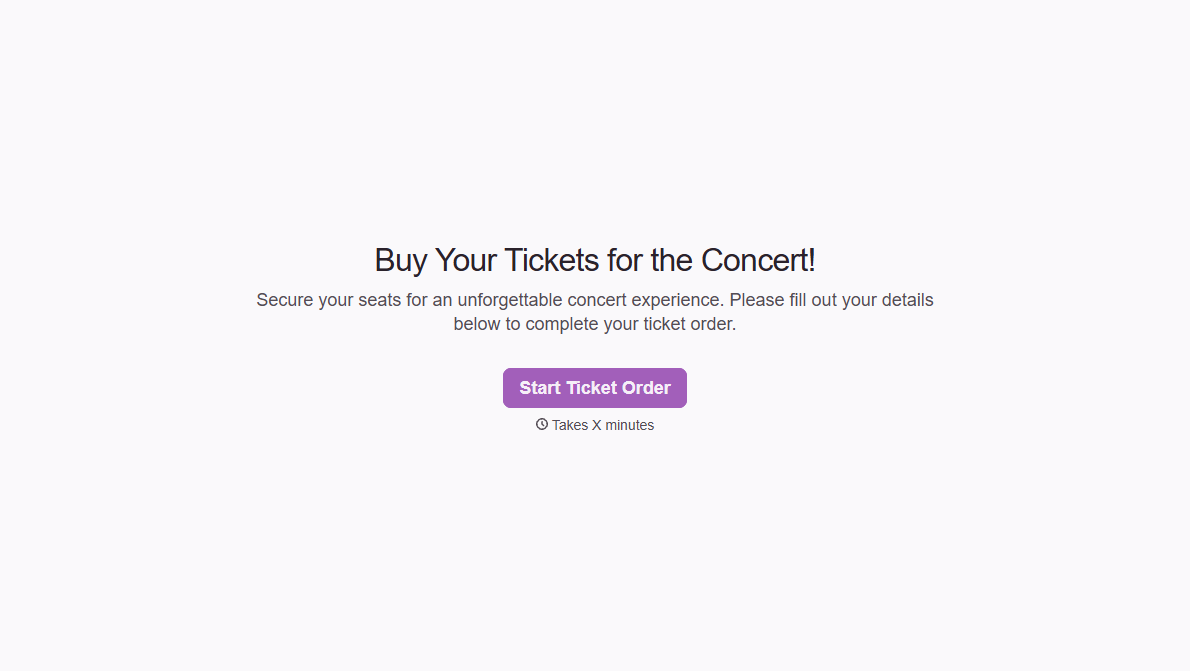
Concert Ticket Order Form
A ticket order collected through a Venmo request and a group text isn't a record, it's a promise to remember who paid and who still owes. Take the order, the payment, and the confirmation in the same form, so nobody's showing up at the door as a name someone half-remembers.
View template
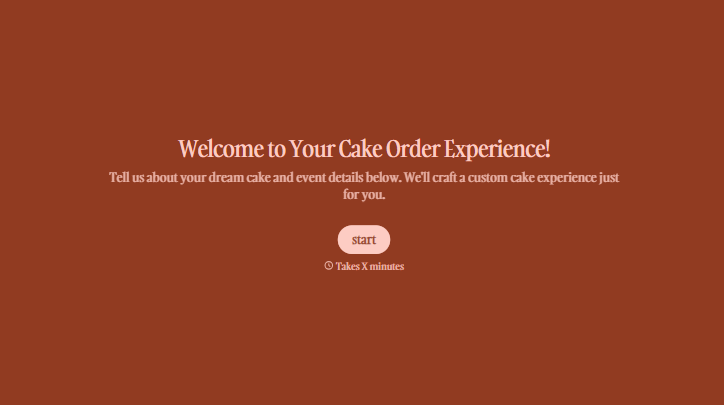
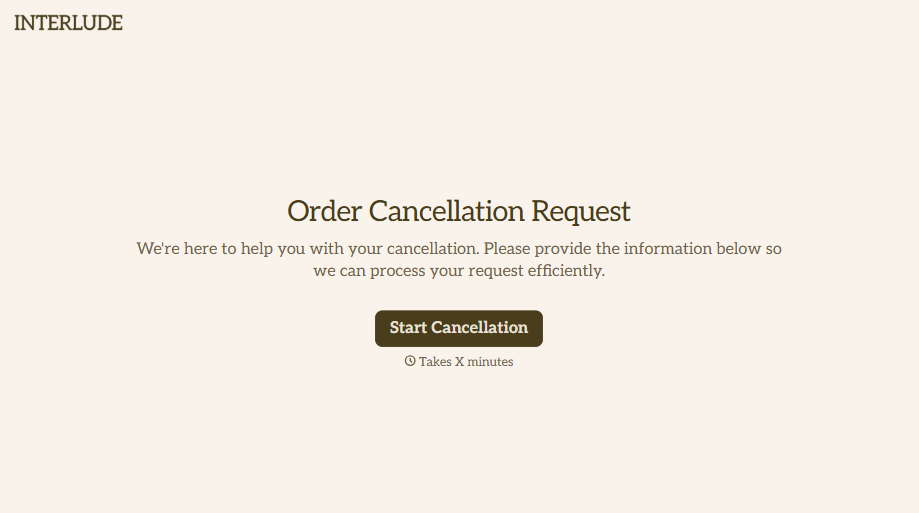

With Typeform, you can customize everything
Change text, colors, and even logos to match the look and feel of your brand. Then embed forms smoothly onto web and email.
Make forms feel effortless to fill out. Pace questions, call people by their name, and adapt the flow based on the data they share.
Stay efficient by connecting forms to your workflow. Typeform integrates with 300+ tools including Slack, Zapier, and HubSpot.


