Shoes Order Form Template
Take shoe orders with all the right details so every pair goes to the right person in the right size.



Shoe orders go wrong when the details aren't captured clearly. A missing size, an unclear color preference, or an unconfirmed address means a returned item and a frustrated customer. When orders come in through DMs or messages, those details are easy to miss.
A Typeform shoe order form collects everything you need to fulfill each order accurately. Conditional logic can adjust the question flow based on shoe type, surfacing size charts for relevant styles or asking about width fittings only when applicable. You can connect responses to a spreadsheet or order management tool so nothing gets overlooked.
Customize the form to your product range, add your brand look, and share it anywhere you sell — social media, email, or your website.
A shoes order form is a structured form that collects all the information needed to fulfill a footwear order — product details, sizing, delivery information, and payment. It's used by retailers, boutiques, and independent sellers.
Getting sizing and style details right is critical for footwear. A form ensures every order includes the necessary specifications before it's processed, reducing returns and customer service issues.
Cover the details that determine the right fit and delivery:
- Customer name and contact details
- Shoe style and product name or code
- Size (including width if applicable)
- Color or material preference
- Quantity
- Delivery address
- Payment details or reference
Include a size conversion chart as a reference within the form instructions or as a linked resource. You can also add a dropdown with standard sizes across multiple systems (UK, EU, US) so customers select the measurement that matches their region.
Yes. Typeform lets you add images to question options, so customers can select a style visually rather than typing a product name. This works especially well for boutique sellers with a curated range.
Get inspired by relevant templates and categories
3200+ Templates, 300+ Integrations
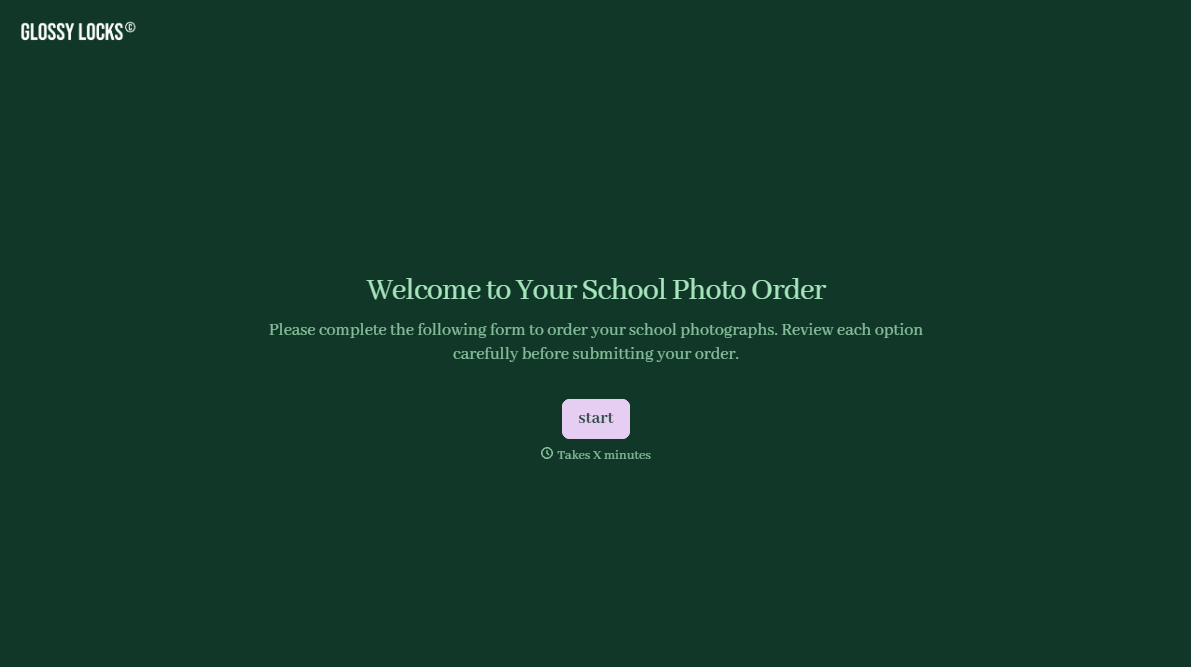
School Photography Order Form
A paper order form stuffed in a backpack for two weeks isn't an order anyone can act on. Collect student information, package selection, and payment before picture day, so your photographer shows up with an accurate count instead of a stack of crumpled envelopes.
View template
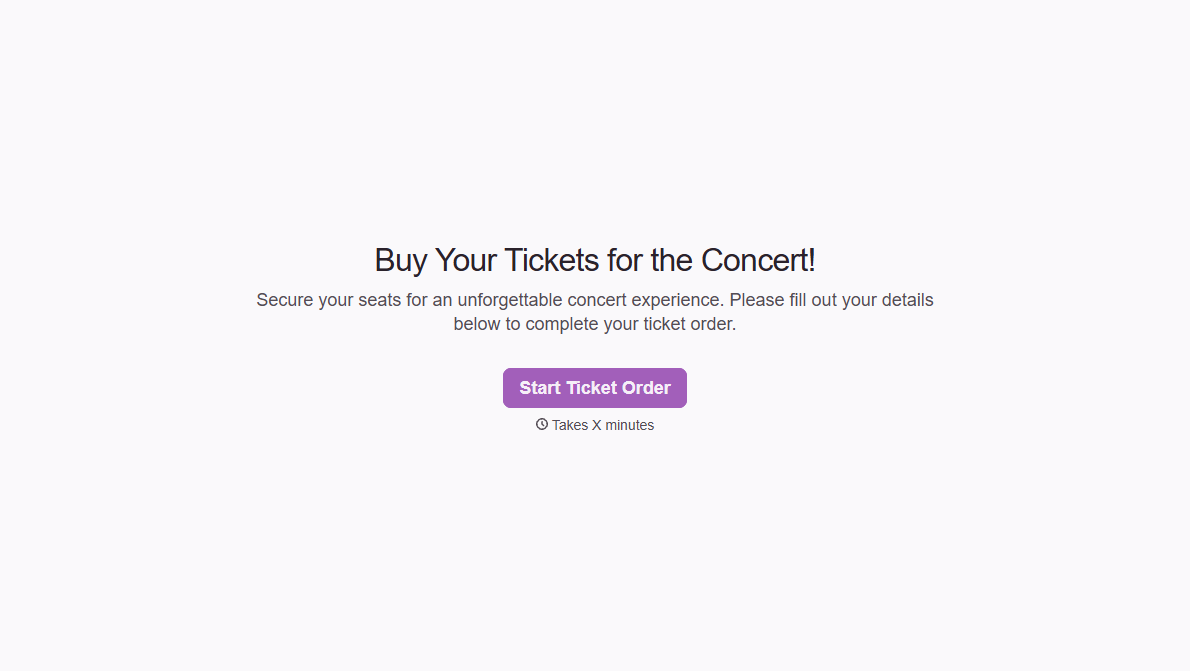
Concert Ticket Order Form
A ticket order collected through a Venmo request and a group text isn't a record, it's a promise to remember who paid and who still owes. Take the order, the payment, and the confirmation in the same form, so nobody's showing up at the door as a name someone half-remembers.
View template
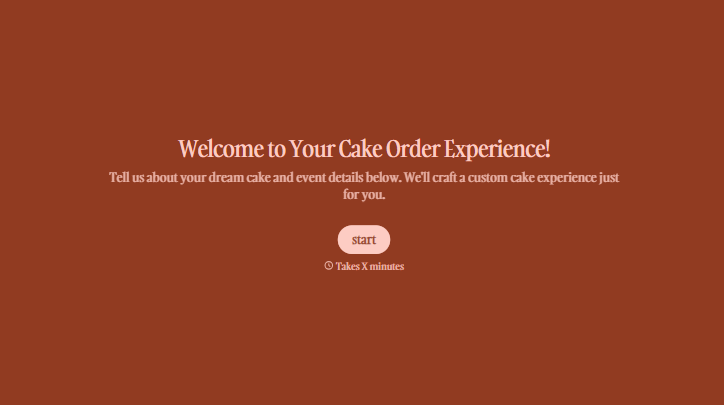
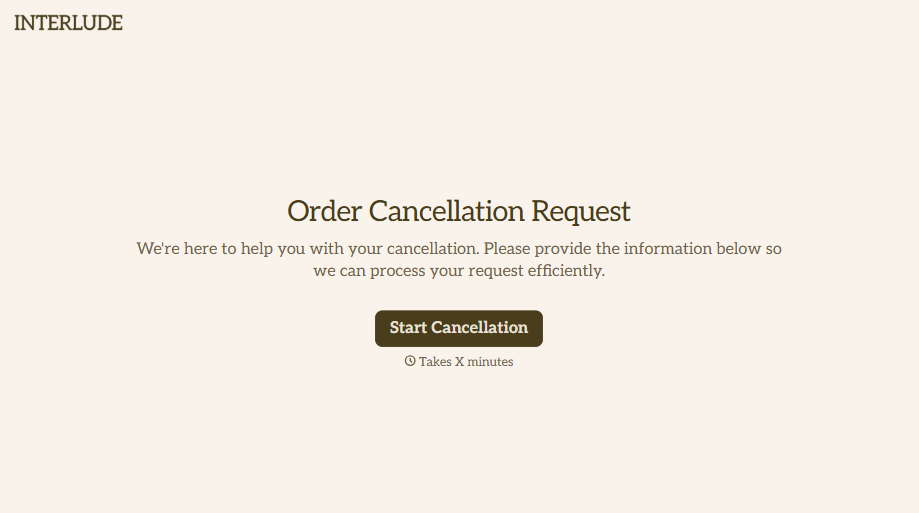

With Typeform, you can customize everything
Change text, colors, and even logos to match the look and feel of your brand. Then embed forms smoothly onto web and email.
Make forms feel effortless to fill out. Pace questions, call people by their name, and adapt the flow based on the data they share.
Stay efficient by connecting forms to your workflow. Typeform integrates with 300+ tools including Slack, Zapier, and HubSpot.


