Software incident report form template
Make reporting software incidents faster, smoother, and easier to resolve


There are two main uses. It’s important to keep a record of software issues. That way you can spot recurring problems, and use that data to identify the source, so you can nip the problem in the bud. The second reason is to help the team be as productive and happy as possible. When software hits a roadblock, productivity (and morale) sinks. A report allows you to gather all the information in a single interaction, and find a solution in an instant.
Using a software incident report is a great first step. It allows you to capture the information you need to find a solution. The benefit of a form is that you can include all the questions you need. Typeforms are completely customizable and have tons of question types, allowing you to capture the most relevant information, and update your form based on what people report.
Once you’ve got your report form, decide how you want to manage submissions. We’ve made it super easy to export them. You can also try our integrations and send notifications to Slack, or add tasks to Trello or Asana.
"File Upload" is the only paid feature in this template. It lets your audience add, for example, a screenshot of what's happening, which speeds up IT's investigation of the incident. Useful, but technically not essential. If you want to keep this feature you’ll need to upgrade your plan. If not, just delete that question and stay on the free plan. You can of course sign up for free using this template and give it a spin before you decide.
Get inspired by relevant templates and categories
3200+ Templates, 300+ Integrations
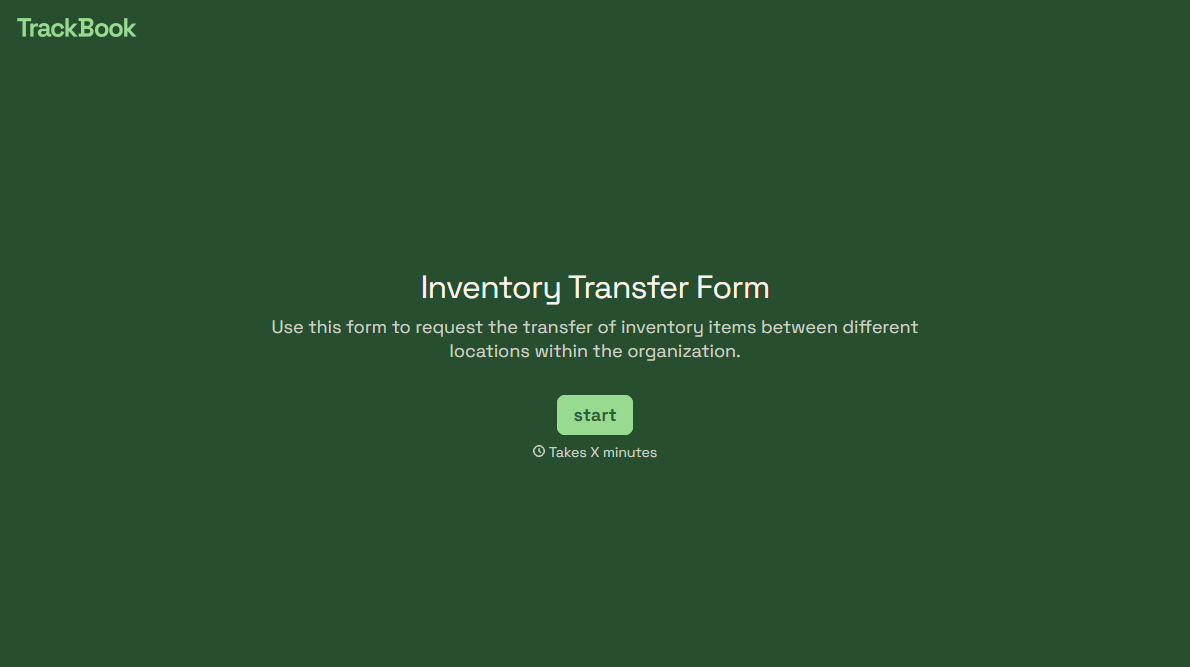
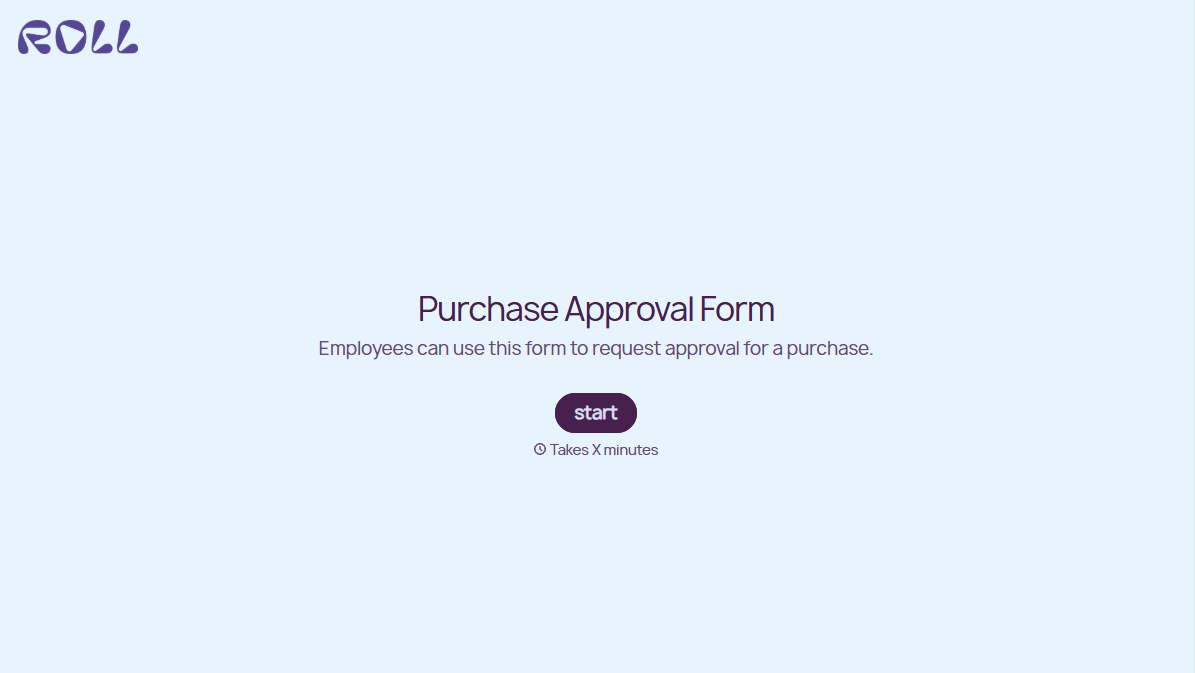
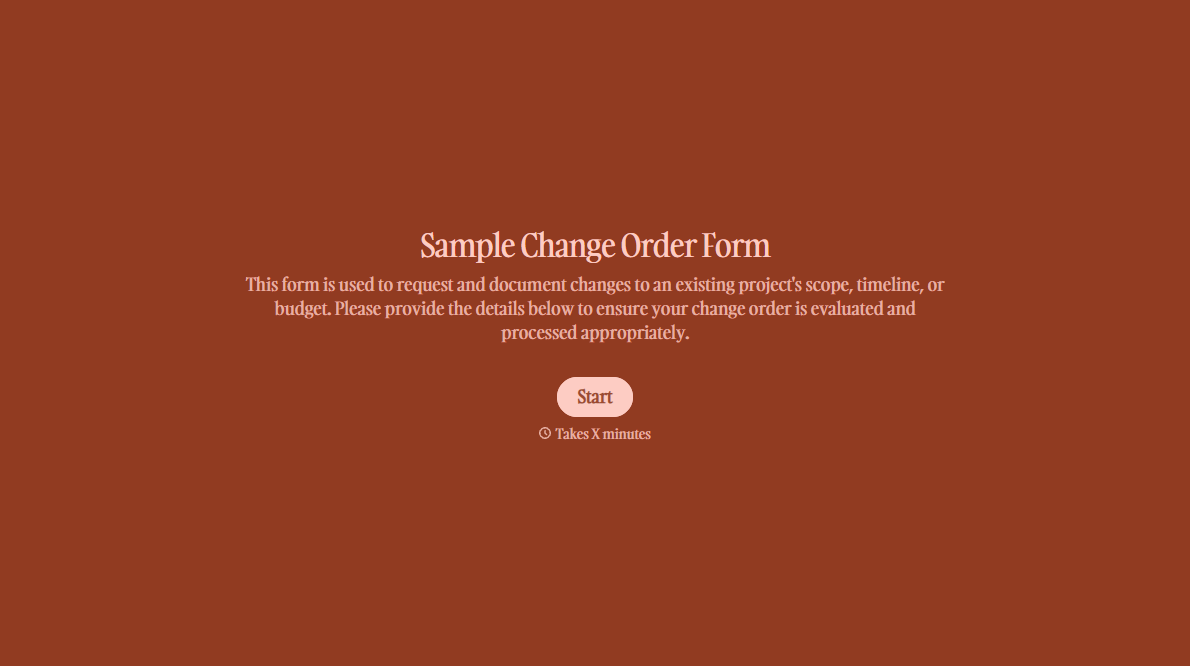
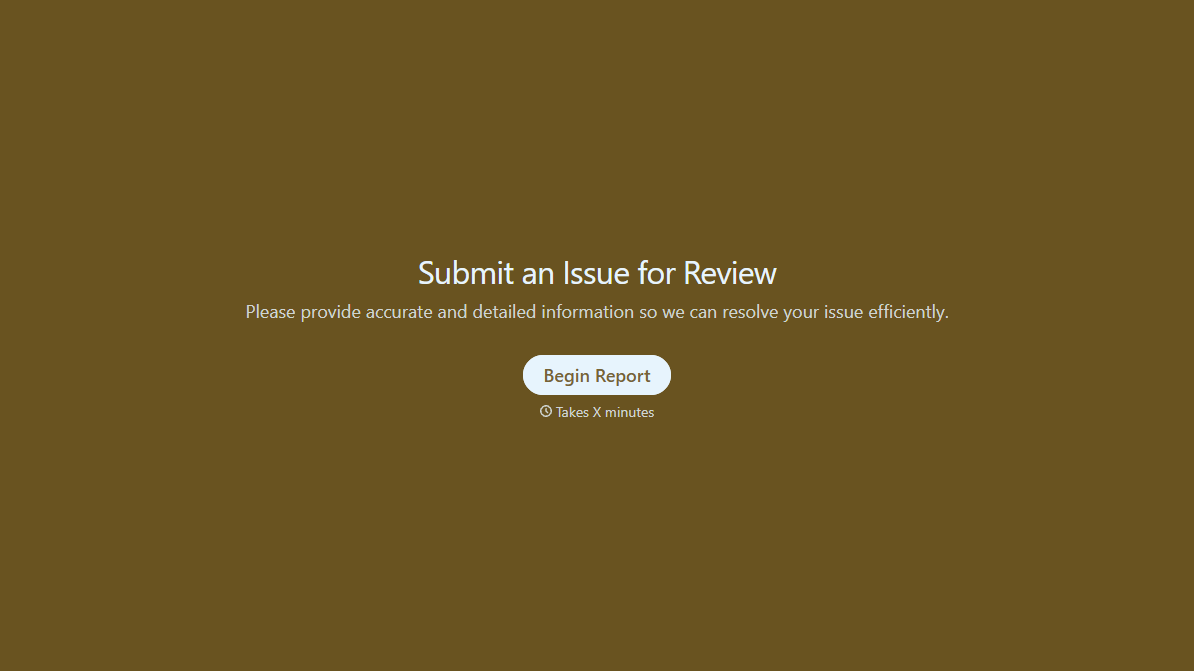
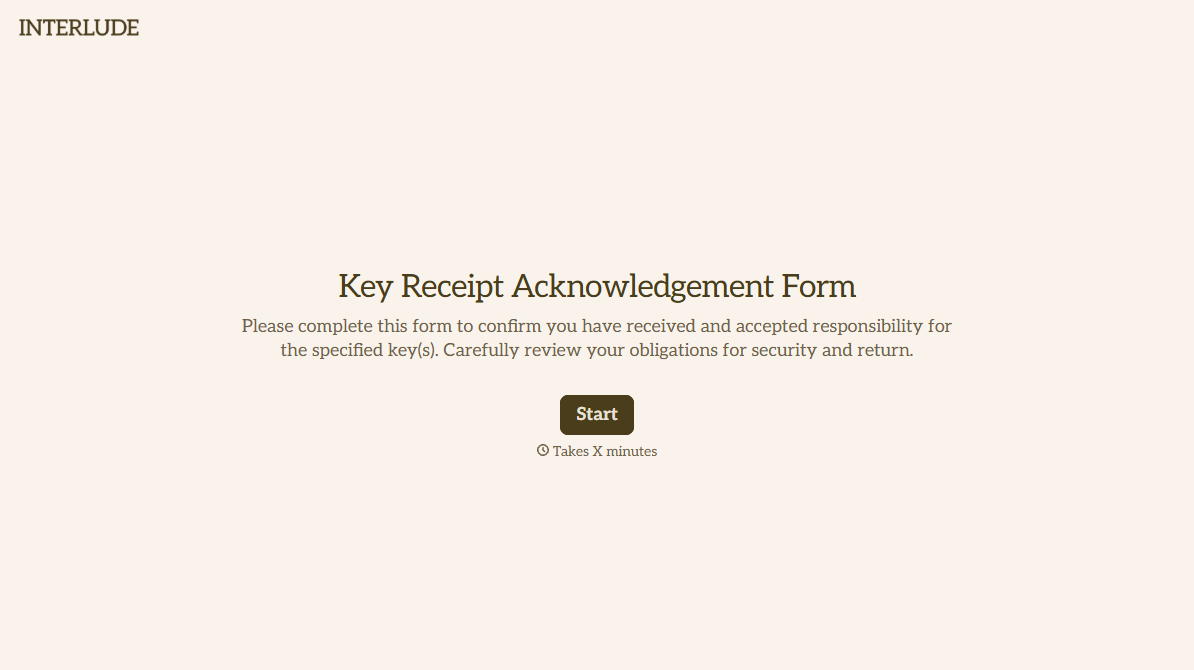
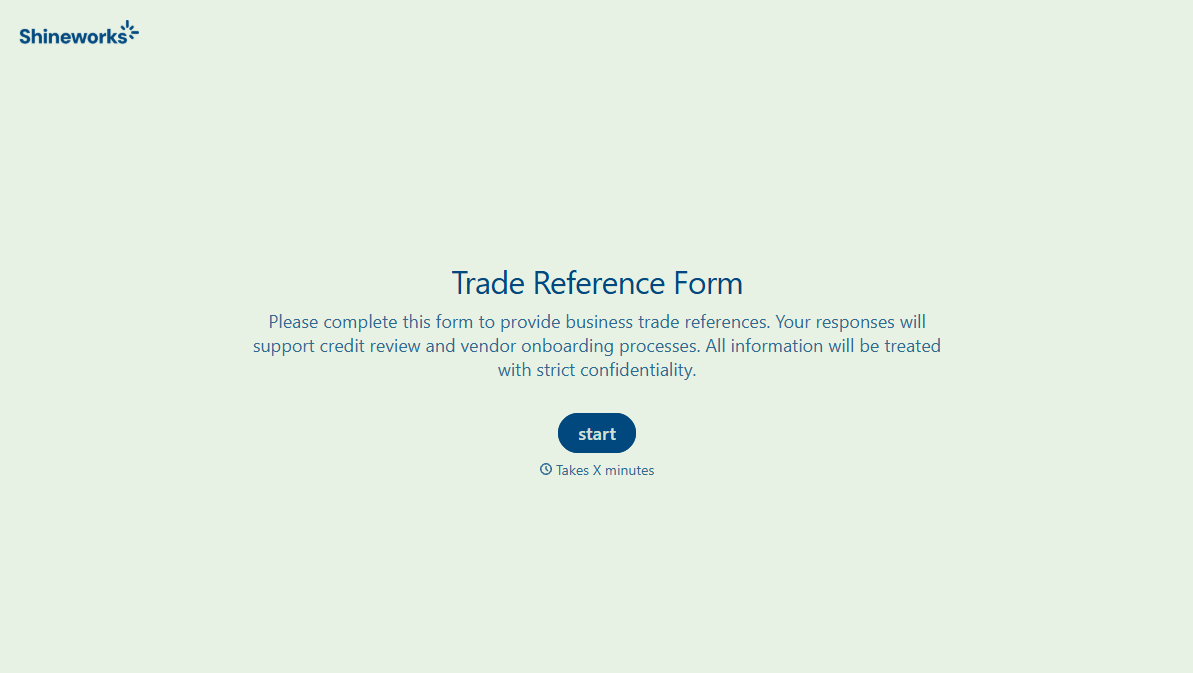
With Typeform, you can customize everything
Change text, colors, and even logos to match the look and feel of your brand. Then embed forms smoothly onto web and email.
Make forms feel effortless to fill out. Pace questions, call people by their name, and adapt the flow based on the data they share.
Stay efficient by connecting forms to your workflow. Typeform integrates with 300+ tools including Slack, Zapier, and HubSpot.


