Summer Camp Registration Form Template
Collect registration details, medical information, and emergency contacts from camp families in one organized form before the session starts.



Summer camp registration isn't a simple signup — it's a detailed intake process that shapes everything from safety protocols to daily scheduling. Health history, emergency contacts, dietary needs, activity preferences, and a half-dozen consent forms all need to be collected before a single camper steps off the bus. This template brings it all into one organized, easy-to-complete form.
Typeform’s summer camp registration form template covers everything your program needs: camper and family contact information, emergency contacts, medical history, allergies and current medications, dietary restrictions, special accommodations, activity preferences, photo and video release, and payment or deposit collection.
Families who complete a thorough registration form feel more confident about what to expect; camp staff who have complete information before sessions begin, are better prepared to give every camper a great experience.
At minimum, collect health history, chronic conditions, current medications and dosing schedules, food and environmental allergies, immunization records, recent illnesses or injuries, the child's physician and insurance information, and any medical protocols staff need to know — like an EpiPen plan for severe allergies.
Photo and video use, participation in specific activities (swimming, climbing, off-site trips), emergency medical treatment, sunscreen and insect repellent application, and any activity-specific waivers.
Include an open-ended field asking families to describe any accommodations the camper needs. Follow up individually to assess feasibility and document accommodation plans before the session begins.
Yes — collecting a deposit at registration confirms the spot. Use a Stripe integration or a payment link in the confirmation email. Be clear about refund policies in the form before families commit.
After registering, families should receive a confirmation email that covers everything they need to show up prepared: a summary of their registration details, the camp schedule, a packing list, drop-off and pickup procedures, and a direct contact for questions. The earlier you send it, the fewer last-minute calls you’ll field.
Get inspired by relevant templates and categories
3200+ Templates, 300+ Integrations
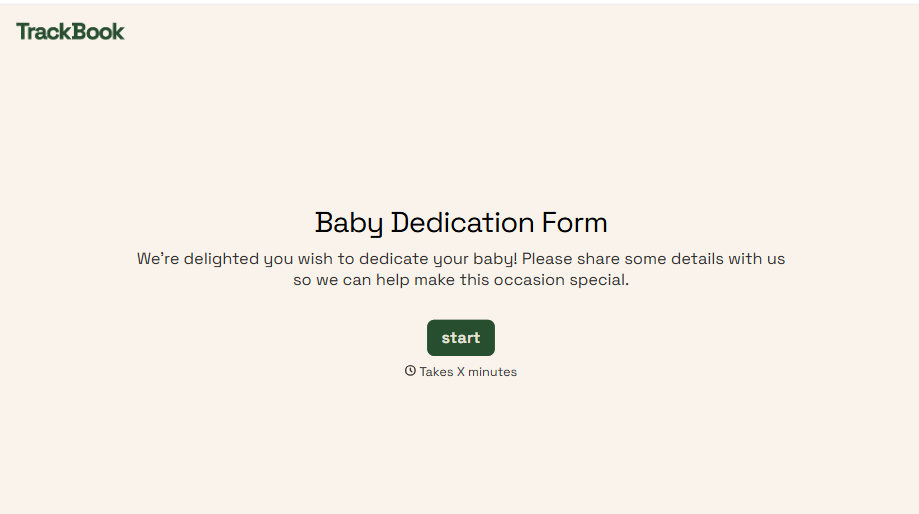
Baby Dedication Form
A sign-up sheet passed around during announcements isn't the kind of detail you want to compile into a Sunday program from memory. Collect the baby's information, requested ceremony date, and any required class attendance before the service, so your team isn't confirming a name's spelling the morning of.
View template
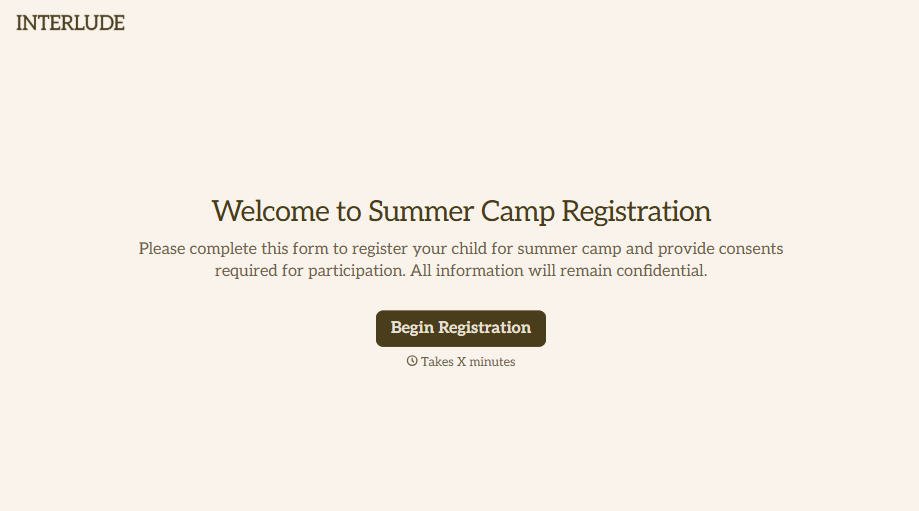
Summer Camp Consent Form
A camper with a bee sting and a counselor on the phone trying to reach a parent isn't a consent process, it's a delay. Collect guardian consent for emergency medical treatment, medication administration, and photo or media use before drop-off, so your staff can act instead of waiting for a callback.
View template
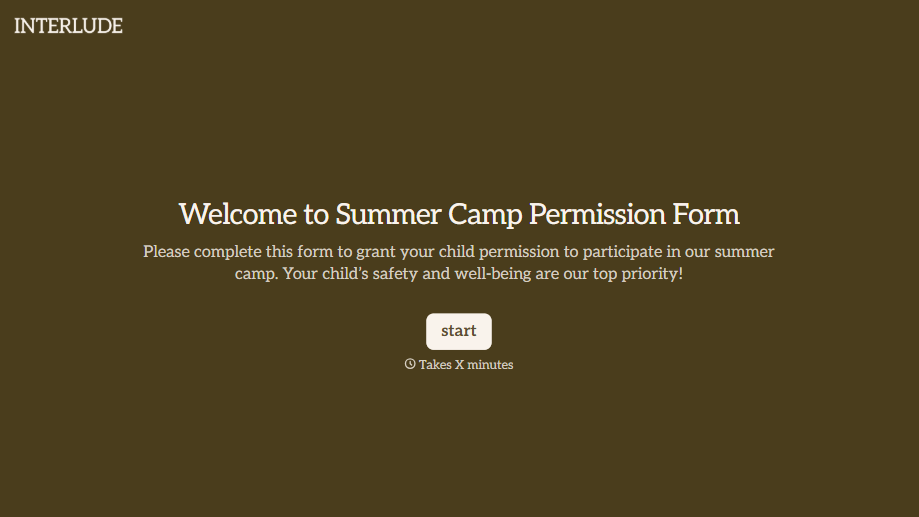
Summer Camp Permission Form
A permission packet crumpled at the bottom of a backpack for two weeks isn't a permission slip anyone can rely on. Collect camper information, medical disclosures, and a signed permission for camp activities before drop-off, so your staff aren't scrambling for an emergency contact on day one.
View template

Distributor Registration Form
A distributor application that arrives as a scanned resale certificate attached to an email doesn't tell your sales team what territory they're actually asking for. Collect what your company actually needs, business information, tax documentation, and territory, before you set up an account.
View template
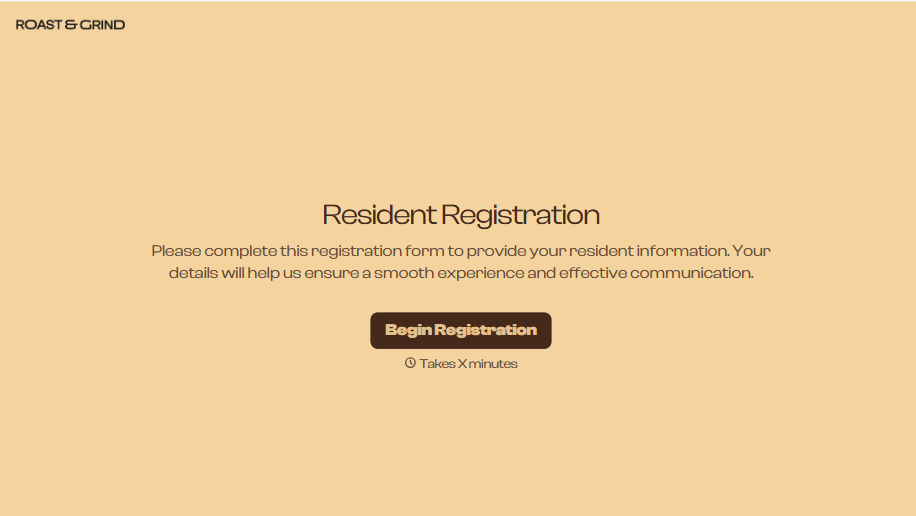
Resident Registration Form
A move-in packet signed at the leasing office and filed in a drawer isn't the kind of record your front desk can pull up when a resident's guest needs access or a car needs to be identified in the lot. Collect household members, vehicles, and emergency contacts before move-in day, so your community has an accurate record from the start.
View template

With Typeform, you can customize everything
Change text, colors, and even logos to match the look and feel of your brand. Then embed forms smoothly onto web and email.
Make forms feel effortless to fill out. Pace questions, call people by their name, and adapt the flow based on the data they share.
Stay efficient by connecting forms to your workflow. Typeform integrates with 300+ tools including Slack, Zapier, and HubSpot.


