Tool order form template
Arm customers with the tools they need to complete projects



No, not all of them. You’ll find the “Collect payments” feature using the Stripe integration on all our paid plans. So if you want to use it (which is more or less essential) you’ll need to upgrade your plan. You can of course sign up for free using this template and give it a spin before you decide.
The simpler you make the buying process, the more likely customers are to hit that 'pay now' button. Take away any potential roadblocks with this smooth tool order form.
This form asks one question at a time, like a real conversation. There's also space to upload pictures of the tools, so customers get a great, and accurate, shopping experience.
If you're on a Typeform paid plan, you can even add a Payment question. This lets customers pay for their tools right within the form, all thanks to Stripe.
Think of this form as a kind of an all-in-one tool. By hooking it up to our smart integrations, you can automate big chunks of the sales process.
Send out automatic order confirmations? Check. Update your inventory? Check. Have all customer information ready in your CRM? You guessed it—check. There's next to no manual work needed, freeing up more hands to pack those extra orders.
Get inspired by relevant templates and categories
3200+ Templates, 300+ Integrations
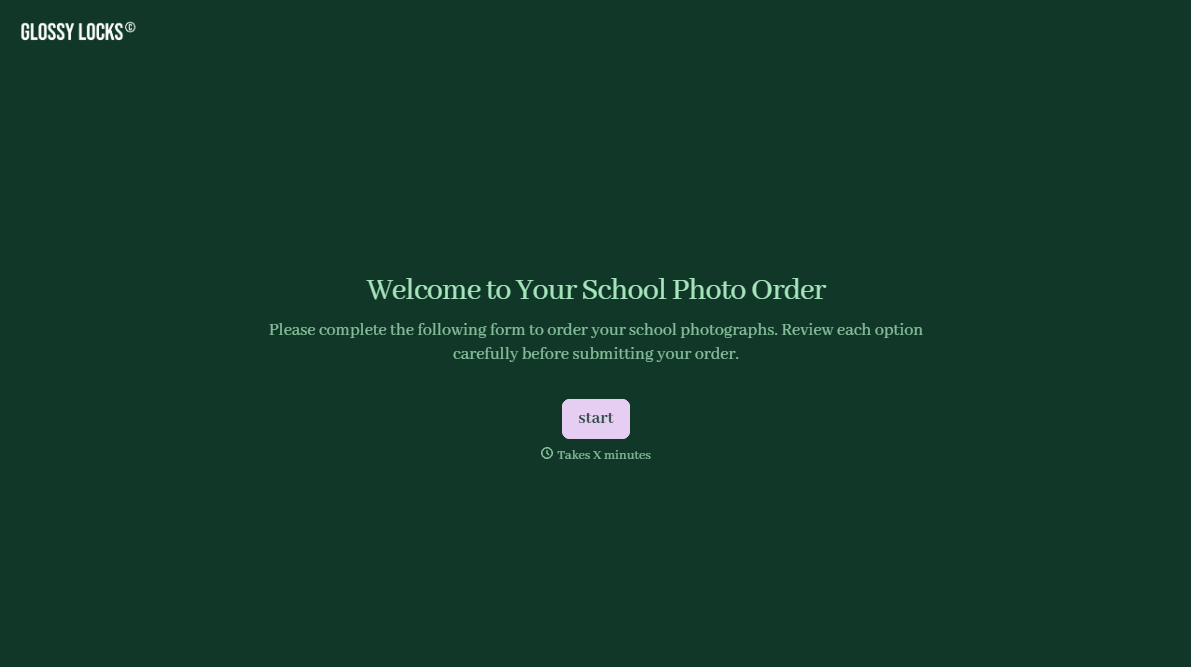
School Photography Order Form
A paper order form stuffed in a backpack for two weeks isn't an order anyone can act on. Collect student information, package selection, and payment before picture day, so your photographer shows up with an accurate count instead of a stack of crumpled envelopes.
View template
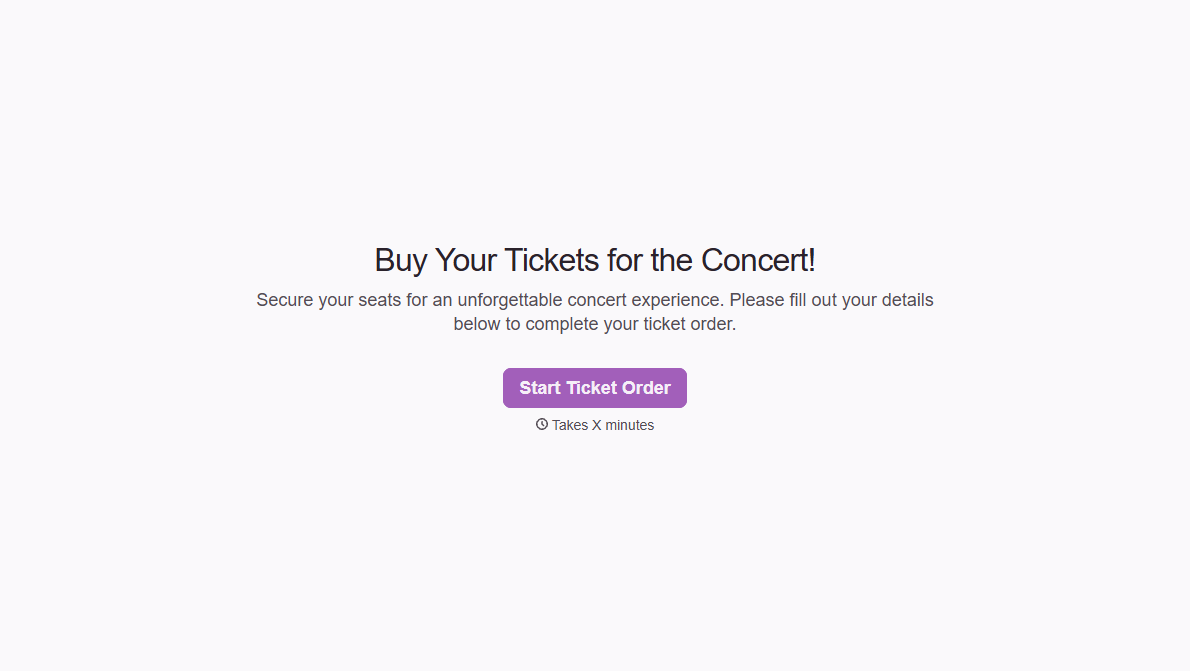
Concert Ticket Order Form
A ticket order collected through a Venmo request and a group text isn't a record, it's a promise to remember who paid and who still owes. Take the order, the payment, and the confirmation in the same form, so nobody's showing up at the door as a name someone half-remembers.
View template
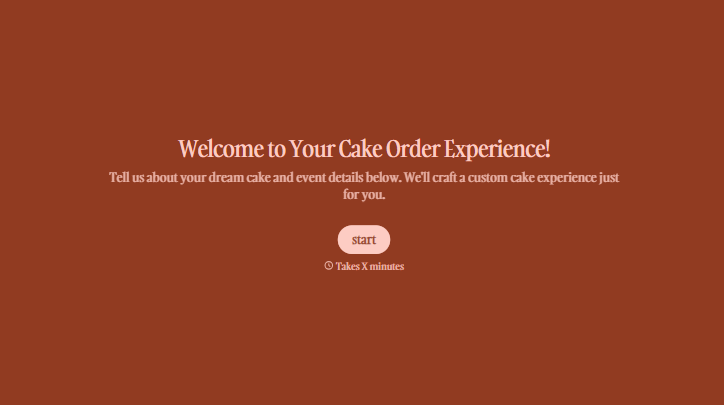
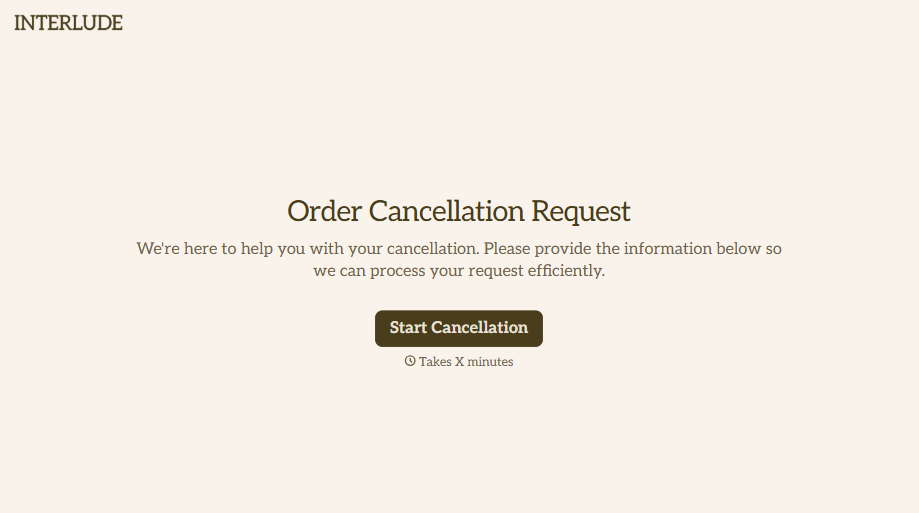

With Typeform, you can customize everything
Change text, colors, and even logos to match the look and feel of your brand. Then embed forms smoothly onto web and email.
Make forms feel effortless to fill out. Pace questions, call people by their name, and adapt the flow based on the data they share.
Stay efficient by connecting forms to your workflow. Typeform integrates with 300+ tools including Slack, Zapier, and HubSpot.


