User Registration Form Template
Give new users a smooth, welcoming onboarding experience from the first form they fill in.



A clunky registration form sets the wrong tone for a new user's relationship with your product or service. Walls of fields, confusing labels, and a form that looks like it was built in 2005 all signal that the rest of the experience might be the same.
Typeform's user registration form puts one question in front of the user at a time, which reduces cognitive load and improves completion rates. Conditional logic lets you personalize the onboarding flow based on user type, role, or how they plan to use the product. Responses connect to your CRM, email marketing tool, or database via integrations, so new users are set up in your systems the moment they submit.
Customize the form with your product's branding, keep it to only the fields you genuinely need, and make the confirmation screen a welcoming next step. A form that respects the user's time starts the relationship on the right foot.
A user registration form collects the information needed to create an account or profile for a new user. It typically captures name, email address, a password or login method, and any other details required to set up their access and personalize their experience.
It's often a user's first real interaction with your product, so the experience matters. A well-designed registration form reduces drop-off, collects the information you need to personalize onboarding, and gets new users into your system accurately from the start.
Keep it minimal for initial registration — you can collect more later:
- First and last name
- Email address
- Password (or OAuth option)
- Job title or role (if relevant for personalization)
- Company or organization (if B2B)
- How they heard about you
- Terms of service agreement
Ask only for what you need at this stage. Every additional field increases the chance a user abandons. If you need more information for personalization or onboarding, collect it progressively after they've created their account and experienced some value from the product.
Use Typeform's integrations with tools like HubSpot, Salesforce, Mailchimp, or your own system via webhook. You can set up automated triggers so new registrations instantly create contacts, send welcome emails, or provision access — without any manual steps.
Get inspired by relevant templates and categories
3200+ Templates, 300+ Integrations
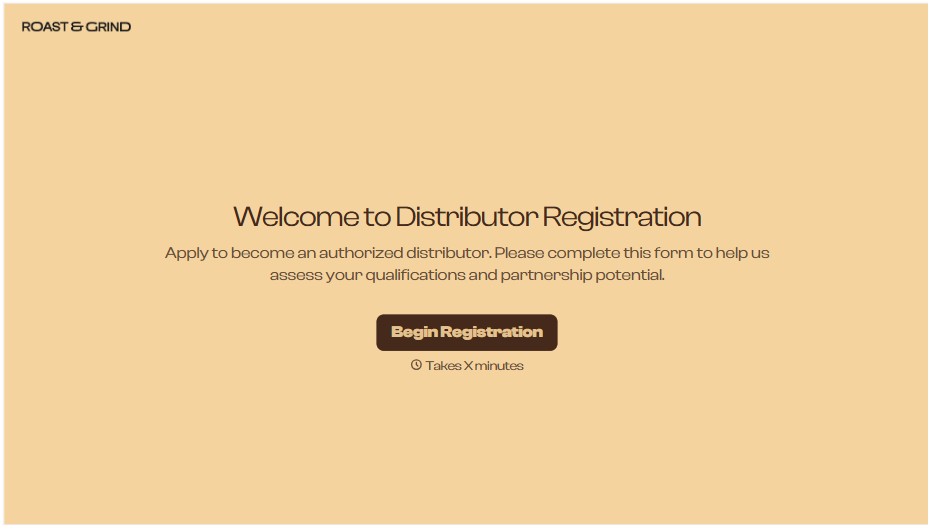
Distributor Registration Form
A distributor application that arrives as a scanned resale certificate attached to an email doesn't tell your sales team what territory they're actually asking for. Collect what your company actually needs, business information, tax documentation, and territory, before you set up an account.
View template
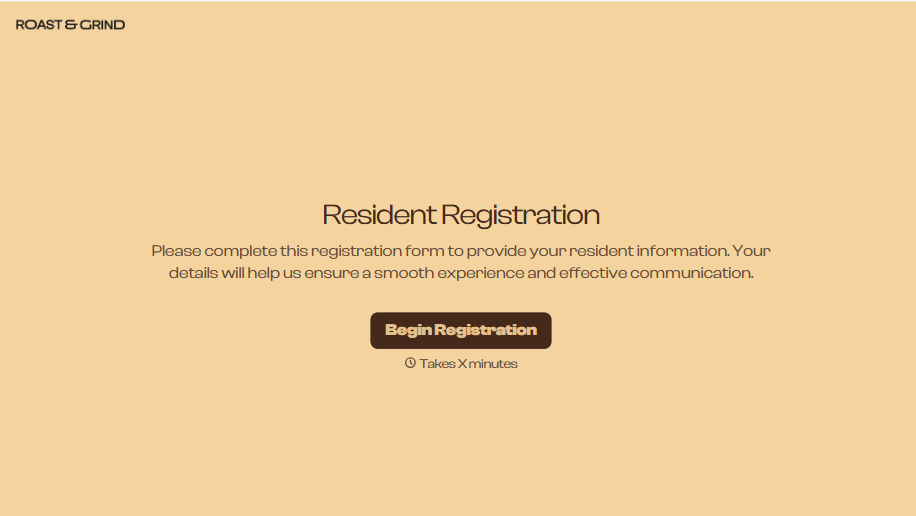
Resident Registration Form
A move-in packet signed at the leasing office and filed in a drawer isn't the kind of record your front desk can pull up when a resident's guest needs access or a car needs to be identified in the lot. Collect household members, vehicles, and emergency contacts before move-in day, so your community has an accurate record from the start.
View template
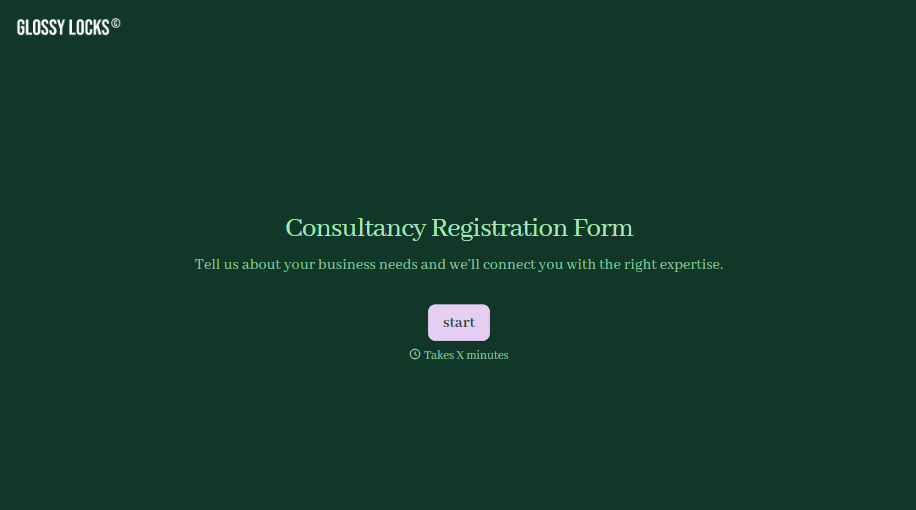
Consultancy Registration Form
Move past a registration form that only grabs a name and a phone number. Confirm the client understands who they're signing up with, screen for what a consultancy is legally allowed to charge and promise, and keep a record of exactly what was disclosed and agreed to.
View template


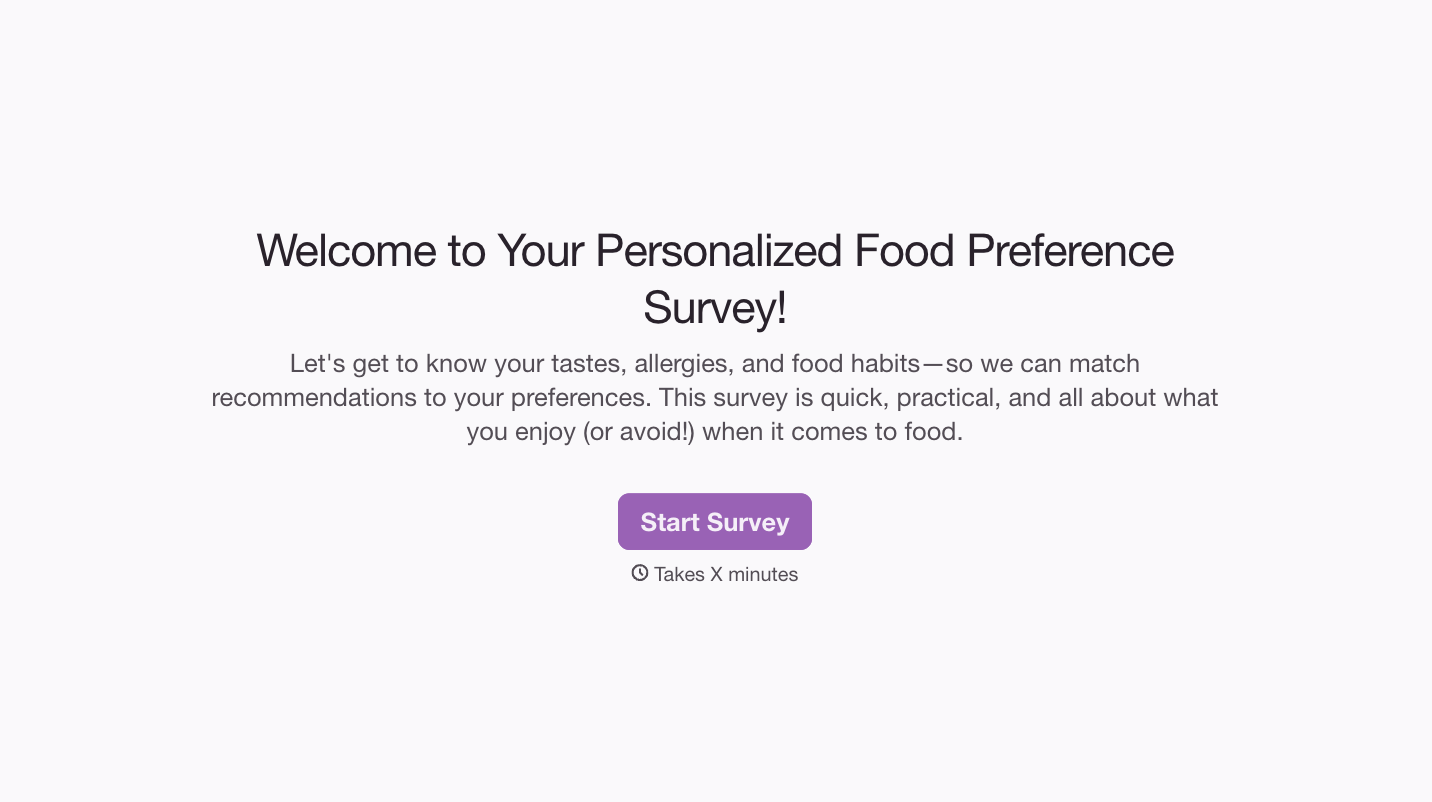
With Typeform, you can customize everything
Change text, colors, and even logos to match the look and feel of your brand. Then embed forms smoothly onto web and email.
Make forms feel effortless to fill out. Pace questions, call people by their name, and adapt the flow based on the data they share.
Stay efficient by connecting forms to your workflow. Typeform integrates with 300+ tools including Slack, Zapier, and HubSpot.


