Consultancy Registration Form
Move past a registration form that only grabs a name and a phone number. Confirm the client understands who they're signing up with, screen for what a consultancy is legally allowed to charge and promise, and keep a record of exactly what was disclosed and agreed to.



In a lot of places, calling yourself an "immigration consultant" or a "study abroad consultancy" and charging a fee for it isn't just a business decision, it's regulated. In Canada, only a lawyer, a notary in Quebec, or a consultant licensed by the College of Immigration and Citizenship Consultants can charge for immigration advice, under section 91 of the Immigration and Refugee Protection Act, and the law has teeth: a 2024 Canada Border Services Agency investigation led to an 18-month conditional sentence and $148,000 in restitution for someone who ran an unregistered consultancy and charged clients for fabricated job offers.
Other jurisdictions regulate the same activity differently. Punjab, India, licenses immigration consultants and IELTS test centers under its Travel Professionals Regulation Act and requires regular business reports, when 263 firms didn't comply, the state revoked their licenses outright. There's no single global standard, which is why a registration form needs to record who the client actually engaged with and on what terms, rather than assuming "consultancy" carries the same obligations everywhere.
Typeform's consultancy registration form captures the client's background and goals, destination country, program or job type, timeline, along with the services and fees they're agreeing to and a clear statement of what the consultancy is and isn't authorized to do, before any payment changes hands, with conditional logic routing different intake questions to a study-abroad applicant versus a job seeker. Every submission becomes a timestamped record of what was disclosed and agreed to, the file you want if a client disputes what they paid for or a regulator asks questions.
A consultancy registration form is what a prospective client, a student, job seeker, or business, fills out to formally engage a consultancy's services. It typically captures the client's background and goals, the specific services being requested, the fees and payment terms, and confirmation of what the consultancy is authorized to do.
It depends entirely on where you and your clients are. Some jurisdictions regulate this closely: Canada requires anyone charging for immigration advice to be a lawyer, a Quebec notary, or a consultant licensed by the College of Immigration and Citizenship Consultants, and prosecutes unauthorized consultants under section 91 of the Immigration and Refugee Protection Act. Punjab, India licenses immigration consultants and IELTS centers under its own Travel Professionals Regulation Act and has revoked hundreds of licenses for non-compliance. Confirm the specific licensing requirements in your jurisdiction and your client's, since they don't line up with each other.
It varies, but the consequences are real where the rules are enforced. A Canadian court sentenced an unregistered immigration consultant to an 18-month conditional sentence, six months of house arrest, and $148,000 in restitution in 2024 for charging clients tens of thousands of dollars under false pretenses. In Punjab, unlicensed or non-compliant firms have simply had their licenses revoked. Either way, an unregistered or non-compliant consultancy is exposed in a way a properly documented, licensed one isn't.
Capture enough to document the engagement and avoid a dispute later:
- Client name, contact information, and background relevant to the service (education, work history, or destination country)
- The specific service being requested and its scope
- Fees, payment schedule, and refund terms
- A statement of the consultancy's registration, license, or authorization to provide the service
- Signature and date confirming the client understood and agreed to the terms
Yes. Typeform's signature question lets clients sign by typing, drawing, or uploading their signature, time-stamps it the moment they submit, and locks the response so it can't be changed afterward, generating a PDF you can keep on file. It's available on Typeform's Growth Flow, Growth Custom, and Enterprise plans.
Get inspired by relevant templates and categories
3200+ Templates, 300+ Integrations


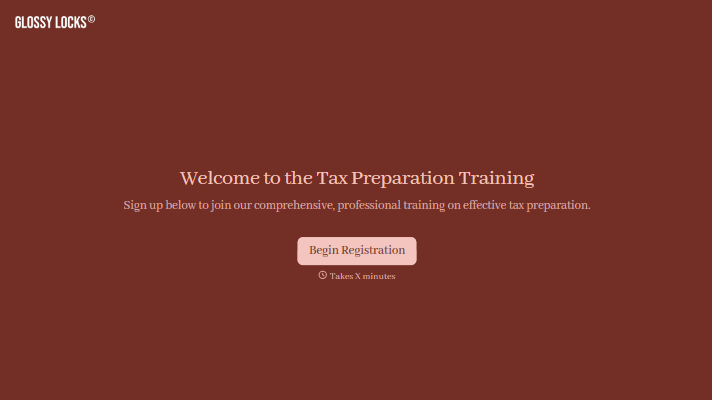

Distributor Registration Form
A distributor application that arrives as a scanned resale certificate attached to an email doesn't tell your sales team what territory they're actually asking for. Collect what your company actually needs, business information, tax documentation, and territory, before you set up an account.
View template
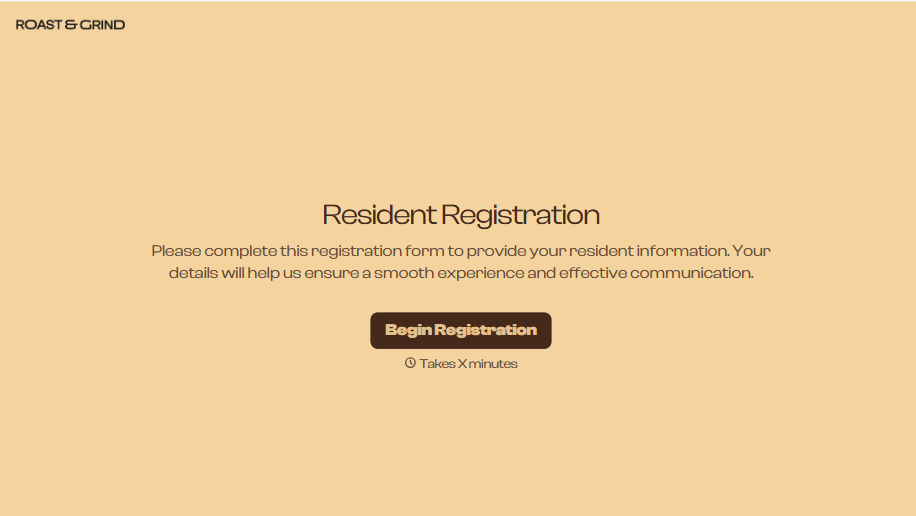
Resident Registration Form
A move-in packet signed at the leasing office and filed in a drawer isn't the kind of record your front desk can pull up when a resident's guest needs access or a car needs to be identified in the lot. Collect household members, vehicles, and emergency contacts before move-in day, so your community has an accurate record from the start.
View template
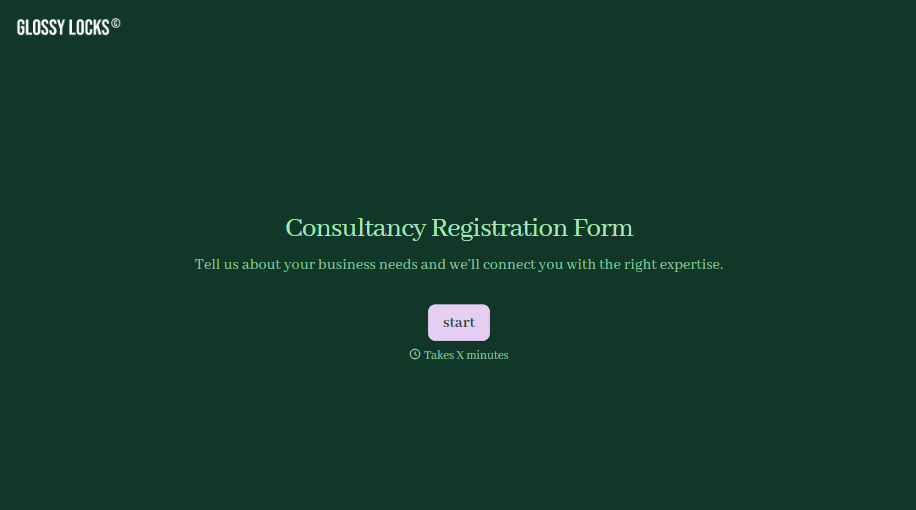
Consultancy Registration Form
Move past a registration form that only grabs a name and a phone number. Confirm the client understands who they're signing up with, screen for what a consultancy is legally allowed to charge and promise, and keep a record of exactly what was disclosed and agreed to.
View template
With Typeform, you can customize everything
Change text, colors, and even logos to match the look and feel of your brand. Then embed forms smoothly onto web and email.
Make forms feel effortless to fill out. Pace questions, call people by their name, and adapt the flow based on the data they share.
Stay efficient by connecting forms to your workflow. Typeform integrates with 300+ tools including Slack, Zapier, and HubSpot.


