Webinar Registration Form Template
Fill your webinar seats with registrants who actually show up.



Getting people to register is only half the battle. The other half is collecting the right information upfront so you can send relevant reminders, segment your follow-up, and understand who's actually interested in what you're covering.
A well-designed registration form does more than confirm attendance. Typeform's webinar registration template captures name and contact details alongside qualifying questions — role, company size, what they're hoping to learn — that help you personalize the pre-webinar communication and the post-webinar follow-up. The one-question-at-a-time format makes registration feel quick, which improves completion rates. You can connect the form to your email platform to trigger confirmation emails and reminders automatically.
Add your webinar topic and branding, set up your email integration, and you're ready to promote. Most teams have this live in under 30 minutes.
A webinar registration form is an online form that prospective attendees complete to confirm their place in an upcoming webinar. It typically collects contact information, role or job function, and sometimes qualifying questions that help the host prepare relevant content and personalize follow-up.
It gives you more than a list of names. The right registration form tells you who's attending, what they're hoping to get out of the session, and where they are in their relationship with your brand. That context lets you tailor your content, follow up more effectively, and qualify leads generated through the webinar.
A webinar registration form typically captures:
- First and last name
- Email address
- Job title and company name
- Company size or industry
- What they're hoping to learn from the webinar
- How they heard about the webinar
- Any questions they'd like answered during the session
Keep the form short — 5 to 7 fields is the sweet spot for most audiences. Make the value proposition clear on the page above the form so people understand what they're signing up for. And send the form link in the places where your audience already spends time rather than relying only on a landing page.
Segment registrants by whether they attended, and tailor your follow-up accordingly. Attendees who made it get a recording and next steps; registrants who didn't attend get a short re-engagement message. Connect your registration data to your CRM so every lead from the webinar flows into the right sequence automatically.
Get inspired by relevant templates and categories
3200+ Templates, 300+ Integrations
Baby Dedication Form
A sign-up sheet passed around during announcements isn't the kind of detail you want to compile into a Sunday program from memory. Collect the baby's information, requested ceremony date, and any required class attendance before the service, so your team isn't confirming a name's spelling the morning of.
View template
Summer Camp Consent Form
A camper with a bee sting and a counselor on the phone trying to reach a parent isn't a consent process, it's a delay. Collect guardian consent for emergency medical treatment, medication administration, and photo or media use before drop-off, so your staff can act instead of waiting for a callback.
View template
Summer Camp Permission Form
A permission packet crumpled at the bottom of a backpack for two weeks isn't a permission slip anyone can rely on. Collect camper information, medical disclosures, and a signed permission for camp activities before drop-off, so your staff aren't scrambling for an emergency contact on day one.
View template
Distributor Registration Form
A distributor application that arrives as a scanned resale certificate attached to an email doesn't tell your sales team what territory they're actually asking for. Collect what your company actually needs, business information, tax documentation, and territory, before you set up an account.
View template
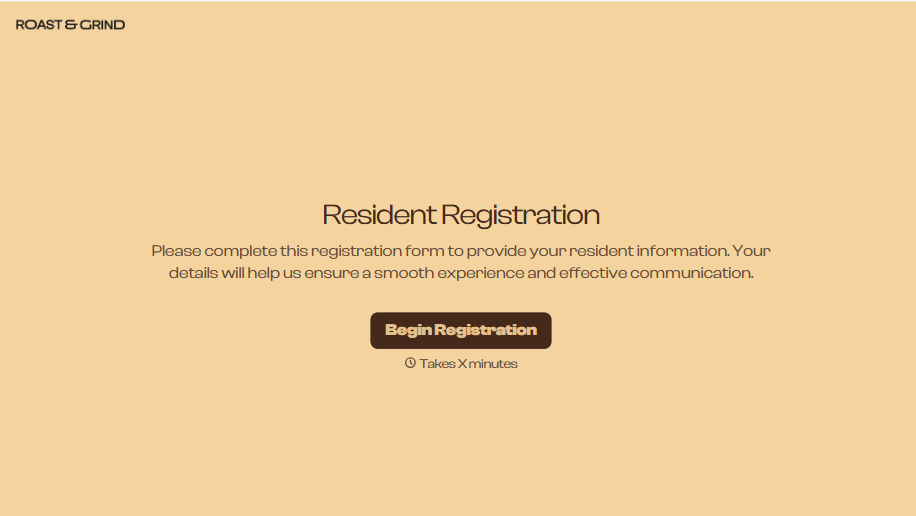
Resident Registration Form
A move-in packet signed at the leasing office and filed in a drawer isn't the kind of record your front desk can pull up when a resident's guest needs access or a car needs to be identified in the lot. Collect household members, vehicles, and emergency contacts before move-in day, so your community has an accurate record from the start.
View template
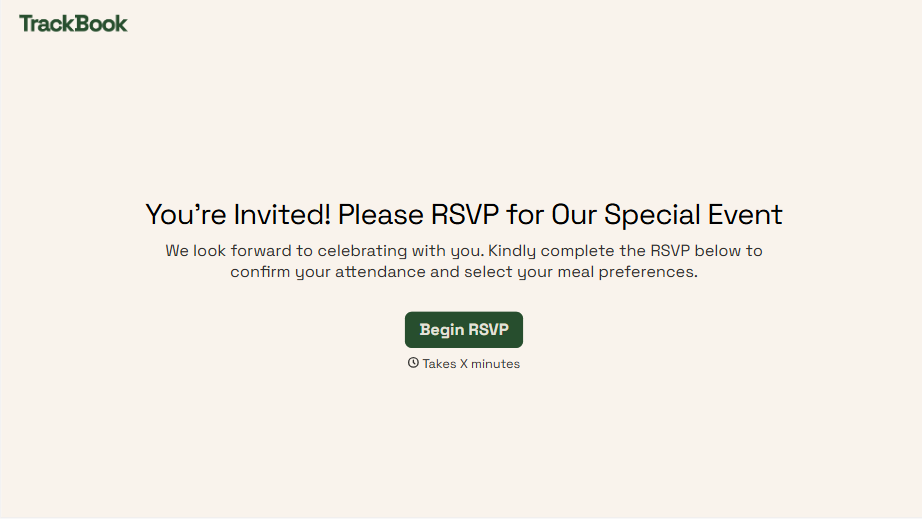
With Typeform, you can customize everything
Change text, colors, and even logos to match the look and feel of your brand. Then embed forms smoothly onto web and email.
Make forms feel effortless to fill out. Pace questions, call people by their name, and adapt the flow based on the data they share.
Stay efficient by connecting forms to your workflow. Typeform integrates with 300+ tools including Slack, Zapier, and HubSpot.


