Website Design Quote Form Template
Qualify leads and scope projects before the first discovery call.


Every web design inquiry starts vague. "I need a website" can mean anything from a 1-page landing page to a 200-page enterprise platform. Without upfront scoping, your team burns hours on discovery calls with prospects who have champagne taste and a lemonade budget. Or worse, you quote blind and lose money on the project.
This website design quote form template pre-qualifies every inquiry. It walks prospects through their goals, existing assets, feature requirements, timeline, and budget range, so by the time you respond, you know whether this is a fit and what the project actually looks like. Conditional logic adapts the flow based on project type: an e-commerce build surfaces different questions than a portfolio site.
Embed it on your website's contact page, share it in proposals, or link it from your social profiles. Responses sync to your CRM or email so your sales team can prioritize follow-ups based on project size and fit.
A website design quote form is an intake tool that collects project details from potential clients so you can provide an accurate estimate. It covers goals, requirements, timeline, budget, and existing assets. Everything you need to understand the scope before committing time to a proposal. It's the first filter in your sales process.
It eliminates unqualified leads before they consume your team's time. When prospects self-report their budget, timeline, and requirements, you can immediately see whether the project is a fit. It also makes your proposals more accurate because you're quoting based on real details, not assumptions from a 2-sentence contact form inquiry.
- Company name and industry
- Project goal (new website, redesign, feature addition, etc.)
- Desired features (e-commerce, blog, contact forms, booking, etc.)
- Number of pages or sections needed
- Budget range
- Target launch date or timeline
Use a budget range selector (e.g., under $5k, $5k-$15k, $15k-$50k, $50k+) instead of asking for an exact number. Ranges feel less committal and help prospects self-select into the right tier. You can also include a brief note explaining what each range typically covers — it educates prospects and sets expectations before you even respond.
For standardized services (template-based sites, simple landing pages), an automated estimate based on selections can speed up the process. For custom design work, manual follow-up is usually better — you want to have a conversation before committing to a number. Many agencies use the form as a pre-qualification step, then schedule a call only with qualified leads.
Get inspired by relevant templates and categories
3200+ Templates, 300+ Integrations
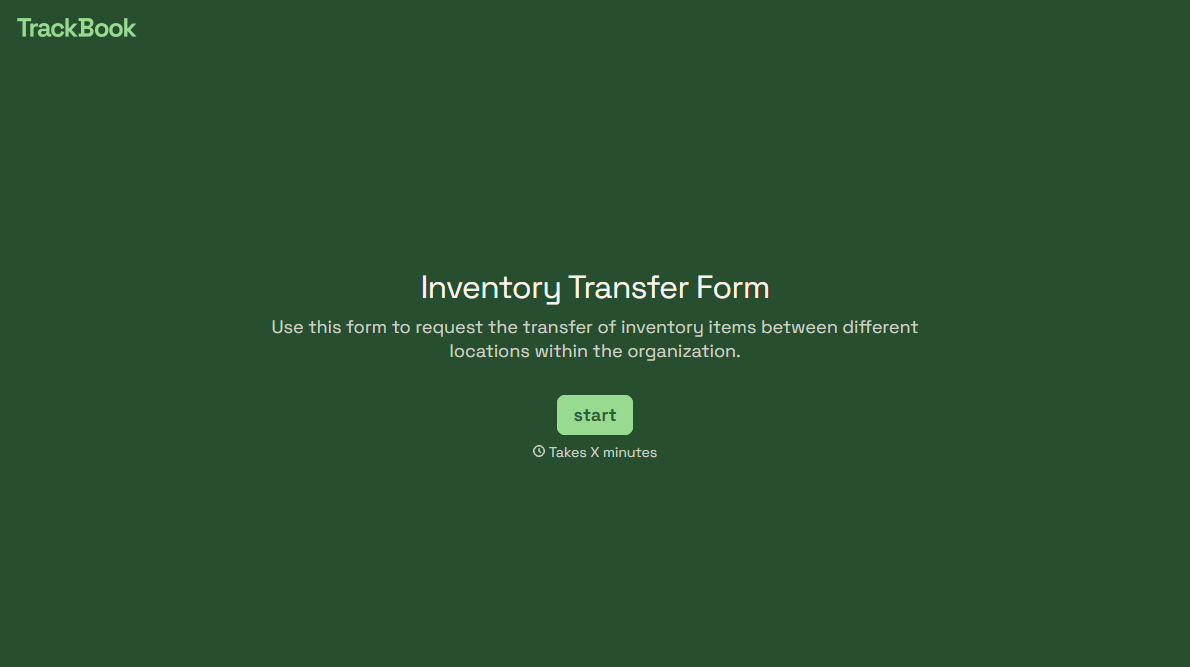
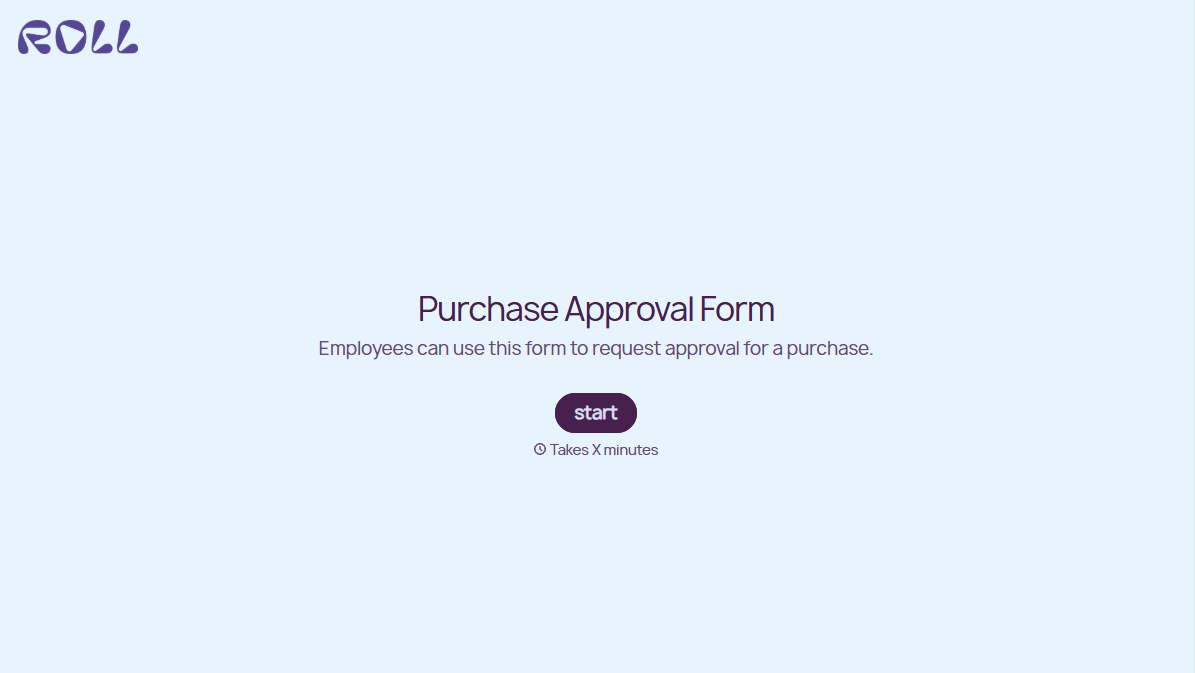
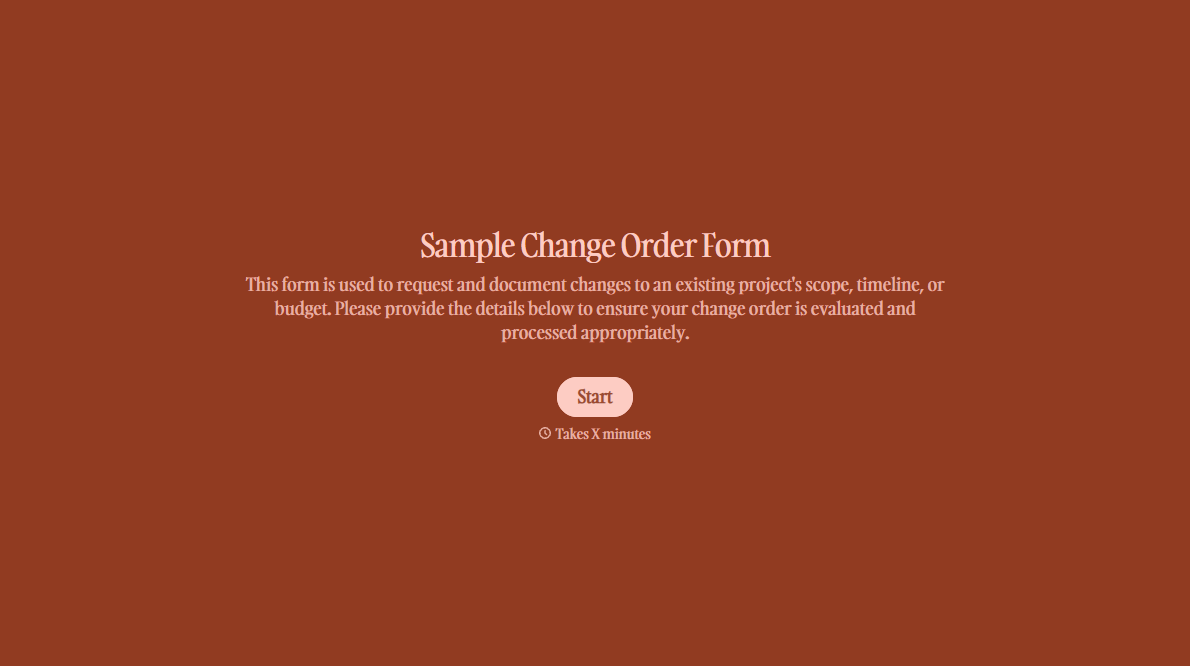
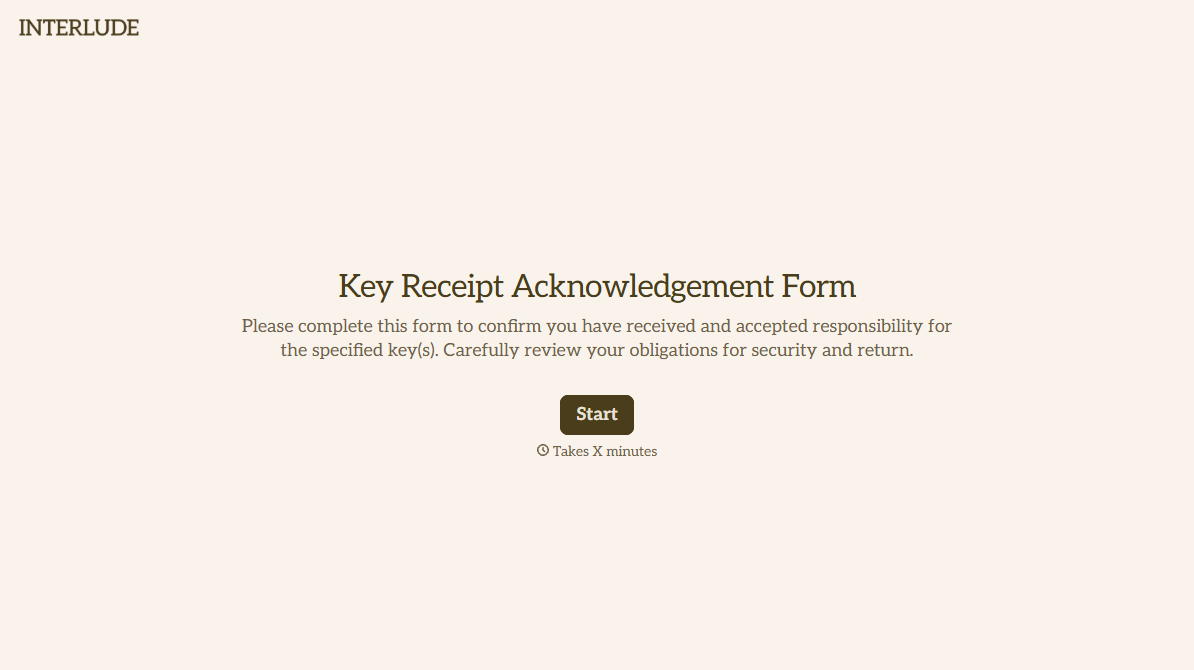
With Typeform, you can customize everything
Change text, colors, and even logos to match the look and feel of your brand. Then embed forms smoothly onto web and email.
Make forms feel effortless to fill out. Pace questions, call people by their name, and adapt the flow based on the data they share.
Stay efficient by connecting forms to your workflow. Typeform integrates with 300+ tools including Slack, Zapier, and HubSpot.


