Wrestling Registration Form Template
Register wrestlers for your tournament or club without paperwork piling up before the season starts.



Running a wrestling program means collecting a lot of information before anyone steps on the mat — weight class, age group, experience level, emergency contacts, medical notes, liability waivers. Doing that on paper or through a chain of emails creates delays and gaps in your records.
An online registration form brings it all together. Typeform's wrestling registration form uses conditional logic to route athletes to the right questions based on their age, weight class, or division — so younger athletes see different fields than seniors, and you don't waste anyone's time with irrelevant questions. Responses feed directly into a spreadsheet or your team management tool so you can start building rosters right away.
You can add your club's logo, adjust weight classes, and include any consent or medical forms you need. Setup takes minutes, not hours.
A wrestling registration form is an online form that collects the information needed to register an athlete for a wrestling program, tournament, or club. It typically covers personal details, weight class, experience level, and any required waivers or medical disclosures.
It keeps your registration data organized from day one. Instead of collecting paper forms at practice or chasing down missing information later, you get a complete record for every athlete that's easy to sort, search, and share with coaches or event staff.
Most wrestling registration forms need to capture:
- Athlete name, age, and date of birth
- Weight class and division
- Years of experience or skill level
- Parent or guardian contact information (for minors)
- Emergency contact details
- Medical conditions or physical restrictions
- Liability waiver acknowledgment
You can set up the form to allow multiple submissions per session, or you can create a section that repeats for each additional athlete. Many coaches prefer separate submissions per athlete to keep records clean — but either approach works depending on how you manage your roster.
Add a required checkbox or signature field to the form that participants must complete before submitting. While digital signatures collected this way may not meet every legal standard, they create a clear record of acknowledgment. Check your state's requirements for liability waivers before going fully paperless.
Get inspired by relevant templates and categories
3200+ Templates, 300+ Integrations
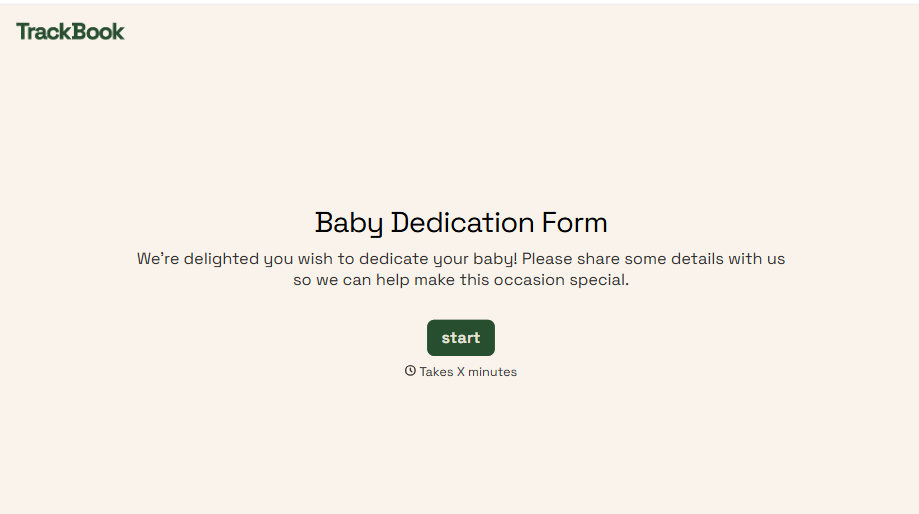
Baby Dedication Form
A sign-up sheet passed around during announcements isn't the kind of detail you want to compile into a Sunday program from memory. Collect the baby's information, requested ceremony date, and any required class attendance before the service, so your team isn't confirming a name's spelling the morning of.
View template
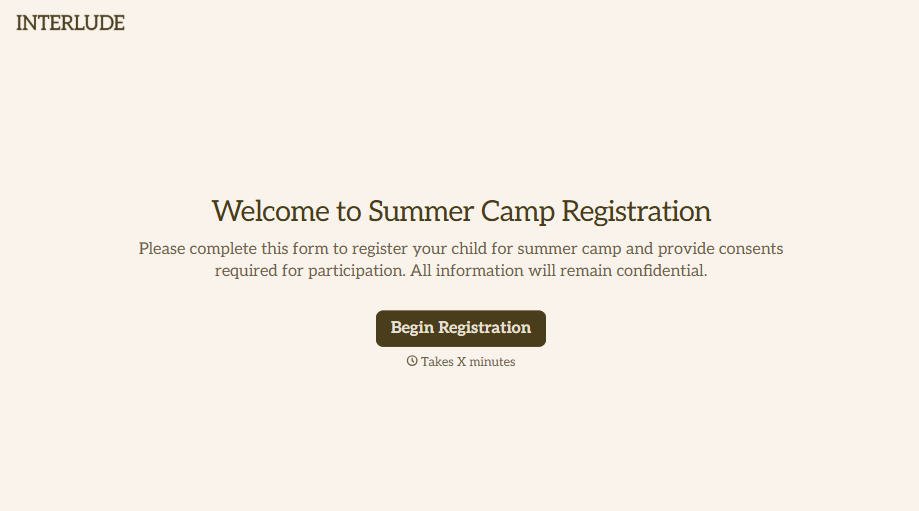
Summer Camp Consent Form
A camper with a bee sting and a counselor on the phone trying to reach a parent isn't a consent process, it's a delay. Collect guardian consent for emergency medical treatment, medication administration, and photo or media use before drop-off, so your staff can act instead of waiting for a callback.
View template
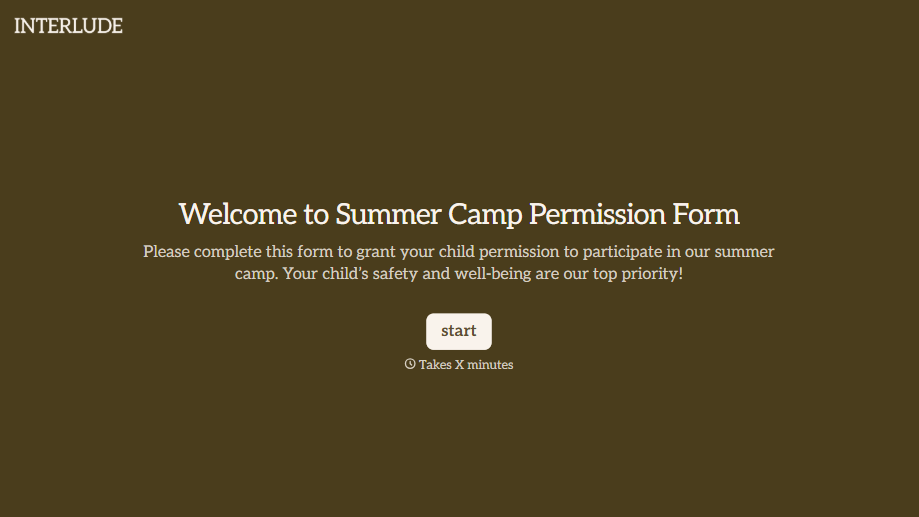
Summer Camp Permission Form
A permission packet crumpled at the bottom of a backpack for two weeks isn't a permission slip anyone can rely on. Collect camper information, medical disclosures, and a signed permission for camp activities before drop-off, so your staff aren't scrambling for an emergency contact on day one.
View template
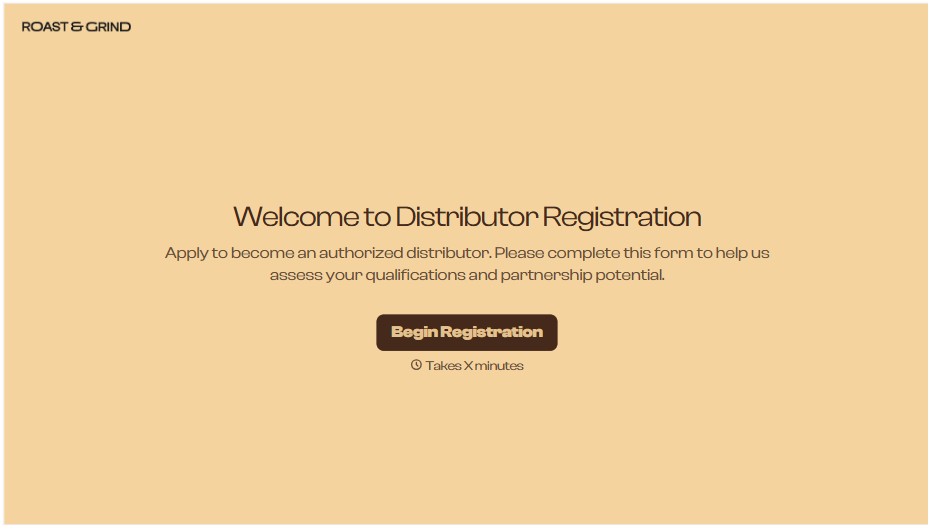
Distributor Registration Form
A distributor application that arrives as a scanned resale certificate attached to an email doesn't tell your sales team what territory they're actually asking for. Collect what your company actually needs, business information, tax documentation, and territory, before you set up an account.
View template
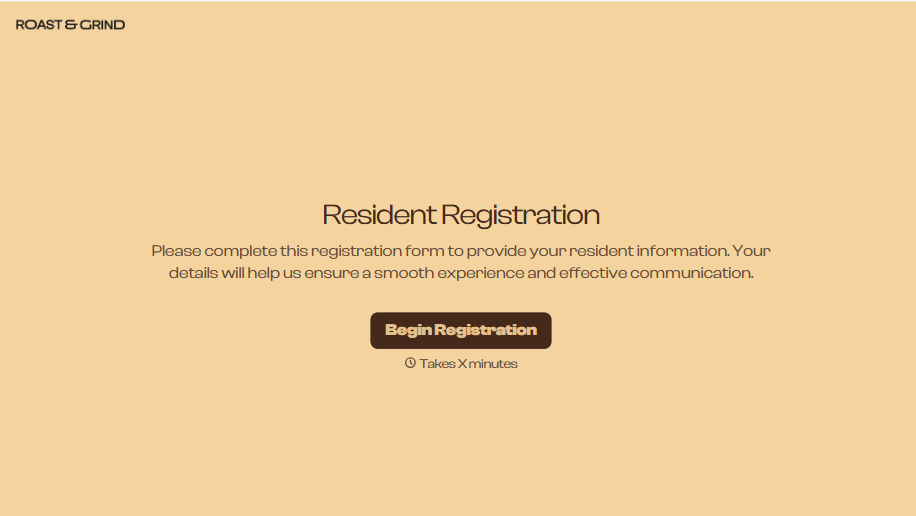
Resident Registration Form
A move-in packet signed at the leasing office and filed in a drawer isn't the kind of record your front desk can pull up when a resident's guest needs access or a car needs to be identified in the lot. Collect household members, vehicles, and emergency contacts before move-in day, so your community has an accurate record from the start.
View template

With Typeform, you can customize everything
Change text, colors, and even logos to match the look and feel of your brand. Then embed forms smoothly onto web and email.
Make forms feel effortless to fill out. Pace questions, call people by their name, and adapt the flow based on the data they share.
Stay efficient by connecting forms to your workflow. Typeform integrates with 300+ tools including Slack, Zapier, and HubSpot.


