Tenant Move Out Checklist Form Template
Document property condition and move-out details in a consistent, defensible format. This template guides tenants or property managers through a structured inspection process.



Move-out disputes are almost always disputes about undocumented conditions. When the move-out process relies on verbal walkthroughs or informal notes, it's hard to establish what the property looked like when the tenant left — and security deposit decisions become contested. A structured checklist changes that.
A tenant move-out checklist form creates a complete, timestamped record of the property's condition at the end of a tenancy. Each room and area of the property is covered systematically, with photo upload fields for documentation and space for notes on any items that need attention. Typeform's one-question-at-a-time format keeps the inspection process moving without overwhelming the reviewer.
Adapt the template to your property's layout, use it consistently across all move-outs, and have a defensible paper trail ready if any deposit disputes arise.
A tenant move-out checklist form is a structured document used to record the condition of a rental property when a tenant vacates. It covers each area of the property, notes any damage beyond normal wear and tear, and typically includes photo documentation. It's used by landlords, property managers, and tenants to agree on the property's condition at the end of a lease.
A documented inspection record protects both landlords and tenants. For landlords, it provides evidence to support any deductions from a security deposit. For tenants, it creates a record that they left the property in an agreed condition. Without a consistent process, move-out disputes become a word-against-word situation that's hard for either party to resolve.
Cover every area of the property systematically, with a consistent rating and notes option for each:
- What is the condition of the walls and ceilings in each room (clean, minor scuffs, damage)?
- Are the floors free from stains, scratches, or other damage beyond normal wear?
- Are all appliances present and in working condition?
- Do all doors, windows, and locks function correctly?
- Have all personal belongings been removed from the property?
- Are the keys, fobs, or access cards being returned, and how many?
Best practice is for both parties to complete the inspection together or to each complete the form independently and compare results. If doing it together, one person completes the form while the other observes and acknowledges. Having both parties sign off on the final record, whether digitally or in person, reduces the likelihood of later disputes about what was documented.
The checklist is the primary documentation used to justify any deductions from a security deposit. Deductions for damage must be tied to specific items documented on the checklist, typically with supporting photos and repair cost estimates. Most jurisdictions require landlords to provide an itemized statement of deductions within a set timeframe after move-out — a completed checklist makes that process straightforward.
Get inspired by relevant templates and categories
3200+ Templates, 300+ Integrations

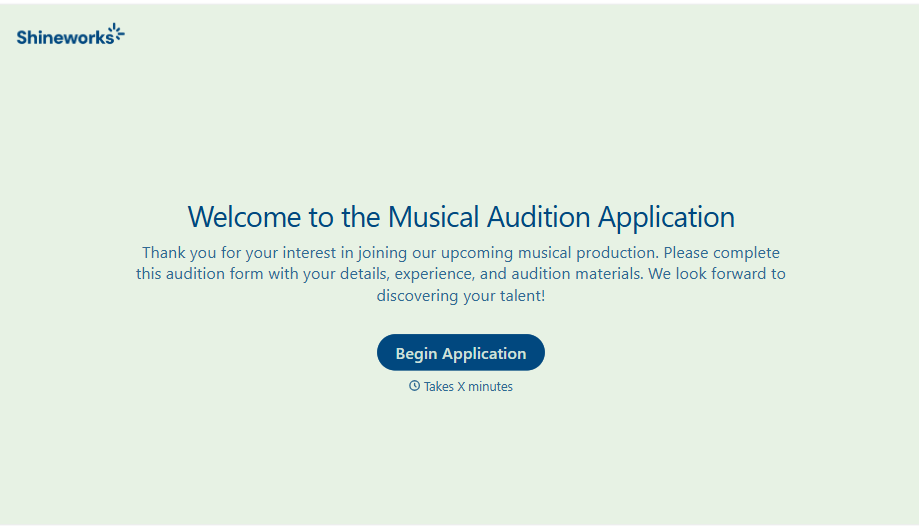
Musical Audition Form
A name scrawled on a sign-up sheet taped near the rehearsal room doesn't tell a director what role someone's after, or whether they can actually make callbacks next Tuesday. Collect what your production actually needs, contact information, role interest, and availability, before audition day arrives.
View template
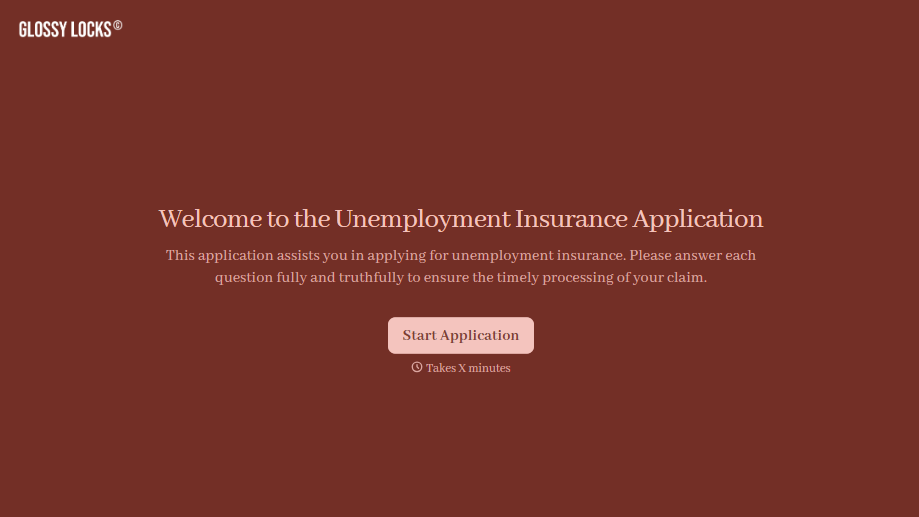
Unemployment Insurance Application Form
A stack of pay stubs gathered the morning of a filing deadline isn't the kind of preparation that gets a claim processed without delay. Collect employment history, separation details, and supporting documents before you sit down at your state's unemployment portal, so a claim doesn't stall over a missing detail.
View template

Nationality Verification Form
A self-certification buried in a stack of new account paperwork isn't the kind of record a compliance team can rely on for a regulatory filing. Collect nationality, tax residency, and a signed declaration before an account opens, so compliance isn't chasing down a customer's citizenship status after the fact.
View template
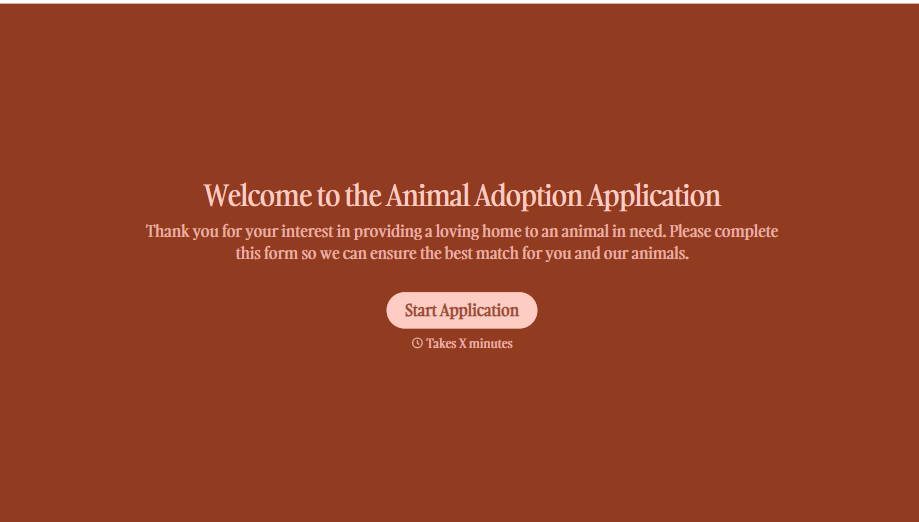
Animal Adoption Application Form
A paper application filled out at the counter while a dog's watching through the window isn't enough information to place an animal in a home that'll actually work. Collect household information, pet experience, and references before adoption day, so your staff aren't approving a placement on a rushed form.
View template

Policy Cancellation Form
A cancellation requested over the phone doesn't leave a clear record of exactly what date the policyholder actually asked for, and that date matters more than it sounds like it should. Collect what your agency actually needs, policy details, identity verification, and the requested effective date, before coverage actually ends.
View template
With Typeform, you can customize everything
Change text, colors, and even logos to match the look and feel of your brand. Then embed forms smoothly onto web and email.
Make forms feel effortless to fill out. Pace questions, call people by their name, and adapt the flow based on the data they share.
Stay efficient by connecting forms to your workflow. Typeform integrates with 300+ tools including Slack, Zapier, and HubSpot.


