Third Party Release Form
A verbal "sure, go ahead" at check-in doesn't tell anyone which sponsor's marketing team gets to use that photo next year, or for how long. Collect what your organization actually needs, participant information, what's being released and to whom, and a signed release, before the cameras start rolling.



Photos and video get captured at an event, and at some point a sponsor, a press contact, or a partner organization asks to use them in their own materials. Someone on staff says yes on the spot, because saying no to a sponsor mid-event feels worse than the alternative. Months later, when that photo shows up in a sponsor's ad campaign, there's no record of who actually agreed to it, what exactly they agreed to, or whether it was ever supposed to go beyond that one sponsor.
Typeform's third party release form asks for what your organization actually needs, the participant's information, what's being released, a photo, a video clip, a testimonial, or personal details, and the specific third party it's being released to, then uses conditional logic to branch from there. A minor participant can route to a guardian signature; someone who wants to limit how their image is used, web only, no print, no resale, can get a follow up question that spells that out instead of a blanket yes. Every release lands in one record tied to a name, a purpose, and a signature.
Connect the form to Google Drive or your CRM through Zapier, and a signed release can attach itself to the right media file or sponsor folder automatically. Ask for it before the footage leaves your hands, and your team can hand a sponsor their assets with a release attached, instead of tracking down a signature after the campaign is already live.
A third party release form is an online form organizations use to document that a participant has agreed to let their photo, video, testimonial, or personal information be shared with a specific outside party, like a sponsor, a media outlet, or a partner organization. It records who agreed, what they agreed to, and who it's being released to.
A verbal okay at an event doesn't specify what's actually being released, who it's going to, or for how long, which leaves nothing to point to if a sponsor or partner uses the material differently than the participant expected. A form captures the specifics in writing, from the person the release is actually about.
Ask for what your organization will actually need before sharing anything:
- Participant name and contact information
- A description of what's being released, like a photo, video, testimonial, or personal information
- The specific third party the material is being released to
- The purpose and duration of use
- A signed release
- Guardian signature, if the participant is a minor
Not necessarily. What the release actually covers depends on how it's written, whether it names a specific use and duration or leaves those open ended, and where you operate. A release scoped to one sponsor for one campaign doesn't automatically extend to a different partner next year. It's worth having your specific release language reviewed by an attorney rather than relying on a generic template as-is.
Yes. Add a file upload question and participants can attach a photo ID for verification or a copy of a related document in the same submission, no separate email required. Pair it with conditional logic so the upload only appears when it's actually needed.
Get inspired by relevant templates and categories
3200+ Templates, 300+ Integrations



Nationality Verification Form
A self-certification buried in a stack of new account paperwork isn't the kind of record a compliance team can rely on for a regulatory filing. Collect nationality, tax residency, and a signed declaration before an account opens, so compliance isn't chasing down a customer's citizenship status after the fact.
View template
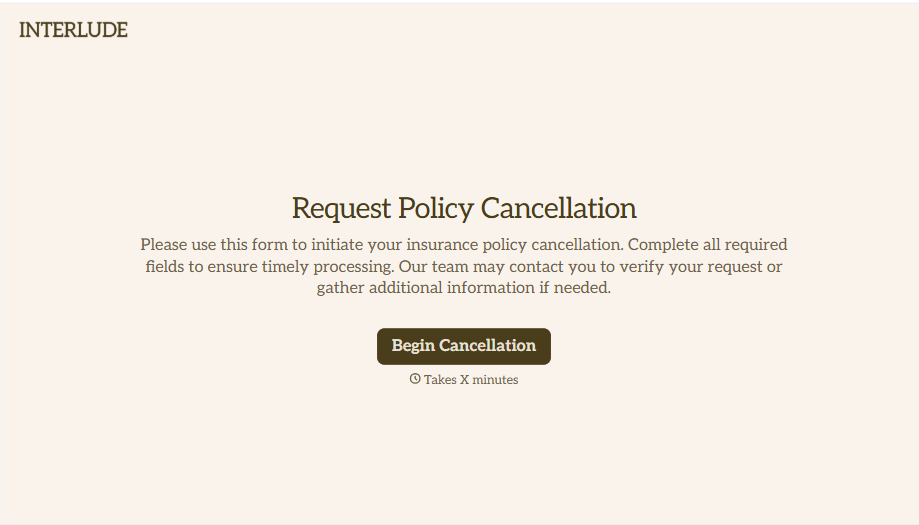
Policy Cancellation Form
A cancellation requested over the phone doesn't leave a clear record of exactly what date the policyholder actually asked for, and that date matters more than it sounds like it should. Collect what your agency actually needs, policy details, identity verification, and the requested effective date, before coverage actually ends.
View template
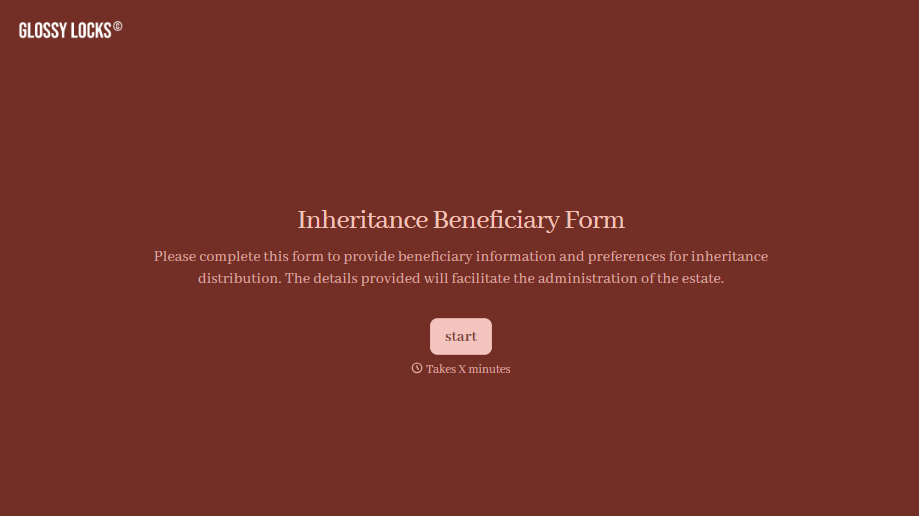
Inheritance Beneficiary Form
Asking a grieving family member for the same banking details across three different phone calls doesn't make settling an estate go any faster. Collect what your firm actually needs, beneficiary information, identification, and distribution details, in one submission instead of three calls.
View template
With Typeform, you can customize everything
Change text, colors, and even logos to match the look and feel of your brand. Then embed forms smoothly onto web and email.
Make forms feel effortless to fill out. Pace questions, call people by their name, and adapt the flow based on the data they share.
Stay efficient by connecting forms to your workflow. Typeform integrates with 300+ tools including Slack, Zapier, and HubSpot.


