Vendor Request Form Template
Standardize how your team requests new vendors — before procurement starts.



Vendor requests that come in through Slack messages, forwarded emails, and hallway conversations are hard to track and easy to lose. A vendor request form creates a single entry point for every new supplier relationship — whether it's a software subscription, a contractor, or a product supplier — and captures the context the procurement team needs to evaluate the request before anything is signed.
This template collects the requestor's name and department, the vendor name and website, a description of what's being procured and why, the estimated annual spend, whether alternatives were considered, the business need and timeline, and any supporting documents like proposals or quotes. Budget owner approval can be built into the workflow so every request has appropriate sign-off before moving forward.
Connect the form to your procurement system or a shared tracking sheet so requests are visible, assignable, and trackable from submission to decision. No more trying to piece together who requested what vendor and why.
At minimum: who's requesting, which vendor, what for, estimated spend, and why this vendor versus alternatives. For vendors above a certain spend threshold, add fields for security review, data handling disclosures, and legal review flags — those requirements are easier to enforce at intake than after procurement has started.
The most effective approach is to require budget owner approval as part of the submission workflow — either before submitting or routed automatically post-submission. This prevents requests from advancing without appropriate sign-off and creates a documented approval trail from the start.
Add an urgency field with defined categories and a process for expedited review. 'Urgent' should mean something specific — a deadline, a blocked deliverable — not just impatience. The form can route urgent requests to a different queue or flag them for faster review without bypassing the process entirely.
Yes. Add a field for 'new vendor' or 'renewal/expansion' so procurement knows which type of request it is. Renewals may require lighter review than new vendors, but they should still go through the same intake so spend is tracked and any changes in scope or pricing are documented.
Configure an automated confirmation to the requestor and a notification to the procurement team. The request should move into a review queue with a defined response SLA. Keep requestors informed of progress — a form that disappears into the void creates the perception that the process isn't working, even if it is.
Get inspired by relevant templates and categories
3200+ Templates, 300+ Integrations
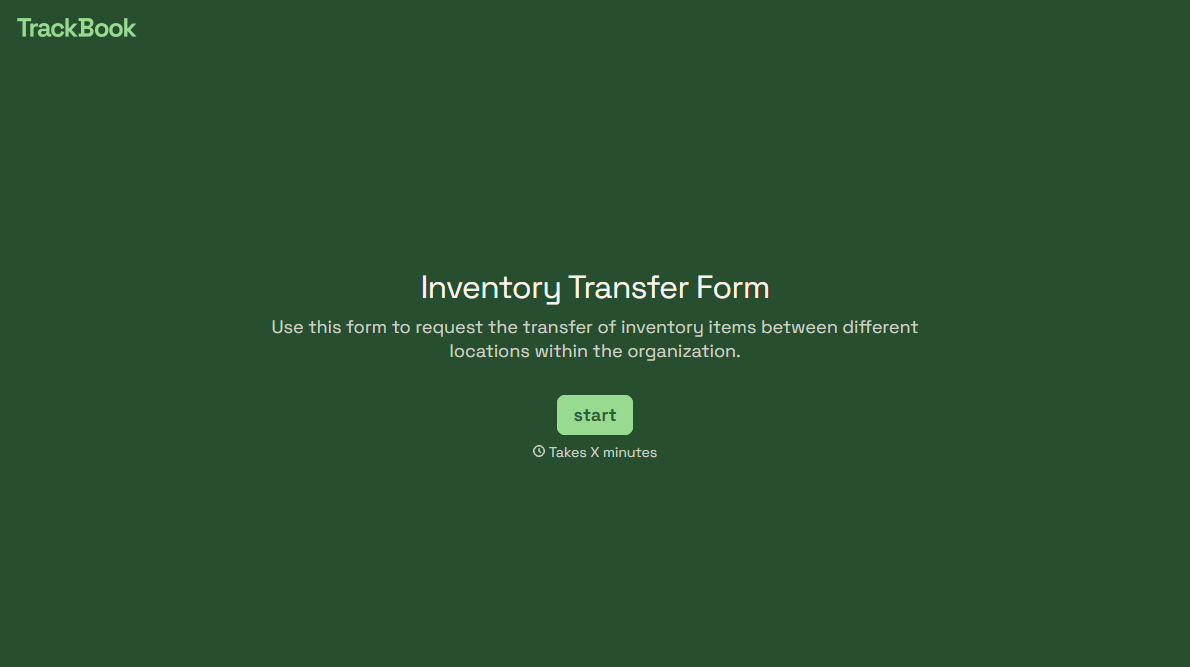
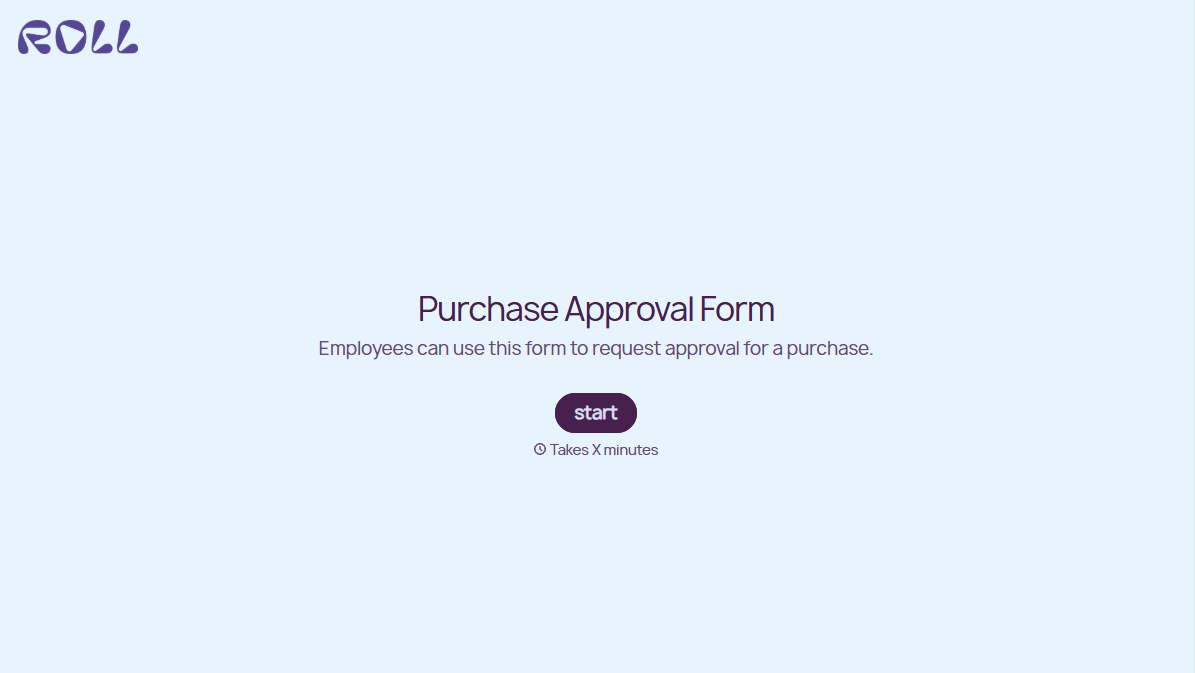
With Typeform, you can customize everything
Change text, colors, and even logos to match the look and feel of your brand. Then embed forms smoothly onto web and email.
Make forms feel effortless to fill out. Pace questions, call people by their name, and adapt the flow based on the data they share.
Stay efficient by connecting forms to your workflow. Typeform integrates with 300+ tools including Slack, Zapier, and HubSpot.


