Visitor Form Template
Know who's in your building, and make every guest feel expected.



A paper sign-in sheet at the front desk tells you a name and a time. Maybe. If you can read the handwriting. It doesn't tell you who they're meeting, whether they've agreed to your safety policies, or how to reach them in an emergency. For security, compliance, and basic professionalism, you need something better.
This visitor form template digitizes your check-in process. Guests enter their name, the person they're visiting, their company, and the purpose of their visit. Plus any required acknowledgments like NDAs, safety protocols, or photo ID confirmation. Conditional logic adjusts the form based on visitor type: a delivery driver sees different questions than a client meeting attendee.
Deploy it on a tablet at reception or send a pre-visit link so guests can check in before they arrive. Submissions notify the host automatically, create a searchable visitor log, and give your security team real-time visibility into who's on-site.
Let’s face it—receiving requests from all angles is hard to stay on top of. Some come in via email, some face to face, and some over the phone. And they all have varying levels of detail, and you’re stuck asking the same questions again and again. But by using a request form, you automate this process. The consistency saves you time and headaches, and you get the same information from everyone who makes a request. You’ll be able to organize and manage them more easily too. Simply export your requests with the click of a button, and see your form data neatly organized and ready to work with.
A visitor form is a check-in tool that records who enters your building, when they arrive, who they're visiting, and why. It replaces the traditional paper logbook with a digital record that's searchable, timestamped, and integrated with notifications. It serves both security and hospitality purposes. Keeping your building safe while making guests feel welcomed.
Paper logs are illegible, unsearchable, and offer zero real-time visibility. A digital form creates an instant, accurate record of every visitor. It can notify hosts automatically when their guest arrives, enforce policy acknowledgments, and produce visitor reports for compliance or security audits. It also makes a better first impression than a clipboard.
- Visitor's full name and company
- Person they're visiting
- Purpose of the visit
- Expected duration of stay
- Photo ID confirmation or badge number
- Agreement to site policies (safety, confidentiality, etc.)
Yes, and it's a great experience for frequent or expected visitors. Send the form link in advance so guests can complete their details before arriving. When they walk in, their information is already in the system — the check-in becomes a quick confirmation instead of a data entry exercise. It saves time for both the visitor and your reception team.
Collect only what you need and state clearly how the data will be used. Include a privacy notice in the form explaining your data retention policy. Set up automatic deletion of visitor records after a defined period (30 days, 90 days — whatever your policy requires). For regulated industries, ensure your form and data storage comply with relevant privacy frameworks
Get inspired by relevant templates and categories
3200+ Templates, 300+ Integrations



Nationality Verification Form
A self-certification buried in a stack of new account paperwork isn't the kind of record a compliance team can rely on for a regulatory filing. Collect nationality, tax residency, and a signed declaration before an account opens, so compliance isn't chasing down a customer's citizenship status after the fact.
View template
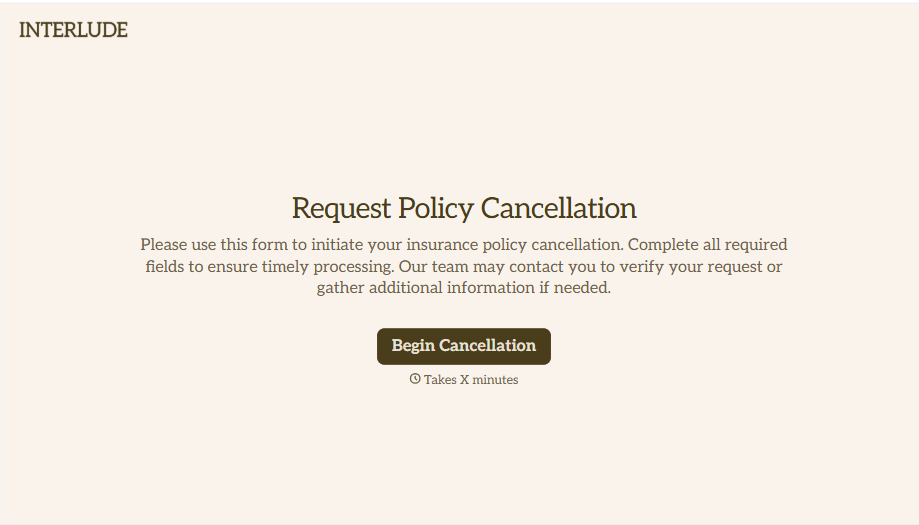
Policy Cancellation Form
A cancellation requested over the phone doesn't leave a clear record of exactly what date the policyholder actually asked for, and that date matters more than it sounds like it should. Collect what your agency actually needs, policy details, identity verification, and the requested effective date, before coverage actually ends.
View template
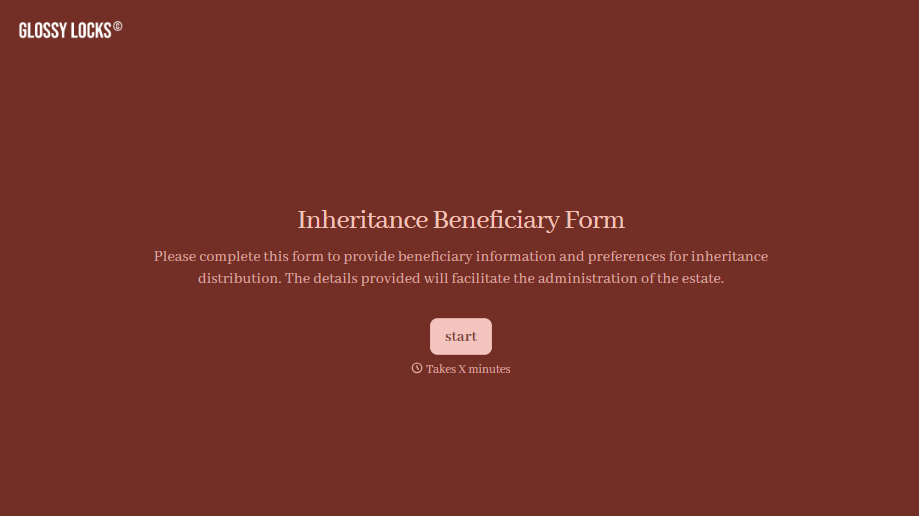
Inheritance Beneficiary Form
Asking a grieving family member for the same banking details across three different phone calls doesn't make settling an estate go any faster. Collect what your firm actually needs, beneficiary information, identification, and distribution details, in one submission instead of three calls.
View template
With Typeform, you can customize everything
Change text, colors, and even logos to match the look and feel of your brand. Then embed forms smoothly onto web and email.
Make forms feel effortless to fill out. Pace questions, call people by their name, and adapt the flow based on the data they share.
Stay efficient by connecting forms to your workflow. Typeform integrates with 300+ tools including Slack, Zapier, and HubSpot.


