Wage Loss Verification Form
Get wage loss verified by the employer without a three-week wait for paperwork. Collect the pay rate, dates missed, and lost earnings in a form HR can finish in one sitting.



Wage verification requests arrive with someone else's deadline attached. Every insurer and attorney asks for the same figures in a different layout, so your team looks up the same payroll history twice and retypes it into another PDF. Typeform's wage loss verification form standardizes the request on your terms. Payroll fills in one set of fields, the response records when they submitted it, and the verification goes back out the same week instead of aging in a queue.
Payroll confirms the employee's role, pay rate, and normal schedule, then the dates and hours they missed. Conditional logic keeps the rest to what applies: select hourly, and the form asks for the regular rate, overtime history, and hours lost per week; select salaried, and it asks for the annual figure, the pay periods affected, and any leave used. Nobody fills in fields that don't match how you pay that person.
Every verification goes out complete, with the rate, the dates, the lost earnings, and any wage continuation you paid. No attorney calls back a week later asking what a blank field meant, and nobody on your team reopens the file to fill a gap. You answer the request once.
A wage loss verification form is an online form an employer completes to confirm how much income an employee lost while unable to work. It collects the employee's role and pay rate, their normal schedule, the dates and hours they missed, any wage continuation they received, and the resulting lost earnings. Attorneys, claims adjusters, and case managers use wage loss verification forms to document a claim on the employer's confirmation rather than the claimant's estimate.
Without one, the request arrives as a PDF attachment, and whoever opens it fills in the fields they recognize and leaves the ambiguous ones blank. Two weeks later the attorney writes back asking where the overtime history is, so someone pulls the same payroll records a second time and resends the same document. A wage loss verification form asks each question plainly and only where it applies, so payroll answers in one pass. You send back a complete record the first time.
Capture what the claim has to prove:
- Employee role, pay rate, and schedule
- Dates and hours missed
- Overtime, bonuses, or commission affected
- Wage continuation, PTO, or sick leave used
- Total gross earnings lost
Not always. Some carriers and courts require their own form, a signed statement, or a notarized declaration, and a form response won't substitute for that. Use this to gather the figures accurately and quickly, then produce whatever the specific claim calls for from what you collected, and confirm that requirement before you rely on it rather than after.
Yes. Employers can upload pay stubs or a payroll printout with File Upload, available on paid Typeform plans. They can add PDFs or images up to 10MB each, so the figures arrive with the records behind them instead of as numbers someone typed into a box. Every payroll document arrives attached to the verification.
Get inspired by relevant templates and categories
3200+ Templates, 300+ Integrations
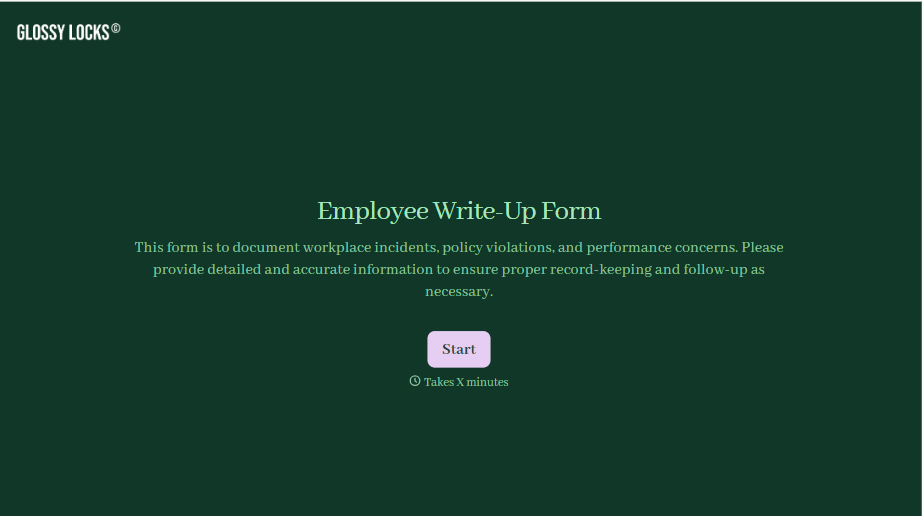
Employee Write-Up Form
A verbal warning that never makes it into a written record isn't the kind of documentation that holds up if a termination is challenged later. Collect the specific incident, policy violated, and corrective action while it's fresh, so a pattern of issues doesn't go undocumented until it's too late to matter.
View template
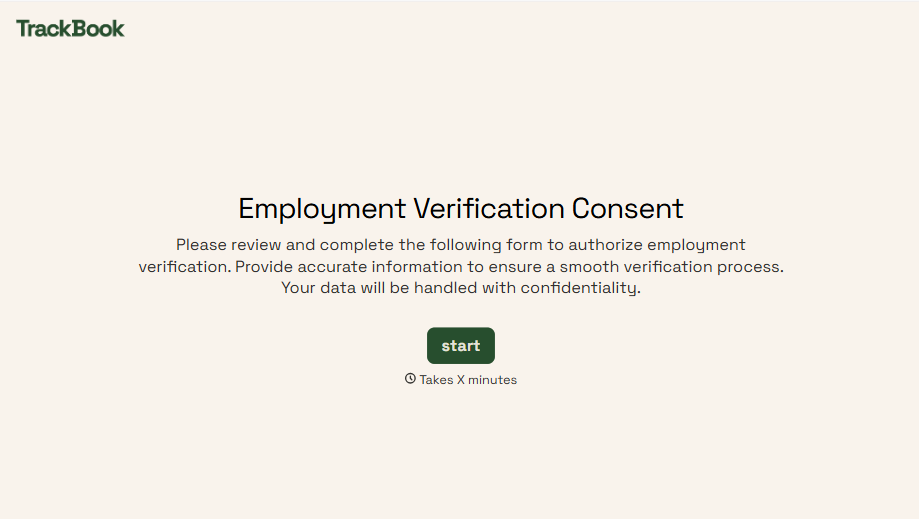
Employment Verification Release Form
A verification request that comes in as a phone call to HR doesn't tell anyone whether the employee actually agreed to have their salary shared with whoever's asking. Collect what your company actually needs, the employee's authorization, what's being released, and to whom, before HR says anything back.
View template
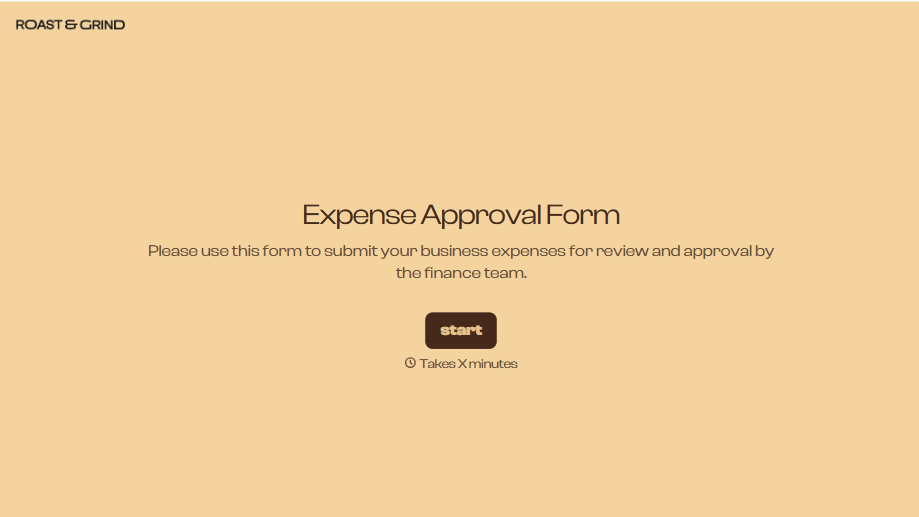
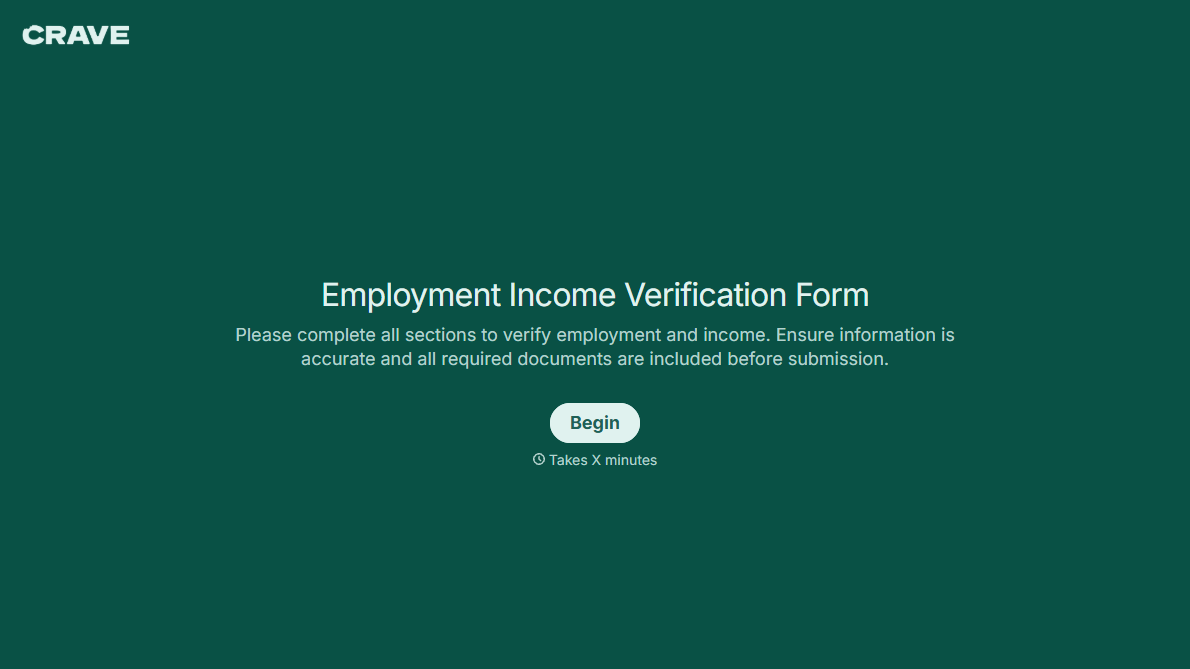
With Typeform, you can customize everything
Change text, colors, and even logos to match the look and feel of your brand. Then embed forms smoothly onto web and email.
Make forms feel effortless to fill out. Pace questions, call people by their name, and adapt the flow based on the data they share.
Stay efficient by connecting forms to your workflow. Typeform integrates with 300+ tools including Slack, Zapier, and HubSpot.


