Waitlist Form Template
Capture interest from people who want to join when space becomes available. Collect contact details, preferences, and relevant background — so you notify the right people first.



A waitlist is only useful if you collect the right information upfront. When someone signs up, you want to know enough to notify them intelligently — whether they're interested in a specific tier, location, program, or timing — so when availability opens, you can reach out to exactly the right people without back-and-forth.
This template covers the person's name and contact details, what they're waiting for (product, service, program, or location), their preferred start date or timeline, any relevant preferences or requirements, how they heard about you, and whether they'd like to be notified about related news while they wait. An optional priority note field lets people explain why they're a strong candidate if the waitlist involves selection.
SaaS companies, schools, restaurants, housing programs, healthcare providers, and event organizers use waitlist forms to manage demand when capacity is limited. Connect to your CRM so waitlist entries create new leads automatically. When space opens, filter your list by preference and timeline to identify who to contact first.
Export or filter your waitlist in your CRM or email platform. Send targeted notifications to people whose preferences match the available offering.
Add a priority or timeline field. This helps you serve people with the most urgent need first when availability is limited.
Connect the form to your CRM and check for existing contacts before creating a new waitlist entry. Add a note asking people not to sign up multiple times.
Add a payment field to collect a deposit that holds the spot. Make your refund policy clear if they're not selected or if they withdraw.
Connect to your email platform and add waitlist entries to a nurture sequence that shares relevant content while they wait for availability.
Get inspired by relevant templates and categories
3200+ Templates, 300+ Integrations

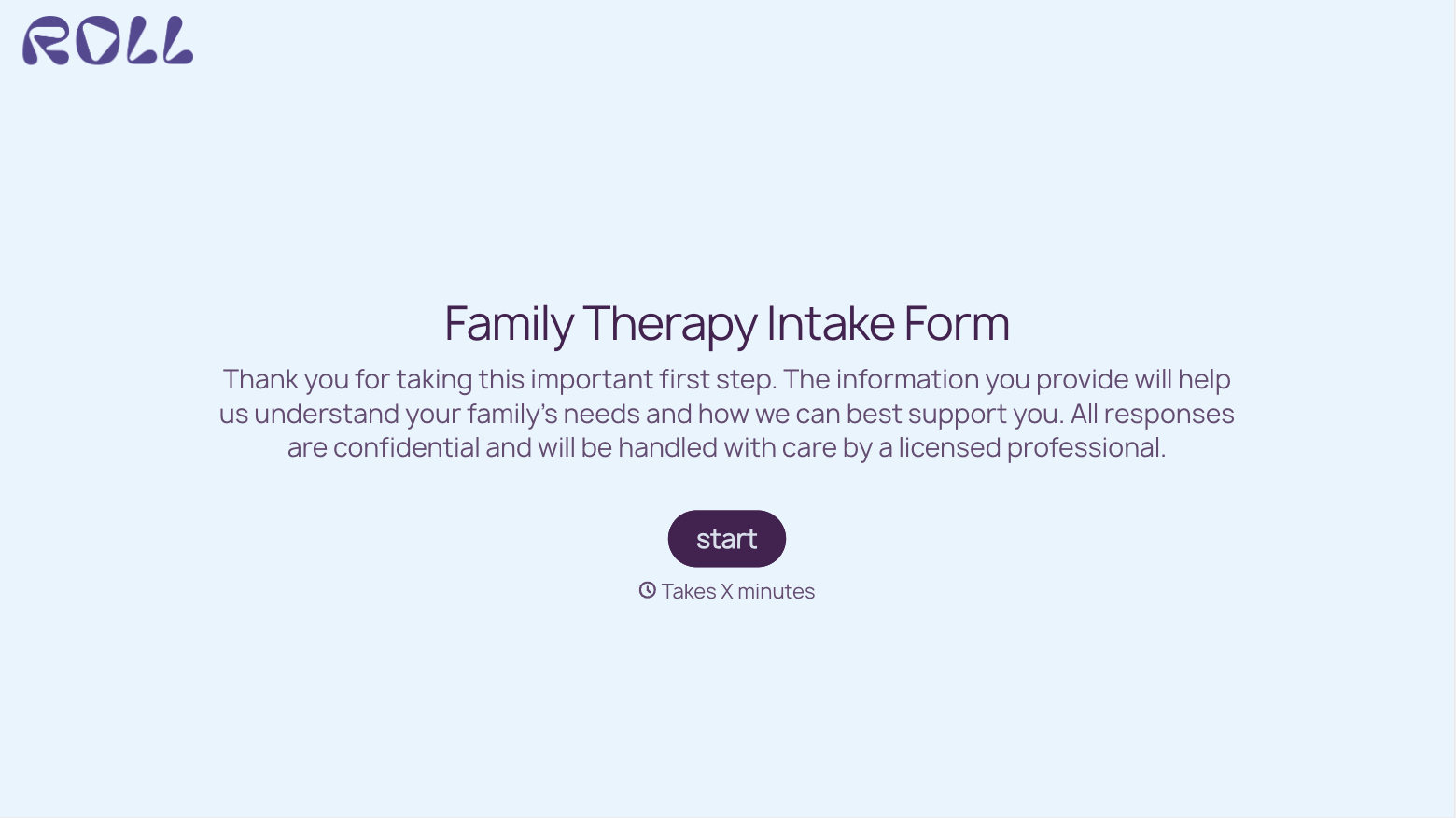
With Typeform, you can customize everything
Change text, colors, and even logos to match the look and feel of your brand. Then embed forms smoothly onto web and email.
Make forms feel effortless to fill out. Pace questions, call people by their name, and adapt the flow based on the data they share.
Stay efficient by connecting forms to your workflow. Typeform integrates with 300+ tools including Slack, Zapier, and HubSpot.


