Willy Wonka Golden Ticket Form Template
A fun entry form for promotions, contests, or events with a golden ticket theme.



Every giveaway or promotional event needs an entry mechanic that fits the vibe. A plain contact form doesn't match the excitement of a golden ticket moment — but an entry form that leans into the theme makes the experience memorable and gets people genuinely engaged.
Typeform's format makes this easy. Build a fun, themed entry form that captures participant details while keeping the energy of the promotion alive. Questions can be playful, the intro screen can match the theme, and conditional logic can reveal a "you've been entered" screen that feels like an actual golden ticket reveal.
Use it for promotional contests, school events, brand activations, or any experience where the entry process should be as fun as the prize.
A Willy Wonka golden ticket form is a themed entry or registration form used for contests, giveaways, or events that reference the golden ticket concept — usually for a fun, surprise-style promotion where participants enter for a chance to win an experience or prize.
Entry forms that match the theme of a promotion feel like part of the experience rather than an administrative step. A themed form increases completion rates and shares more naturally because people enjoy the experience of filling it out.
Keep it fun and short — the form should feel like an experience:
- Participant's name and contact information
- A fun, themed question (e.g., "What would you do first with your golden ticket?")
- How they entered or heard about the promotion
- Age confirmation (if there are eligibility restrictions)
- Agreement to terms and conditions
- An exciting closing screen that matches the theme
Absolutely. This kind of themed form works well for school events, birthday parties, and classroom activities. Keep the questions age-appropriate and ensure the form is shared through the appropriate channel — a teacher's email or school portal rather than public social media.
Export your responses to Google Sheets, use a random row selector formula, or copy the entries into a random name picker tool. Typeform doesn't include a built-in winner selection feature, but any spreadsheet tool makes it straightforward.
Get inspired by relevant templates and categories
3200+ Templates, 300+ Integrations



Nationality Verification Form
A self-certification buried in a stack of new account paperwork isn't the kind of record a compliance team can rely on for a regulatory filing. Collect nationality, tax residency, and a signed declaration before an account opens, so compliance isn't chasing down a customer's citizenship status after the fact.
View template
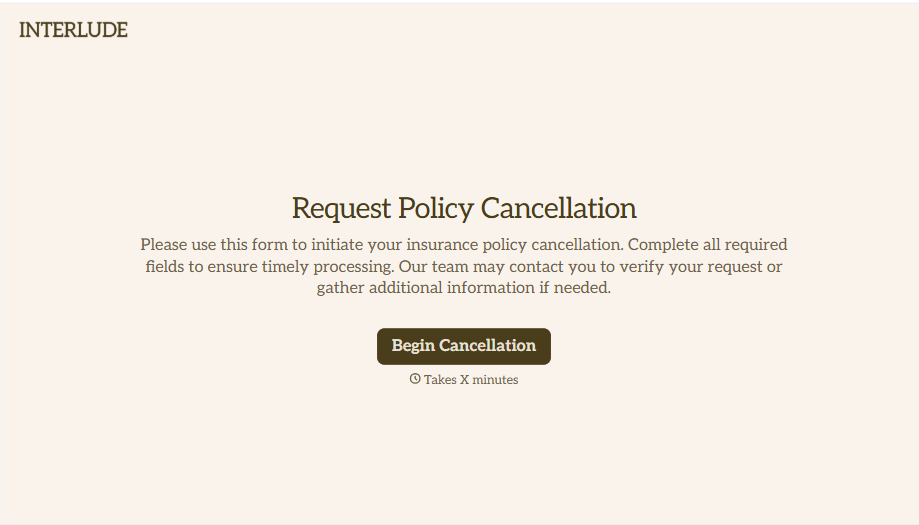
Policy Cancellation Form
A cancellation requested over the phone doesn't leave a clear record of exactly what date the policyholder actually asked for, and that date matters more than it sounds like it should. Collect what your agency actually needs, policy details, identity verification, and the requested effective date, before coverage actually ends.
View template
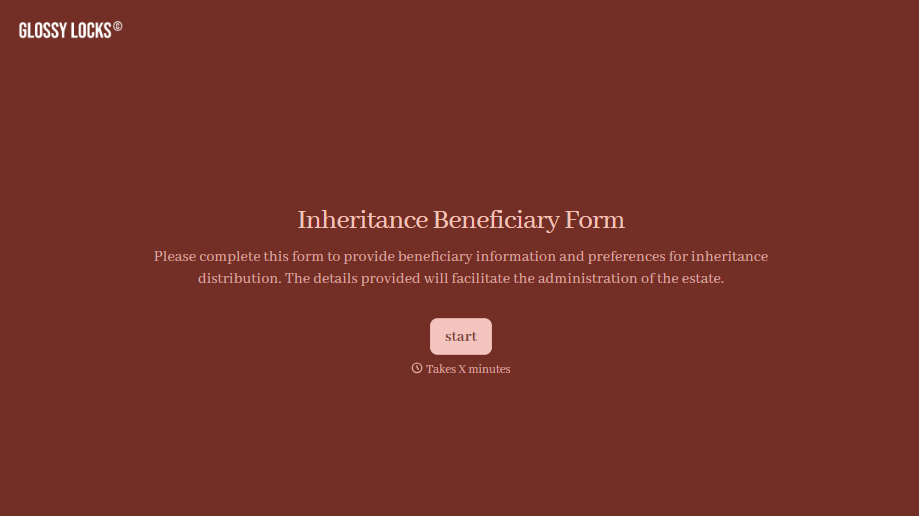
Inheritance Beneficiary Form
Asking a grieving family member for the same banking details across three different phone calls doesn't make settling an estate go any faster. Collect what your firm actually needs, beneficiary information, identification, and distribution details, in one submission instead of three calls.
View template
With Typeform, you can customize everything
Change text, colors, and even logos to match the look and feel of your brand. Then embed forms smoothly onto web and email.
Make forms feel effortless to fill out. Pace questions, call people by their name, and adapt the flow based on the data they share.
Stay efficient by connecting forms to your workflow. Typeform integrates with 300+ tools including Slack, Zapier, and HubSpot.


