From 30 questions to 30 seconds: Behind the TeamWRK form glow-up
See how a few small tweaks took TeamWRK’s membership sign-up form from 4 minutes to 30 seconds and turned a manual follow-up process into a fully automated sales machine.
.webp)
Founded by husband-and-wife duo Joe and Jenn Shayne to help runners preparing for the Brooklyn Half Marathon, We Run Kings has evolved into TeamWRK—a full training team that supports runners with tools, strategy, and techniques to conquer running events.
To bring in more leads and identify which membership is right for each new prospect, Joe uses one of Typeform’s lead generation forms. But his form wasn’t set up for what TeamWRK really needed: the ability to act the moment a new lead came in and send automated follow-ups.
Joe submitted his form to one of our live Tune-Up sessions, where Typeform experts work with customers to review real forms, identify friction points, and show how a few smart changes can dramatically improve performance.
We made some tweaks to optimize his form. We’re breaking down the small changes we made (and you can, too) to automate follow-up emails and create a better experience for both respondents and TeamWRK.
Too much form, too little follow-up
When Joe wrote in about tuning up his Typeform, he had a simple goal: to determine which memberships to steer people toward and automate the follow-up so the TeamWRK team can engage leads while they’re hot.
Specifically, he wanted to:
- Build a better, more automated email follow-up process without delay
- Get notifications the second high-value leads come in—automatically
- Create a better respondent experience and a better backend experience for TeamWRK
- Guide respondents to the right membership for them
Keeping Joe’s goals in mind, we conducted our audit and immediately noticed that the form had over 30 questions, which could quickly overwhelm respondents—especially if they’re completing it on mobile.
Part of the problem was that the form was trying to do too many things at once. While comprehensive, TeamWRK’s lead gen form acted as both a pre-sign-up screening and a post-sign-up intake form:
- It asked about T-shirt size and emergency contacts before the respondent even signed up
- Asking post-sign-up questions before respondents committed made the questions feel irrelevant and added to the overwhelm
- Too many open-ended questions introduced friction before TeamWRK gained the respondents’ trust, contributing to potential drop-off
We also noticed post-submission notifications weren’t set up, so the team couldn’t act on hot leads—they had to manually review submissions when they logged in.
Fixing the form—no overhaul required
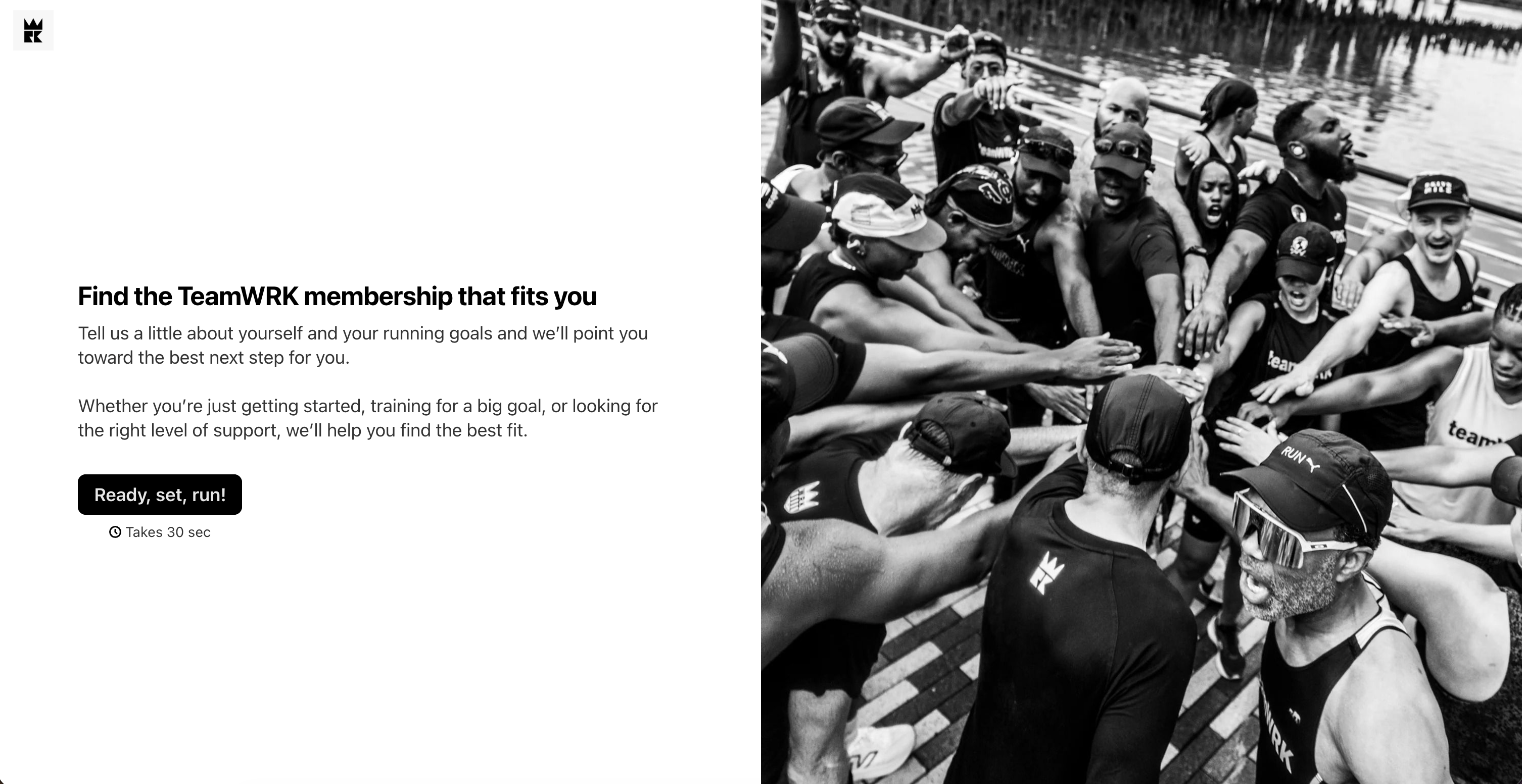
Tune-ups are all about small changes that make a big impact. We didn’t overhaul Joe’s form or start from scratch—we used Typeform AI to consolidate the form, optimized for mobile, and mapped respondent details so TeamWRK could follow up automatically once a lead came in.
Mobile-friendly, from the very first screen
With 68% of Typeforms started on mobile, having a mobile-friendly form is a non-negotiable—that’s why Typeforms are optimized for mobile by default.
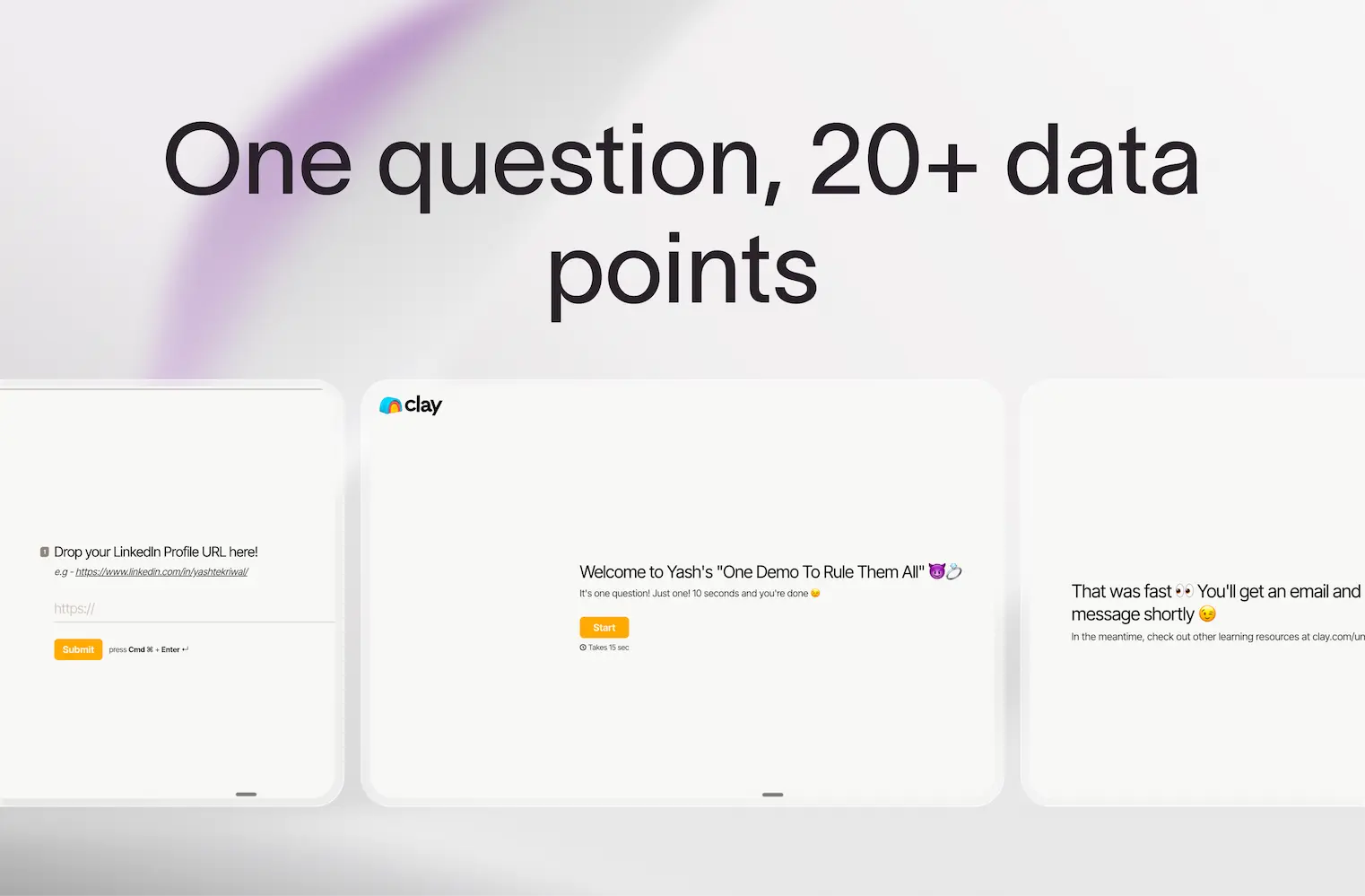
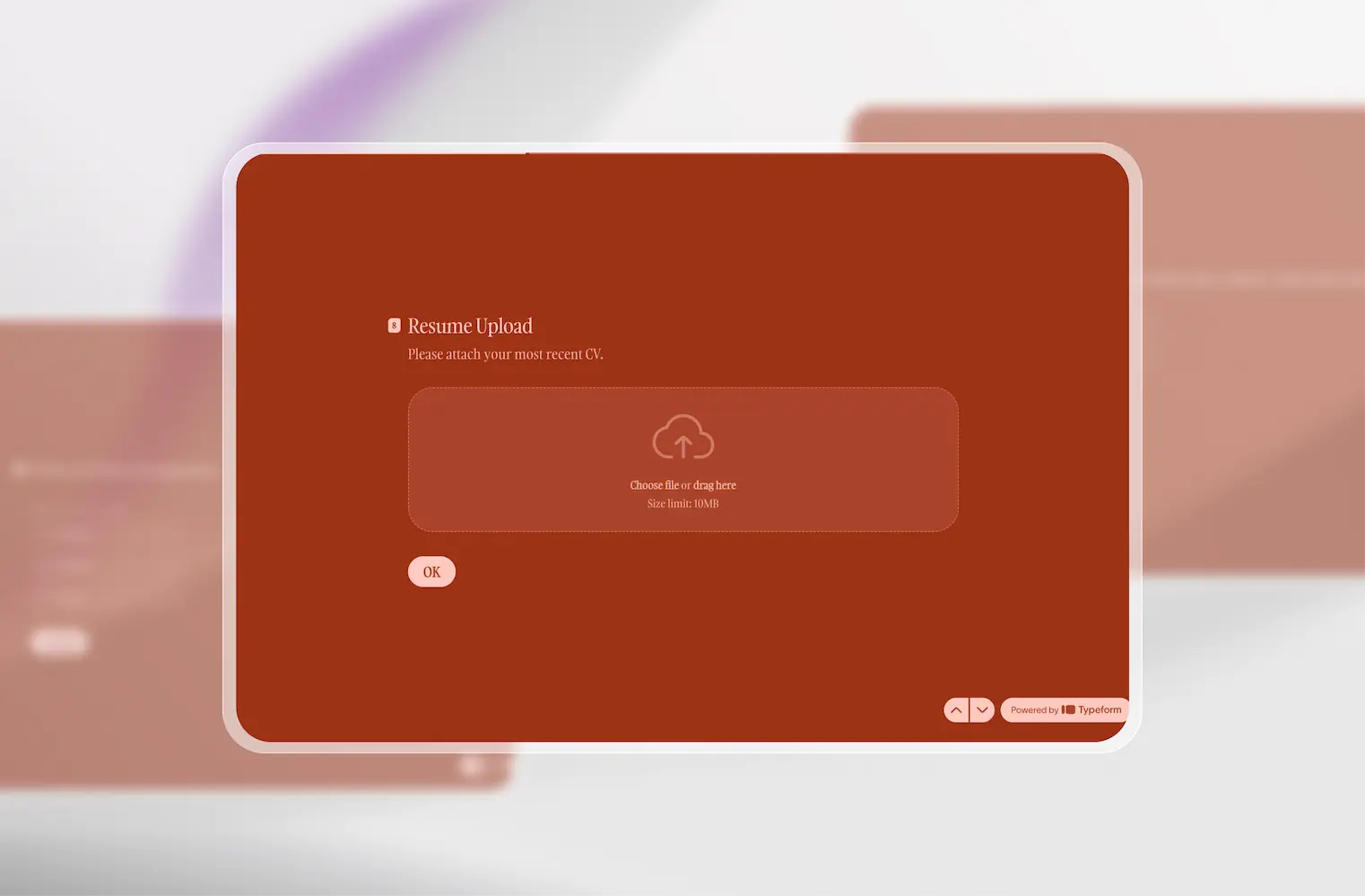
When we added images to TeamWRK’s welcome and end screens, we made sure the images displayed well on mobile, too. Not only does it create a better visual experience and make the form more engaging, but it can also drive higher completion rates:
Forms that feature images or video see more than a 120% increase in completion rates.
Simple phrasing that drives engagement
The more engaging your form, the better the responses. So we used Typeform AI to simplify the wording throughout. This created a better form experience that keeps respondents moving through the form.
No manual rewrites. No second-guessing if you’re asking the right questions. Just Typeform AI and a few prompts.
Essential questions only (for now)
One of TeamWRK’s biggest challenges with increasing response rates was the sheer number of questions. The form was trying to do too much, so we stripped out questions that would make sense in a follow-up flow or after a respondent signed up, like:
- Physical health questions
- Emergency contact details
- Clothing and shoe sizes
We also removed open-ended text questions that typically require more effort and can create friction before a respondent decides whether to sign up. The goal was to ask only what TeamWRK needs to guide respondents to the right outcome.
Lastly, we simplified the contact detail questions to reduce form fatigue by combining them into a single question:
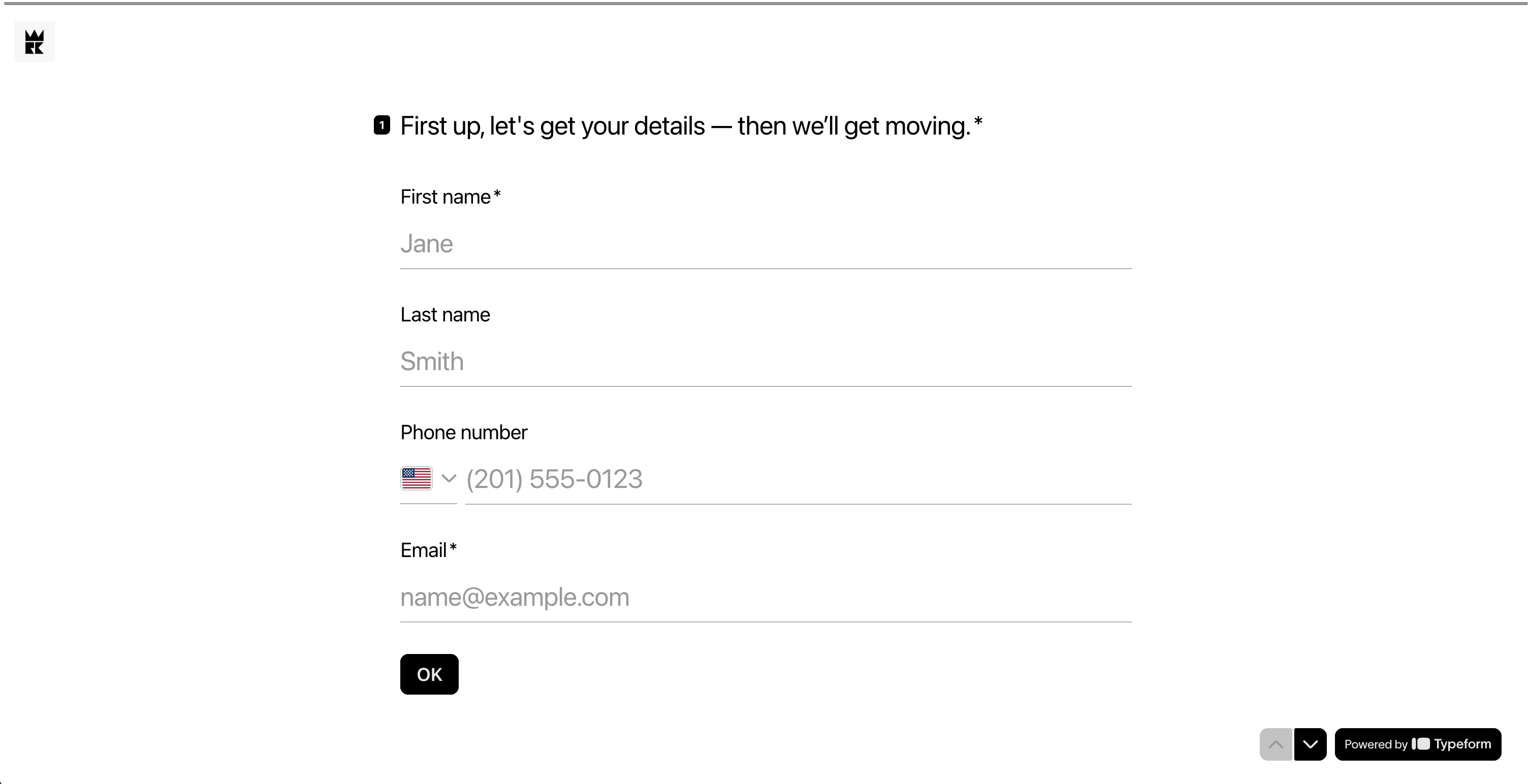
The multi-question page brings together similar questions into a single page, so respondents can enter all details in one place and then move on.
By simplifying and consolidating the questions, TeamWRK can create a smoother, more engaging form experience. And all those questions we cut? The team can collect those details after someone signs up in a post-sign-up form.
Smarter logic, smoother routing
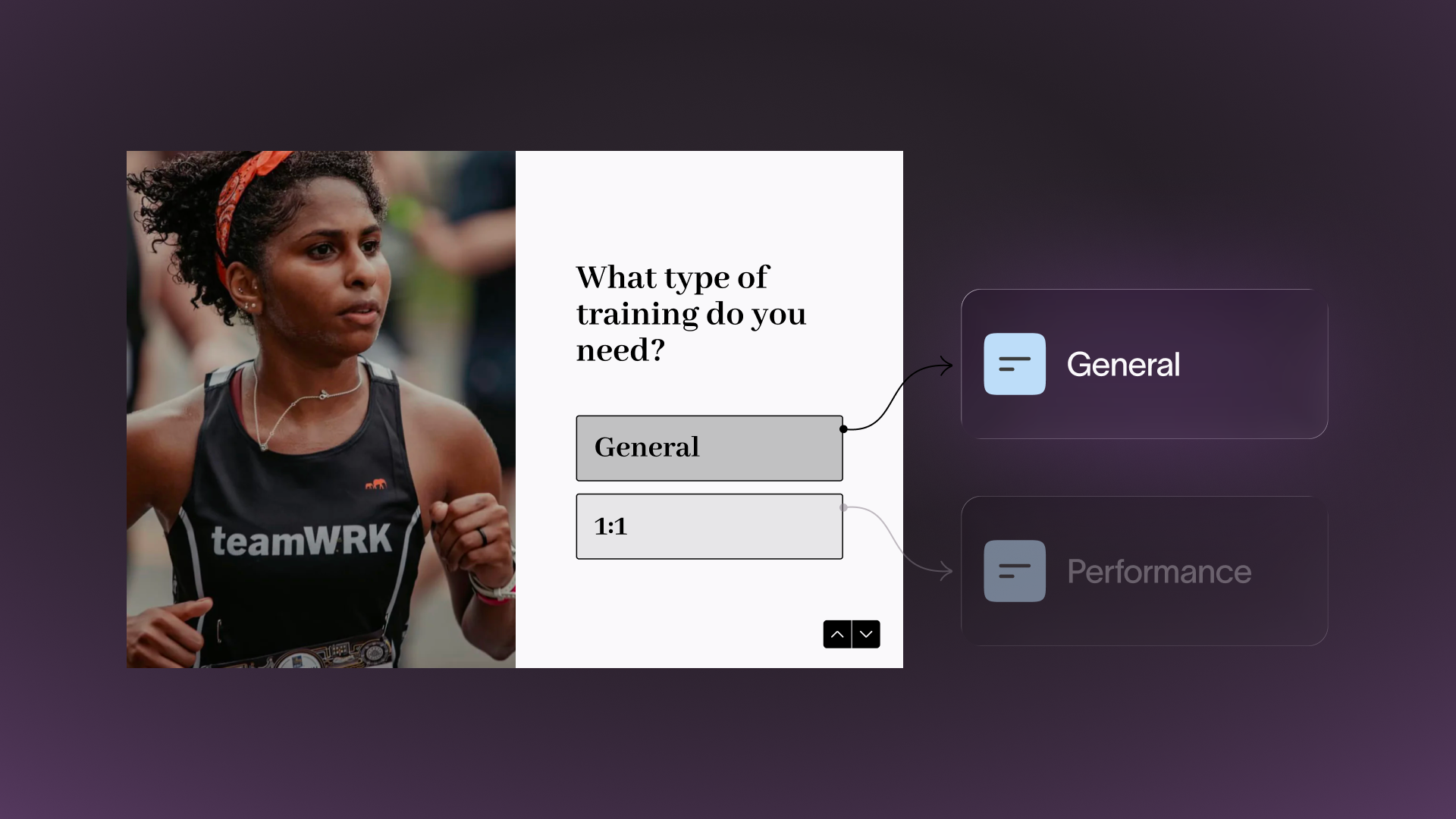
With a few membership options, runners wanting to join needed TeamWRK to guide them to the right membership plan. By tidying the existing logic, we made the routing feel more intentional.
For example, only respondents who want to be considered for financial aid will see the annual salary question—no one else (because it’s not relevant).
Lead capture (even without a submission)
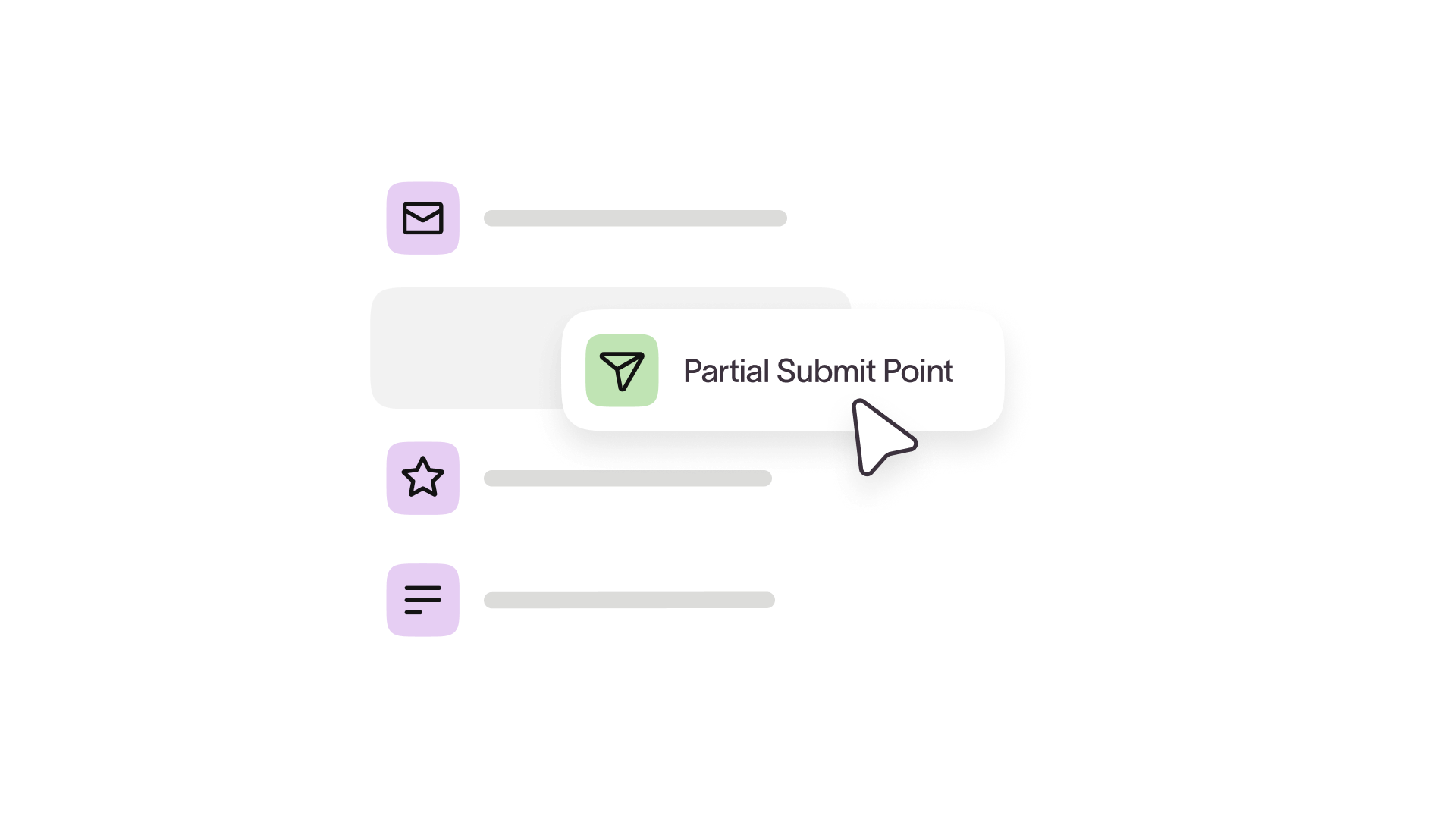
A partial submit point captures data up to that point, allowing teams like Joe’s to get valuable lead details even if they don’t complete the form. We kept the one in TeamWRK’s form, but we took things a bit further.
In addition to the partial submit point, we added a question near the start for people not quite ready to sign up. It asked whether they want to subscribe to updates, so they can stay connected to TeamWRK (and the team can nurture them over time).
Contact details, all in one place
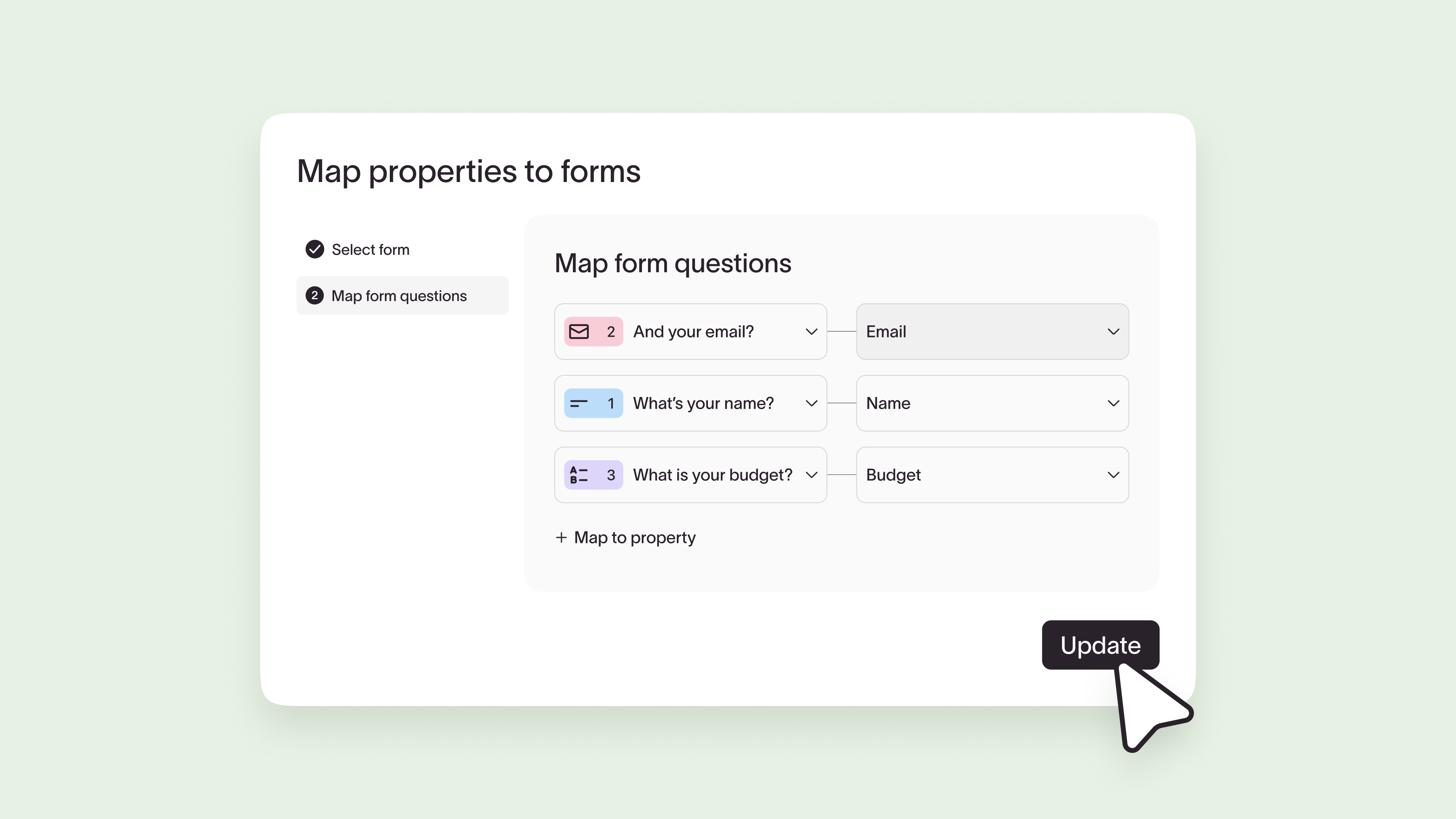
A big part of the ask from Joe was automating email follow-ups. The best way to do that? Map respondent details and answers from the form to contacts in the Contact Hub. Every new lead—complete submission, partial, or “Not ready yet”—lands in one place, automatically.
And because all those details are stored in Typeform, Joe and the team can segment leads based on their answers to send more relevant follow-ups.
Whether someone's a beginner, intermediate, or advanced runner, TeamWRK can tailor what comes next, like sending different email flows to each group.
The post-submit backend experience
TeamWRK needed to know when a new lead came in without having to log in, so we set up an automation that notifies Joe’s team the second a lead hits “Submit.” The automation sends a notification email to the team, so sales gets the full context behind every contact.
Joe can tailor the emails, but we chose the “All answers” option, so the notification emails include every answer without digging through submissions for the details that matter most.
But we also wanted to automate post-submission engagement with new TeamWRK subscribers. Anyone wanting to receive updates was added to a list in Contact Hub and then sent an automated email confirming their subscription, allowing TeamWRK to connect with leads even before they’re ready to commit to a plan.
Tailored follow-ups without the manual effort

Storing respondent details in Contact Hub was just the first step in automating follow-up. Because we created segmented lists based on respondent answers, Joe can now (automatically) send personalized follow-ups.
For example, an advanced runner training for their next Ironman doesn’t want or need the same email as a beginner runner.
These post-submission actions are exactly what Growth Flow was built for: to turn moments like this—a new lead, a specific answer, acting in real time—into the next right action, automatically.
A better experience for all
TeamWRK’s optimized form is proof that small tweaks can have a big payoff.
By tightening the form and automating the backend, TeamWRK’s form now delivers a sign-up experience that’s faster and more personalized for runners and easier for the team to act in the moment.
The most obvious payoff? Time to complete dropped from 4 minutes to 30 seconds—that means less form fatigue, fewer drop-offs, and more runners finding the right membership.
TeamWRK’s reworked form also:
- Delivers a more personalized journey for respondents. Smarter logic and branching ensure people only see relevant questions, so the form feels less like 30 questions and more like a guided path to the right plan.
- Automates manual follow-up for TeamWRK. Contacts mapped in Contact Hub, plus automations that take care of notifications and confirmations, let the team reach out to leads while they’re hot—no delay, no manual logging in.
- Lessens manual work so TeamWRK can build momentum. Instead of chasing submissions, Joe can focus on coaching runners while the form does the routing and follow-up in the background.
Small tweaks, big impact
Optimizing your Typeform isn’t about big sweeping changes or starting over. It’s about little changes here and there—like what we did with TeamWRK. Cutting questions that don't belong yet, letting Typeform AI do the heavy lifting, and automating the follow-up so no lead slips through the cracks.
These tiny tweaks help elevate your form, making it more engaging for respondents while automating the backend so your team can focus on what they do best.
Want to see more tune-ups like this? Check out the Telethon recap for hours of forms, flows, and fun.
And if you haven’t tried Typeform yet, you can get started for free.

.webp)