Signup Sheet Template
A signup sheet clipped to a board, smudged with coffee, and missing three names by the time it reaches the front desk isn’t data, it’s liability with a clipboard. The volunteer with handwriting that no one can read and the guest who never received a confirmation are the ones you find out about last. Capture the signup before it’s lost, not after. Collect responses from any device, in one place, from the first name.


Paper signup sheets will almost always get spilled on, left behind, or lost. Let’s not forget the difficulty in reading handwriting, and even transcribing names into a spreadsheet that ends up taking up time that you don’t have. When signups happen at an event, the sheet gets passed around, leaving you hoping that it makes it back to you in one, legible piece.
A digital signup sheet will solve all of those issues. Typeform creates a clean and accessible form that people can complete on any device, from a shared tablet at the registration table to their own phone from the couch. Every submission is timestamped and stored automatically, so your list stays complete and readable. You can share it by QR code, a direct link, or embed it on your website.
Customize the questions on the signup sheet to match your event, add anything you need beyond the basics, and connect responses straight to a Google Sheet or your email list with no manual entry or worrying about lost pages.
Where digital signup sheet forms work best
Anywhere a name and a few details need to get collected reliably, a digital signup sheet earns its keep. A few places where it shows up the most include:
Classrooms and PTAs
Volunteer sign-ups for field trips, class parties, or supply drives, where illegible handwriting and lost permission slips are a regular complaint.
Nonprofits and community groups
Event registration, donation drives, or membership renewals that need to actually be tracked, and not just collected.
Gyms and studios
Class waitlists and drop-in sessions where a spot needs to be claimed and confirmed in real time.
Places of worship
Volunteer schedules, small group sign-ups, or holiday event registration.
Small businesses
Workshop registration, in-store events, or building an email list at a pop-up or market booth.
Corporate teams
Training sessions, office parties, or all-hands RSVPs where someone needs an accurate headcount by Friday.
The common thread: someone needs a list that they can actually trust, without babysitting a clipboard or chasing down a sign-in sheet that walked off with a departing guest. If you have ever had to guess whether “Sarah” and “Sara” on two different lines are the same person, you already know why this can become an issue. A digital form doesn’t get spilled on, doesn’t get left in someone’s car, and doesn’t need anyone to play detective with handwriting later.
How to set up your signup sheet template
Building the signup sheet takes less time than transcribing one paper sheet by hand.
Start with this template—it’s already structured with the fields that most signups need, so you’re editing and not building it from scratch. You can swap in the questions specific to your event: which session someone’s joining, what they’re bringing, and what size shirt they need. Remove anything that doesn’t apply to you.
Add logic if it’s useful. Only ask for a phone number if you are planning on sending reminders. Only show the dietary question if someone confirms that they’re attending the dinner. Typeform skips the fields that don’t apply to a given answer, so people aren’t stuck scrolling past questions that have nothing to do with them.
Next, set your notifications. Decide where responses should land (a spreadsheet, your inbox, a shared folder) to work from one source of truth.
Then publish. You will receive a shareable link and a QR code immediately, both ready to send out or print.
That’s the entire process. No design work, no formatting spreadsheets after the fact, and no explaining to a co-organizer how to read the handwriting on page three of the paper version.
What happens after someone signs up
A signup sheet’s real job does not end when someone writes their name down, it’s what happens to that name next.
Every response lands in one place automatically, organized, and timestamped the moment that it’s submitted. No re-typing a stack of index cards into a spreadsheet at 11 p.m. the night before your event, and no squinting at a name that you can’t quite make out.
Connect the signup sheet to a Google Sheet and your list updates itself in real time, and it’s ready to share with a co-organizer or sort by session, table, or team. Sync it to your email platform and new signups can get added straight to your mailing list—no export, no copy-paste, no follow-up spreadsheet cleanup.
Want people to get an automatic confirmation the moment they sign up? Set that up too, so no one is left wondering whether their spot is actually saved.
This is the difference between a signup sheet and an actual system for running your event. One collects names. The other tells you, at a glance, exactly who is coming, what they need, and how to reach them before you’re standing at the door trying to remember who RSVP’d.
Tips to get more signups
A few small choices decide whether someone finishes your form or gives up halfway through.
- Ask only what you will use. Every extra field is just another reason to abandon the form. If you’re not going to act on the answer, then remove the question.
- Put the easiest question first. Name and email go before “describe your dietary restrictions in detail.” Momentum is key since people who answer one question are far more likely to move on and answer the next.
- Design for a phone screen. Most people will fill this out on their phone, typically standing up and with one hand. Short questions and big buttons beat dense paragraphs.
- Say exactly what they’re signing up for. “Volunteer for Saturday’s food drive” converts better than a generic “Signup Sheet.” People will commit faster when they know exactly what they’re agreeing to.
- Put the QR code somewhere that’s hard to miss. Eye level, well lit, and not taped behind the snack table where no one is looking.
None of this needs a redesign. It simply requires cutting anything that is not essential and putting the form in front of people at the exact moment they are ready to say yes.
It’s a form that collects names and contact information from people who are interested in participating in an event, activity, mailing list, or program. It's one of the most common forms used by schools, nonprofits, community organizations, and businesses.
Using a digital signup sheet is more reliable than paper. Responses are stored automatically, legible, and easy to sort and search. Access the list from anywhere, share it without a physical handoff, and connect it to the tools you are already using for email or event management.
Keep it as short as possible:
- First and last name
- Email address
- Phone number (if needed for reminders)
- Which event, session, or activity they're signing up for
- Any dietary or accessibility requirements (if relevant)
- Comments or questions
Yes. Add questions about availability, skills, or experience relevant to the volunteer role, and any commitment requirements. This provides you with more than just a name; you’re getting context to match volunteers to the right tasks or slots.
Print a QR code linking to the form and have it at the registration table, entrance, or any high-visibility spot at your venue. You can also place a tablet or laptop with the signup sheet open for people who would prefer to type it directly. Both approaches give you a digital record without needing paper.
Get inspired by relevant templates and categories
3200+ Templates, 300+ Integrations
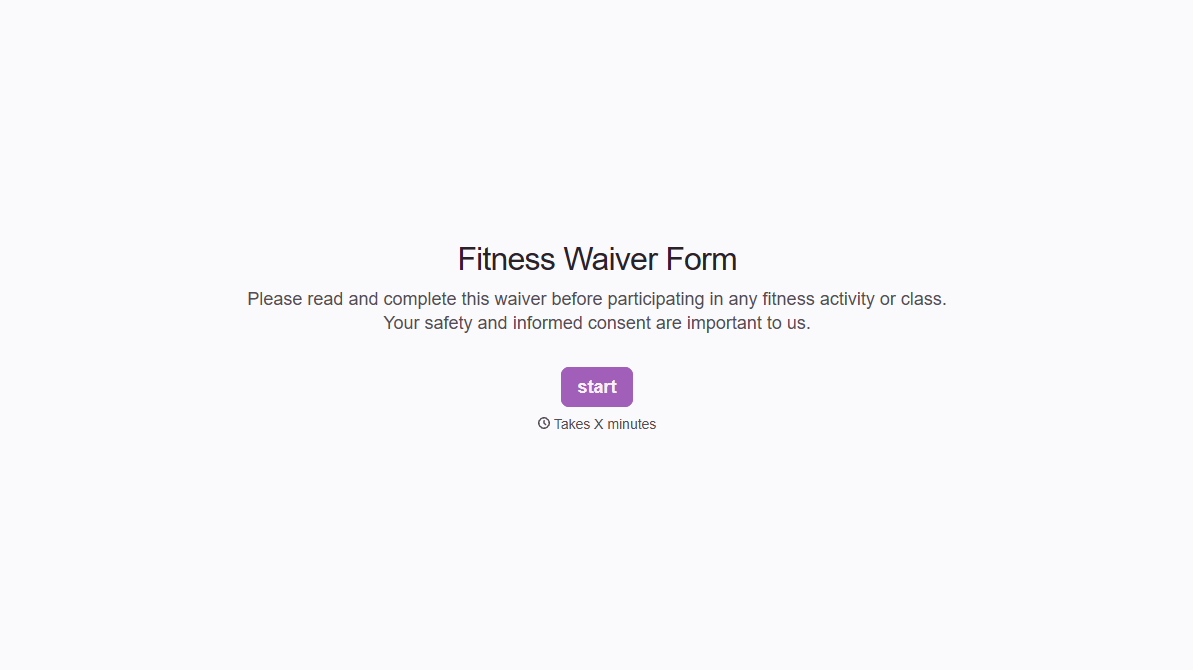
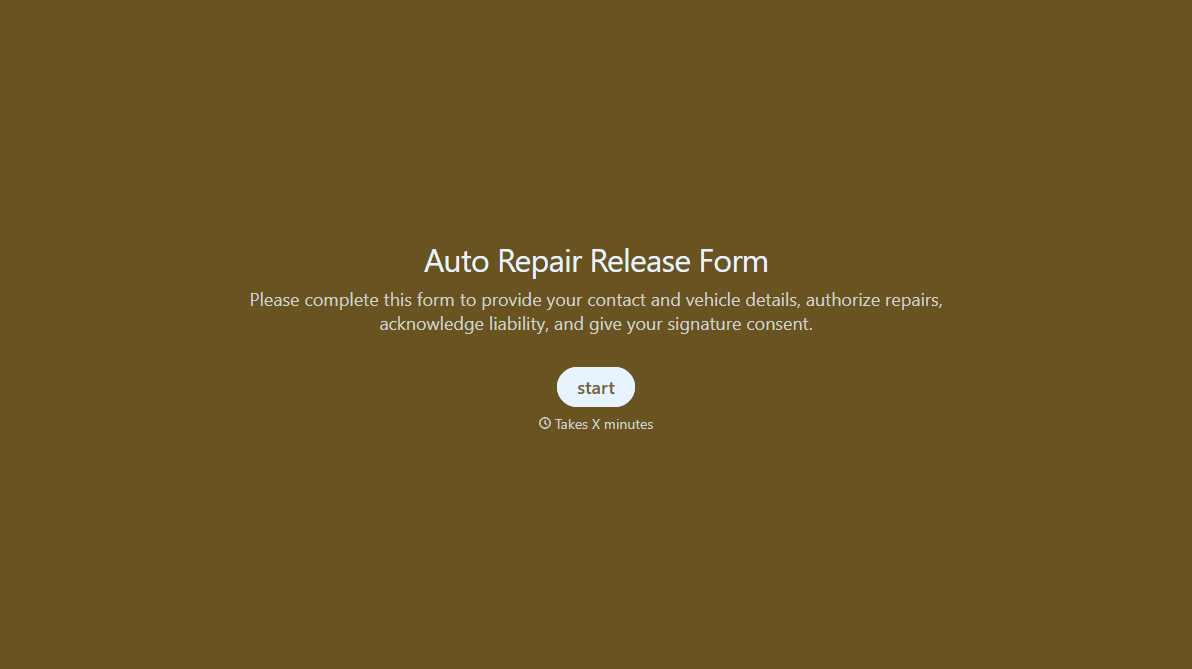

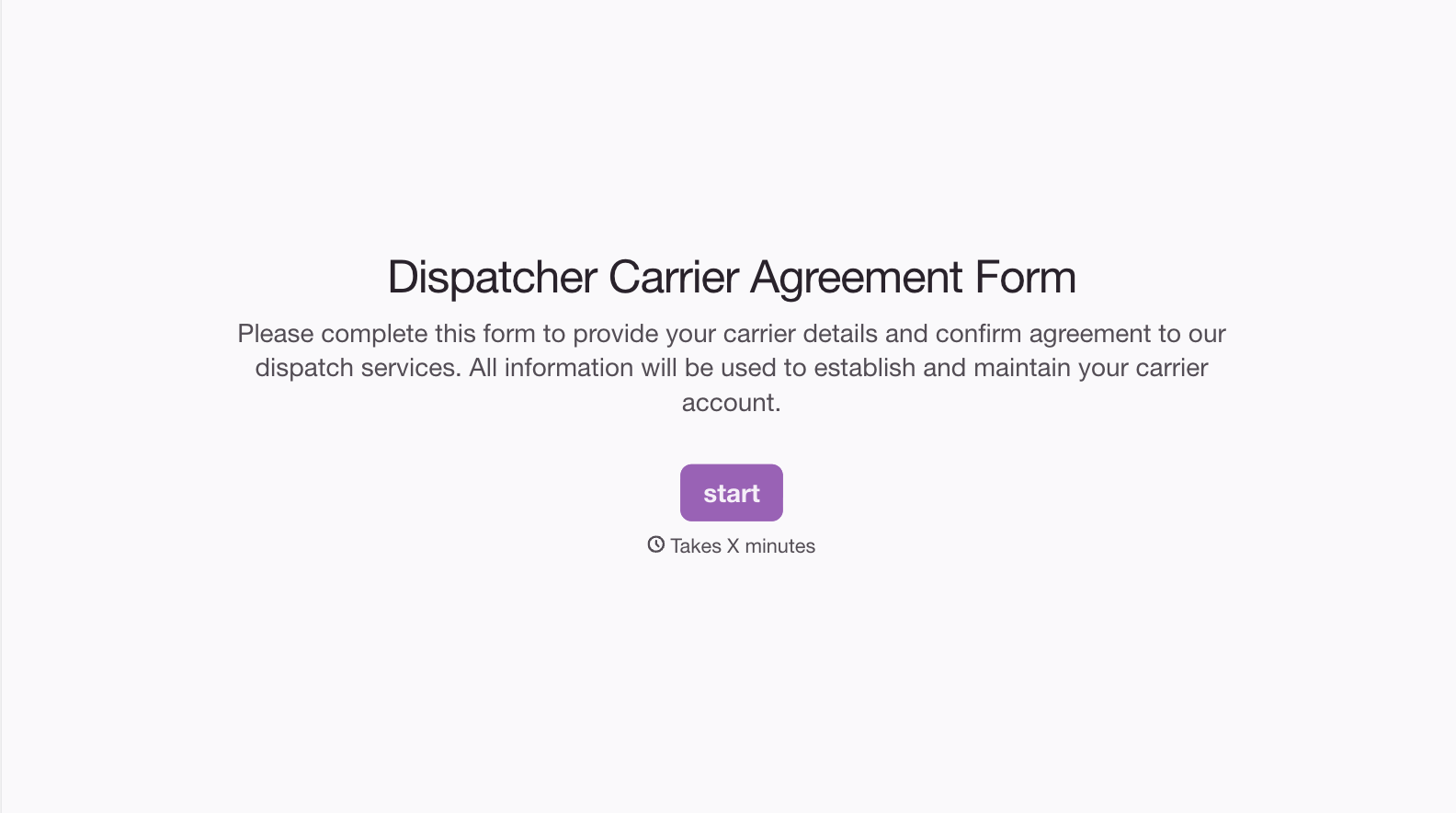
With Typeform, you can customize everything
Change text, colors, and even logos to match the look and feel of your brand. Then embed forms smoothly onto web and email.
Make forms feel effortless to fill out. Pace questions, call people by their name, and adapt the flow based on the data they share.
Stay efficient by connecting forms to your workflow. Typeform integrates with 300+ tools including Slack, Zapier, and HubSpot.


