5K Race Form Template
Get runners registered and race-ready without the finish-line scramble of disorganized sign-ups.



Organizing a 5K involves logistics that would make an event planner sweat — permits, course mapping, volunteers, timing chips, hydration stations. Registration shouldn't add to that stress. But when sign-ups come in through emails, social media DMs, and day-of walk-ups, you end up with an incomplete roster, missing emergency contacts, and no idea how many t-shirts to order.
This 5K race form template captures everything you need from runners upfront. Personal details, emergency contacts, t-shirt size, experience level, and liability waivers — in a guided flow that works on any device. Conditional logic adapts the form for different race categories (5K, 10K if offered, kids' fun run), team vs. individual registration, and add-on purchases like race day photos or post-race meals.
Embed it on your race website, share it through running clubs and community groups, and connect it to your payment processor and participant management tools through integrations. On race day, you'll have a complete roster, accurate counts, and emergency info at your fingertips.
A 5K race registration form is a sign-up tool that collects participant information for a 5-kilometer running event. It captures personal details, emergency contacts, health disclosures, t-shirt sizes, race category preferences, and liability waivers. It gives race organizers the data they need to plan logistics, ensure safety, produce bibs and timing assignments, and communicate with runners before, during, and after the event.
Online registration gives you accurate headcounts weeks in advance, which drives every downstream decision — how many timing chips to order, how much water to stock, how many volunteers you need at each station. It also collects emergency contact and medical information that's critical for race-day safety. Walk-up registration can supplement, but your planning baseline should come from advance sign-ups.
- Runner's full name, date of birth, gender, and contact info
- Emergency contact name and phone number
- Race category (5K, 10K, kids' run, etc.)
- T-shirt size
- Known medical conditions or allergies
- Liability waiver acknowledgment and electronic signature
Add a "registration type" question. Individual or team. When "team" is selected, use conditional logic to show team name and captain contact fields. For team events, you can either have the captain register all members in 1 submission (with repeating fields for each runner's details) or generate a unique team code that individual members enter when they register separately. The second approach scales better for larger teams.
For a community 5K, age-group categories are standard. They enable fair competition and more meaningful results. Common divisions are under 18, 18-29, 30-39, 40-49, 50-59, and 60+. You can also offer a "walker" category for participants who aren't running competitively. Use conditional logic to auto-assign age groups based on the date of birth provided, so runners don't have to figure out which category they fall into.
Get inspired by relevant templates and categories
3200+ Templates, 300+ Integrations
Baby Dedication Form
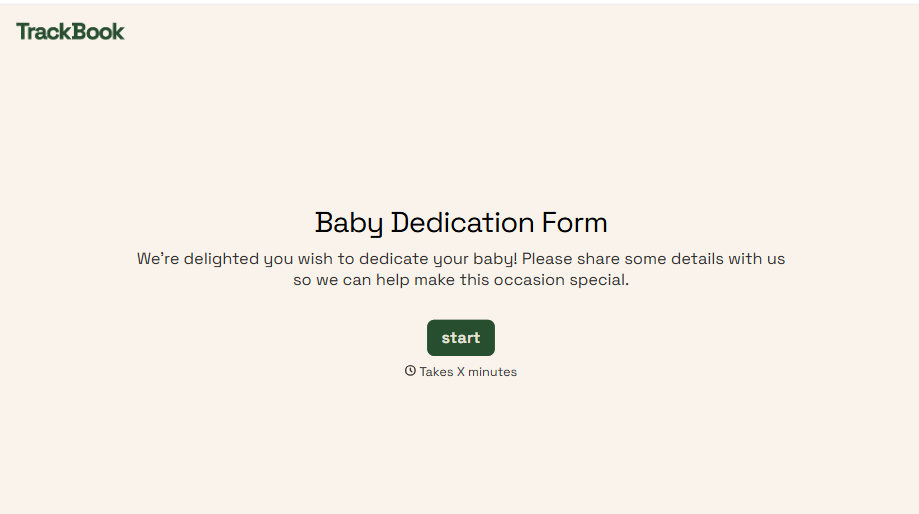
A sign-up sheet passed around during announcements isn't the kind of detail you want to compile into a Sunday program from memory. Collect the baby's information, requested ceremony date, and any required class attendance before the service, so your team isn't confirming a name's spelling the morning of.
View template
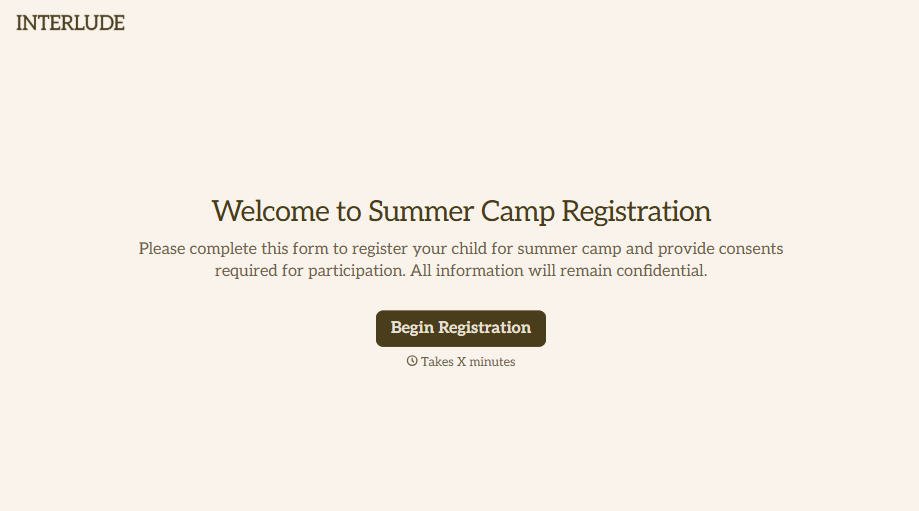
Summer Camp Consent Form
A camper with a bee sting and a counselor on the phone trying to reach a parent isn't a consent process, it's a delay. Collect guardian consent for emergency medical treatment, medication administration, and photo or media use before drop-off, so your staff can act instead of waiting for a callback.
View template
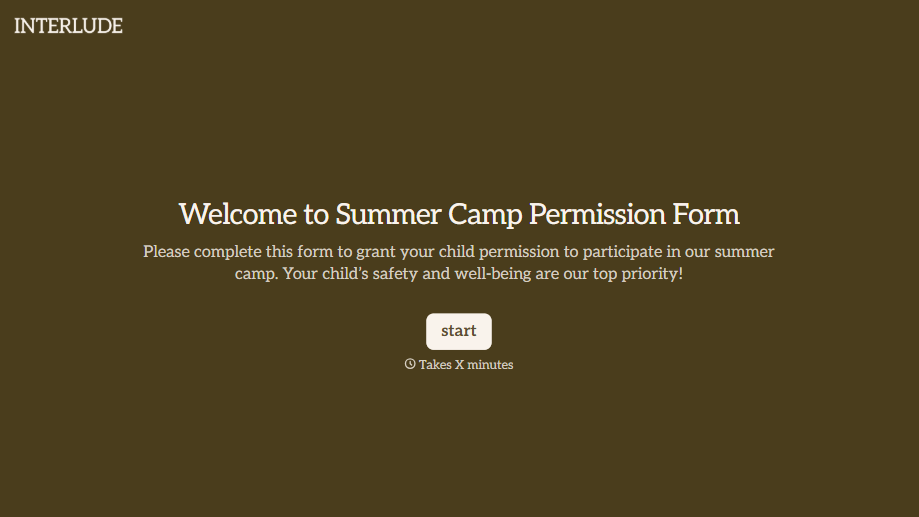
Summer Camp Permission Form
A permission packet crumpled at the bottom of a backpack for two weeks isn't a permission slip anyone can rely on. Collect camper information, medical disclosures, and a signed permission for camp activities before drop-off, so your staff aren't scrambling for an emergency contact on day one.
View template
With Typeform, you can customize everything
Change text, colors, and even logos to match the look and feel of your brand. Then embed forms smoothly onto web and email.
Make forms feel effortless to fill out. Pace questions, call people by their name, and adapt the flow based on the data they share.
Stay efficient by connecting forms to your workflow. Typeform integrates with 300+ tools including Slack, Zapier, and HubSpot.


