After-School Program Enrollment Form Template
Fill your program with the right information from day 1, not a stack of half-completed paper packets.



After-school programs run on tight schedules with limited staff. When enrollment paperwork is incomplete. Missing emergency contacts, unknown allergies, unsigned permission slips. Every gap creates a risk. But chasing parents for missing details over email and voicemail eats into time your team should be spending on the kids.
This after-school program enrollment form template captures everything upfront. Parents provide student information, medical details, emergency contacts, authorized pickups, and program preferences in a single, guided flow. Conditional logic adjusts based on the child's age group and any medical or dietary needs flagged, so families with straightforward situations finish quickly, while those with specific requirements provide the detail you need.
Share the form link during registration, embed it on your program page, and export enrollment data to your management system. Every child's file is complete before they walk through the door.
An after-school program enrollment form collects the student, parent, and medical information needed to register a child for an after-school care or enrichment program. It typically covers program selection, health and safety details, emergency contacts, and participation agreements.
Paper enrollment packets are multi-page, easy to lose, and a nightmare to data-enter. A digital form collects everything in 1 place with validation that prevents incomplete submissions. Parents can fill it out from their phone, and your team gets organized, searchable records instantly.
- Child's full name, date of birth, grade, and school
- Parent/guardian names, phone numbers, and email addresses
- Authorized pickup contacts (with relationship to child)
- Medical conditions, allergies, and medications
- Program or activity selection
- Photo release and liability waiver acknowledgment
Track the number of submissions against your program caps. You can set up a notification when enrollment reaches a threshold — say 90% capacity, so you can close registration or start a waitlist. Integrating with a spreadsheet that auto-counts enrollments makes this easy to monitor in real time.
Send them a pre-filled update form at the start of each semester or whenever you need refreshed data. Alternatively, create a separate "information update" form for changes like new phone numbers, new medications, or changes to authorized pickup lists.
Get inspired by relevant templates and categories
3200+ Templates, 300+ Integrations
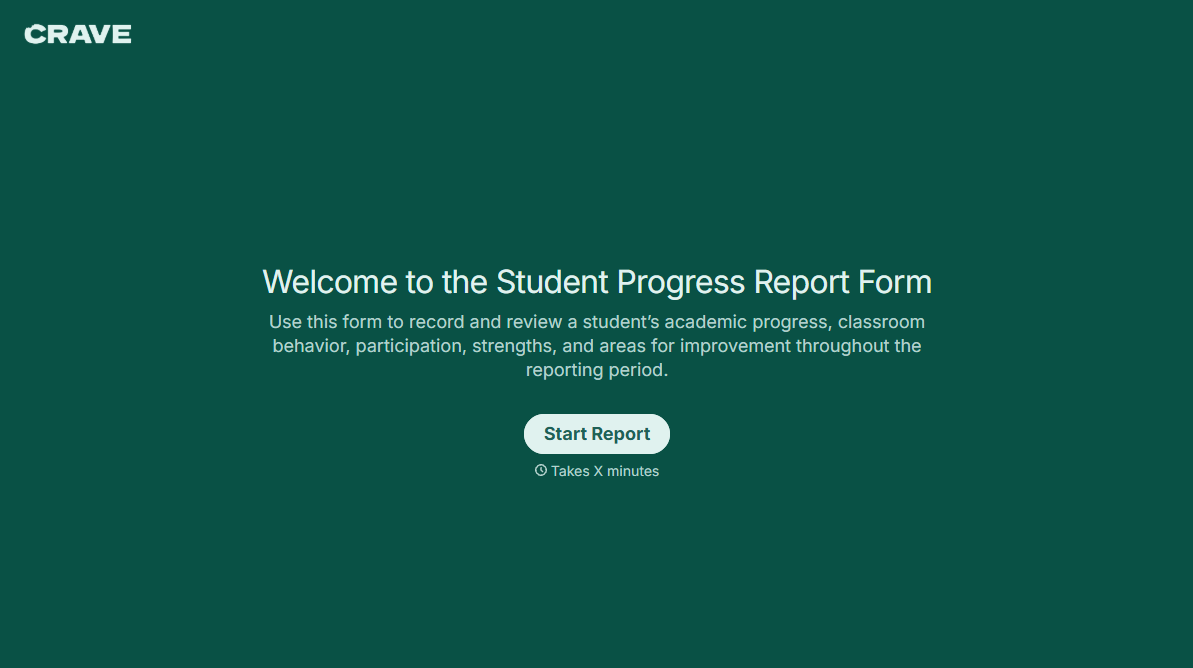
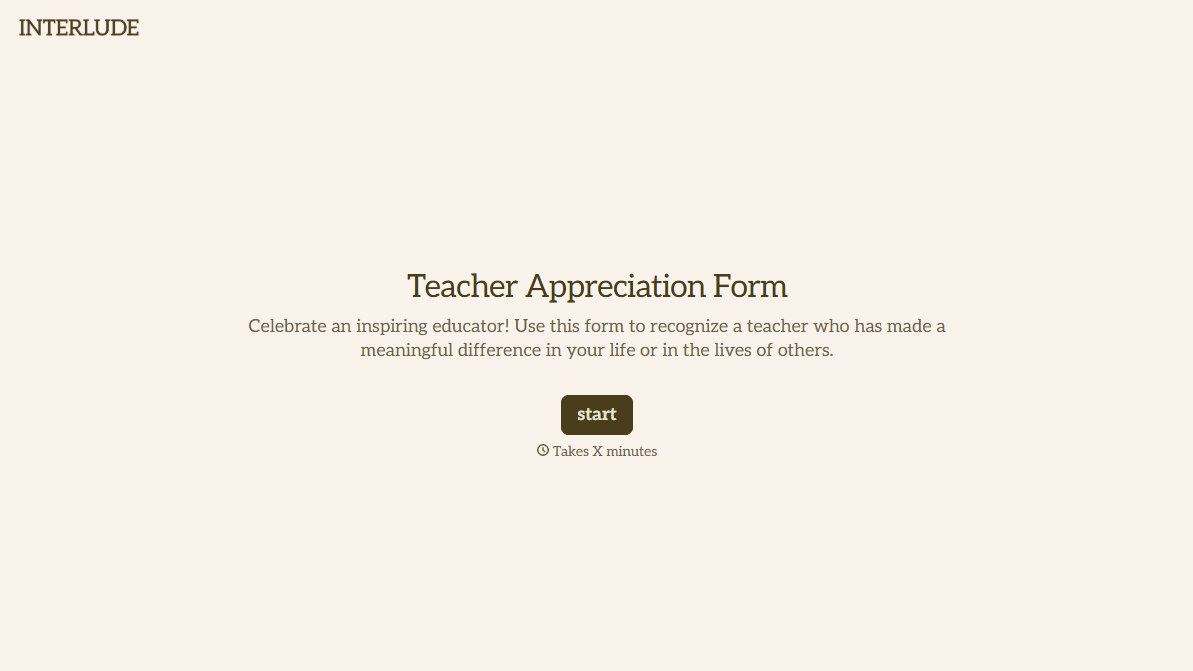
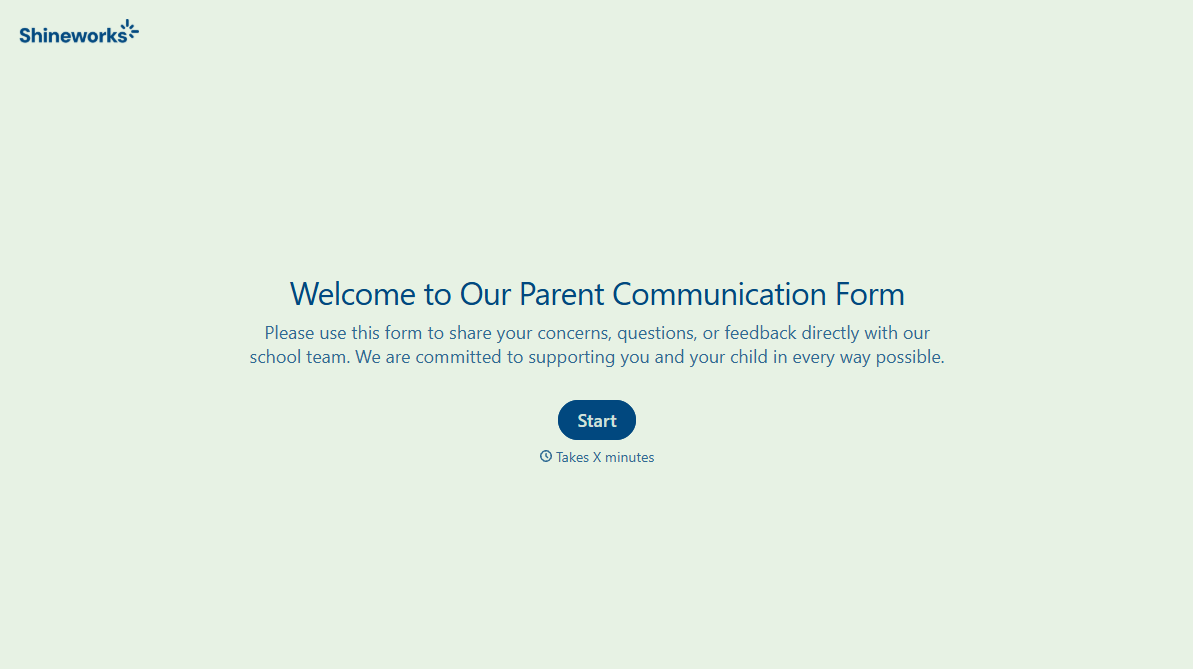


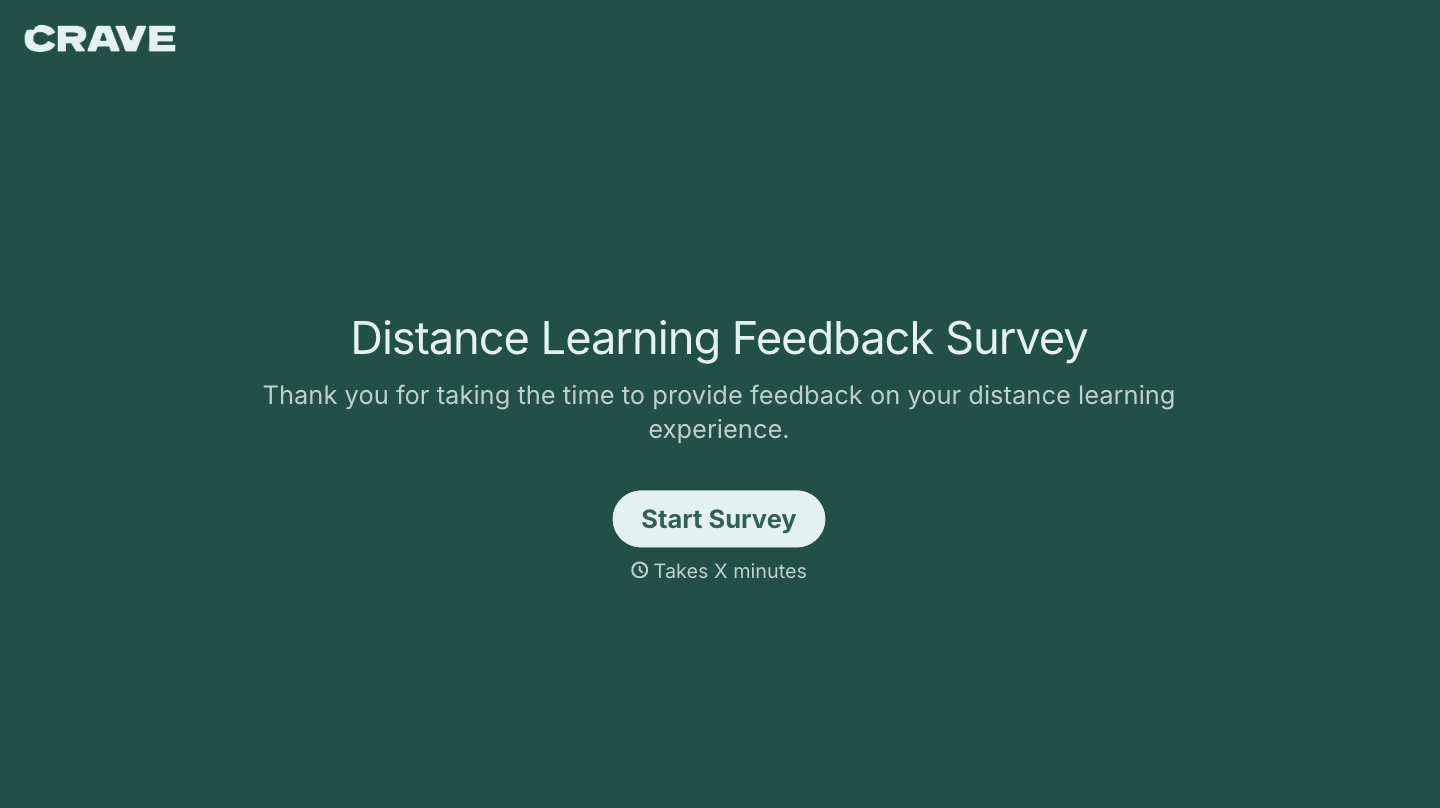
With Typeform, you can customize everything
Change text, colors, and even logos to match the look and feel of your brand. Then embed forms smoothly onto web and email.
Make forms feel effortless to fill out. Pace questions, call people by their name, and adapt the flow based on the data they share.
Stay efficient by connecting forms to your workflow. Typeform integrates with 300+ tools including Slack, Zapier, and HubSpot.


