Appointment Schedule Template
Let people book the time slot that works for them — and keep your calendar organized.



Scheduling by phone or email creates back-and-forth that wastes everyone's time. This template lets clients or patients select from available dates and times, provide their reason for the appointment, and submit contact information — all in one place, on any device.
The form captures the respondent's name, contact details, preferred date and time, appointment type, and any notes they want to share in advance. You can add dropdown menus for appointment types or use a date picker to guide selection.
When connected to your calendar or CRM, each submission creates a record you can act on immediately. You can also set up automated confirmation emails so clients know their request was received, without any manual follow-up.
This is a request-based form rather than live calendar integration. Clients submit their preferred time, and you confirm. It's well suited for situations where you need to screen requests, gather information upfront, or manage limited availability manually.
Yes. Use a dropdown or multiple choice field listing your available slots. This prevents requests for times you're not open and gives clients clear options to choose from.
Use Typeform's email notifications to send a confirmation to the respondent when they submit. You can also connect to Zapier or Make to trigger confirmation emails through your email platform.
Yes. Add an appointment type question and use conditional logic to show relevant follow-up questions depending on what the person selects — for example, a medical appointment might ask for insurance details while a consultation doesn't.
Typeform doesn't have built-in capacity limits, but you can close the form when slots fill or connect it to a spreadsheet where you track availability and update the options manually.
Get inspired by relevant templates and categories
3200+ Templates, 300+ Integrations

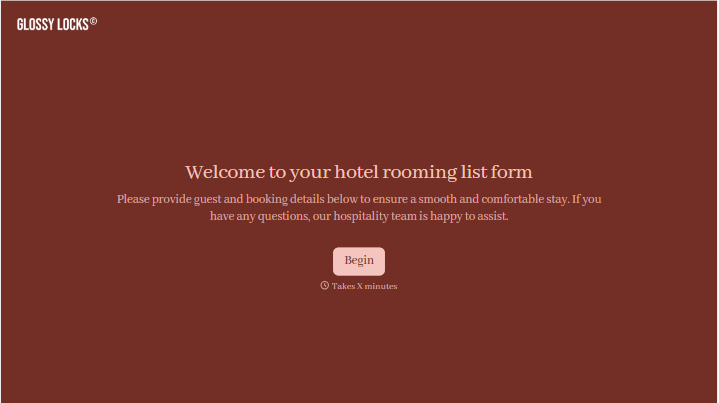



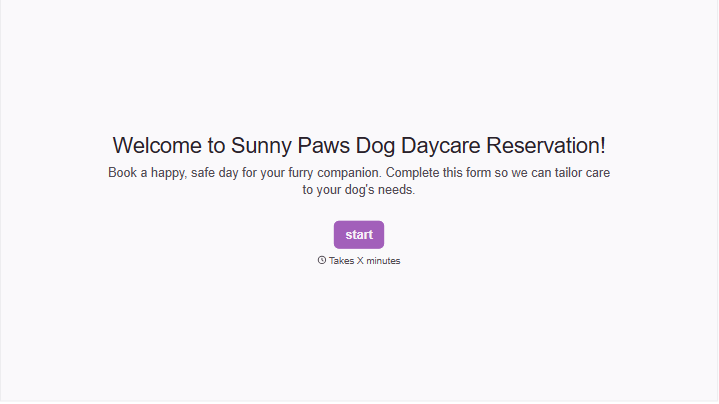
With Typeform, you can customize everything
Change text, colors, and even logos to match the look and feel of your brand. Then embed forms smoothly onto web and email.
Make forms feel effortless to fill out. Pace questions, call people by their name, and adapt the flow based on the data they share.
Stay efficient by connecting forms to your workflow. Typeform integrates with 300+ tools including Slack, Zapier, and HubSpot.


