Dog Daycare Reservation Form
Give dog owners an easy way to request a daycare spot. Collect visit dates, dog details, and care instructions so your team can review each request before confirming the booking.



A regular needs an extra Tuesday. A new customer wants to book a puppy’s first full day. Both need a spot, but your team needs different information before saying yes. Typeform’s dog daycare reservation form brings the booking details together and helps you see what needs a follow-up.
Owners provide their dog’s name, requested dates, and expected drop-off and pickup times. You can ask whether the dog has attended before, collect emergency contact details, and leave room for feeding instructions or changes in care needs. Explain any first-visit requirements before owners submit.
Your team gets a request it can check against availability and the dog’s existing records. Owners get a clear way to tell you what they need. And whoever greets the dog at drop-off has fewer details to chase during the morning rush.
A dog daycare reservation form is an online form owners use to request care for their dog on specific dates. It collects booking information, owner contact details, and relevant care notes. Daycare providers use it to organize requests and gather the information needed to confirm a visit.
Bookings made through calls and messages can leave out details such as pickup time or which dog is attending. A reservation form asks for that information together. It also gives owners a place to flag changes, such as new feeding instructions, before they arrive.
Collect the details your team needs to review the request and prepare for the visit:
- Owner name and contact details
- Dog’s name and whether they have attended before
- Requested daycare dates
- Expected drop-off and pickup times
- Full-day or half-day preference, if offered
- Emergency contact details
- Relevant feeding, medication, or care requests
- Authorized pickup person
- Acknowledgment of booking and cancellation policies
For new dogs, explain how owners should provide any required records and complete your intake process.
Keep the booking questions focused on the visit. Ask for the owner’s details, the dog’s name, dates, and any changes since the last stay. Avoid asking owners to repeat a full care history with every request when your team already has it on file. Give them a clear place to flag updates that need attention.
Only if your booking process is set up to confirm availability at submission. Otherwise, label the form as a reservation request and explain when owners can expect a response. Your team may need to check capacity, review records, or arrange a first-visit assessment before confirming the booking.
Get inspired by relevant templates and categories
3200+ Templates, 300+ Integrations
Hotel Room Booking Form
A room booked over the phone with "we'll figure out the room type when you get here" doesn't leave the front desk anything to actually plan around. Collect what your hotel actually needs, guest information, dates, and room preferences, before the reservation gets confirmed.
View template
Tour Booking Form
A booking inquiry that starts with "what dates work for you?" and ends up as six emails back and forth, dates, group size, dietary needs, whether anyone in the party can handle three miles of uneven trail, is six emails too many before you've even confirmed there's a spot available. Collect it once, upfront, and start the actual planning from a complete picture.
View template
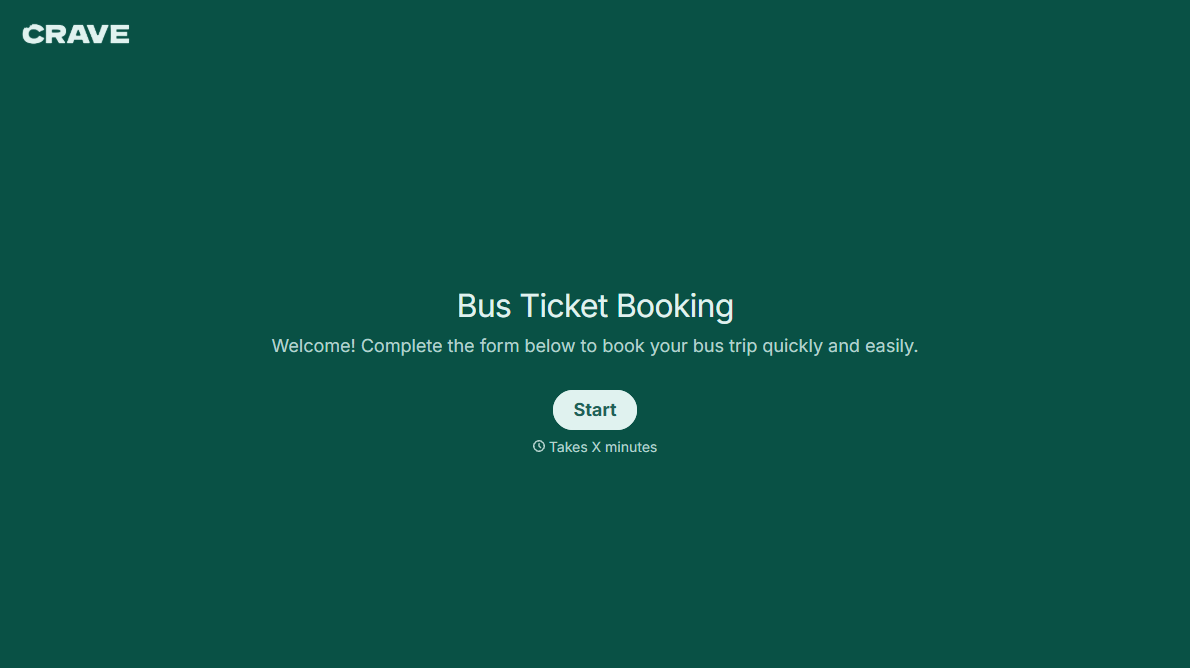
Bus Ticket Booking Form
Move past a booking form that only asks for a name, a date, and a seat count. Screen for the accessibility needs that come with a legal notice window attached, capture who's actually on the bus, and keep a timestamped record of exactly what was booked and confirmed.
View template
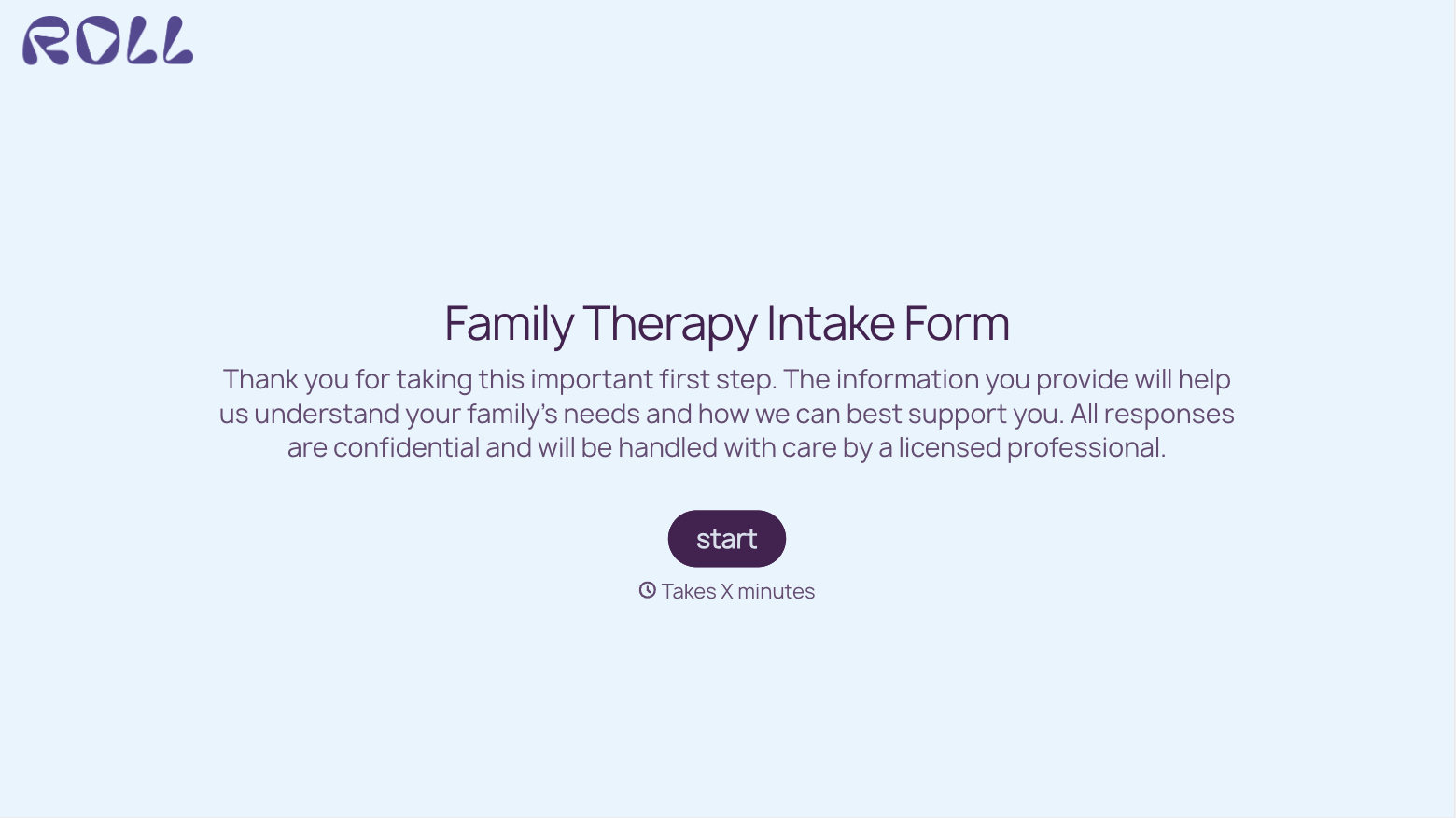
With Typeform, you can customize everything
Change text, colors, and even logos to match the look and feel of your brand. Then embed forms smoothly onto web and email.
Make forms feel effortless to fill out. Pace questions, call people by their name, and adapt the flow based on the data they share.
Stay efficient by connecting forms to your workflow. Typeform integrates with 300+ tools including Slack, Zapier, and HubSpot.


