Attendance Form Template
Know who showed up, without passing around a sign-in sheet that takes 10 minutes and nobody can read.



Whether you're tracking classroom attendance, meeting participation, event check-ins, or shift presence, paper sign-in sheets are a time sink and a data dead end. They circulate slowly, names are illegible, timestamps are inconsistent, and digitizing the information later is the kind of task that never quite gets done.
This attendance form template replaces the clipboard with a quick, mobile-friendly check-in. Attendees tap the link, enter their name (or select from a list), confirm the date and session, and submit — in under 30 seconds. Conditional logic can add fields for late arrivals, early departures, or reason for absence, keeping the default flow lightning fast.
Share the link in a meeting chat, display a QR code at the door, or embed it on your intranet. Responses sync to Google Sheets or Airtable through integrations, giving you real-time visibility and a clean attendance record that's ready for analysis or reporting.
An attendance form records who is present at a specific event, class, meeting, or shift. It typically captures the attendee's name, the date and time, and the session or event being attended. It serves as an official record for compliance, grading, payroll, or organizational tracking purposes.
Speed, accuracy, and utility. A digital form takes seconds to complete, produces legible and structured data, and feeds directly into your tracking systems. Paper sheets produce a stack of paper that someone has to manually enter into a spreadsheet, and that task often gets deprioritized until the data is too old to be useful.
- Attendee's full name (or employee/student ID)
- Date of attendance
- Session, class, event, or shift being attended
- Time of check-in
- Status (present, late, leaving early)
- Reason for absence or tardiness (if applicable, via conditional logic)
Use a QR code that links directly to the form. Attendees scan and submit in seconds from their phones. For recurring events, pre-populate the date and session fields so attendees only need to enter their name. You can also integrate with your organization's directory to offer a searchable name list instead of a text field.
Yes. Connect the form to Google Sheets or Airtable through integrations, and your attendance data builds automatically over time. From there, you can create pivot tables, filter by date range or individual, calculate attendance percentages, and generate reports for managers, instructors, or compliance officers without any manual tallying.
Get inspired by relevant templates and categories
3200+ Templates, 300+ Integrations
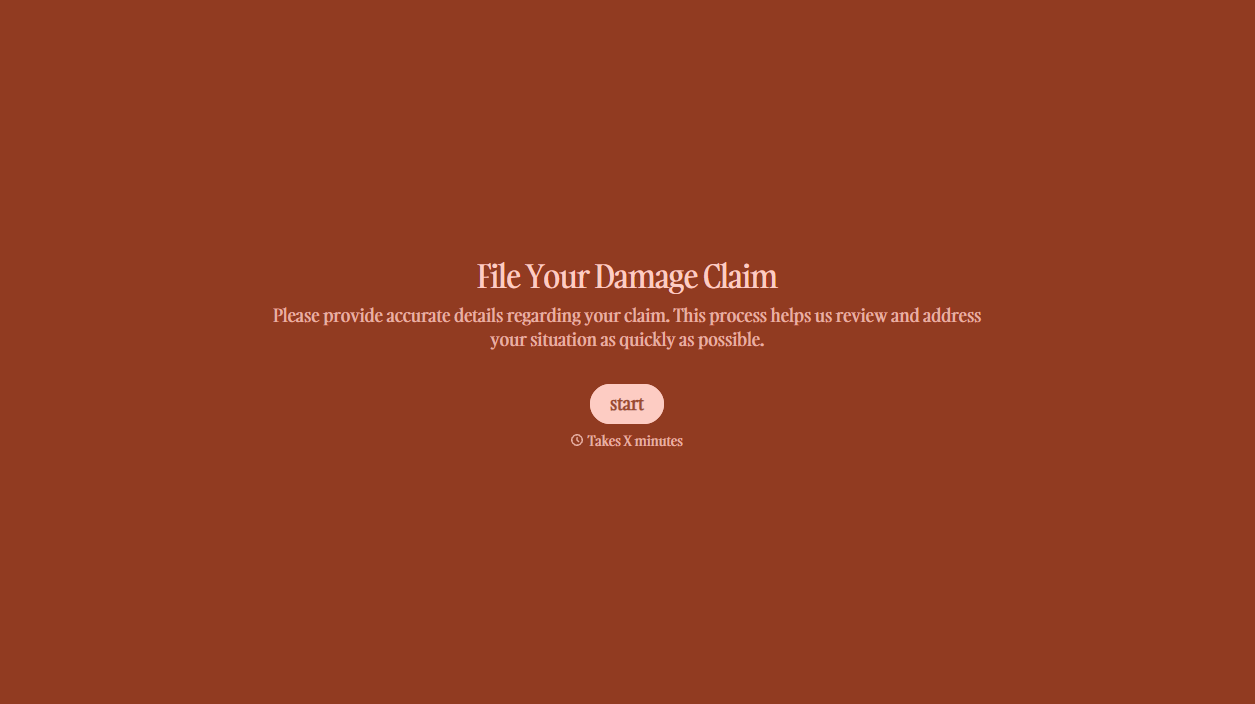
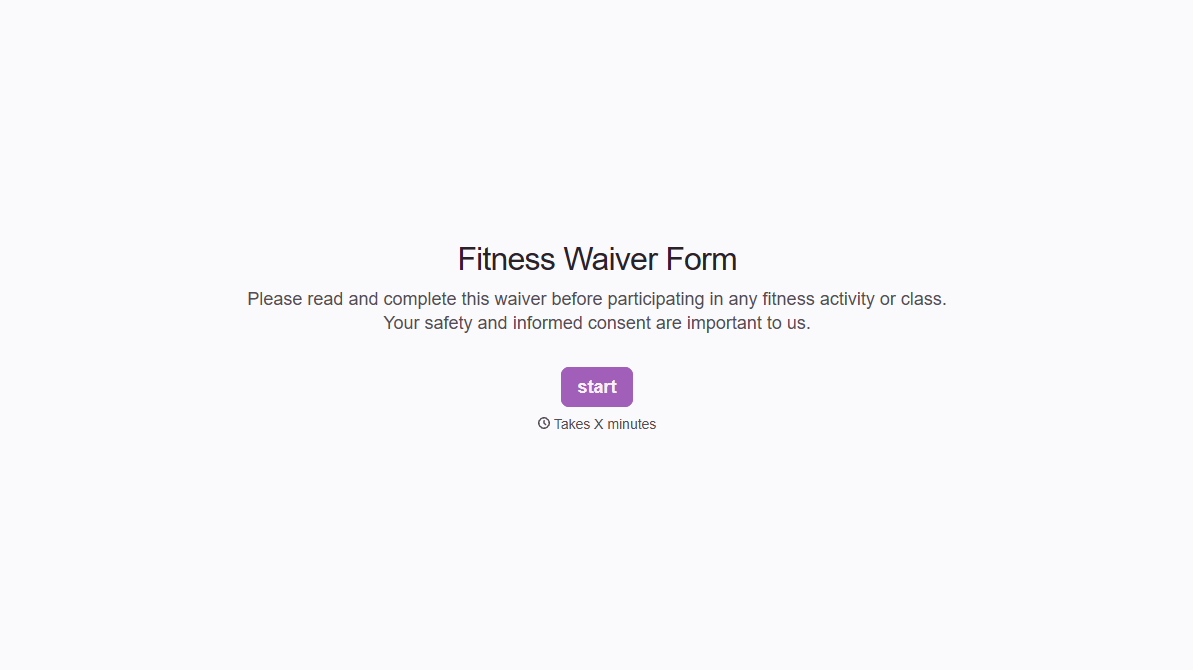
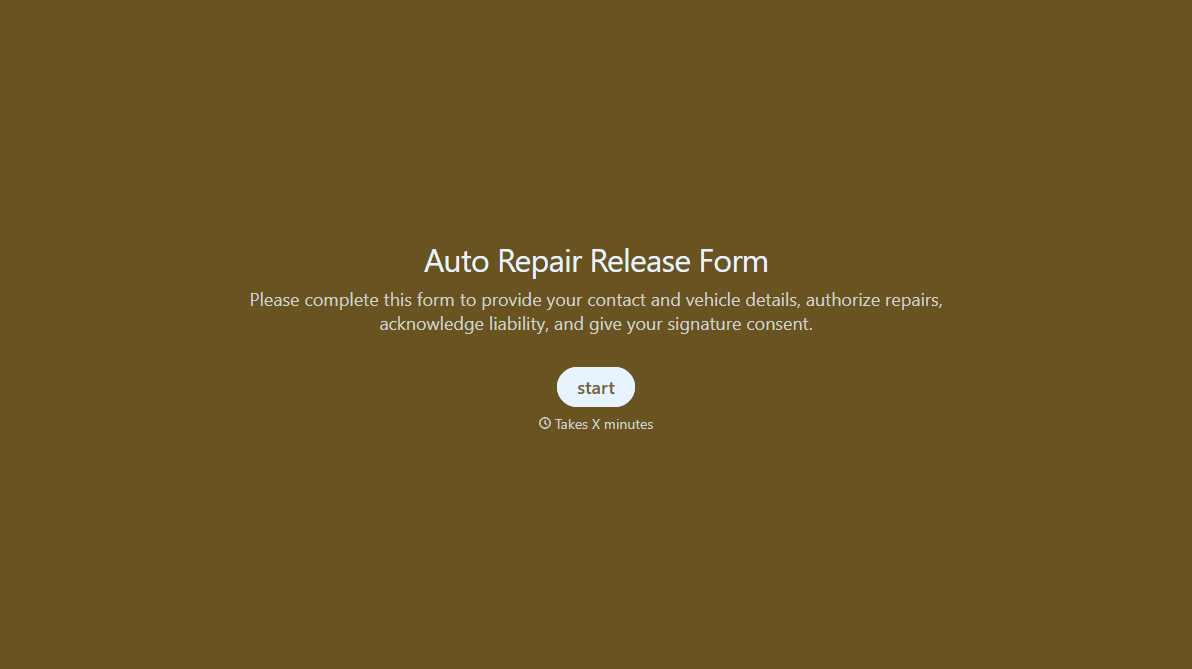
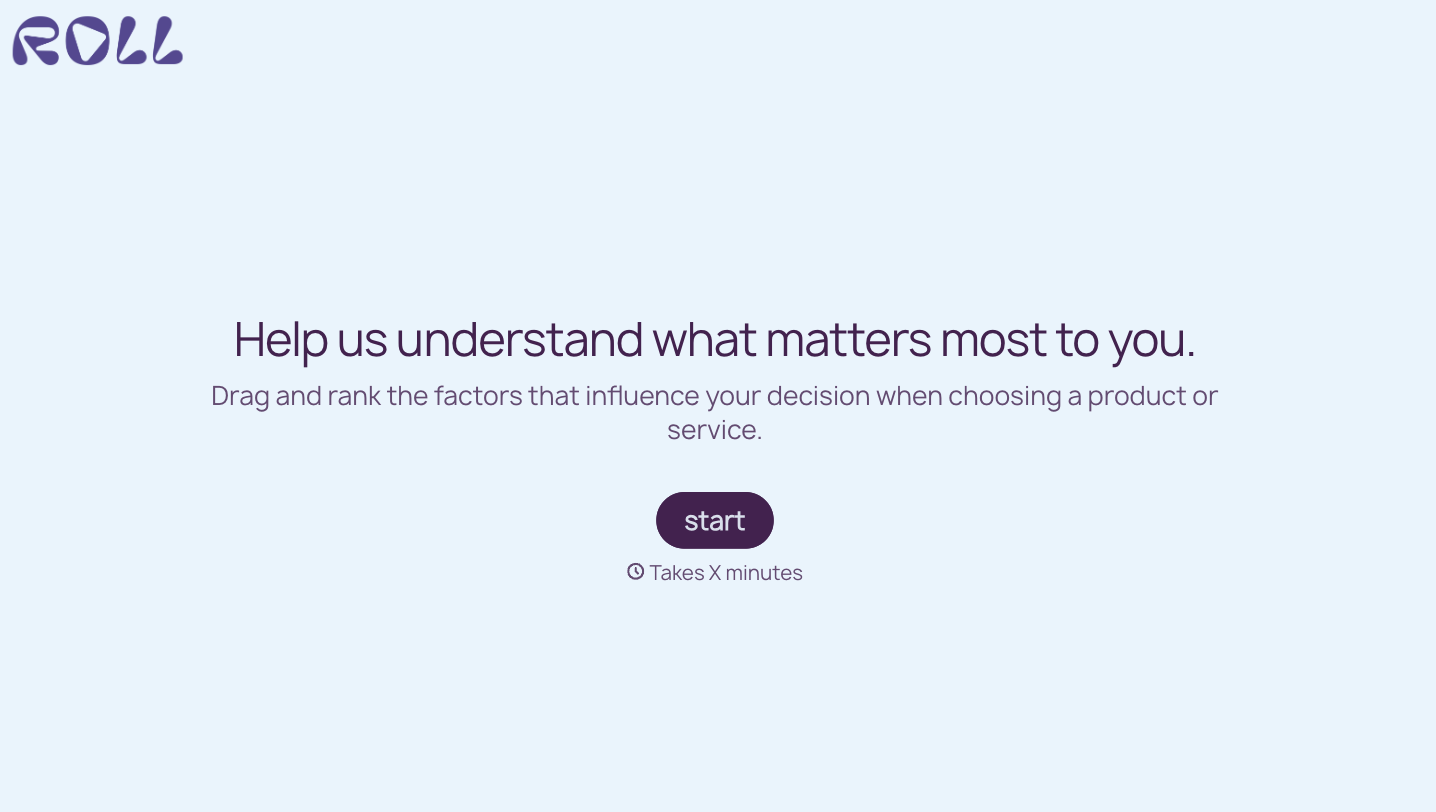


With Typeform, you can customize everything
Change text, colors, and even logos to match the look and feel of your brand. Then embed forms smoothly onto web and email.
Make forms feel effortless to fill out. Pace questions, call people by their name, and adapt the flow based on the data they share.
Stay efficient by connecting forms to your workflow. Typeform integrates with 300+ tools including Slack, Zapier, and HubSpot.


