Banquet Event Order Form Template
Document every detail of an event booking before the first napkin is folded.



Banquet and event execution depends on precise documentation. When a venue, caterer, and event team all work from the same detailed order, the event runs as planned. This form gives event coordinators a comprehensive way to capture every requirement from the client at booking.
The template covers event name and type, date and duration, expected guest count, room setup and seating arrangement, menu selections (full menu or custom), bar package, AV and equipment needs, special décor or setup requests, dietary restrictions, vendor access requirements, and the final approval signature.
A complete BEO prevents day-of surprises. When every team member — kitchen, service, AV, setup crew — is working from the same document, events deliver what clients expected.
A BEO is the primary operational document for an event at a venue — a detailed summary of everything that needs to happen, when, by whom, and at what cost. It serves as the contract between the client and the venue.
At least 7 to 14 days before the event, with a final confirmation call 48 to 72 hours out. Include a deadline in the form instructions — typically when the final guest count and any menu changes must be confirmed.
All departments involved: kitchen, service staff, AV team, décor, security, and any third-party vendors. Connect the form to an email distribution list that automatically shares the completed BEO with all relevant teams.
The minimum number of guests (and associated food and beverage cost) the client commits to, regardless of actual attendance. Include a field asking for the minimum guarantee separately from the expected guest count.
Yes. Add a client account number or company name field and use it to filter responses in your CRM or event management system. This makes it easy to pull all BEOs for a recurring client.
Get inspired by relevant templates and categories
3200+ Templates, 300+ Integrations
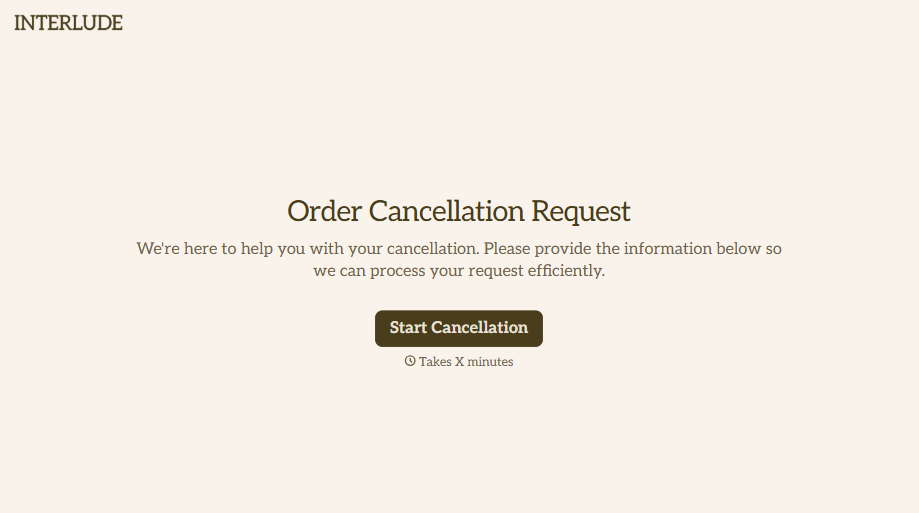
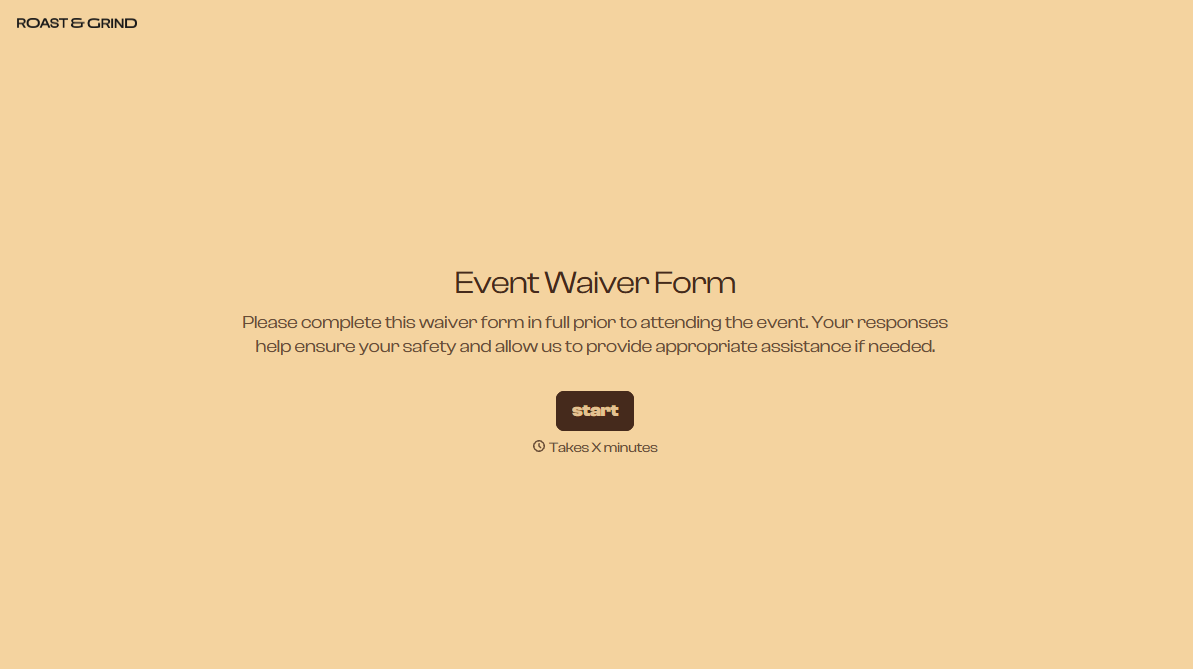
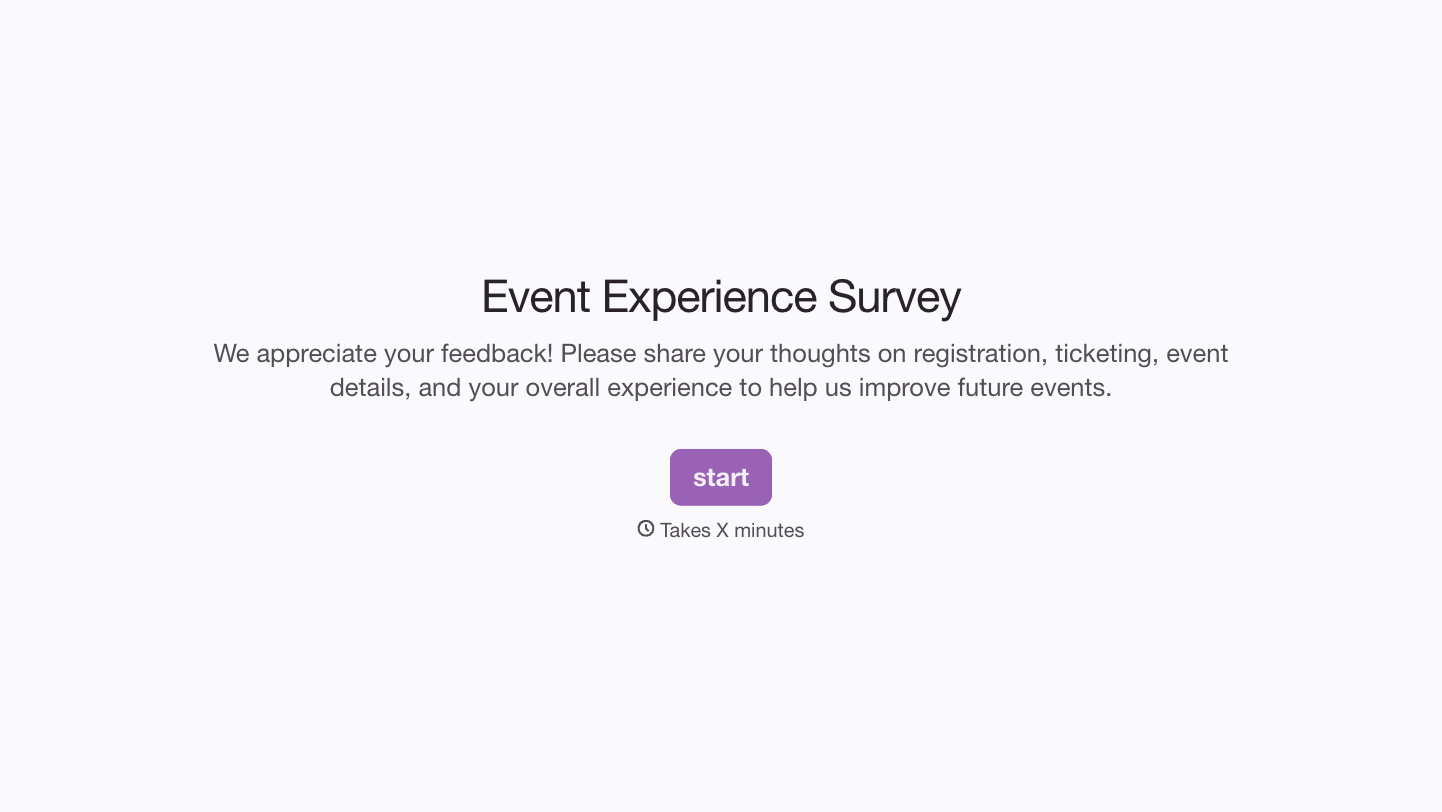
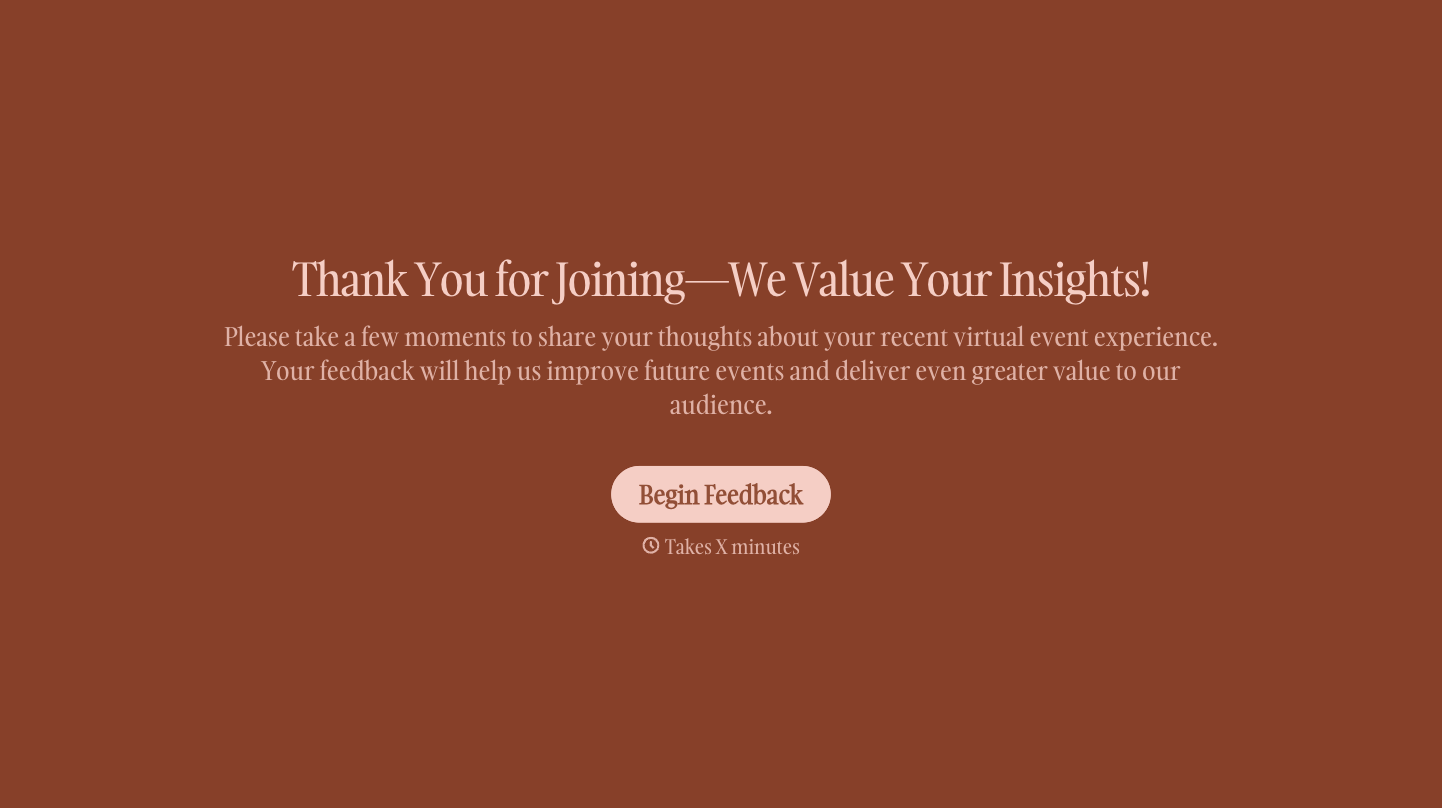
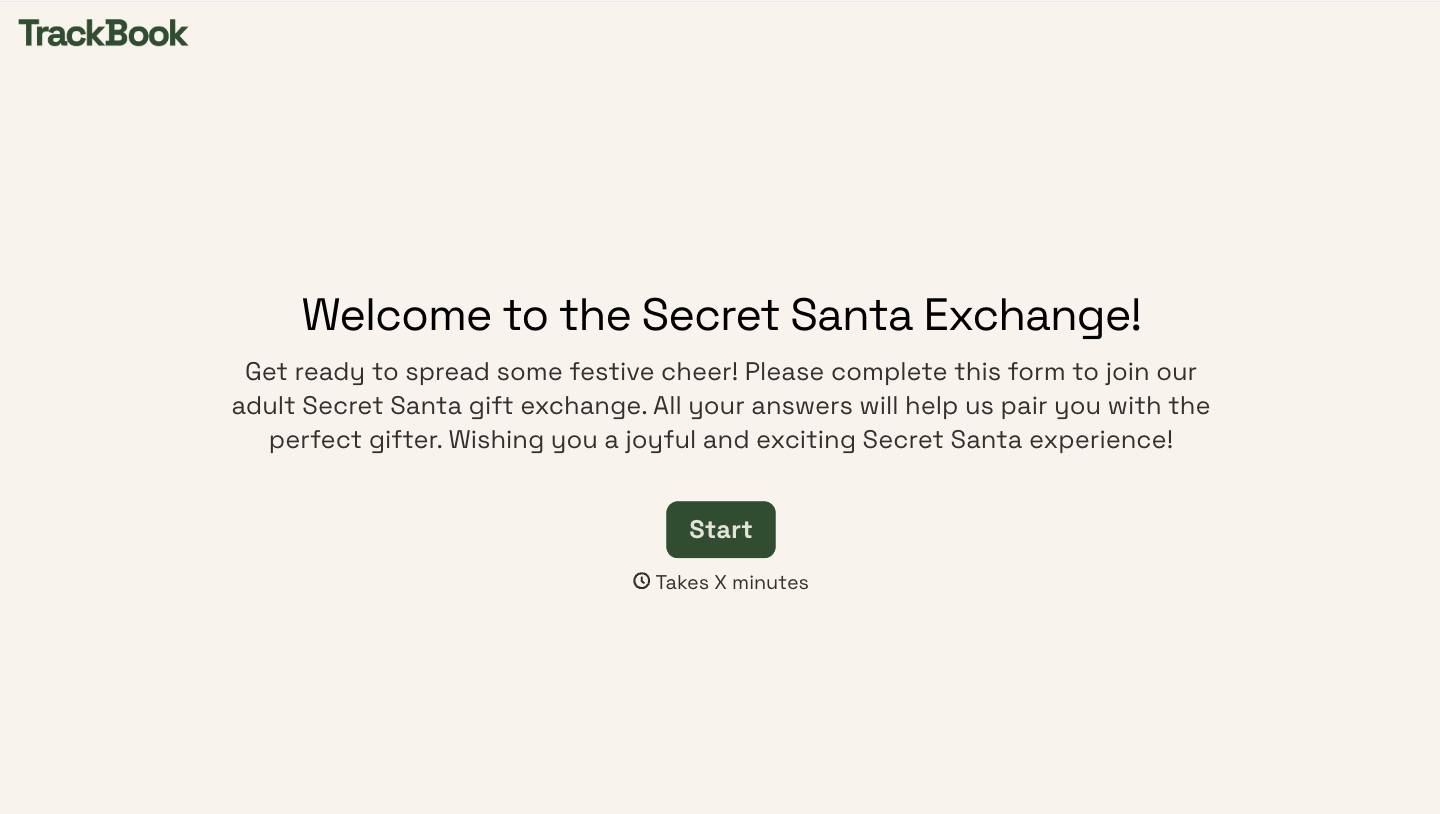
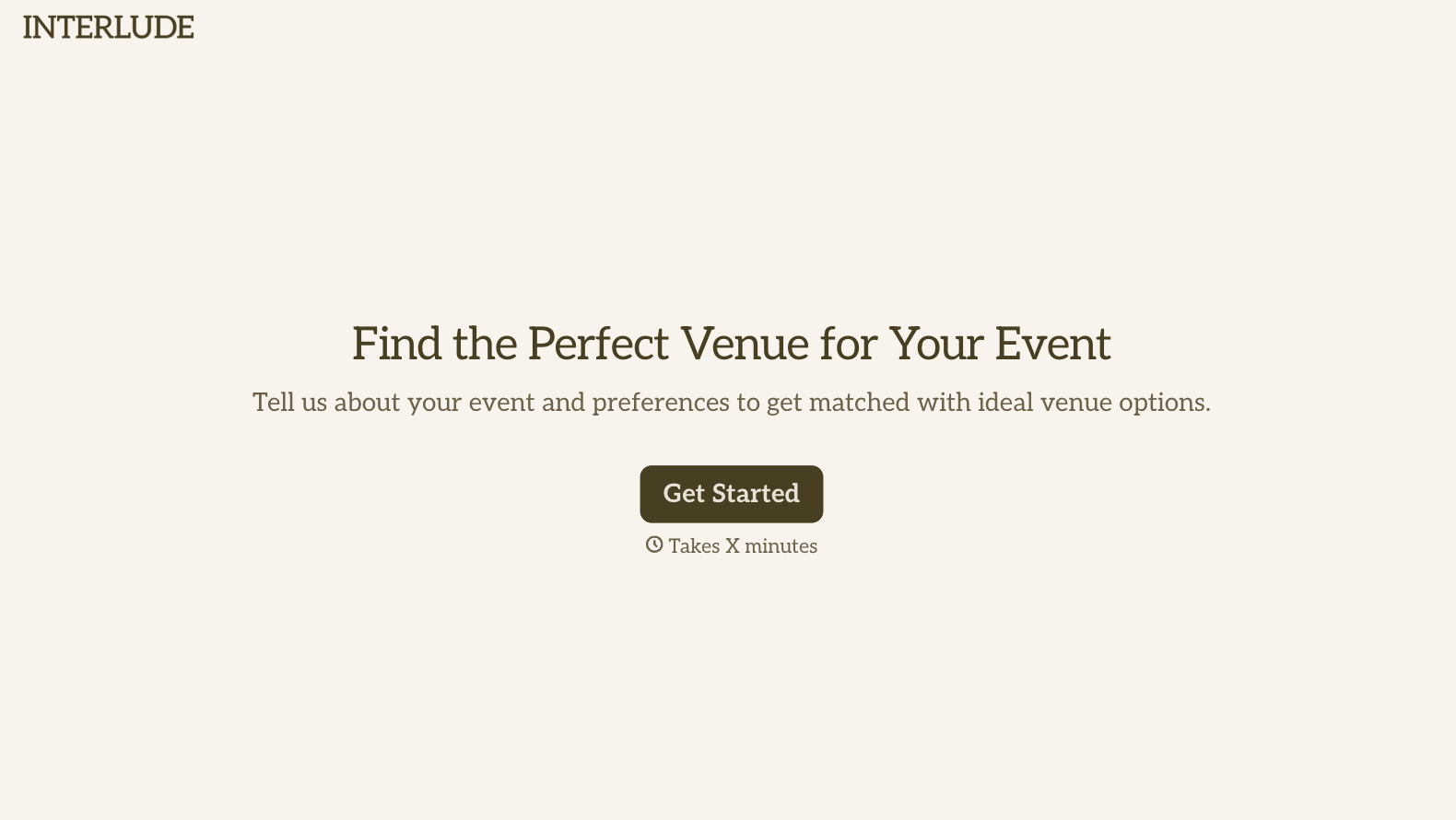
With Typeform, you can customize everything
Change text, colors, and even logos to match the look and feel of your brand. Then embed forms smoothly onto web and email.
Make forms feel effortless to fill out. Pace questions, call people by their name, and adapt the flow based on the data they share.
Stay efficient by connecting forms to your workflow. Typeform integrates with 300+ tools including Slack, Zapier, and HubSpot.


