Booking Request Form Template
Give clients and customers a clear way to request appointments or services without the back-and-forth.



When booking requests come in through email, phone, social media, and your contact page all at once, coordinating them is a significant time drain. You're manually reviewing each request, checking availability, responding, and sometimes going back and forth multiple times before a booking is confirmed.
A booking request form centralizes this. Typeform collects the service type, preferred dates and times, client details, and any relevant context in one flow, so your team has everything they need to confirm or respond in one message. Conditional logic adapts the form based on the service selected — a photography booking has different questions than a consulting engagement or a venue hire. Responses can connect to your calendar tool, CRM, or a shared inbox via integrations.
Customize the form to match your services, availability windows, and any lead time requirements. Embed it on your website's booking page or share it via a link in your email signature or social bio.
A booking request form is an online form that lets potential clients or customers request an appointment, service, or reservation. It collects the information needed to assess and confirm the request — service type, preferred dates, client details, and any specific requirements.
It reduces the number of messages you exchange before a booking is confirmed and gives your team a complete picture of every request from the moment it arrives. Clients also appreciate a clear, professional intake process rather than sending a message and waiting to hear back without knowing what information to include.
Tailor these to your service type, but a booking request form typically includes:
- Client name and contact information
- Service or appointment type
- Preferred date(s) and time(s)
- Duration or scope of the request
- Any relevant background or requirements
- How they heard about you
- Questions or special requests
A booking request form works best alongside a calendar that shows your real availability. Connect your form to a scheduling tool like Calendly or Google Calendar so clients can see open slots when they request. Alternatively, review requests manually and confirm bookings within a set response time that you communicate clearly in the form.
Send an automatic confirmation acknowledging receipt and setting expectations for when they'll hear back. This reduces follow-up messages and reassures clients that their request landed. Your confirmation screen can also include preparation instructions or next steps relevant to the service they've requested.
Get inspired by relevant templates and categories
3200+ Templates, 300+ Integrations

Bank Reference Form
A reference request faxed to a bank branch and left sitting in a queue for weeks isn't the kind of turnaround a landlord or business can wait on. Collect the applicant's signed authorization and the specific details you need confirmed before the request even reaches the bank, so a decision isn't stuck behind a letter that hasn't come back yet.
View template

Bar Inventory Form
A bottle count eyeballed at the end of a shift and scrawled on a paper sheet doesn't hold up against a pour cost report that says something doesn't add up. Collect what your bar actually needs, item, count, and variance, on a schedule you can actually compare week to week.
View template

Equipment Inventory Form
Equipment that leaves a storage room in someone's arms, with no note about where it went, doesn't show up again until someone needs it and can't find it. Collect what your team actually needs, item details, condition, and who's got it, every time something moves.
View template
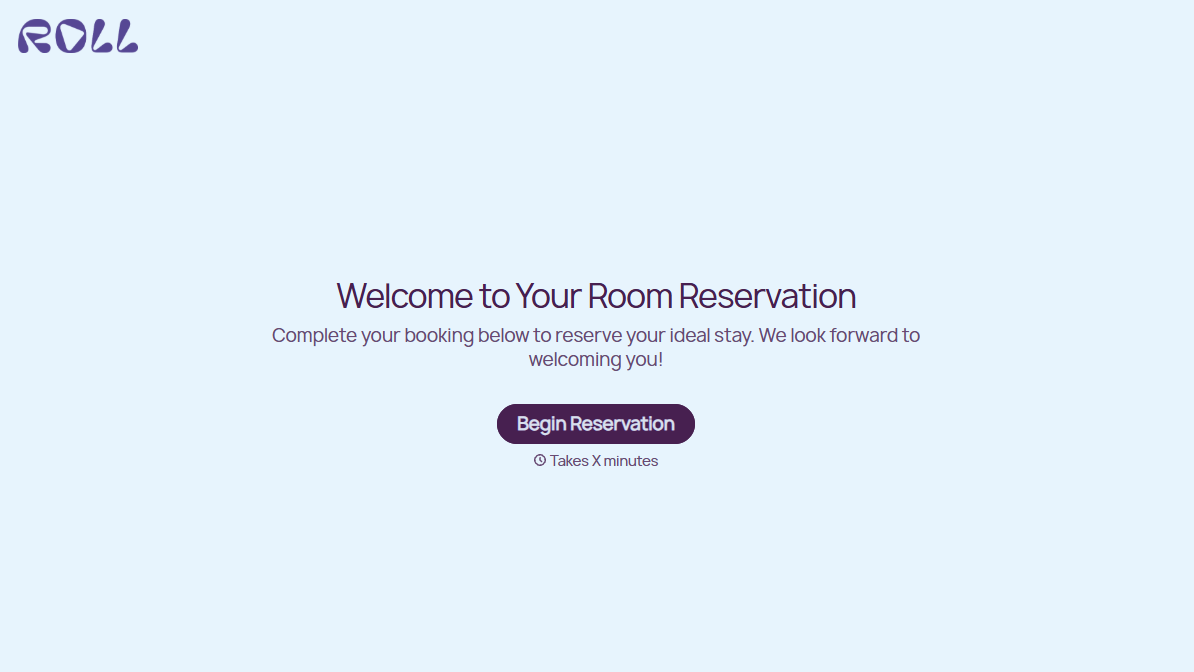
Hotel Room Booking Form
A room booked over the phone with "we'll figure out the room type when you get here" doesn't leave the front desk anything to actually plan around. Collect what your hotel actually needs, guest information, dates, and room preferences, before the reservation gets confirmed.
View template

Maintenance Agreement Form
A maintenance plan agreed to over the phone isn't a contract your service team can actually work from, especially when nobody's sure whether the twice-a-year tune-up was part of the deal. Collect the equipment covered, service frequency, and a signed agreement before the first visit, so your team isn't guessing at scope once they're on-site.
View template

Incentive Claim Form
A rebate claim mailed in with a stapled stack of receipts isn't the kind of paperwork that gets processed quickly, especially when a required serial number turns out to be missing from page three. Collect proof of purchase, product details, and participant information upfront, so a claim doesn't bounce back for a missing document weeks later.
View template
With Typeform, you can customize everything
Change text, colors, and even logos to match the look and feel of your brand. Then embed forms smoothly onto web and email.
Make forms feel effortless to fill out. Pace questions, call people by their name, and adapt the flow based on the data they share.
Stay efficient by connecting forms to your workflow. Typeform integrates with 300+ tools including Slack, Zapier, and HubSpot.


