Boyfriend Application Form Template
A lighthearted way to screen potential partners with the questions that actually matter to you.



Whether it's for fun, social media, or a genuinely useful conversation starter, a boyfriend application form puts your criteria front and center. Instead of awkward first-date small talk to find out the basics, a form collects the information upfront in a way that's entertaining for the person filling it out.
Typeform's conversational format makes even a personal questionnaire feel engaging. One question at a time, with some personality in how you phrase things, is a very different experience from a flat list of fields. Add your own questions, your own humor, and your own non-negotiables.
Share it via a link — in a social media bio, over text, or posted somewhere public — and review responses at your own pace.
A boyfriend application form is a fun, personal questionnaire that someone creates to screen potential romantic partners. It asks questions about values, lifestyle, interests, and compatibility, giving the creator a way to assess responses before investing time in a date.
It's a creative way to filter for compatibility early and a great conversation piece. It also lets applicants show a bit of personality in their answers, which tells you more than a basic profile might.
There's no single right list, but popular questions include:
- Full name and age
- Where they live or are willing to meet
- Relationship goals (casual, long-term, open to seeing how it goes)
- Hobbies and how they spend their weekends
- Love language or how they show affection
- A fun hypothetical question to reveal personality
- Why they think they'd be a good fit
Both. Some people use it as a genuine filter for dating apps or social media outreach. Others create it as a bit of humor to share with friends or online. The format works either way — you control the questions, so you control how serious or lighthearted it is.
Typeform forms are shared via a link and don't expose your personal contact details to respondents. You can review responses without the applicant knowing your email address. Only share personal contact information in a follow-up after you've reviewed and approved a response.
Get inspired by relevant templates and categories
3200+ Templates, 300+ Integrations
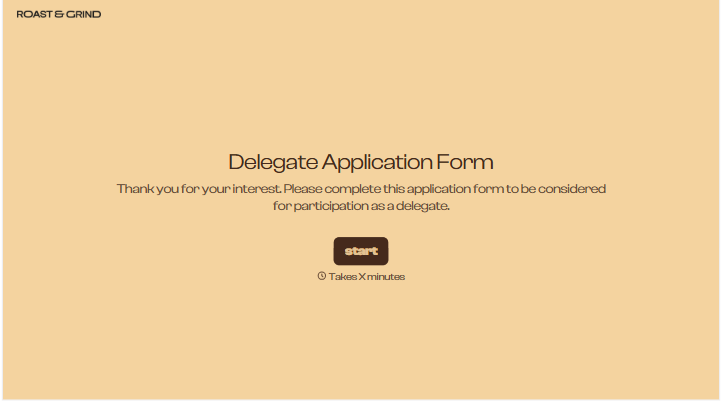
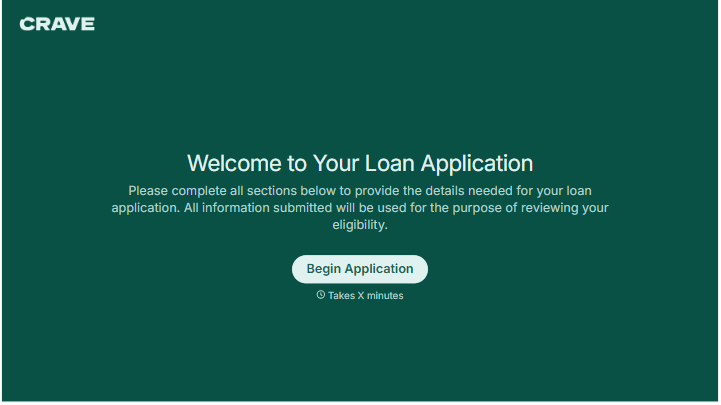
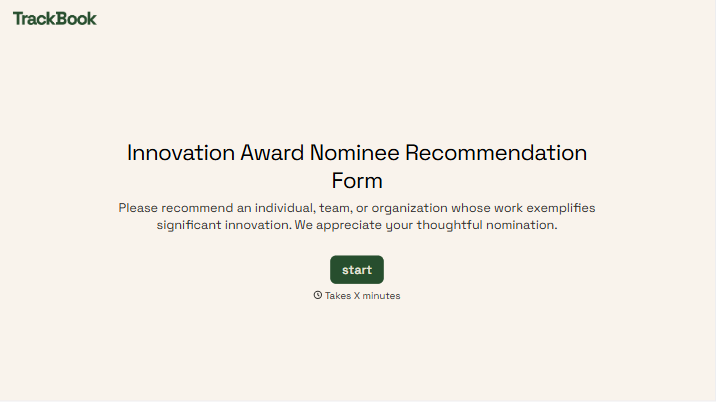
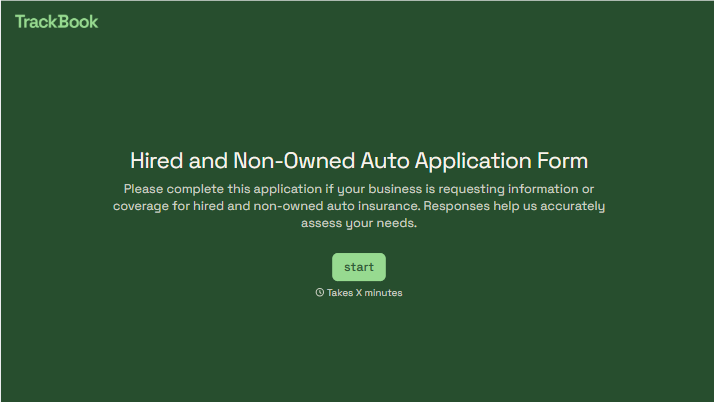
With Typeform, you can customize everything
Change text, colors, and even logos to match the look and feel of your brand. Then embed forms smoothly onto web and email.
Make forms feel effortless to fill out. Pace questions, call people by their name, and adapt the flow based on the data they share.
Stay efficient by connecting forms to your workflow. Typeform integrates with 300+ tools including Slack, Zapier, and HubSpot.


