Character Reference Letter Form Template
Request character references from the right people with a form that tells them exactly what you need and captures their response in a format you can use.



A character reference is only as useful as the information it contains. When you send a vague request, referees write vague letters. A structured form tells referees what qualities you're assessing, what context they should address, and how to frame their response — so every reference you receive is relevant and complete.
This template captures the referee's name, relationship to the applicant, how long they've known them, their assessment of key character traits, specific examples that demonstrate those traits, and whether they recommend the applicant for the stated purpose. Drop-down fields for character traits keep responses focused. Open text fields give referees space to elaborate.
Courts, landlords, educational institutions, employers, and professional licensing bodies use character reference forms when formal letters are part of the process. Share the form link directly with the referee. Completed references are stored securely and can be exported or forwarded as needed. Date stamps confirm when the reference was provided.
Yes — add a list of the specific qualities relevant to the application and ask referees to rate or comment on each one.
Add a file upload field for referees who prefer to write and sign a traditional letter, in addition to the structured form fields.
Send a reminder email a few days before the deadline. Include a clear deadline in the form instructions to set expectations.
Control access permissions in Typeform to restrict who can view responses. The applicant should not have access to the form results if confidentiality is required.
Export the response as a PDF or use an integration to forward it to the relevant recipient — a court, institution, or employer — automatically.
Get inspired by relevant templates and categories
3200+ Templates, 300+ Integrations
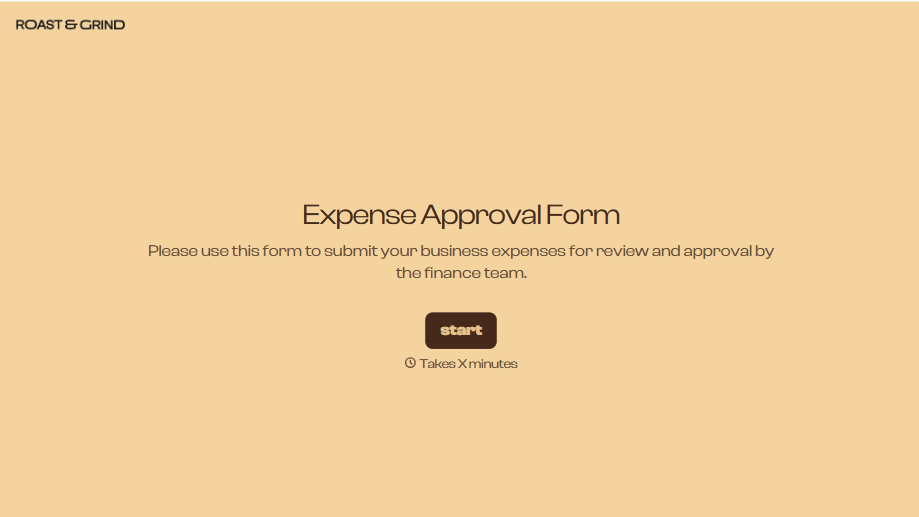


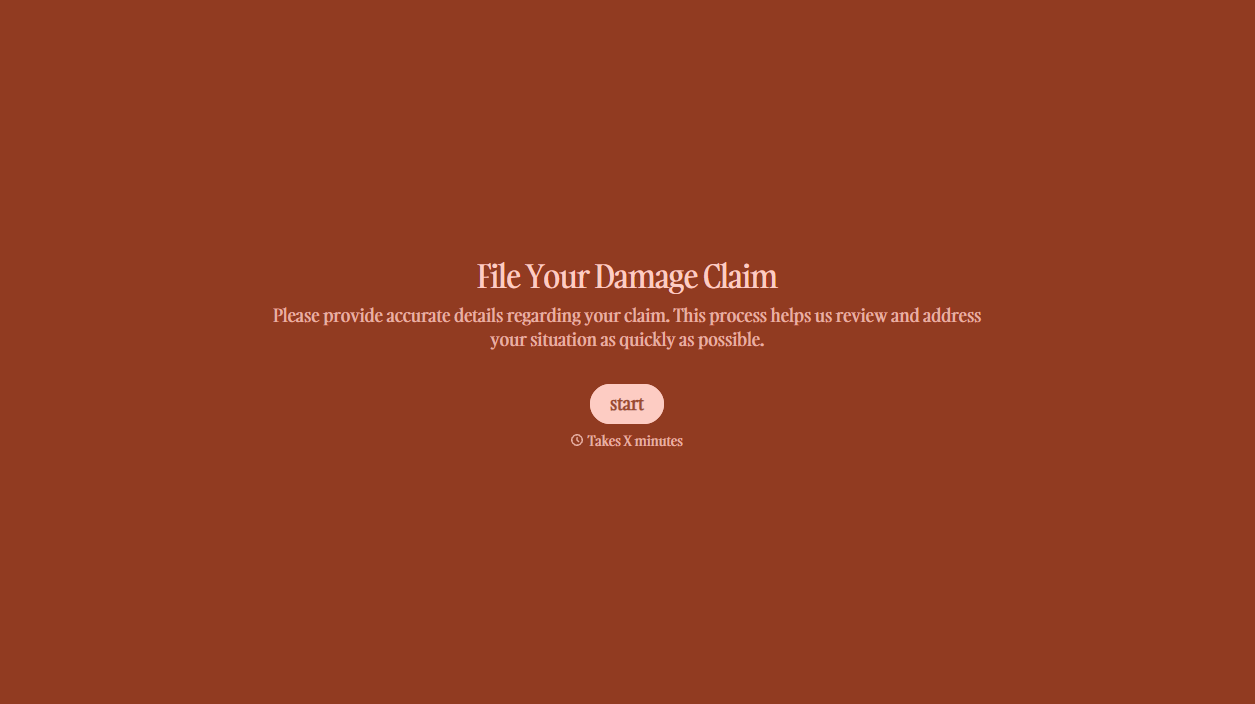


With Typeform, you can customize everything
Change text, colors, and even logos to match the look and feel of your brand. Then embed forms smoothly onto web and email.
Make forms feel effortless to fill out. Pace questions, call people by their name, and adapt the flow based on the data they share.
Stay efficient by connecting forms to your workflow. Typeform integrates with 300+ tools including Slack, Zapier, and HubSpot.


