Cheerleading Registration Form Template
Give athletes and families a clear way to sign up for your cheerleading program. Collect participant details, emergency contacts, and session choices so your team can prepare for the season.



A parent emails to reserve a place, sends an emergency contact in a second message, and asks about practice times in a third. Multiply that by a squad, and registration becomes a lot of loose ends. Typeform’s cheerleading registration form template brings those details together.
Participants or their parents provide contact information, select the relevant team or session, and share any experience your coaches need to know about. Include age or grade where it affects placement, and ask about uniform sizing if you’re organizing an order. Explain the schedule, fees, and registration steps before families begin.
Organizers get a consistent record for each participant. Families get a clear way to sign up and understand what comes next, whether that’s payment, a tryout, or confirmation of a place. Coaches can spend less time chasing missing details and more time preparing for the first practice.
A cheerleading registration form collects the information needed to sign someone up for a team, camp, clinic, or tryout. It typically includes participant details, parent or guardian contacts where applicable, emergency contacts, and program selections. Organizers use it to build rosters and coordinate the next steps.
Registration is easier to manage when every family answers the same core questions. A template helps you collect complete contact details, organize session choices, and identify anything that needs follow-up. It also gives families one place to find instructions instead of piecing them together from messages.
Match the questions to your program:
- Participant name and relevant age or grade
- Parent or guardian details, where applicable
- Emergency contact information
- Team, camp, clinic, or tryout selection
- Previous cheerleading experience, if relevant
- Uniform size, if needed
- Required permissions and acknowledgments
- Payment instructions and next steps
Provide a private way for families to discuss support needs with the appropriate staff. Keep optional photo permissions separate from participation requirements.
Put dates, location, costs, and eligibility information before the questions. Show only the fields relevant to the selected program, and avoid asking families to enter the same contact details twice. Finish with a confirmation that explains what’s complete and whether payment, additional paperwork, or a tryout is still required.
Yes. Ask applicants which activity they’re registering for, then tailor the remaining questions and confirmation message. For tryouts, include the session choice and relevant experience. For team registration, collect the details needed to prepare the roster. Make it clear whether submission reserves a tryout spot or confirms a place on the team.
Get inspired by relevant templates and categories
3200+ Templates, 300+ Integrations

Distributor Registration Form
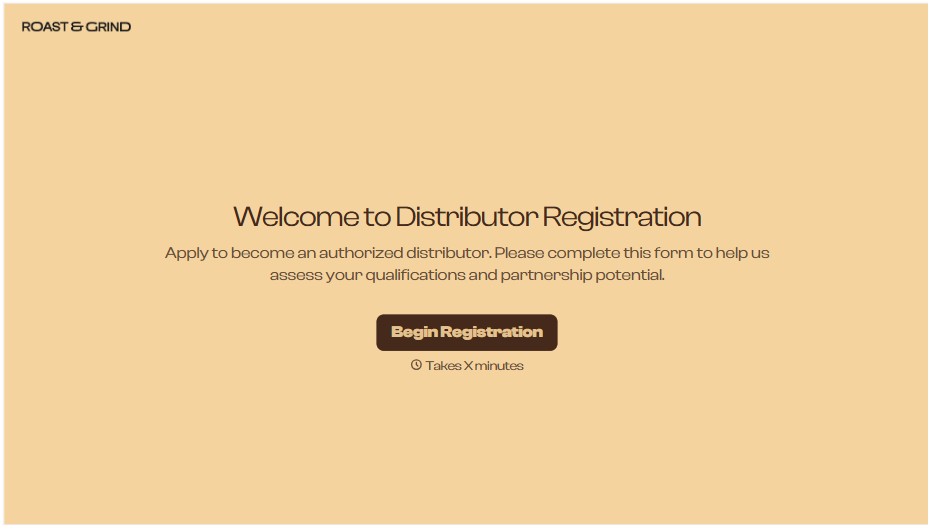
A distributor application that arrives as a scanned resale certificate attached to an email doesn't tell your sales team what territory they're actually asking for. Collect what your company actually needs, business information, tax documentation, and territory, before you set up an account.
View template
Resident Registration Form
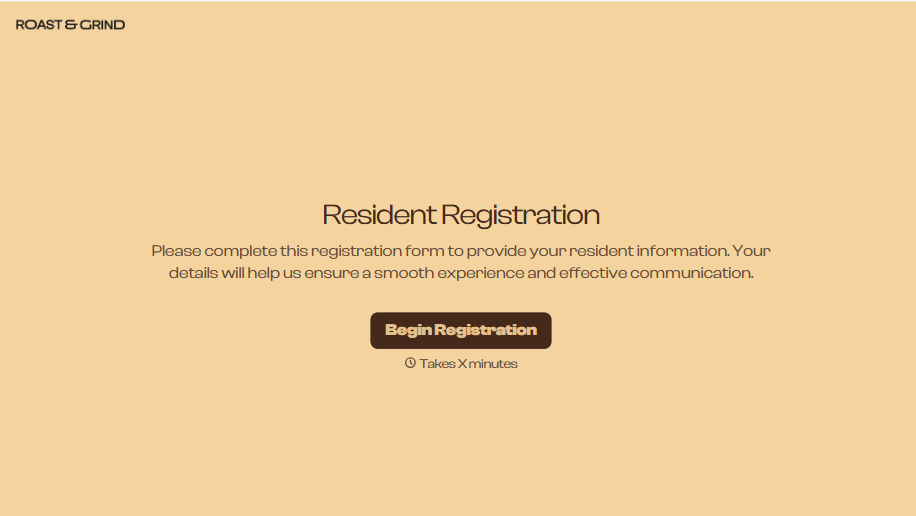
A move-in packet signed at the leasing office and filed in a drawer isn't the kind of record your front desk can pull up when a resident's guest needs access or a car needs to be identified in the lot. Collect household members, vehicles, and emergency contacts before move-in day, so your community has an accurate record from the start.
View template
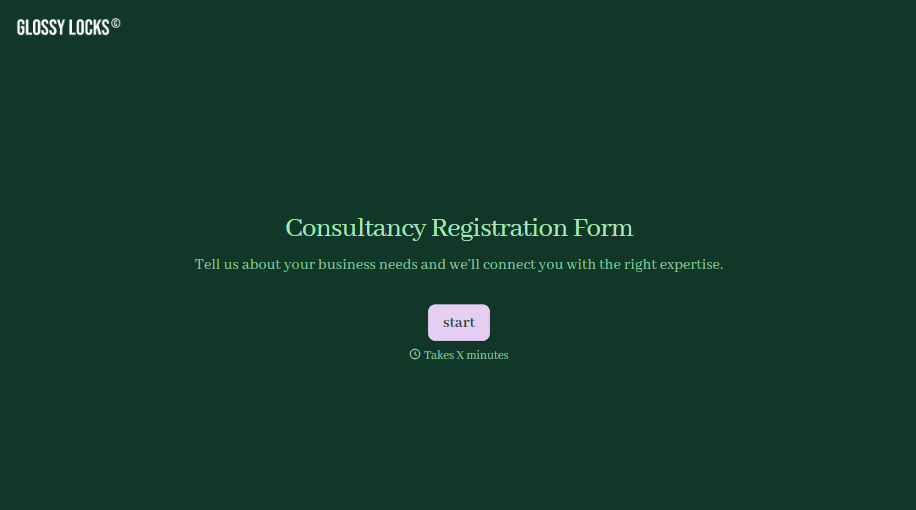
Consultancy Registration Form
Move past a registration form that only grabs a name and a phone number. Confirm the client understands who they're signing up with, screen for what a consultancy is legally allowed to charge and promise, and keep a record of exactly what was disclosed and agreed to.
View template
With Typeform, you can customize everything
Change text, colors, and even logos to match the look and feel of your brand. Then embed forms smoothly onto web and email.
Make forms feel effortless to fill out. Pace questions, call people by their name, and adapt the flow based on the data they share.
Stay efficient by connecting forms to your workflow. Typeform integrates with 300+ tools including Slack, Zapier, and HubSpot.


