Tax Prep Class Form
Give people an easy way to sign up for a tax prep class. Collect their experience, what they want to learn, and which session works for them so you can plan before they arrive.



One person signs up to understand their own tax return. Another wants to prepare returns professionally. If all you collect is a name and an email address, you won’t know the difference until the class starts. Typeform’s tax prep class form helps you learn who’s coming and what they’re hoping to get out of it.
Ask participants about their experience, the topics they want to cover, and their preferred session. Someone new to tax preparation might need help understanding basic forms, while a returning student might have questions about self-employment income. A short registration form gives those interests somewhere to go before you set the agenda.
Instructors get a clearer picture of the room. Participants get a chance to explain what brought them there and share any accessibility needs. You can spend less of the first session sorting out expectations and more of it teaching.
A tax prep class form is an online form used to register participants for a tax preparation course or workshop. It collects contact details, session preferences, relevant experience, and learning goals so organizers can prepare for the group and send class information.
A registration list tells you how many people are coming. A tax prep class form can also tell you what they need. Knowing whether participants are complete beginners, preparing their own returns, or developing professional skills helps you choose examples and plan the pace of the class.
Ask for the information you’ll use to organize the class:
- Participant name and contact details
- Preferred class date or session
- Previous tax preparation experience
- Topics they want to learn about
- Whether they’re learning for personal or professional use
- Accessibility needs or questions for the instructor
Keep registration focused on the class. You don’t need Social Security numbers, completed tax returns, or detailed financial records to find out what someone wants to learn.
Put the link next to the class description, where people have already read the dates, cost, and what the course covers. Keep required questions to the essentials and make longer answers optional. Someone ready to register should be able to secure their place without writing a paragraph about their learning goals.
Yes. Ask participants to select their experience level, then use that answer to show relevant follow-up questions. Beginners can choose the basics they want to understand, while experienced participants can name specific topics they’d like to review. If you offer separate classes, include clear descriptions so people can choose the session that fits.
Get inspired by relevant templates and categories
3200+ Templates, 300+ Integrations

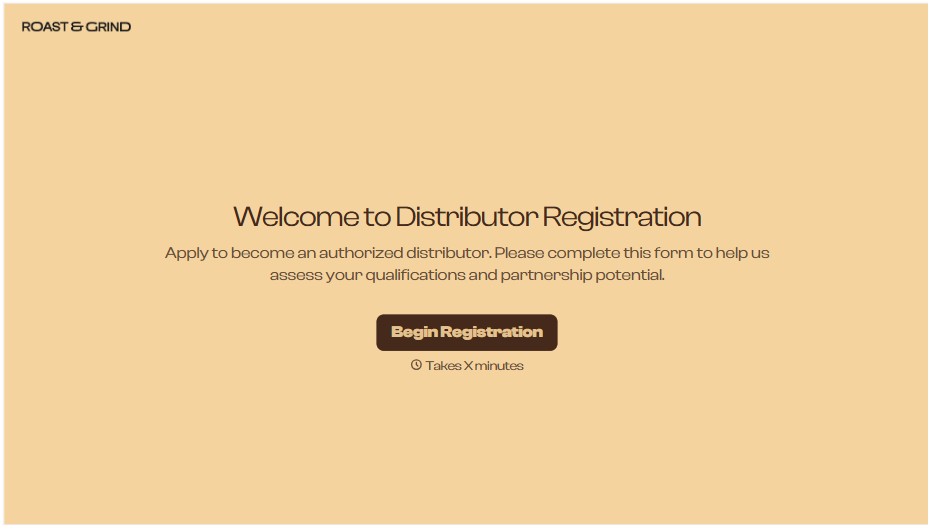
Distributor Registration Form
A distributor application that arrives as a scanned resale certificate attached to an email doesn't tell your sales team what territory they're actually asking for. Collect what your company actually needs, business information, tax documentation, and territory, before you set up an account.
View template
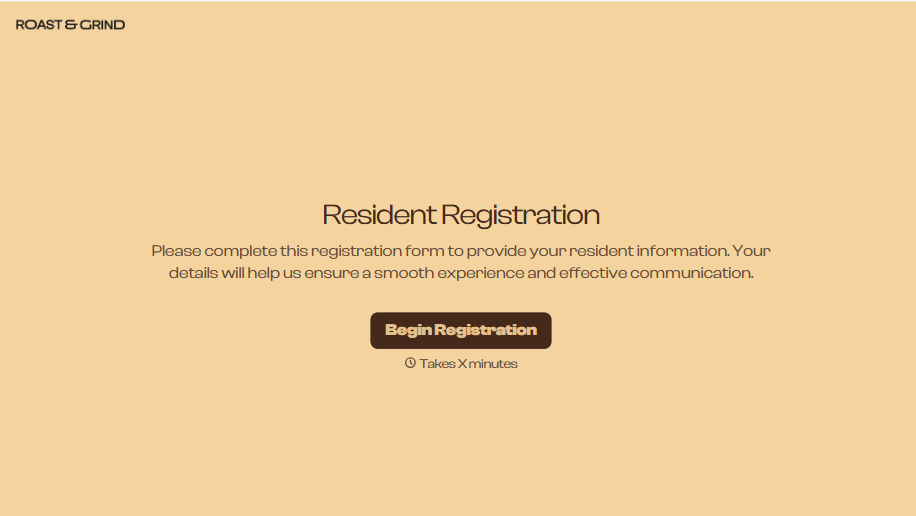
Resident Registration Form
A move-in packet signed at the leasing office and filed in a drawer isn't the kind of record your front desk can pull up when a resident's guest needs access or a car needs to be identified in the lot. Collect household members, vehicles, and emergency contacts before move-in day, so your community has an accurate record from the start.
View template
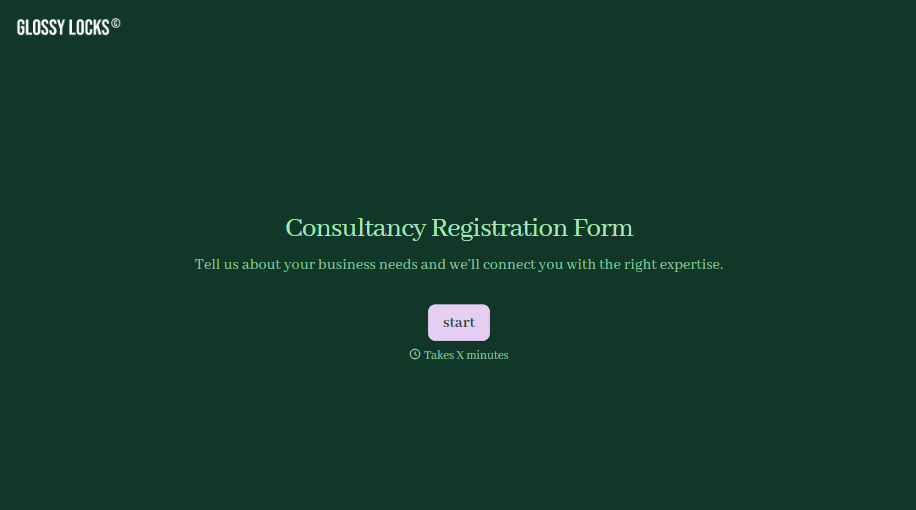
Consultancy Registration Form
Move past a registration form that only grabs a name and a phone number. Confirm the client understands who they're signing up with, screen for what a consultancy is legally allowed to charge and promise, and keep a record of exactly what was disclosed and agreed to.
View template
With Typeform, you can customize everything
Change text, colors, and even logos to match the look and feel of your brand. Then embed forms smoothly onto web and email.
Make forms feel effortless to fill out. Pace questions, call people by their name, and adapt the flow based on the data they share.
Stay efficient by connecting forms to your workflow. Typeform integrates with 300+ tools including Slack, Zapier, and HubSpot.


