Church Registration Form Template
Make it easy for new members and visitors to connect with your church and get matched to the right programs.



When someone visits your church for the first time, whether they feel welcomed and engaged often depends on whether someone happens to speak to them at the right moment. That’s a lot to leave to chance — especially when someone’s interest in getting more involved with your church is highest right at their first visit. Without a structured way to capture their interest and contact details, many visitors leave without any follow-up, and potential members drift away.
A registration form gives visitors and new members a clear path to connect. Typeform's warm, conversational format is a natural fit for faith communities, and the one-question-at-a-time approach makes people feel like they're being welcomed into a conversation, rather than filling out paperwork. Conditional logic can match respondents to the right ministries, groups, or programs based on their answers. Responses connect to your church management software or a shared spreadsheet so your pastoral team can follow up meaningfully.
Customize the form to reflect your church's culture and the specific ministries, groups, and events you offer. Share it via a QR code in the service bulletin, a link on your website, or during a visitor welcome moment.
A church registration form collects contact information and engagement preferences from visitors, new members, or people interested in getting involved in a faith community. It helps churches follow up with visitors, match people to appropriate groups or programs, and maintain an accurate membership database.
It creates a consistent, welcoming intake process that doesn't depend on the right person being in the right place at the right time. New visitors who complete a registration form give your team a way to follow up, making them far more likely to return than those who leave without any point of contact.
Cover contact basics and connection preferences:
- Full name and contact information
- First-time visitor or returning attendee?
- Age group or family status (helpful for matching to programs)
- Interests or ministries they'd like to know more about
- Prayer requests (optional)
- Best way to follow up
- How they heard about the church
Set up an automatic confirmation email using Typeform's integration with an email tool or your church management system. This gives registrants an immediate acknowledgment, as well as your contact information. Assign follow-up tasks to a pastoral team member for personal outreach within a day or two of submission.
Yes. You can build a single form with an early question that identifies whether the person is registering for a specific event or connecting with the church more generally, then use conditional logic to route them to the appropriate questions. Alternatively, create separate forms for events and general membership to keep each focused.
Get inspired by relevant templates and categories
3200+ Templates, 300+ Integrations

Distributor Registration Form
A distributor application that arrives as a scanned resale certificate attached to an email doesn't tell your sales team what territory they're actually asking for. Collect what your company actually needs, business information, tax documentation, and territory, before you set up an account.
View template
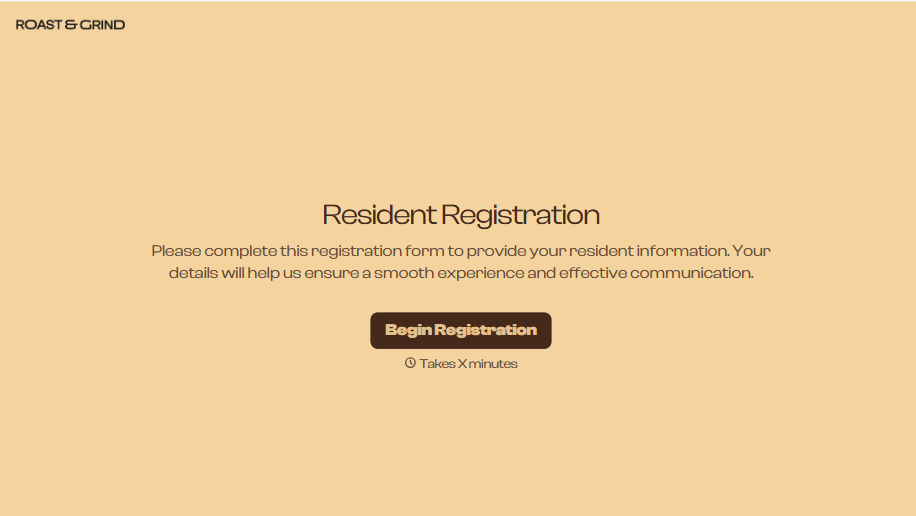
Resident Registration Form
A move-in packet signed at the leasing office and filed in a drawer isn't the kind of record your front desk can pull up when a resident's guest needs access or a car needs to be identified in the lot. Collect household members, vehicles, and emergency contacts before move-in day, so your community has an accurate record from the start.
View template
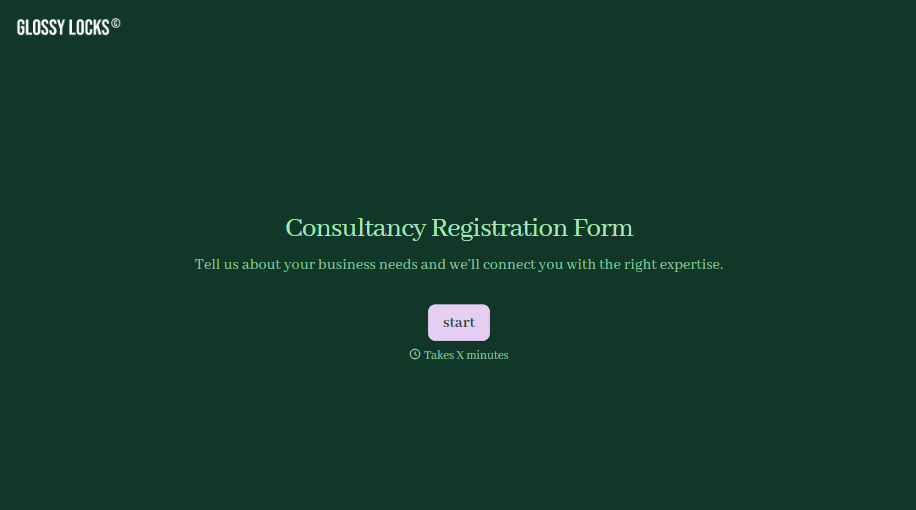
Consultancy Registration Form
Move past a registration form that only grabs a name and a phone number. Confirm the client understands who they're signing up with, screen for what a consultancy is legally allowed to charge and promise, and keep a record of exactly what was disclosed and agreed to.
View template

With Typeform, you can customize everything
Change text, colors, and even logos to match the look and feel of your brand. Then embed forms smoothly onto web and email.
Make forms feel effortless to fill out. Pace questions, call people by their name, and adapt the flow based on the data they share.
Stay efficient by connecting forms to your workflow. Typeform integrates with 300+ tools including Slack, Zapier, and HubSpot.


