Class Registration Form Template
Fill your classes with engaged students, not half-completed registration forms.



You're offering a great class. The last thing you need is a registration process that makes people give up before they even enroll. Whether you're running a yoga studio, a coding bootcamp, a community college course, or a pottery workshop, the signup experience should be as welcoming as the class itself.
This class registration form template collects student details, class preferences, scheduling needs, and payment in a guided, conversational flow. The one-question-at-a-time format reduces overwhelm, especially important when registrants are choosing between multiple sessions, time slots, or levels. Conditional logic shows relevant options based on the class or level selected.
Customize the form for your offerings, embed it on your website, and connect to your scheduling tools, email platform, or payment processor through integrations. Registrations flow in organized and ready, so you can focus on teaching, not administration.
A class registration form collects the information needed to enroll a student in a specific class, course, or workshop. It typically includes the student's personal details, class selection, scheduling preferences, and any prerequisites or special requirements. It serves as both an enrollment record and a communication starting point.
Online registration is available 24/7. No office hours, no phone calls, no waiting. Students can browse class options, select their preferred schedule, and pay in one seamless experience. For administrators, it eliminates manual data entry and gives you real-time visibility into enrollment numbers, waitlists, and revenue.
- Student's name, email, and phone number
- Class or course selection
- Preferred session or time slot
- Experience level or prerequisites met
- Special needs or accommodations
- Emergency contact information
Set a response limit on your form to match available seats. Once capacity is reached, the form automatically closes or displays a waitlist message. For more dynamic management, connect the form to a spreadsheet through integrations and monitor enrollment numbers in real time. Some teams use Zapier to trigger waitlist notifications automatically.
Yes, and conditional logic makes it seamless. Present class options as a selection question, then branch into class-specific details: schedules, instructors, materials needed, or prerequisite confirmations. A dance studio, for example, could offer salsa, ballet, and hip-hop all in one form, with each selection revealing the relevant schedule and pricing.
Get inspired by relevant templates and categories
3200+ Templates, 300+ Integrations
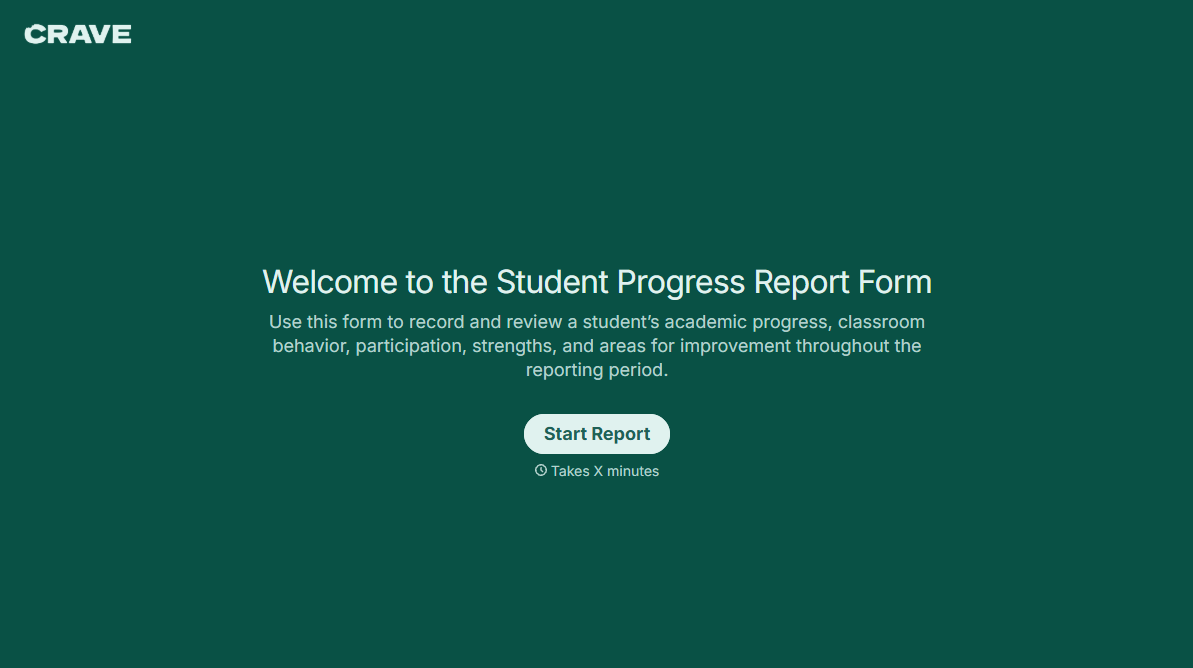
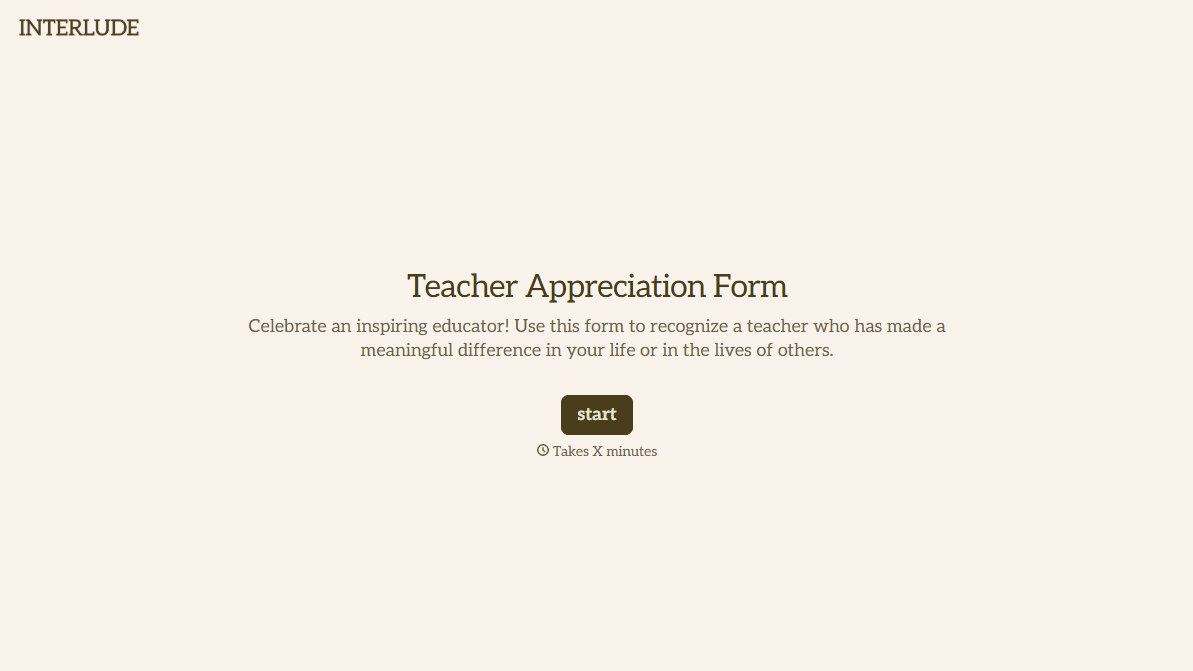
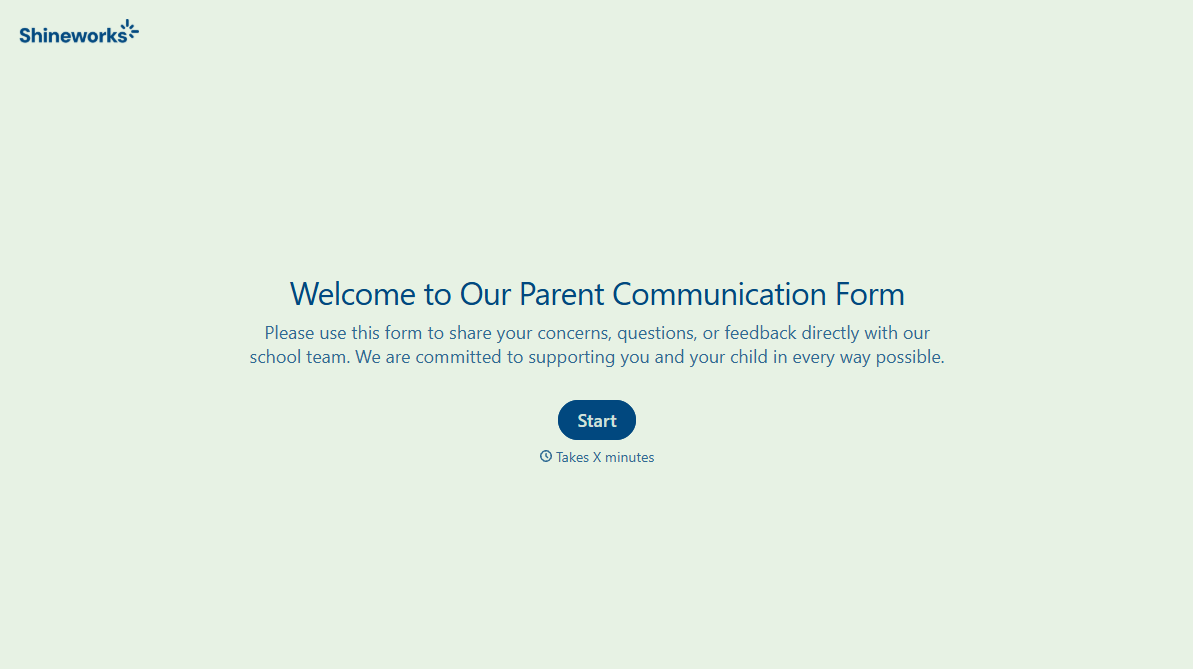


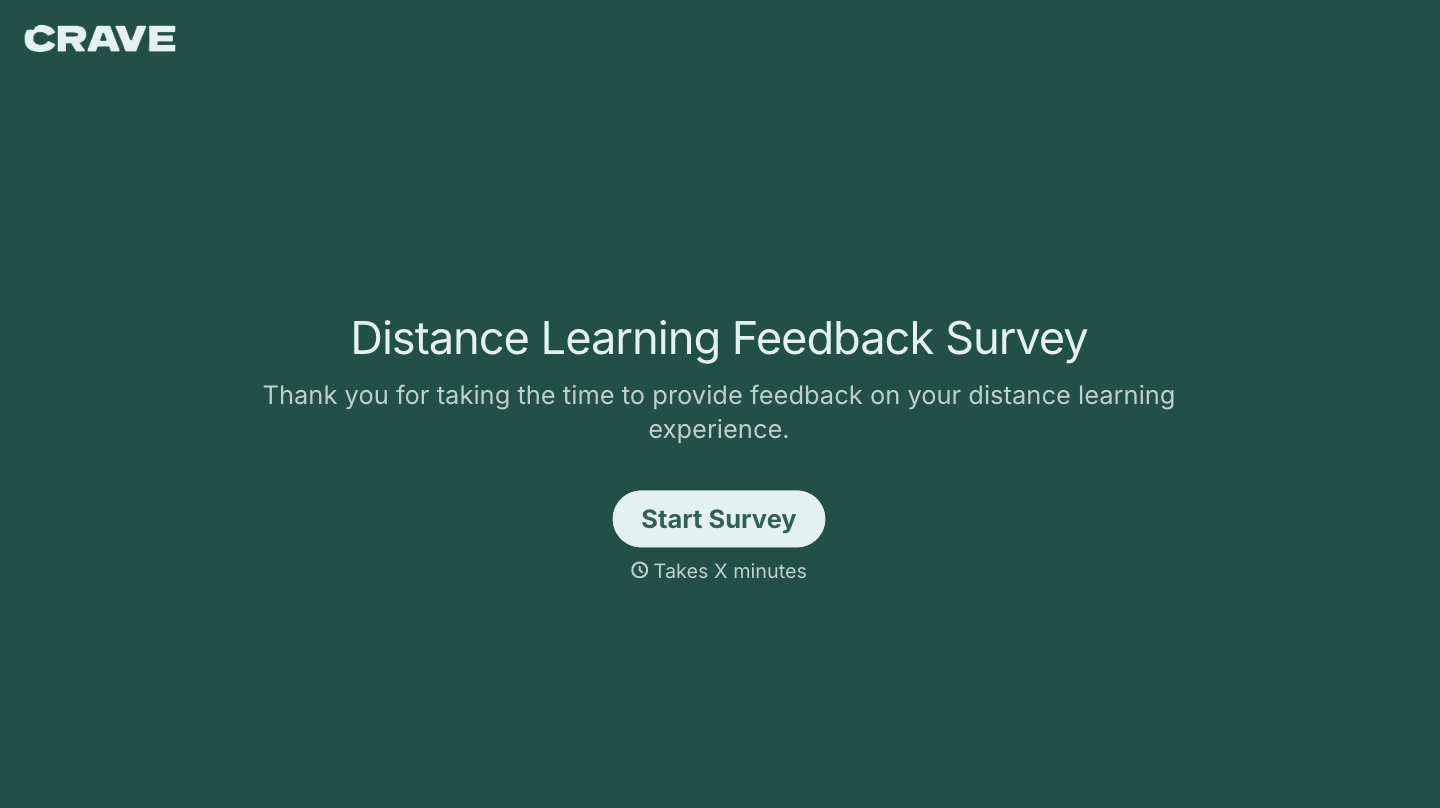
With Typeform, you can customize everything
Change text, colors, and even logos to match the look and feel of your brand. Then embed forms smoothly onto web and email.
Make forms feel effortless to fill out. Pace questions, call people by their name, and adapt the flow based on the data they share.
Stay efficient by connecting forms to your workflow. Typeform integrates with 300+ tools including Slack, Zapier, and HubSpot.


