Total Savings Calculator Form
Give users a simple way to calculate their total savings with a form that collects income, expenses, and savings contributions. Keep all of the financial information organized so users can track their progress, estimate future savings, and make informed financial decisions.



A customer wants to calculate how much money they've saved over the past year, and another needs to estimate their savings over the next five years. Both want to understand their financial progress, but their calculations involve different amounts and timelines. A total savings calculator form helps users organize financial information and estimate their savings.
Users enter their current savings balance, regular contributions, and expected interest rates. You can include options for monthly deposits, savings goals, and calculation periods. Fields for additional contributions or withdrawals give users space to account for financial changes that affect their total savings.
Your team receives organized financial information without relying on manual calculations or spreadsheets. Users review their estimated savings, compare different contribution amounts, and evaluate progress toward financial goals. Businesses get a straightforward way to help customers understand savings potential and make decisions about their financial plans.
A total savings calculator form helps users calculate their current savings or estimate how much money they'll accumulate over time. It typically includes starting balances, contribution amounts, interest rates, and savings periods. Financial institutions and businesses use it to help customers understand savings growth, evaluate financial goals, and plan future contributions.
Calculating savings manually can take time and lead to errors, especially when interest and recurring contributions are involved. A structured calculator collects the information needed to estimate savings accurately. It helps users compare financial scenarios, track progress toward goals, and understand how different contribution amounts affect their savings over time.
Collect the information needed to calculate savings and estimate future account balances, like:
- User name and contact information
- Current savings account balance
- Initial deposit amount
- Regular savings contribution
- Contribution frequency
- Annual interest rate
- Interest compounding frequency
- Savings calculation period
- Additional deposits or withdrawals
- Target savings amount
- Expected savings goal date
- Total contributions over time
- Estimated interest earned
- Projected total savings
You can adjust the fields to match your savings products, calculation methods, and financial planning requirements.
Use numerical fields for savings balances, contribution amounts, and interest rates. Include dropdown menus for contribution frequency and savings periods. Provide clear explanations of financial terms so users understand what information to enter. Conditional logic can display additional fields based on savings preferences. Show calculated totals and explain how contributions and interest affect projected savings.
Yes. A total savings calculator form can estimate future savings based on starting balances, recurring contributions, interest rates, and calculation periods. Users can adjust their inputs to compare savings scenarios and understand how their money grows over time. Clearly explain that results are estimates and actual savings depend on interest rate changes, account fees, and contribution activity.
Get inspired by relevant templates and categories
3200+ Templates, 300+ Integrations

Total Savings Calculator Form
Give users a simple way to calculate their total savings with a form that collects income, expenses, and savings contributions. Keep all of the financial information organized so users can track their progress, estimate future savings, and make informed financial decisions.
View template




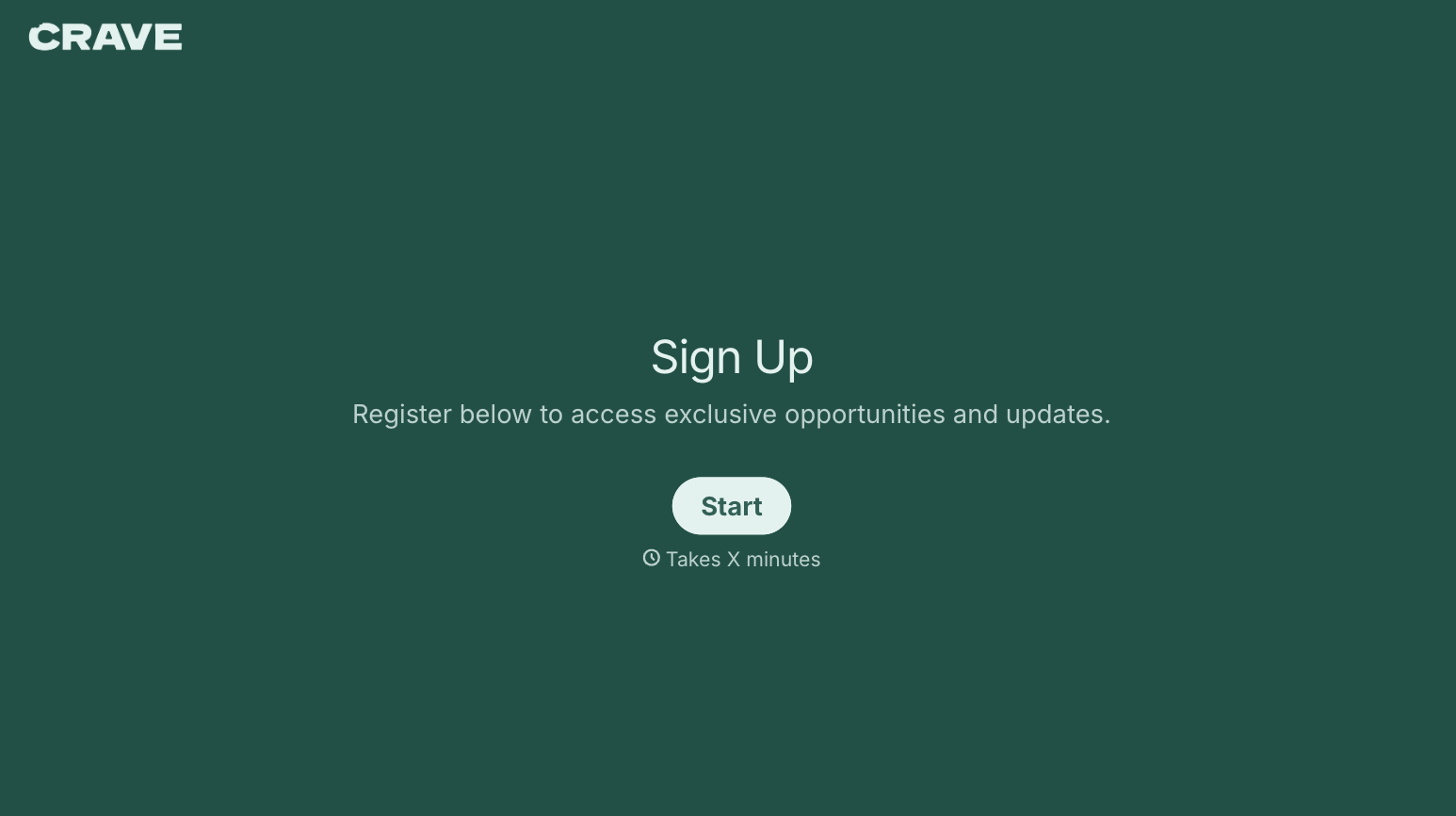
With Typeform, you can customize everything
Change text, colors, and even logos to match the look and feel of your brand. Then embed forms smoothly onto web and email.
Make forms feel effortless to fill out. Pace questions, call people by their name, and adapt the flow based on the data they share.
Stay efficient by connecting forms to your workflow. Typeform integrates with 300+ tools including Slack, Zapier, and HubSpot.


