Delivery Menu Form Template
Take delivery orders directly through a form — no third-party platform fees. Capture items, quantities, delivery details, and special requests in one clean submission.



Third-party delivery platforms take a significant cut of every order. For restaurants, caterers, and food businesses with a loyal customer base, a direct ordering form keeps more revenue in-house while giving customers the convenience of ordering online from any device.
This template captures the customer's name, delivery address, contact number, order items with quantities, special instructions for each item, dietary requirements, preferred delivery time, and payment method. Multiple-choice fields let customers select from your menu categories without typing. Conditional fields surface item customization options — size, toppings, preparation preferences — only when relevant.
Independent restaurants, catering companies, meal prep services, and food trucks use delivery menu forms to manage direct orders. Connect to a payment processor like Stripe to collect payment at checkout. Route order submissions to your kitchen via email or integrate with your POS system. Set up automatic order confirmation emails so customers know their order is in.
Yes — add a payment field connected to Stripe so customers pay at the time of ordering.
Edit the multiple-choice options directly in Typeform. Changes take effect immediately — no republishing required.
Add instructions specifying the order deadline, or close the form at a set time using Typeform's form scheduling settings.
Set up an email or Slack notification when a form is submitted. Connect to your POS system via Zapier for more automated order routing.
Typeform doesn't have a saved favorites feature, but you can send returning customers a pre-filled link with their common order for faster reordering.
Get inspired by relevant templates and categories
3200+ Templates, 300+ Integrations
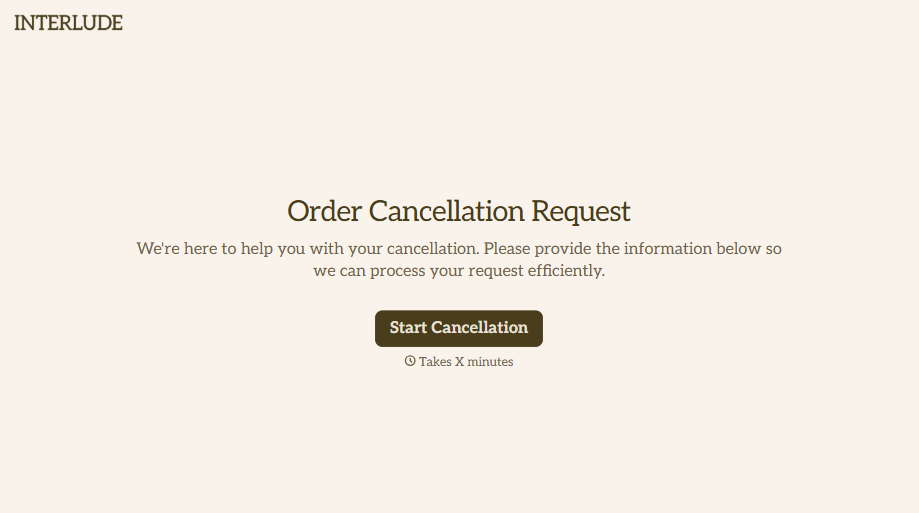





With Typeform, you can customize everything
Change text, colors, and even logos to match the look and feel of your brand. Then embed forms smoothly onto web and email.
Make forms feel effortless to fill out. Pace questions, call people by their name, and adapt the flow based on the data they share.
Stay efficient by connecting forms to your workflow. Typeform integrates with 300+ tools including Slack, Zapier, and HubSpot.


