Driving License Application Form Template
A clear digital application process for driving licenses that reduces errors and speeds up processing.



Driving license applications that arrive incomplete — missing a field, an unclear date, or a skipped section — create rework. Someone on your team has to track down the applicant, collect the missing detail, and re-enter everything before the application can move forward. Multiply that by dozens of applications and it becomes a significant time drain.
A form with required fields prevents incomplete submissions. Typeform walks applicants through each step in order, so they don't skip sections by accident. Conditional logic surfaces different question sets based on license type — a learner's permit application asks different things than a renewal or an upgrade to a commercial license.
Applications arrive organized, complete, and ready for your team to process.
A driving license application form collects the identification, personal, and eligibility information needed to apply for, renew, or upgrade a driving license. It's used by licensing authorities, driving schools, and administrative offices to process applications accurately.
Paper applications require in-person submission and manual data entry. A digital form lets applicants submit from anywhere, ensures all required fields are completed before submission, and gives your team a searchable, organized record from day one.
Key fields for a driving license application typically include:
- Full legal name and date of birth
- Current residential address
- National ID or passport number
- License class or category applied for
- Application type (new, renewal, upgrade, replacement)
- Vision and medical declaration
- Prior license history
- Emergency contact details
The terms are used interchangeably — "driving license" is more common in the UK, Australia, and other Commonwealth countries, while "driver's license" is the standard term in the US. The form structure and information collected are essentially the same.
The form itself doesn't include a status tracker, but you can send a confirmation email via Typeform upon submission and follow up separately with status updates through your team's workflow.
Get inspired by relevant templates and categories
3200+ Templates, 300+ Integrations
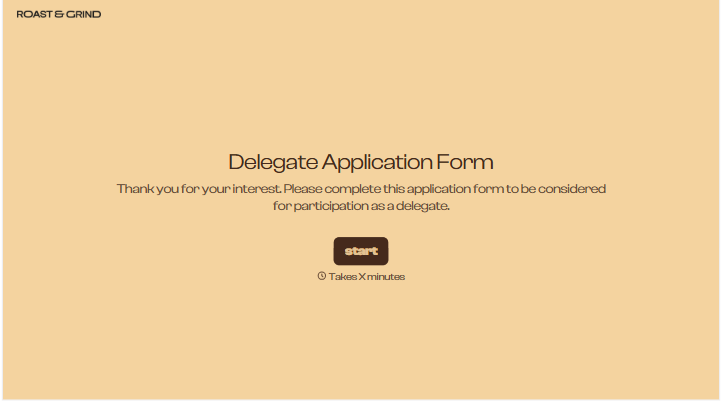
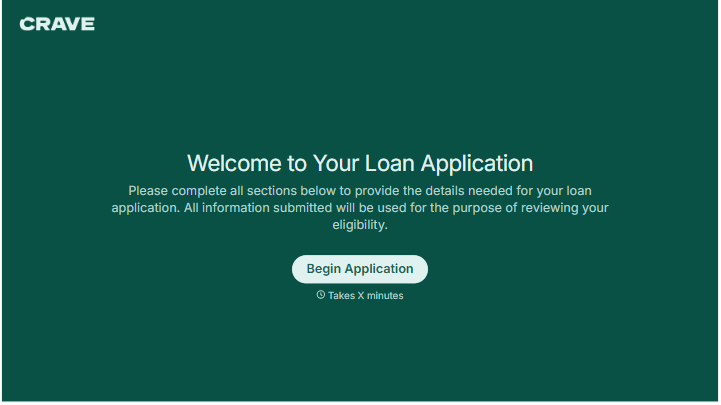
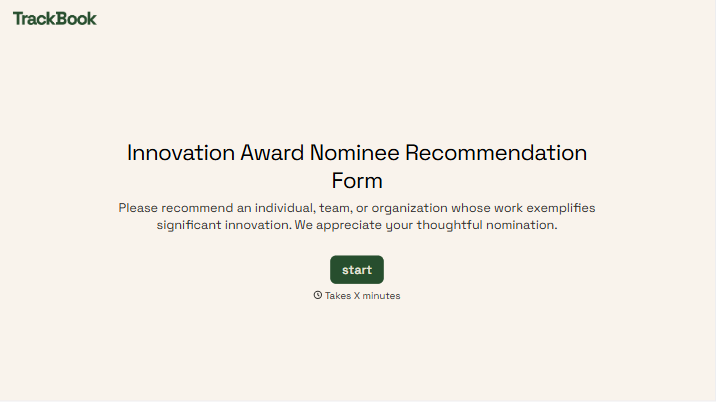
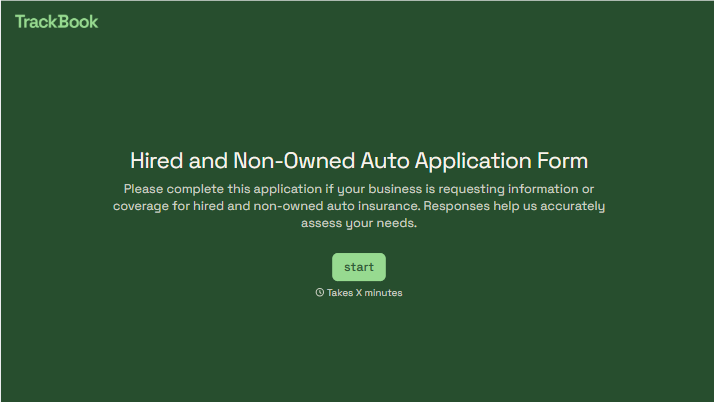
With Typeform, you can customize everything
Change text, colors, and even logos to match the look and feel of your brand. Then embed forms smoothly onto web and email.
Make forms feel effortless to fill out. Pace questions, call people by their name, and adapt the flow based on the data they share.
Stay efficient by connecting forms to your workflow. Typeform integrates with 300+ tools including Slack, Zapier, and HubSpot.


