Employee Change Form Template
Document employment changes with a record that HR and payroll can rely on.



Promotions, salary adjustments, department transfers, title changes, and schedule modifications all have downstream effects on payroll, benefits, and organizational records. Without a formal change form, those updates rely on email threads and verbal confirmations — neither of which holds up well under audit.
This template captures the employee's current information, the type of change being made (with checkboxes for common categories), the new details, the effective date, the reason for the change, and signatures from the manager and HR. Every change is documented in the same format, regardless of who initiated it.
Completed forms flow directly into your HR system or a shared record, eliminating manual re-entry. Notifications to payroll and the relevant department head can be automated on submission so no one has to remember to forward the right email to the right person.
Any formal change to employment terms: job title, salary or compensation, department, reporting structure, employment status (full-time to part-time, exempt to non-exempt), work location, or schedule. Minor adjustments like a one-time schedule change may not need a formal form, but anything that affects payroll, benefits, or the organization chart should be documented.
It depends on the nature of the change. For changes that affect compensation or employment terms, getting the employee's signature acknowledging the change is good practice — it confirms they were informed and reduces the risk of later disputes. For administrative changes like a department code update, manager and HR signatures may be sufficient.
In time for the change to take effect on the specified date. For payroll changes, that typically means submitting before the payroll cutoff for the relevant period — often 5–10 business days before the payroll date. Build that lead time into your process so late submissions don't create discrepancies.
Yes. The template uses conditional fields so only the relevant sections appear based on the type of change selected. This keeps the form focused without requiring separate templates for every scenario — and it ensures all changes are stored in a consistent format for easy retrieval.
Configure notifications or automations to alert all relevant teams when a form is submitted. A salary change, for example, might need to trigger updates in payroll, benefits, and the HR information system. A Zapier or webhook integration can route the submission to all relevant downstream systems simultaneously.
Get inspired by relevant templates and categories
3200+ Templates, 300+ Integrations
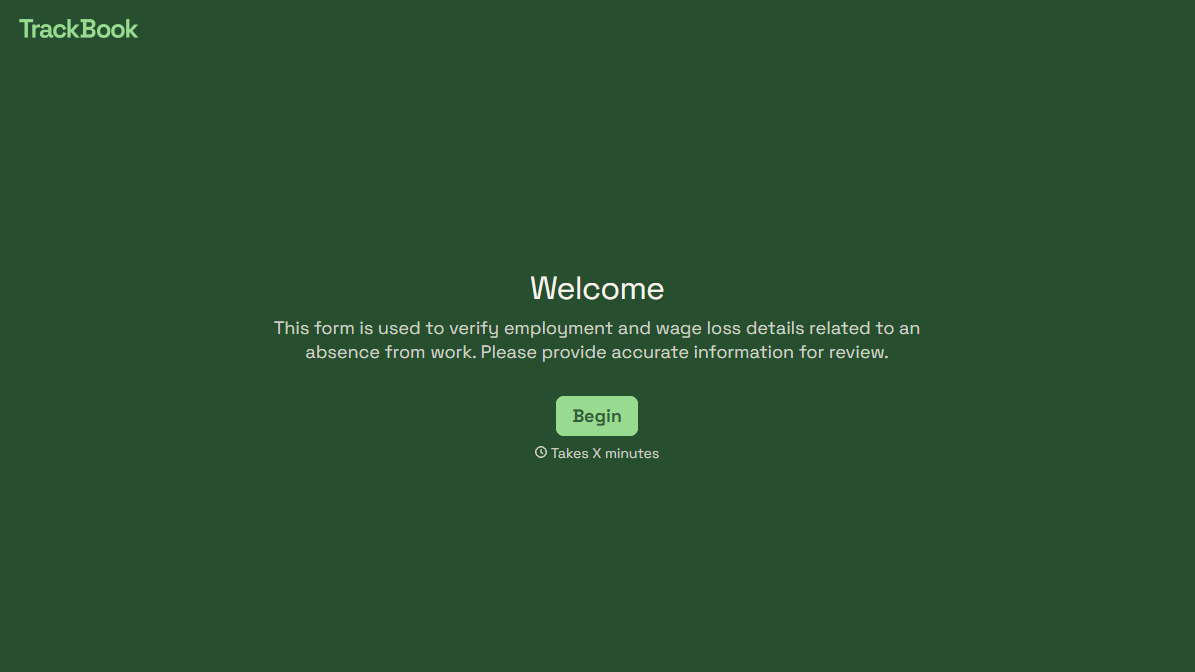
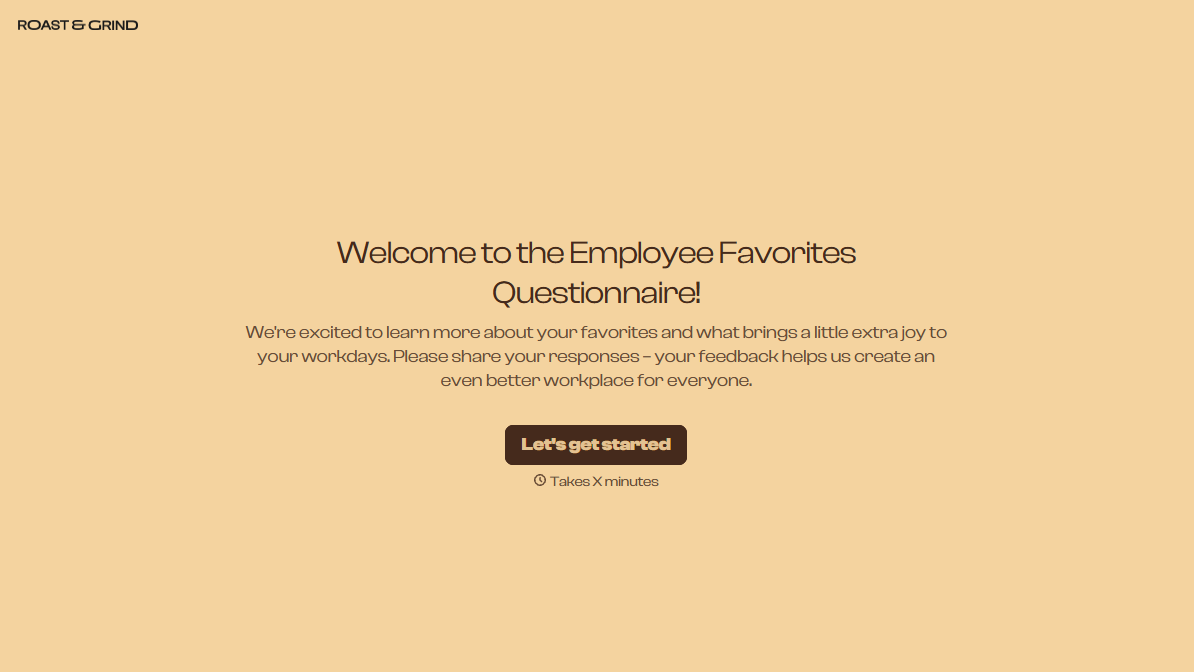
With Typeform, you can customize everything
Change text, colors, and even logos to match the look and feel of your brand. Then embed forms smoothly onto web and email.
Make forms feel effortless to fill out. Pace questions, call people by their name, and adapt the flow based on the data they share.
Stay efficient by connecting forms to your workflow. Typeform integrates with 300+ tools including Slack, Zapier, and HubSpot.


