Employee of the Month Nomination Form
Make it easy for teams to recognize great work — and make sure the right people get credit.



Recognition programs only work if the nomination process is easy enough for people to actually use. This form gives managers and peers a quick, structured way to nominate a colleague — with enough context for the selection committee to make a meaningful decision.
The template covers the nominator's name, the nominee's name and department, the recognition category or criteria, a description of what the nominee did and why it deserves recognition, specific examples of the impact, and an optional supporting quote from a colleague or client.
A good nomination form captures stories, not just names. When the selection committee can read why someone deserves recognition rather than just that they were nominated, the decision is more thoughtful — and the recognition means more.
The broader the pool of nominators, the more representative the outcome. Peer nominations often surface recognition that managers miss. Allow anyone in the organization to nominate, with clear eligibility rules.
Tie criteria to your values or specific behaviors you want to reinforce — initiative, collaboration, customer impact, innovation. Include these criteria in the form so nominators write to them.
Rotate eligibility rules (previous winners can't be nominated again for 3 months) or create multiple recognition categories so different types of contributions get acknowledged.
Most programs don't allow self-nomination, but peer or upward nomination (nominating your manager) is worth considering. Add a question asking the nominator's relationship to the nominee so the committee has context.
The specificity of the example, the impact on the team or company, how well the nomination aligns with the stated criteria, and whether the recognition is new versus recognizing accumulated tenure.
Get inspired by relevant templates and categories
3200+ Templates, 300+ Integrations
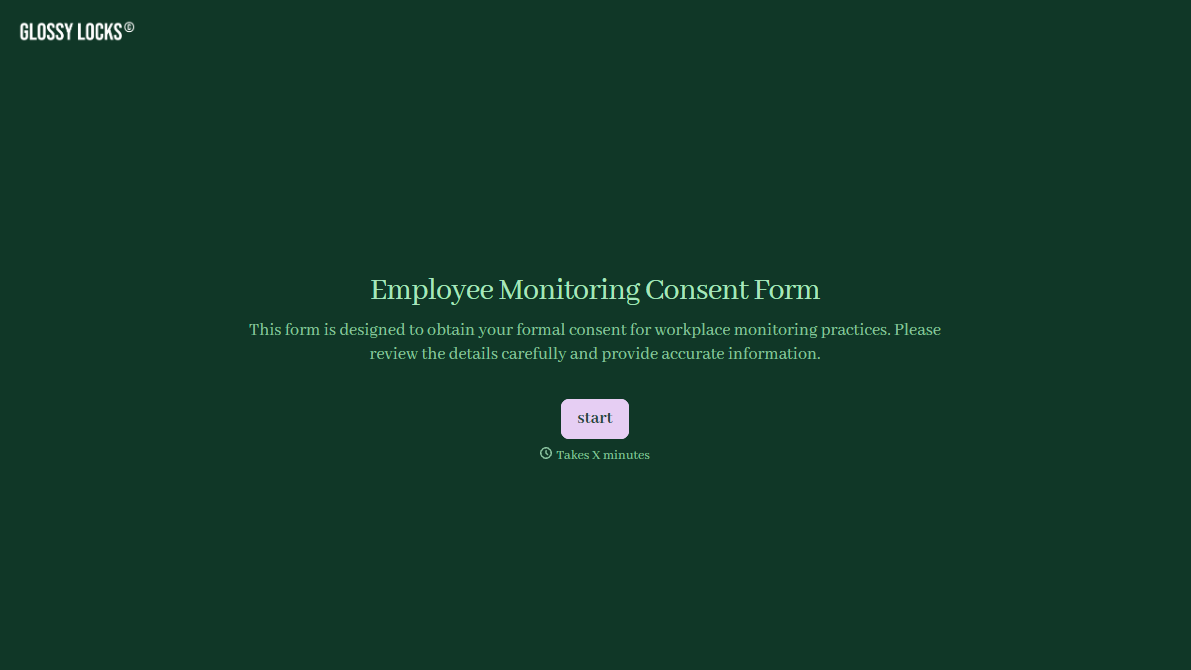
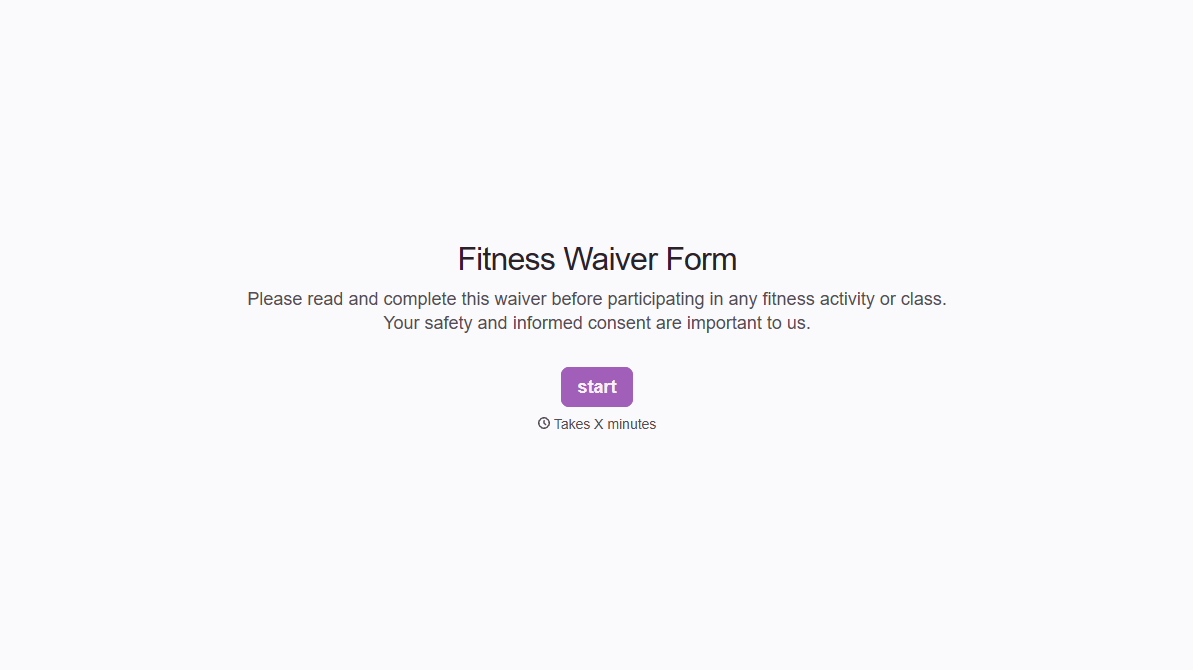
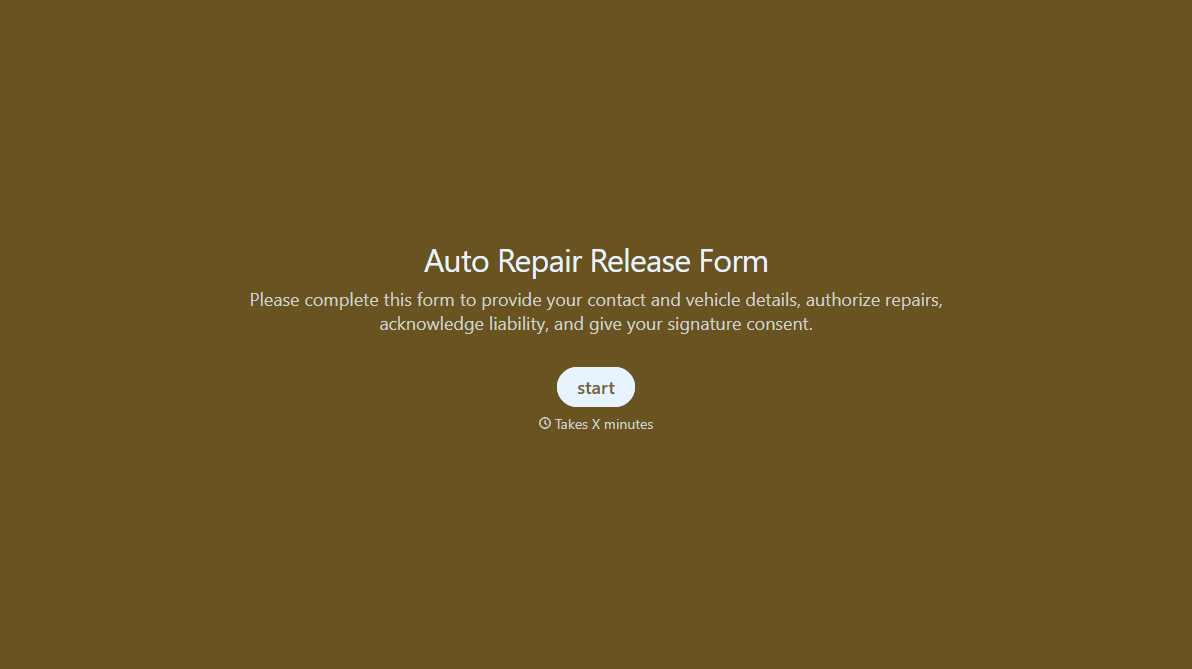
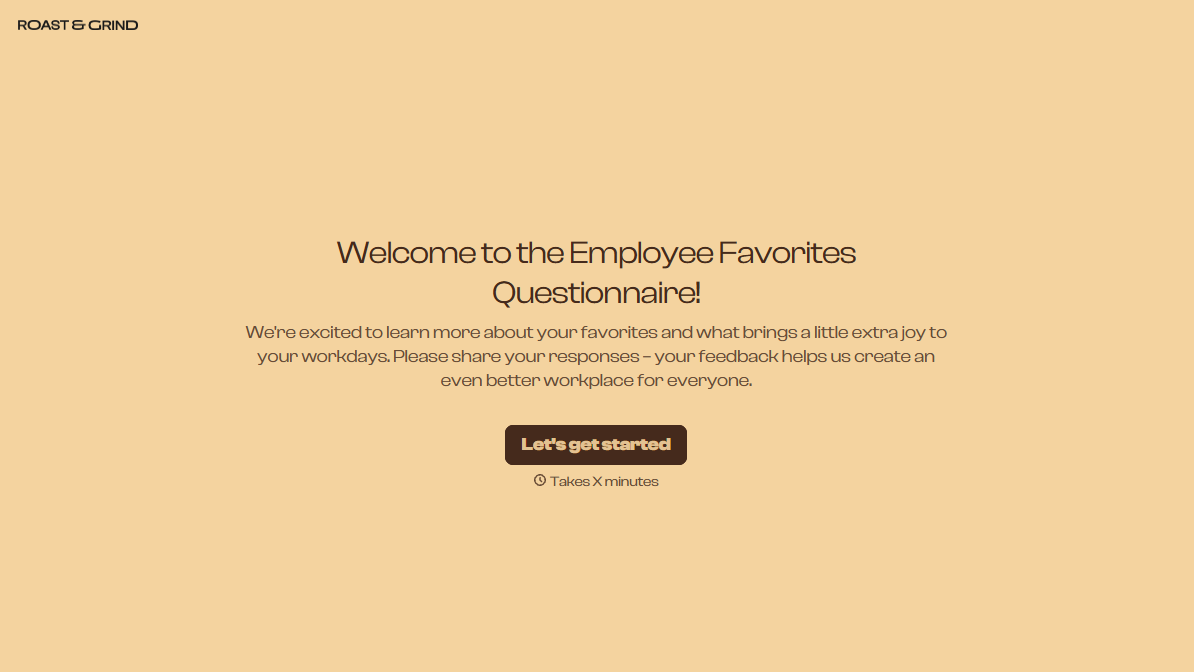
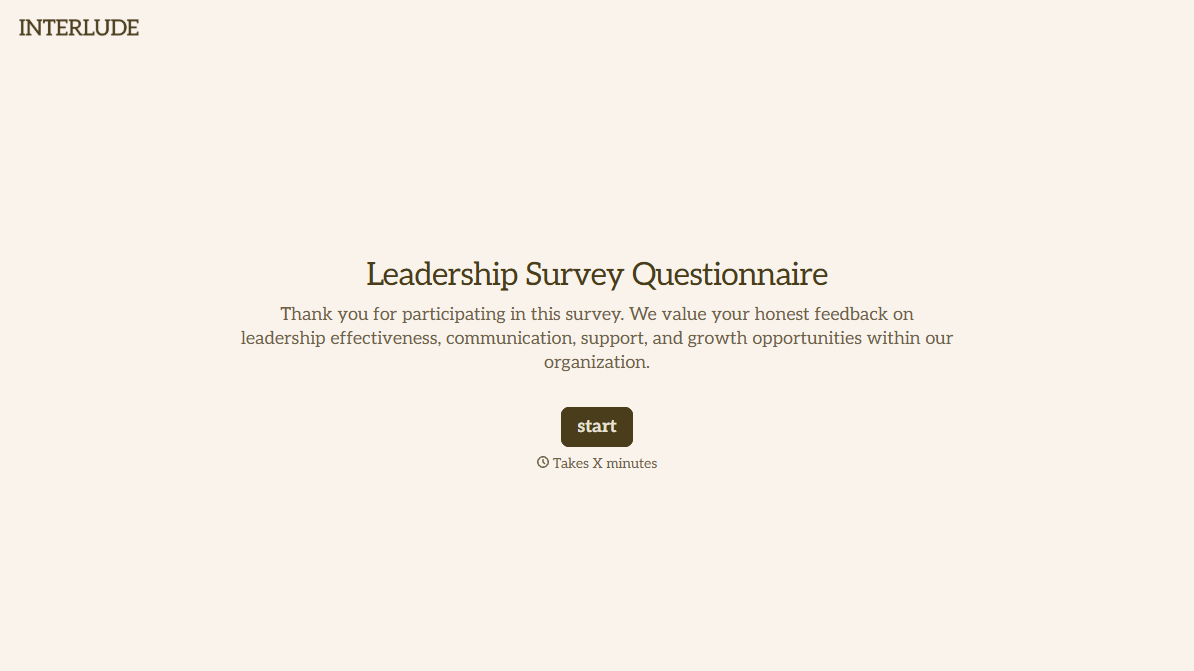
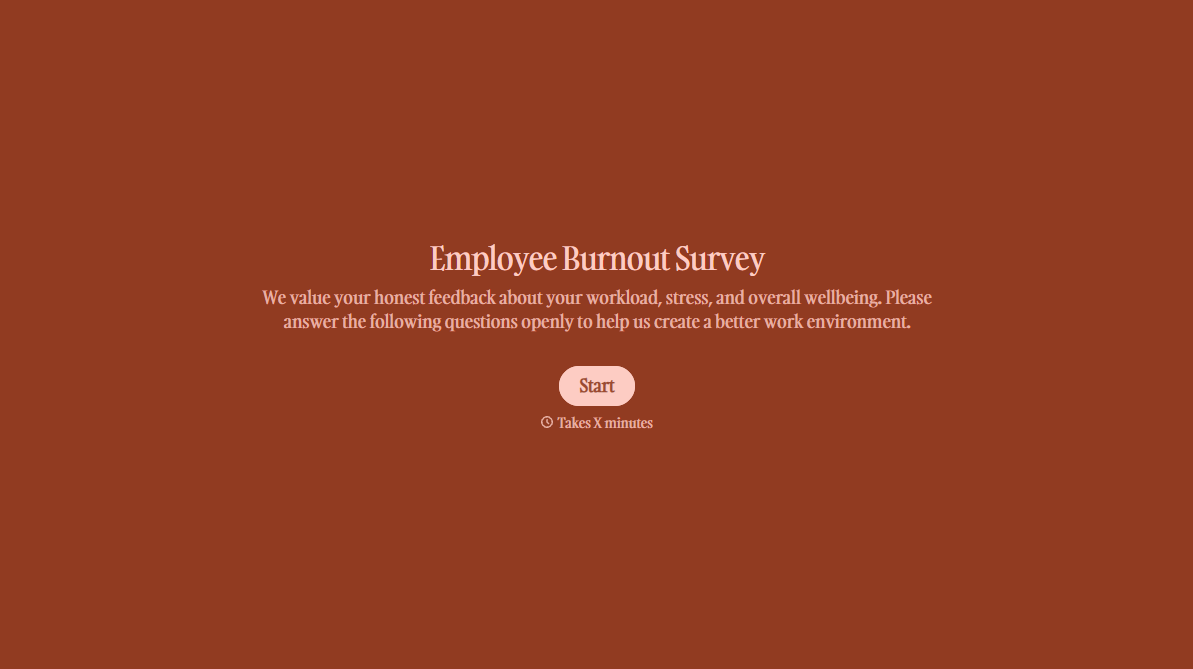
With Typeform, you can customize everything
Change text, colors, and even logos to match the look and feel of your brand. Then embed forms smoothly onto web and email.
Make forms feel effortless to fill out. Pace questions, call people by their name, and adapt the flow based on the data they share.
Stay efficient by connecting forms to your workflow. Typeform integrates with 300+ tools including Slack, Zapier, and HubSpot.


