Employee Performance Appraisal Form Template
Run performance reviews that actually improve performance, not annual rituals everyone dreads.



Performance appraisals have a branding problem — employees dread them, managers procrastinate them, while HR chases everyone to complete them. And after all that effort, most appraisal data sits in a folder and never makes it into a meaningful development conversation. The form itself is usually part of the problem — dense, bureaucratic, and designed for compliance rather than growth.
This performance appraisal form template reframes the experience. Managers assess employees across clear competency areas using consistent rating scales, then provide specific examples and development recommendations. The conversational format makes completing the appraisal feel less like filing taxes and more like a thoughtful reflection on someone's contributions. Conditional logic adjusts criteria based on role level — leadership competencies appear for senior staff, and technical competencies appear for individual contributors.
Completed appraisals flow into Google Sheets, BambooHR, or your HRIS via Zapier. HR gets consistent, comparable data across the organization. Managers can reference the structured format during face-to-face review conversations, and the whole process takes 15 to 20 minutes per employee, instead of the 45-minute ordeal that makes everyone want to skip it.
An employee performance appraisal form is a structured evaluation tool managers use to assess an employee's job performance over a defined period. It measures performance against established goals, evaluates core competencies, identifies strengths and development areas, and documents the manager's overall assessment. It serves as the foundation for performance conversations, compensation decisions, and development planning.
When done well, appraisals create alignment between individual contributions and organizational goals. They identify top performers for advancement and struggling employees who need support. They generate data for compensation decisions that feel fair and defensible, and they create a documented performance history that protects the organization in employment disputes. The key phrase is "when done well" — a bad process is worse than no process.
- Employee name, role, department, and review period
- Goal achievement ratings with specific examples for each goal
- Competency ratings (communication, teamwork, initiative, quality of work)
- Most significant accomplishments during the review period
- Areas needing development with recommended actions
- Overall performance rating and summary comments
Annual reviews are the minimum, but they're increasingly seen as insufficient. Biannual or quarterly reviews provide more timely feedback and prevent the recency bias that plagues once-a-year evaluations. Some organizations pair a formal annual review with lighter quarterly check-ins. Whatever frequency you choose, the form should be consistent. This template works for both comprehensive annual reviews and streamlined quarterly assessments.
Language matters. Frame criteria around growth and contribution rather than compliance and shortcomings. Include a strengths section before the development section. Ask managers to provide specific positive examples, not just criticisms. Add a goal-setting section at the end that looks forward rather than backward. When appraisals are positioned as a development tool rather than a judgment, both managers and employees engage more constructively.
Get inspired by relevant templates and categories
3200+ Templates, 300+ Integrations

Work From Home Request Form
A Slack message asking to work from home on Thursday isn't a request anyone can track, especially once the same employee has asked five different ways over a month. Collect the request type, dates or schedule, and manager approval in one place, so HR isn't reconstructing who's working where from a scattered inbox.
View template

Return of Property Form
A property checklist stapled to an exit interview packet isn't a record anyone can rely on when a laptop turns up missing three weeks later. Collect itemized equipment details, condition at return, and a signed acknowledgment before an employee's last day, so IT isn't chasing down a laptop that already walked out the door.
View template

Early Retirement Form
A retirement mentioned to a manager in conversation doesn't give HR anything to actually process, and if there's an incentive deadline attached, the date that conversation happened can matter more than anyone realized at the time. Collect what your HR team actually needs, employee information, requested date, and benefit elections, before a window closes.
View template
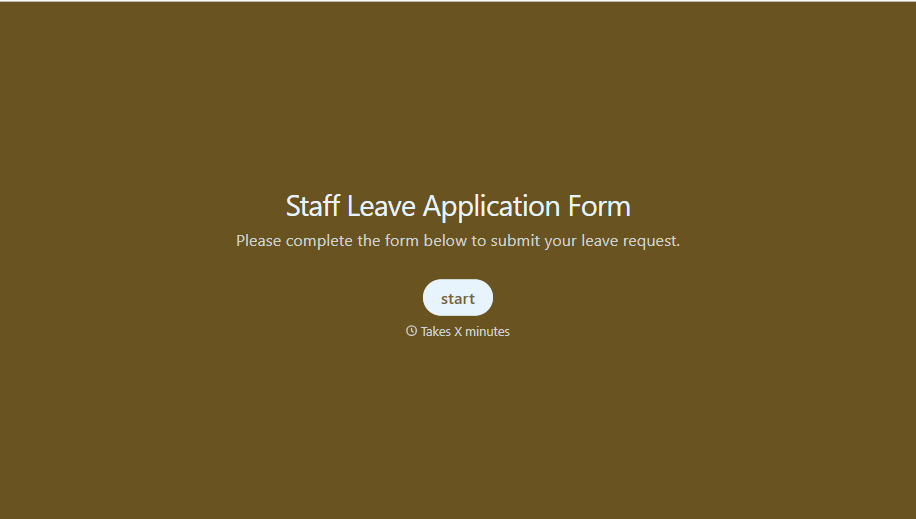
Staff Leave Application Form
A vacation request approved with a thumbs-up emoji in Slack isn't the kind of record payroll can work from when it's time to reconcile someone's leave balance. Collect the leave type, dates, and manager approval in one place, so a team doesn't accidentally double-book someone's time off.
View template
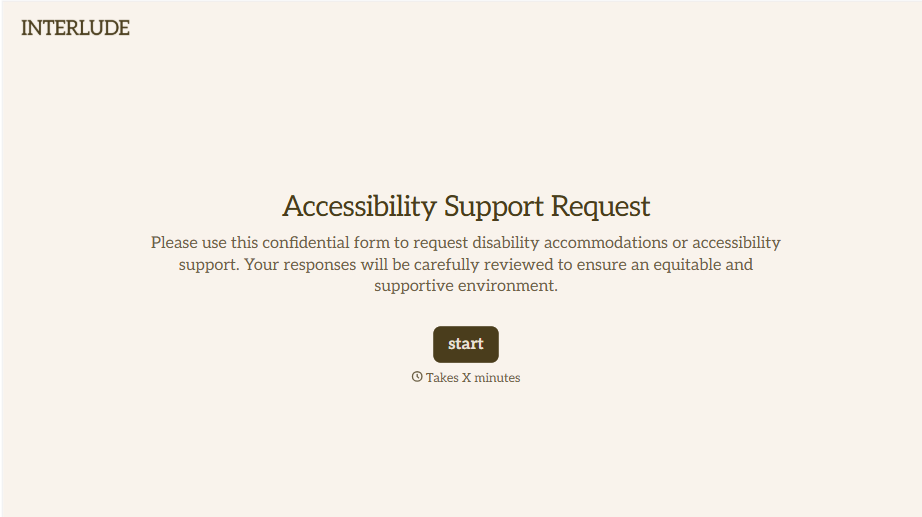
Disability Accommodation Request Form
A quiet word to a manager about needing a different desk setup isn't the kind of request that starts a documented process. Collect the specific accommodation needed and any supporting information before a decision gets made informally, so a request doesn't get lost between a hallway conversation and HR's desk.
View template
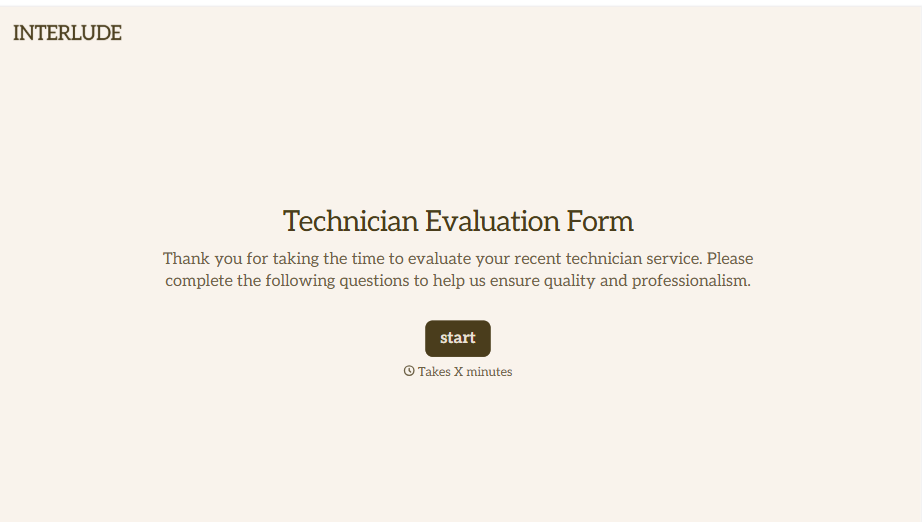
Technician Evaluation Form
A ride-along evaluation scribbled on a clipboard in the truck isn't the kind of record that holds up months later when it's time to talk about a raise or a certification renewal. Collect specific skill, safety, and customer service observations while the job's still fresh, so a technician's review is built on more than a supervisor's memory of the day.
View template
With Typeform, you can customize everything
Change text, colors, and even logos to match the look and feel of your brand. Then embed forms smoothly onto web and email.
Make forms feel effortless to fill out. Pace questions, call people by their name, and adapt the flow based on the data they share.
Stay efficient by connecting forms to your workflow. Typeform integrates with 300+ tools including Slack, Zapier, and HubSpot.


