Employee Photo Release Form
Using employee photos without documented consent can become a legal risk. Collect signed photo releases from every team member before the content goes live.



Using employee photos in marketing or press materials without documented consent creates legal exposure and employee trust issues. Verbal consent is not enough when a campaign goes public or an employee disputes how their image was used. Typeform's employee photo release template gives HR teams a consistent way to collect signed consent from every team member.
The form captures employee details, consent scope, approved media types and platforms, any usage restrictions, and an e-signature. Each field appears on its own, so employees consider each consent option clearly rather than skimming a long document. Conditional logic adapts the form based on each employee's consent choices. An employee who grants limited consent sees follow-up fields to specify which uses they're excluding, keeping every release precise.
Customize the release to reflect your organization's specific media uses, campaign types, and usage duration terms. Send it during onboarding, share it ahead of a photo shoot, or distribute it before a campaign launch. Signed releases log in Google Sheets via Zapier, so your team holds a searchable consent record for every employee. Use employee images confidently, knowing every piece of content is backed by documented, signed consent.
An employee photo release form is a structured digital consent document that authorizes an organization to use an employee's image across specified media and platforms. It captures consent scope, approved use types, any restrictions, and a legally binding e-signature in a single submission. It functions as the documented consent record your organization needs before using any employee's likeness in public-facing materials.
Using an employee's image without documented consent — even in internal materials — exposes your organization to legal risk and can damage team trust. A signed release ensures every employee explicitly understands and agrees to how their image will be used before any content goes live. It also gives your marketing and HR teams a clear record of who has consented, for which platforms, and under what terms.
A complete employee photo release form covers:
- Employee full name, role, and department
- Scope of consent (marketing, website, social media, press, internal use)
- Platform-specific permissions (Instagram, LinkedIn, printed materials, etc.)
- Duration of consent (one-time, ongoing, campaign-specific)
- Any restrictions or excluded uses
- Date of consent
- Employee e-signature
When an employee selects limited consent, conditional logic surfaces fields where they specify which platforms or use types they're excluding. Store restricted consent records separately in your Google Sheet or Airtable so your marketing team flags those employees before launching any new campaign. Review limited consent records annually and give employees the option to update their preferences if they've changed.
Collect consent during onboarding so it's on file before your organization uses any team member's image. Send a fresh release form ahead of any major photo shoot, rebrand, or campaign that involves expanded image use. Update consent records when your organization moves into new media channels not covered by the original release.
Get inspired by relevant templates and categories
3200+ Templates, 300+ Integrations


Work From Home Request Form
A Slack message asking to work from home on Thursday isn't a request anyone can track, especially once the same employee has asked five different ways over a month. Collect the request type, dates or schedule, and manager approval in one place, so HR isn't reconstructing who's working where from a scattered inbox.
View template

Return of Property Form
A property checklist stapled to an exit interview packet isn't a record anyone can rely on when a laptop turns up missing three weeks later. Collect itemized equipment details, condition at return, and a signed acknowledgment before an employee's last day, so IT isn't chasing down a laptop that already walked out the door.
View template

Early Retirement Form
A retirement mentioned to a manager in conversation doesn't give HR anything to actually process, and if there's an incentive deadline attached, the date that conversation happened can matter more than anyone realized at the time. Collect what your HR team actually needs, employee information, requested date, and benefit elections, before a window closes.
View template
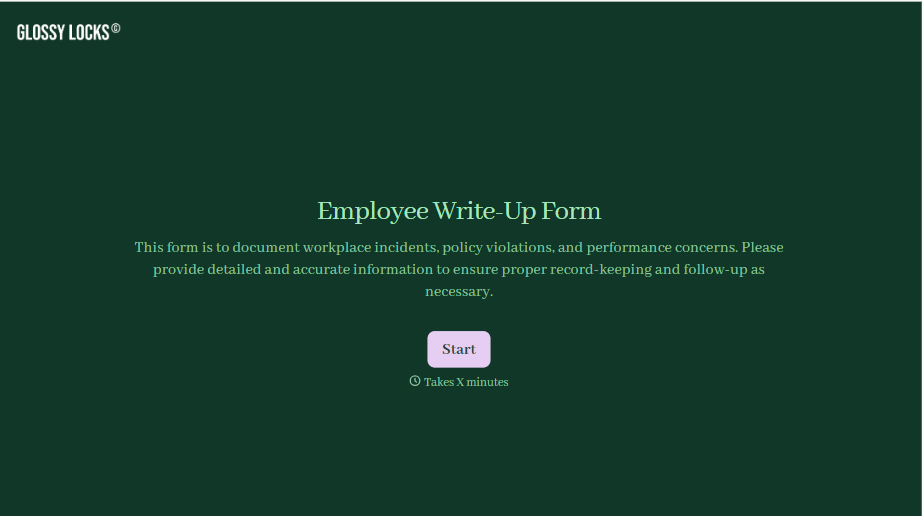
Employee Write-Up Form
A verbal warning that never makes it into a written record isn't the kind of documentation that holds up if a termination is challenged later. Collect the specific incident, policy violated, and corrective action while it's fresh, so a pattern of issues doesn't go undocumented until it's too late to matter.
View template
With Typeform, you can customize everything
Change text, colors, and even logos to match the look and feel of your brand. Then embed forms smoothly onto web and email.
Make forms feel effortless to fill out. Pace questions, call people by their name, and adapt the flow based on the data they share.
Stay efficient by connecting forms to your workflow. Typeform integrates with 300+ tools including Slack, Zapier, and HubSpot.


