Employee satisfaction survey template
Employee Satisfaction Survey Template



An employee satisfaction survey is a structured questionnaire that measures how employees feel about their work, environment, manager, compensation, and growth opportunities. It's used to track engagement and identify areas for improvement.
It’s a cliche but it’s true, a company’s biggest asset is their staff, and simply put, if your staff are happy, they are more likely to stay at a company longer. Improving employee satisfaction helps companies in a number of ways, such as:
- Improved employee retention - Not only is hiring extremely costly and time consuming, by improving employee retention rate, you help build a strong company culture.
- Employee efficiency - The bottom line is that the more time someone does a job, the more knowledge they accumulate. If you are able to retain employees longer by keeping them happy, they will likely improve their professional know-how, which will improve the quality of their work.
- Improved productivity - Satisfied employees do lots of hard work. There is a direct relationship between employee morale and output. You can reap the benefits of more knowledgeable, hard-working employees by keeping them happy.
To start, you should decide on how you will conduct the employee survey. It's a good idea to use technology and avoid printing a pdf survey. An online survey tool makes sending, storing, and analyzing the survey questions easier and more secure. The steps to creating a survey are:
- Decide on a timeline - You should give employees at least one week to complete the survey
- Find a template - Use an employee satisfaction survey template as your starting point and edit as you go.
- Ensure confidentiality - Tell participants that individual survey results will not be shared.
- Decide on your questions - Edit the template and pick the employee satisfaction survey questions best suited to you.
- Keep it simple - Provide staff with a clear understanding of the task by keeping your language and questions simple.
- Have an analysis plan - Know how you will review the employee feedback, who you will share the results with, and what is the action plan after the survey.
Depending on what exactly you want to measure, you may wish to include more questions about a specific area. However, as a general rule, you want to keep these surveys as short as possible. Rather than thinking of specific questions you should include in any employee engagement survey, think about the different areas you want to learn more about. Here are some essential areas to cover and examples of employee survey questions:
- Personal growth - Do you feel you are learning new skills and growing personally?
- Work-life balance - Do you think the work culture allows you to reach a healthy work-life balance?
- Professional development - Do you think the company gives you the opportunity for career development?
- Employee recognition - Do you receive recognition for your work on a regular basis?
- Management style - Do you think the management take on board you and your team members' opinions?
- Employee feedback - Do you receive helpful feedback from your manager?
- General Satisfaction levels - How likely are you to look for a job outside the company in the next 6 months?
Get inspired by relevant templates and categories
3200+ Templates, 300+ Integrations
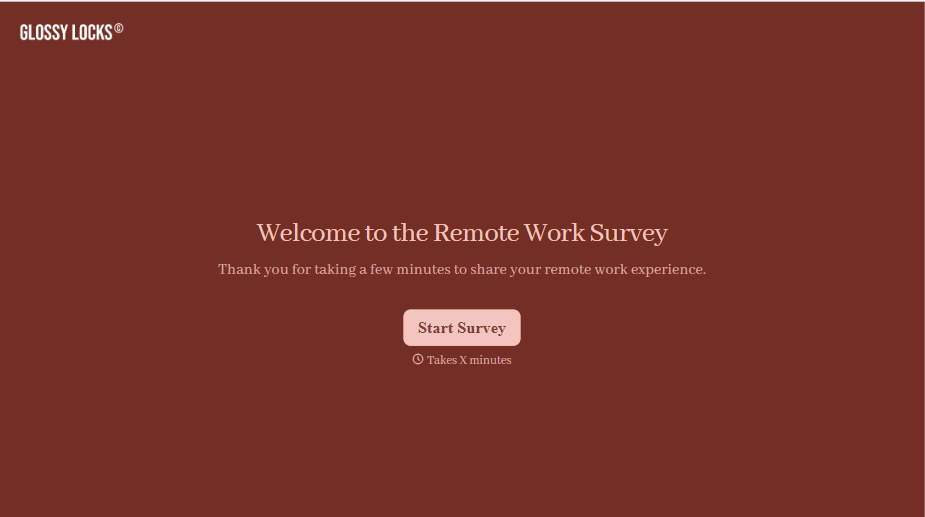
Remote Work Survey Form
A remote work survey that asks "How satisfied are you, 1 to 10?" once a year and getting the same safe "8" from everyone isn't measuring how remote work is actually going, it's measuring how safe people feel giving an honest answer. Ask about the actual friction, equipment, communication, isolation, and make it genuinely anonymous.
View template

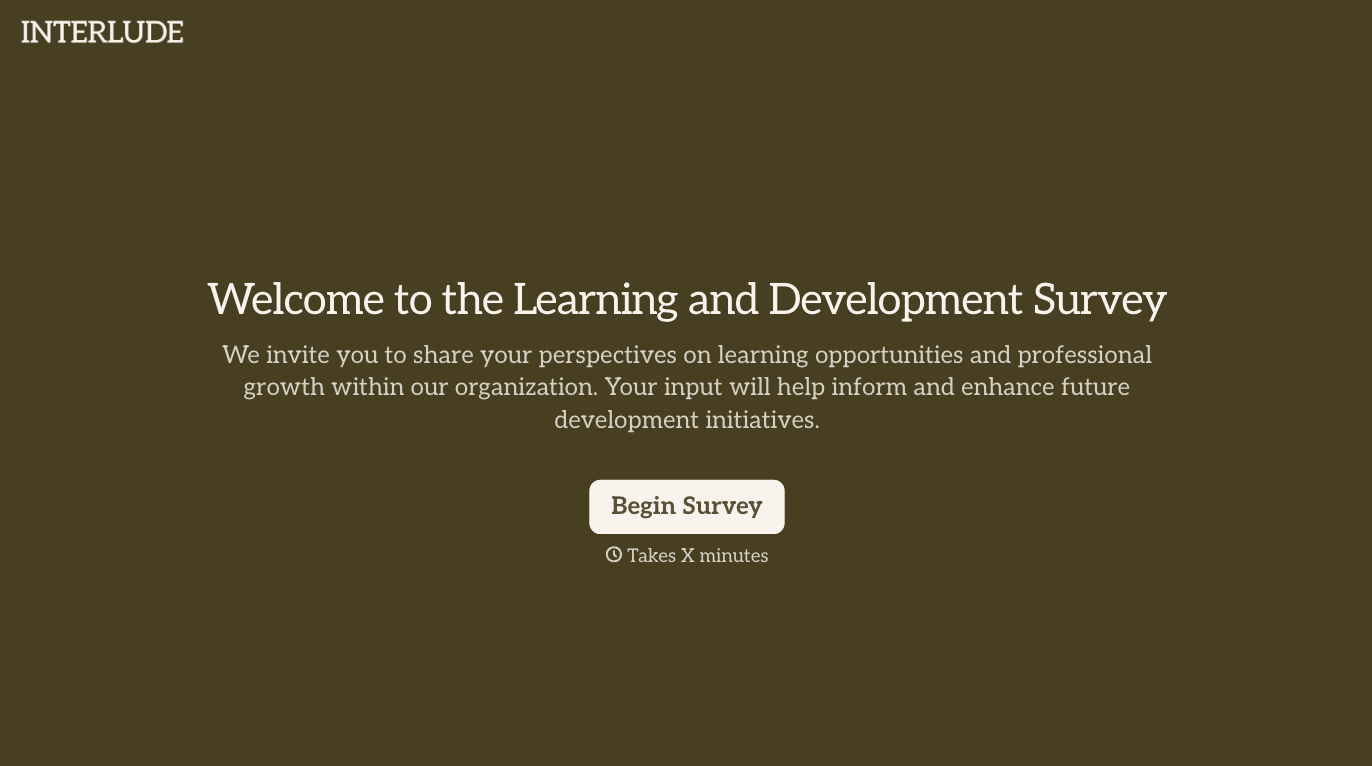
With Typeform, you can customize everything
Change text, colors, and even logos to match the look and feel of your brand. Then embed forms smoothly onto web and email.
Make forms feel effortless to fill out. Pace questions, call people by their name, and adapt the flow based on the data they share.
Stay efficient by connecting forms to your workflow. Typeform integrates with 300+ tools including Slack, Zapier, and HubSpot.


