Employee Self-Declaration Form Template
Let employees declare important personal or health information directly — with a documented record.



Some information can only come from the employee themselves — a declared relationship conflict, a health condition affecting work, or a personal circumstance that HR needs to know about. This form gives employees a private, structured way to make that disclosure.
The template covers the employee's name and department, the type of declaration, the specific information being declared, relevant dates and context, any supporting documentation upload, a statement of accuracy, and a confidentiality notice explaining how the information will be handled.
A formal declaration process ensures disclosures are documented and handled consistently — protecting both the employee and the organization.
Conflict of interest disclosures, health conditions affecting job performance or accommodations, relationships with coworkers or vendors that create a conflict, criminal history disclosures, and financial interests in companies the organization does business with.
It depends on the type. Conflict of interest declarations are typically mandatory for relevant employees. Health disclosures related to accommodations are voluntary, though making them often triggers a benefit (like modified duties). Define the obligation clearly in your policy.
HR typically restricts access to self-declaration records to the employee, HR, and relevant management on a need-to-know basis. Medical information must be stored separately from the personnel file under ADA requirements.
HR reviews the declaration, determines whether any action or accommodation is needed, and documents the outcome. The employee should be informed of the process and any decisions made in response to their disclosure.
Yes. Create a clear update process — an amended declaration form or a note referencing the original. Keep both the original and the update in the employee's record.
Get inspired by relevant templates and categories
3200+ Templates, 300+ Integrations


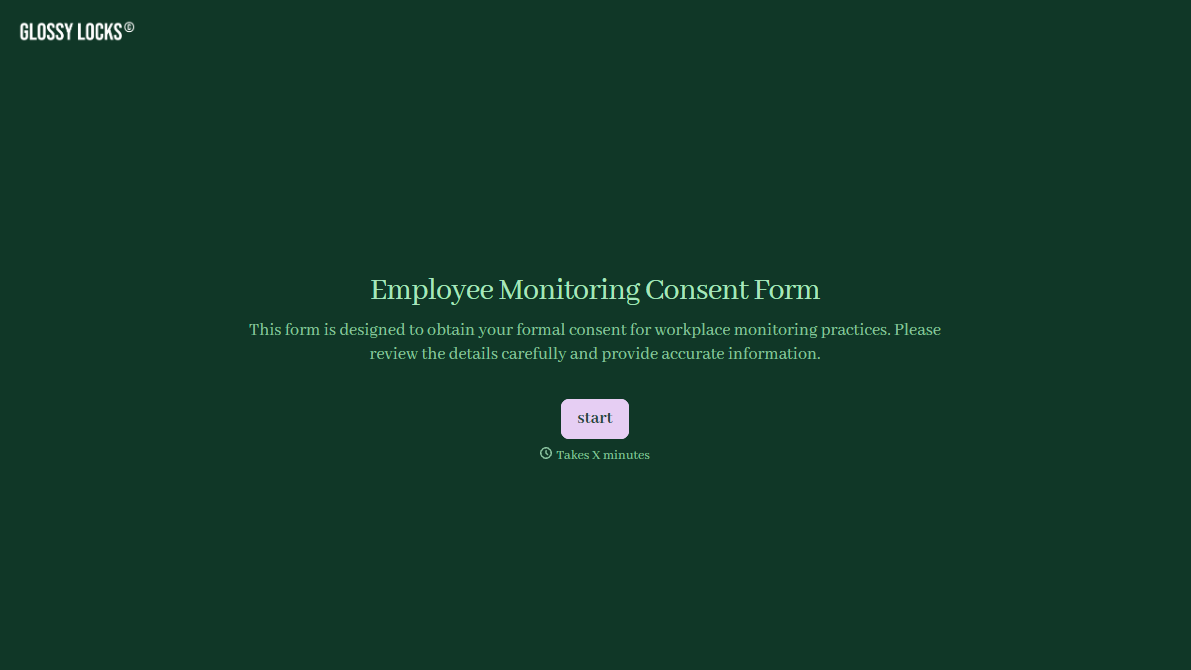


With Typeform, you can customize everything
Change text, colors, and even logos to match the look and feel of your brand. Then embed forms smoothly onto web and email.
Make forms feel effortless to fill out. Pace questions, call people by their name, and adapt the flow based on the data they share.
Stay efficient by connecting forms to your workflow. Typeform integrates with 300+ tools including Slack, Zapier, and HubSpot.


